Renew reserved instances
Updated at:2025-10-20
Function description
This document provides guidance on renewing an existing reserved instance. Renewal options include manual or automatic processes. You can manually extend the expiration date directly. Reserved instances with auto-renewal enabled will be automatically renewed 7 days before their expiration date.
Prerequisites
- The reserved instance is currently active.
Operation steps
Manual renewal
- Sign in to the Baidu Cloud Compute Console, select Reserved Instance tab page from the left sidebar to enter the Reserved Instance List page.
- Select the target region where the instance to be renewed is located at the top left corner of the menu bar.
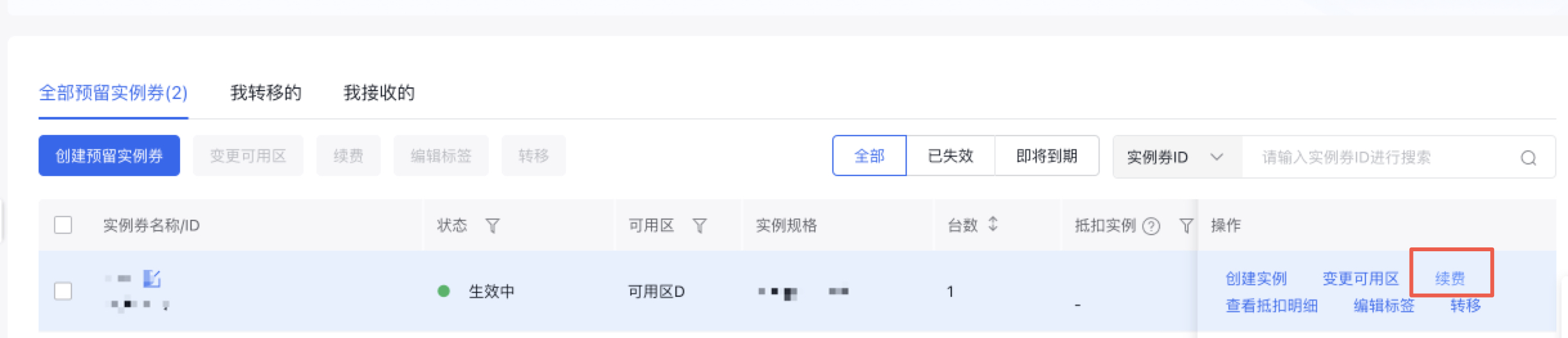
- Locate the instance to be renewed in the Reserved Instance List, and click Renew under its Operation.
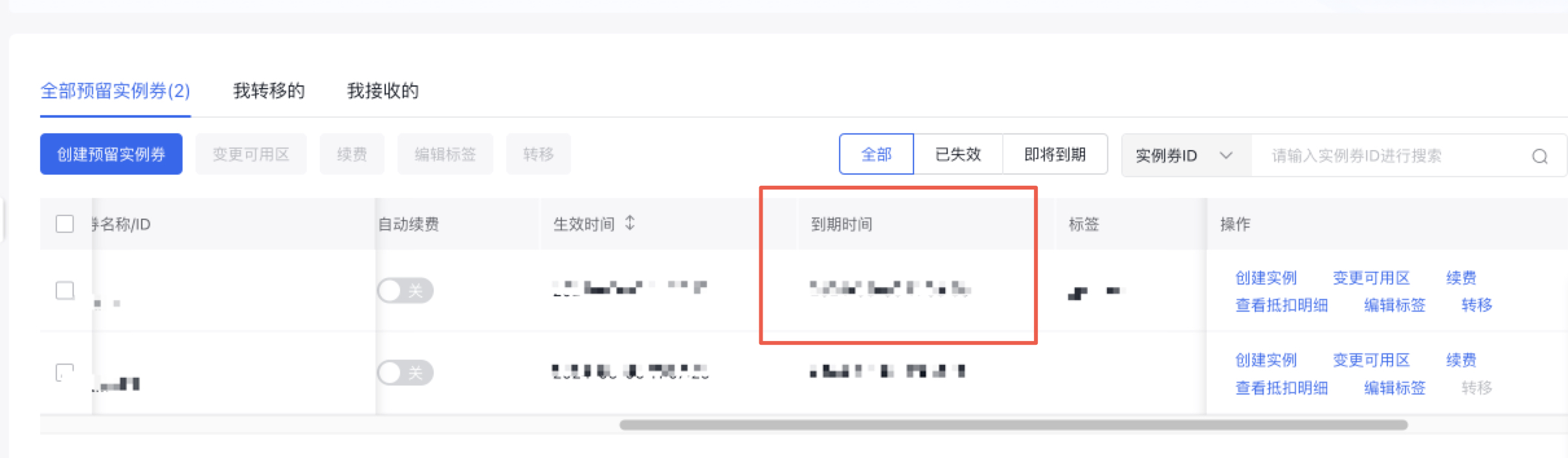
- After selecting the renewal duration, proceed to the Order Confirmation page. Upon completing the order, check the expiration time after renewal in the Instance Coupon List.
Auto-renewal
- Sign in to the Baidu Cloud Compute Console, select Reserved Instance tab page from the left sidebar to enter the Reserved Instance List page.
- Select the target region where the instance to be renewed is located at the top left corner of the menu bar.
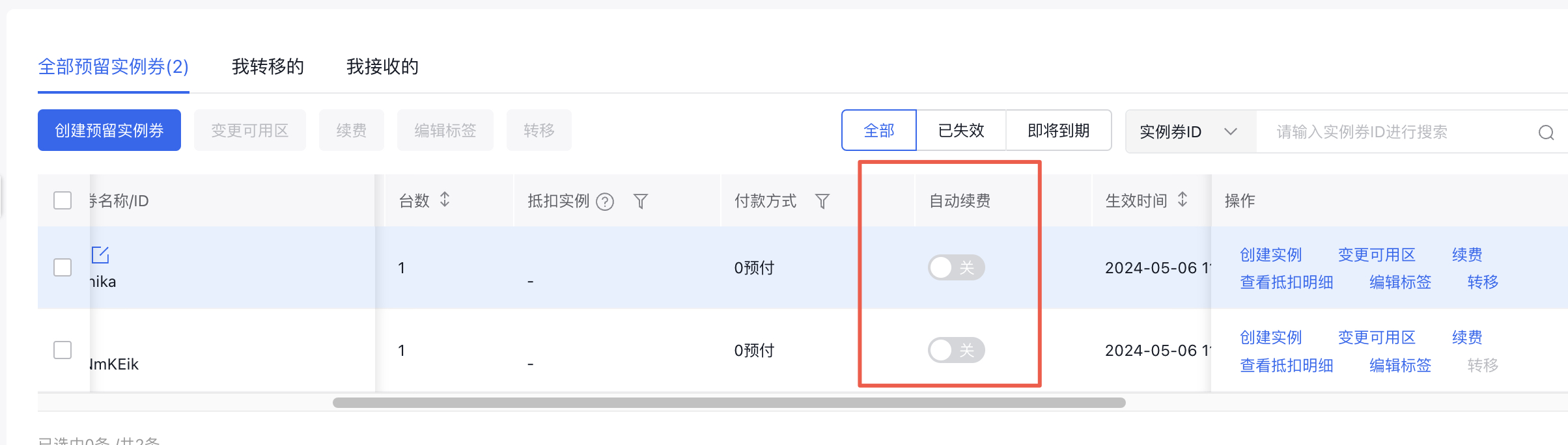
- Locate the reserved instance you want to enable auto-renewal in the Reserved Instance List, find and toggle the auto-renewal switch as needed.