Delete Deployment Group
Updated at:2025-10-20
Remove unnecessary deployment groups to ensure the total number does not exceed usage limitations.
Prerequisites
Ensure there are no instances in the deployment group. If instances exist, you must [release the instances](BCC/Operation guide/Instance/Release an instance.md) before deleting the deployment group.
Operation steps
- Sign in to BCC Management Console.
- In the left navigation bar, click Deployment Group.
-
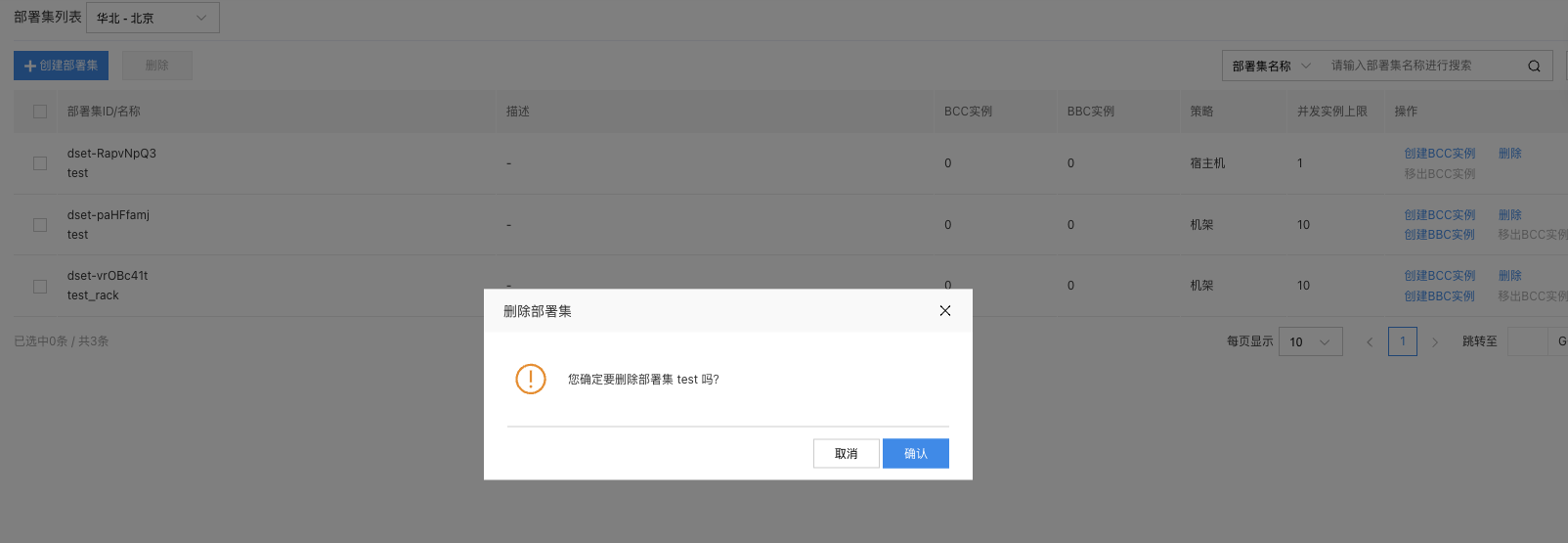
For the deployment group to be deleted, click Delete under the operation column.
Notes Support deletion of deployment groups in batches.
- In the pop-up dialog, click OK to complete the operation of deployment group deletion.