CentOS 7 Install Docker
This document explains how to install Docker on Linux OS. Take CentOS 7 as an example. For release versions of other Linux systems such as Ubuntu, Debian, and Fedora, please refer to Docker official documentation.
1. Remove the older version of Docker
Some Linux systems might come with older versions of Docker pre-installed. Use the following commands to remove those old versions first.
1$ yum remove docker docker-client docker-client-latest docker-common docker-latest docker-latest-logrotate docker-logrotate docker-selinux docker-engine-selinux docker-engine2. Specify the installation source address
Both official and local source addresses can be used. Below are the configuration commands for the official source address.
1$ yum-config-manager --add-repo https://download.docker.com/linux/centos/docker-ce.repo3. Install Docker via Yum
1$ yum install docker-ce docker-ce-cli containerd.io4. Start Docker server
1# Start the Docker daemon
2$ systemctl start docker
5. Verify Successful Installation
After installing Docker using the steps above, confirm the installation with the following verification.
- Print the Docker version
1#Print Docker version
2$ docker version- Pull the image and run the container
1# Pull the hello-world image
2$ docker pull hello-world
3# Run a container using the hello-world image
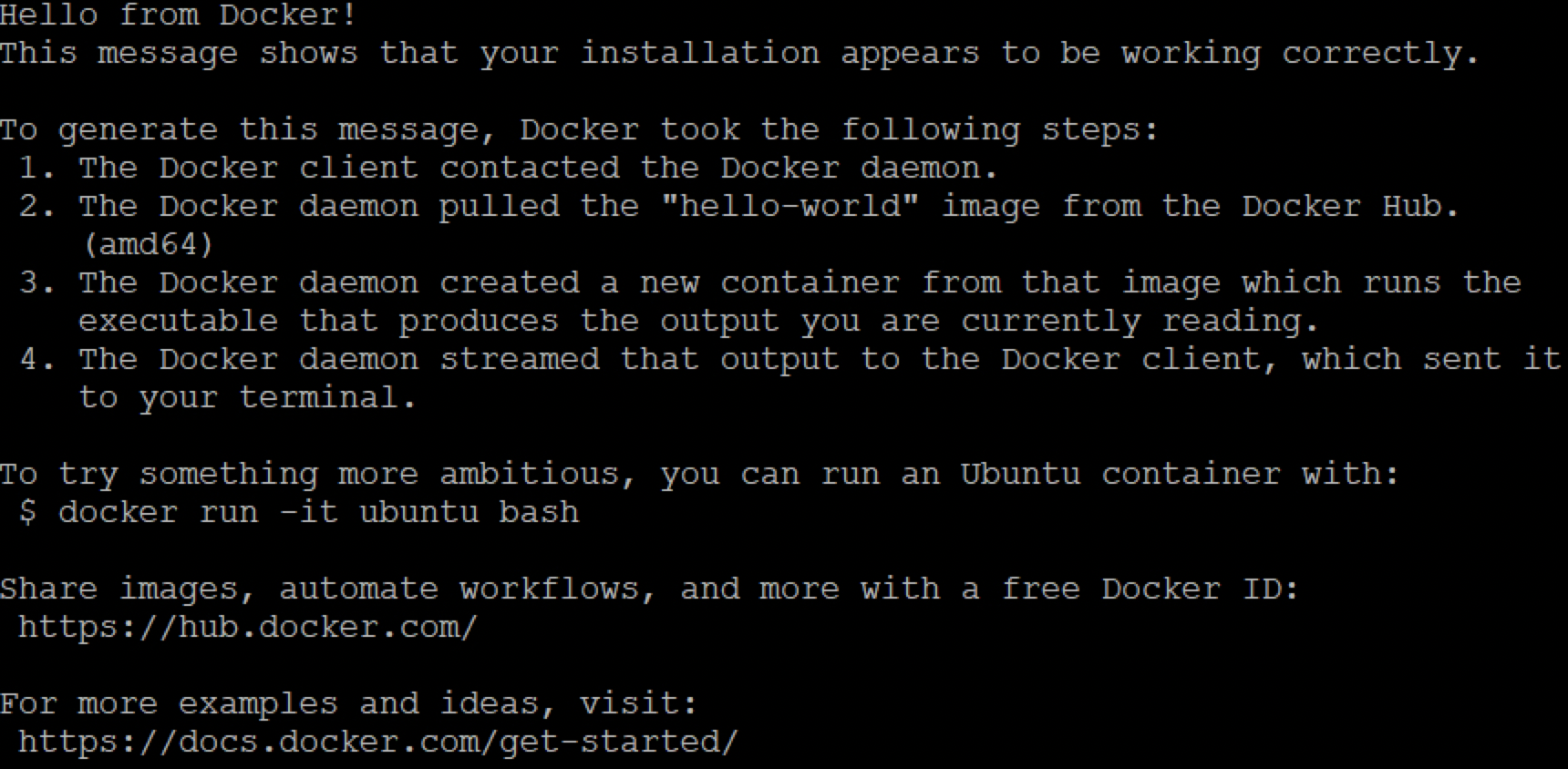
4$ docker run hello-world
If the commands above produce the output shown in the figure, the installation was successful.