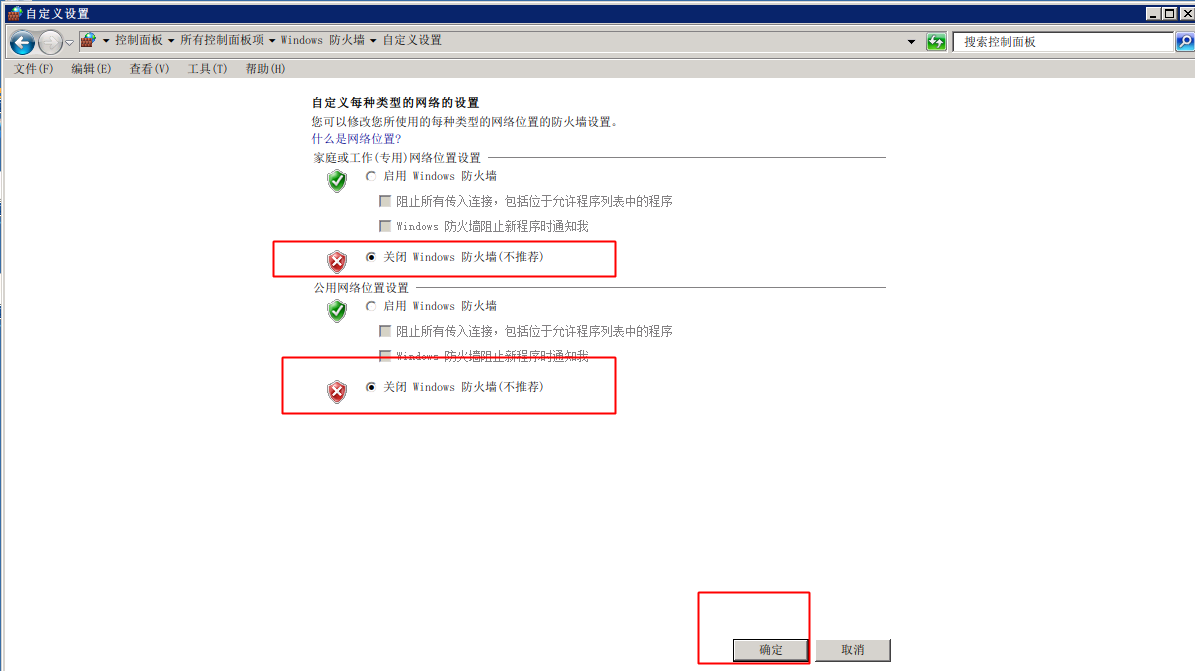
Tutorial on Disabling Windows Firewall
Updated at:2025-10-20
This document uses Windows 2008 as an example to demonstrate how to disable the built-in Windows firewall.
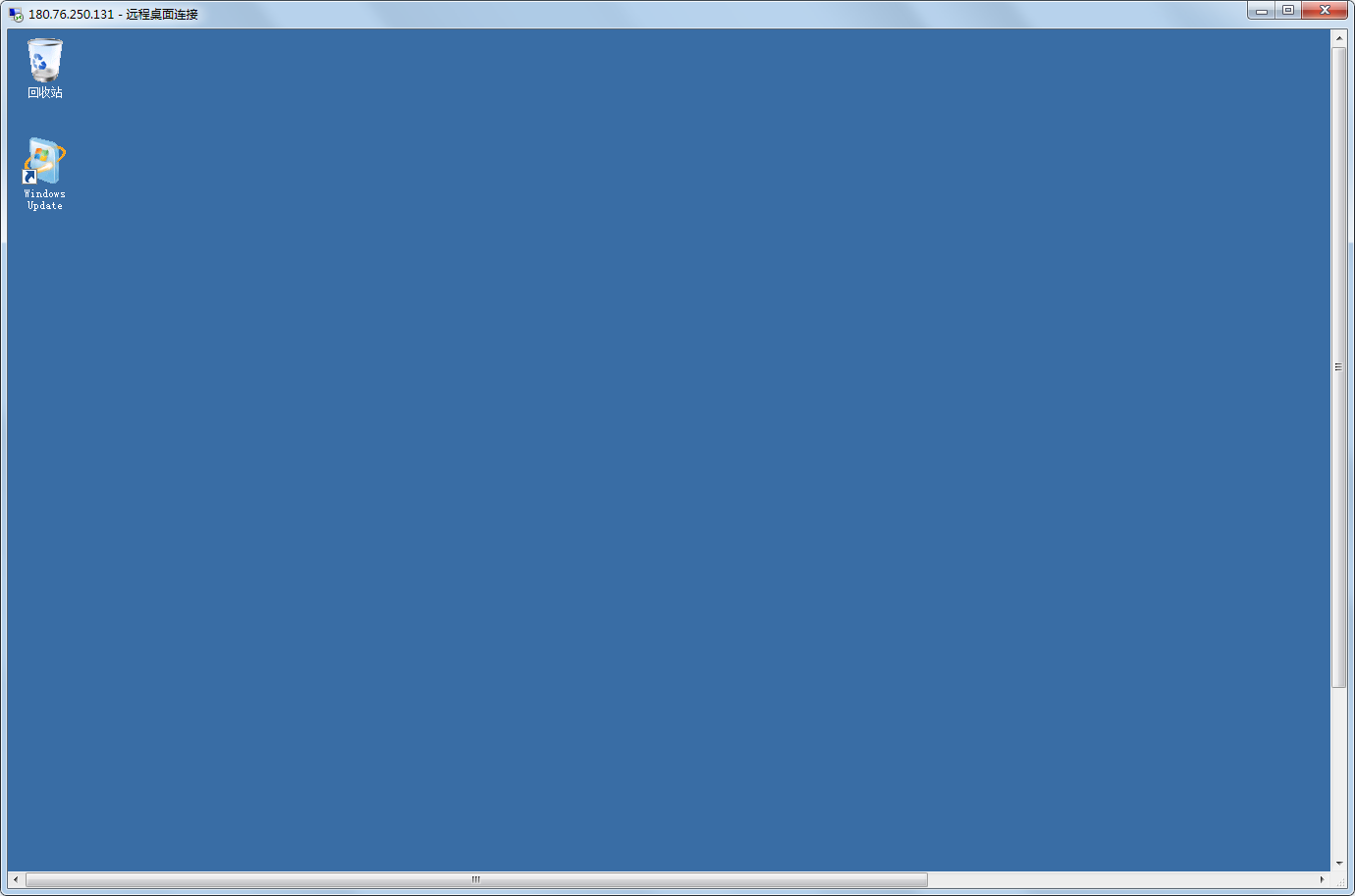
Step 3: Remotely sign in to the server
[Sign in to the server](BCC/Operation guide/Instance/Sign in to instance/Login Method Overview.md)
Step 2: Disable the Windows firewall
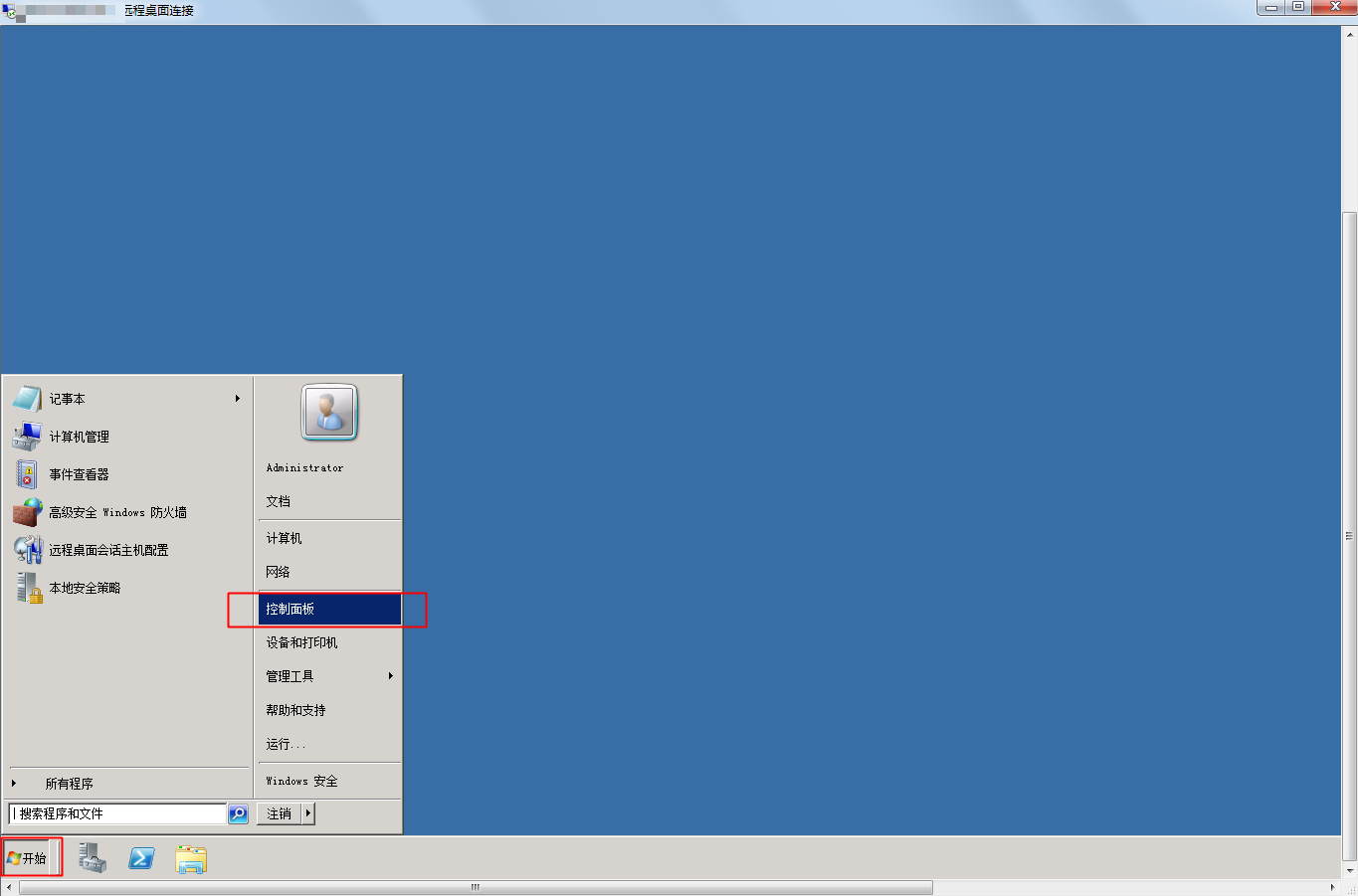
- Navigate to Start - Control Panel.
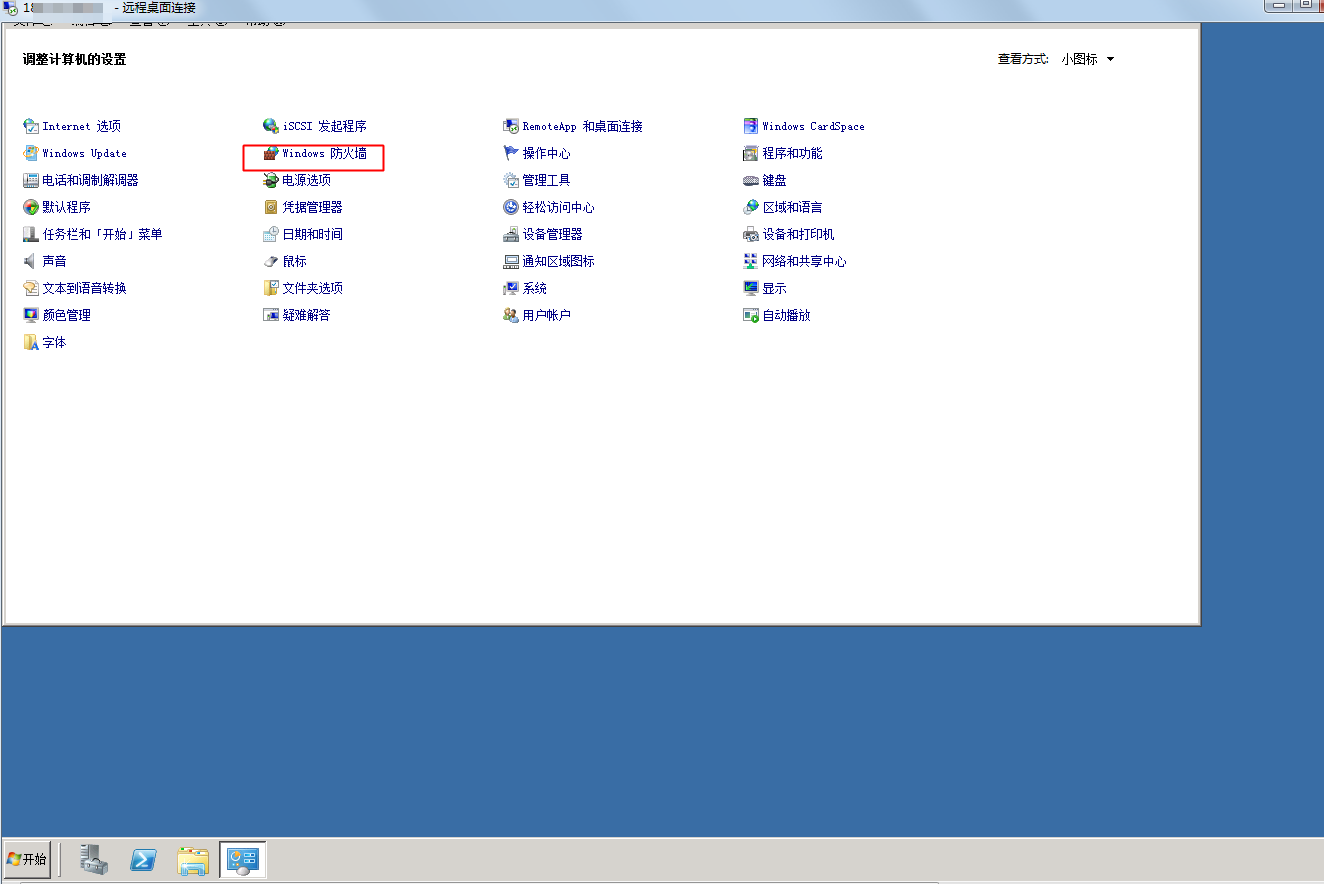
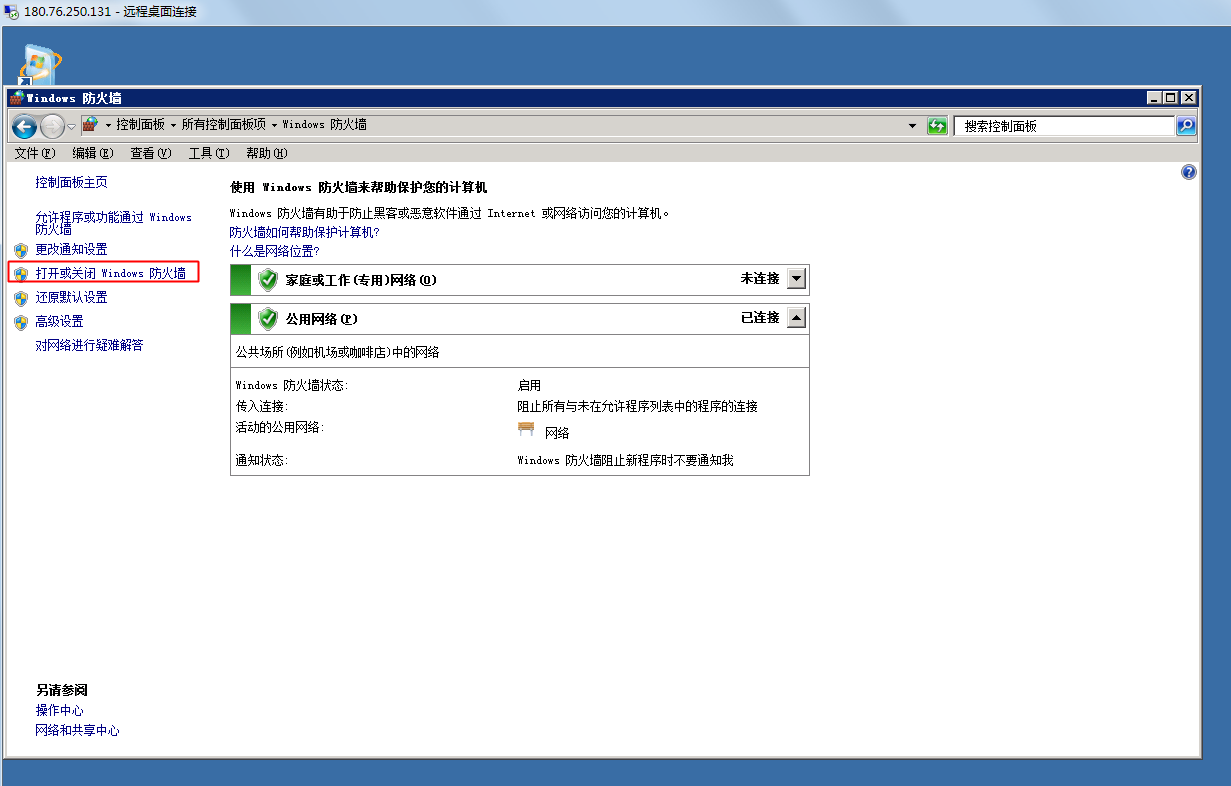
- Select Windows Firewall.
- Choose to Enable or Disable the Firewall.
- Select Disable Windows Firewall and click OK.