

Create elastic network interface
Updated at:2025-10-20
This section details the process of creating an Elastic Network Interface via the console.
Prerequisites
A Virtual Private Cloud (VPC) must already exist in the selected region.
Create elastic network interface
- Sign in to the Virtual Private Cloud (VPC) Console.
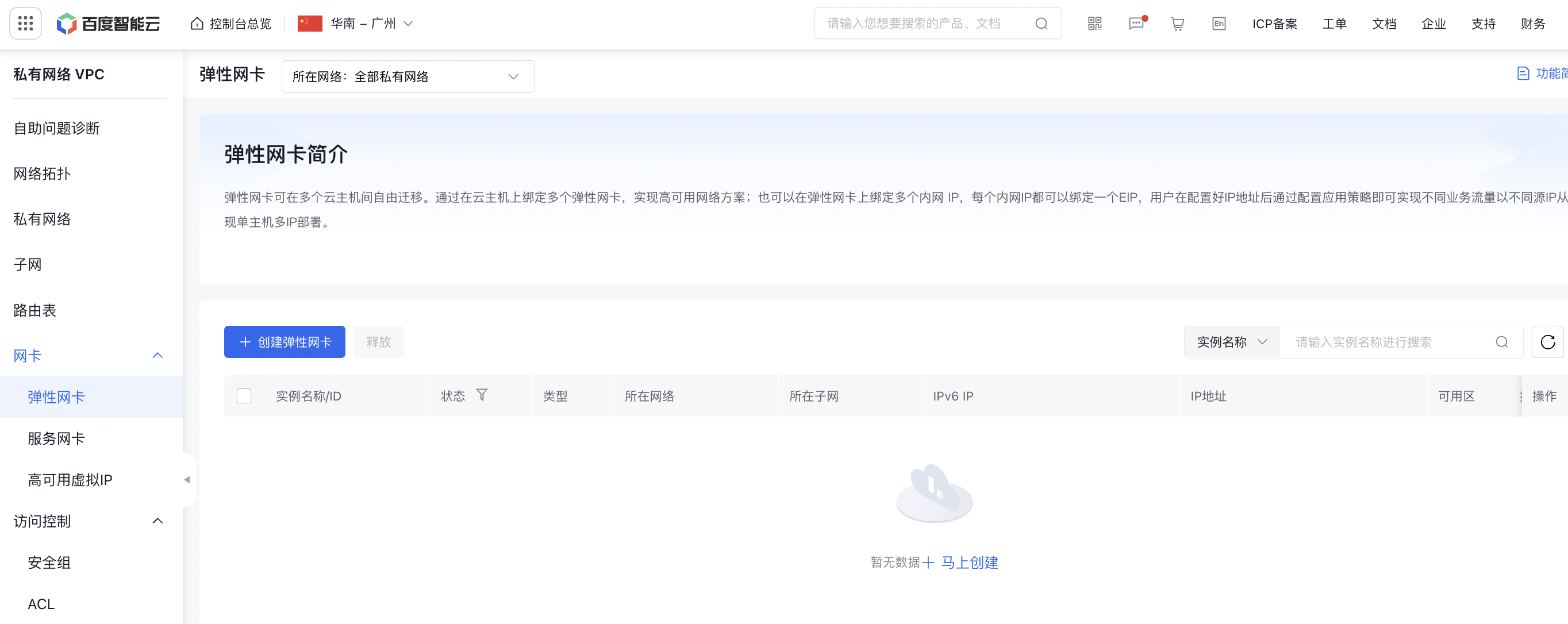
- From the left navigation bar, select Elastic Network Interface, then click on Create Elastic Network Interface.
-
Fill in the following configuration information
ConfigMap Description Current region Beijing, Baoding, Guangzhou, Suzhou, Chengdu, Wuhan and Hong Kong are supported. Switch regions in the top left corner Network interface card name User-defined elastic network interface name.Naming rules: uppercase/lowercase letters, numbers and -_ /. special characters. It must start with a letter and have a length of 1-65 characters. Types Supported types of elastic network interfaces are standard and RDMA. The RDMA interface can only be attached to BCC instances compatible with RDMA networks. Subnet belonged Subnet to which the elastic network interface belongs Description Edit information on elastic network interface description Security group Security group bound to the elastic network interface: minimum 1, maximum 10 IP address A primary IP address is automatically assigned by default. Users can manually add secondary IP address Tag Edit the information on tag bound to the elastic network interface - Click OK to complete the creation of the elastic network interface.
Next steps
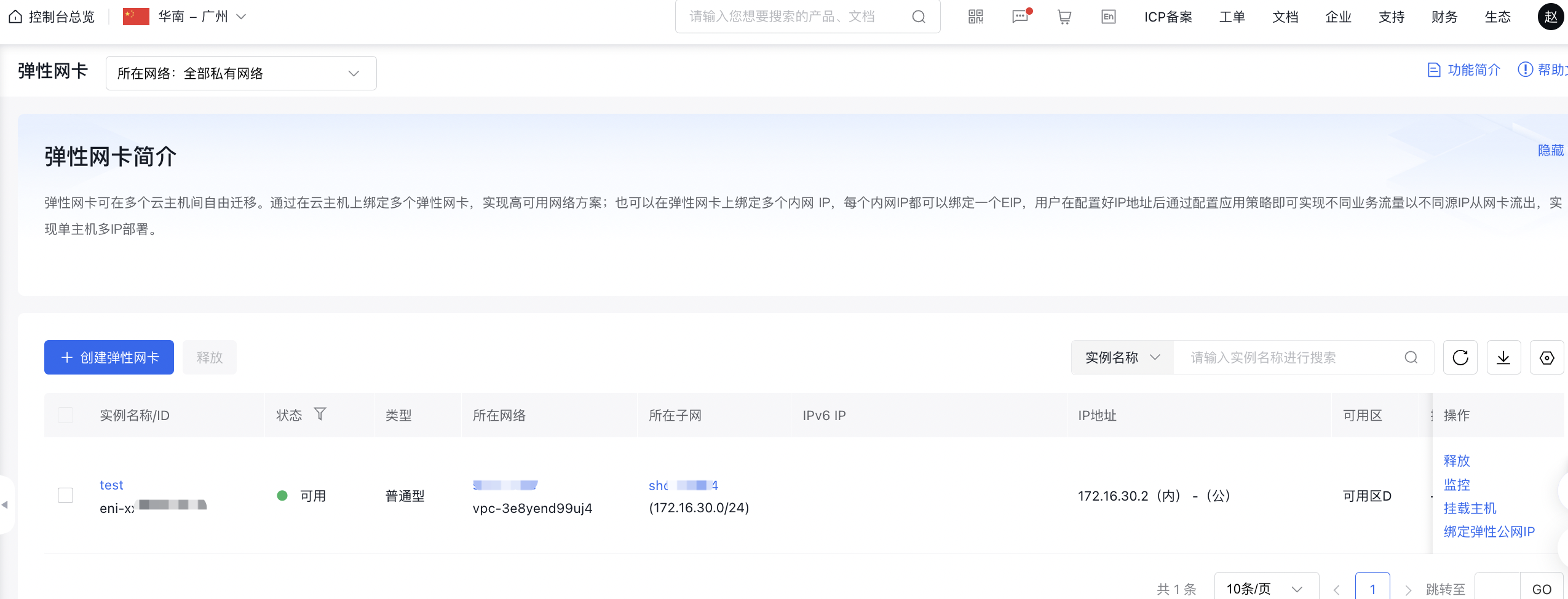
Upon successful creation of the elastic network interface, you can perform [Mount Elastic Network Interface](BCC/Operation guide/Network/Elastic network interface/Mount elastic network interface.md).