FreeBSD 11 Single User Modify Password SOP
Updated at:2025-10-20
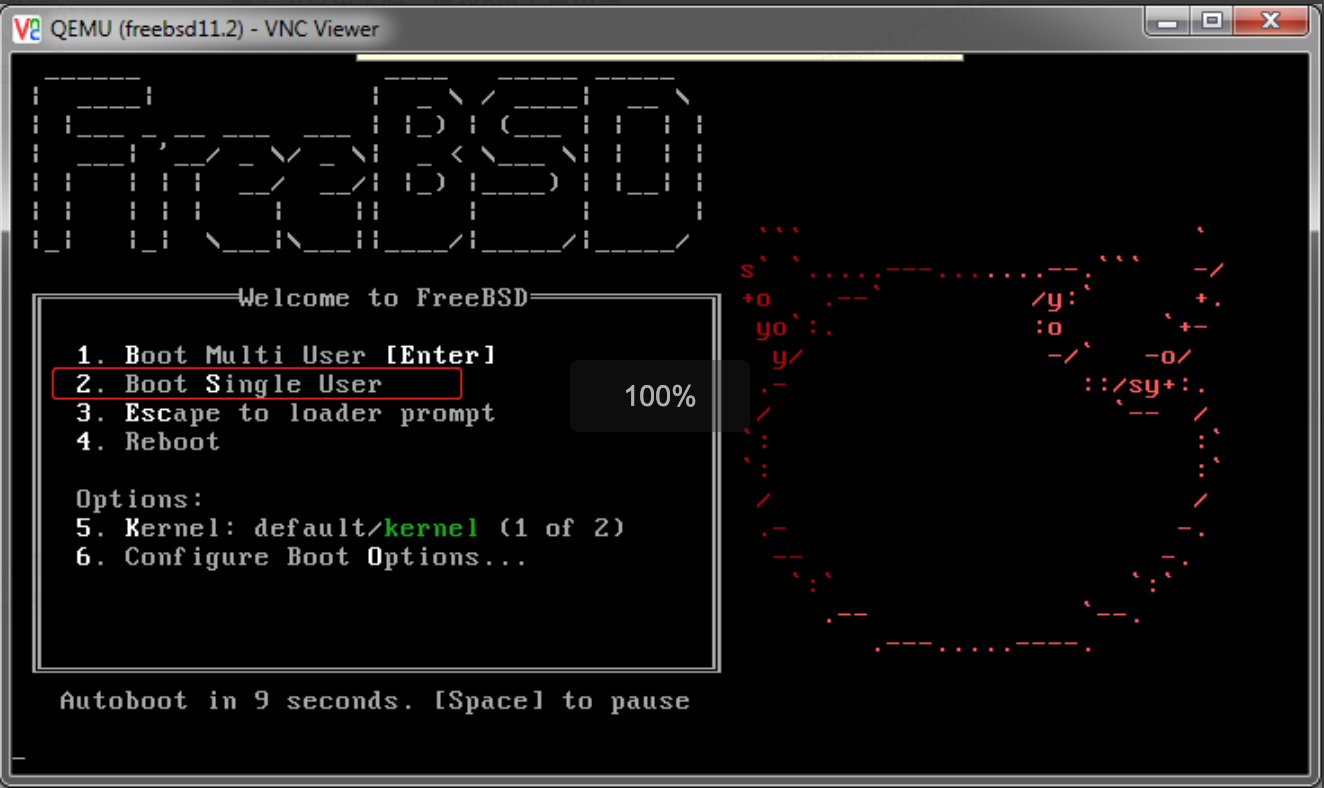
- At the boot interface, choose option 2 to enter single-user mode.
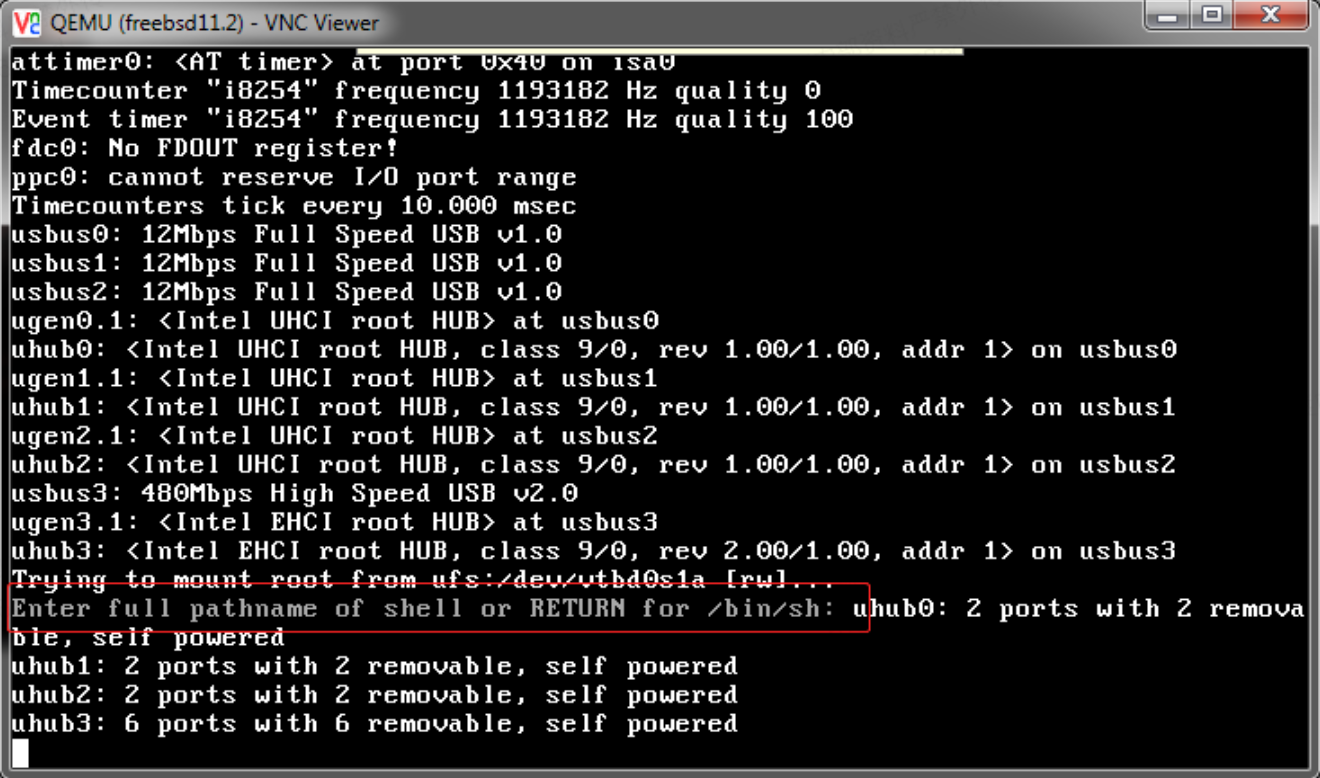
- When the message "Enter full pathname of shell or ENTER for /bin/sh" appears, it signifies entry into single-user mode.
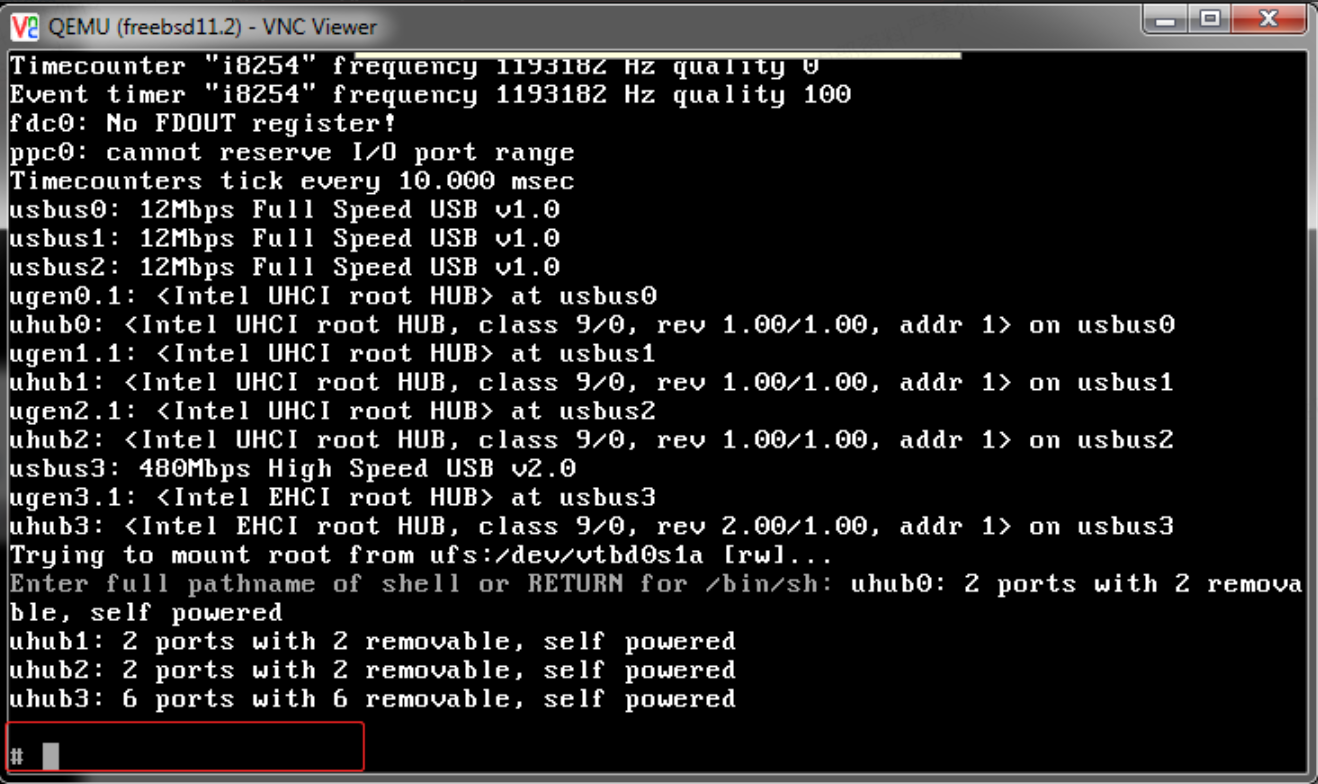
- Press Enter to display # symbol.
At the cursor, enter the following commands sequentially:
#fsck -y
#mount -a
#passwd
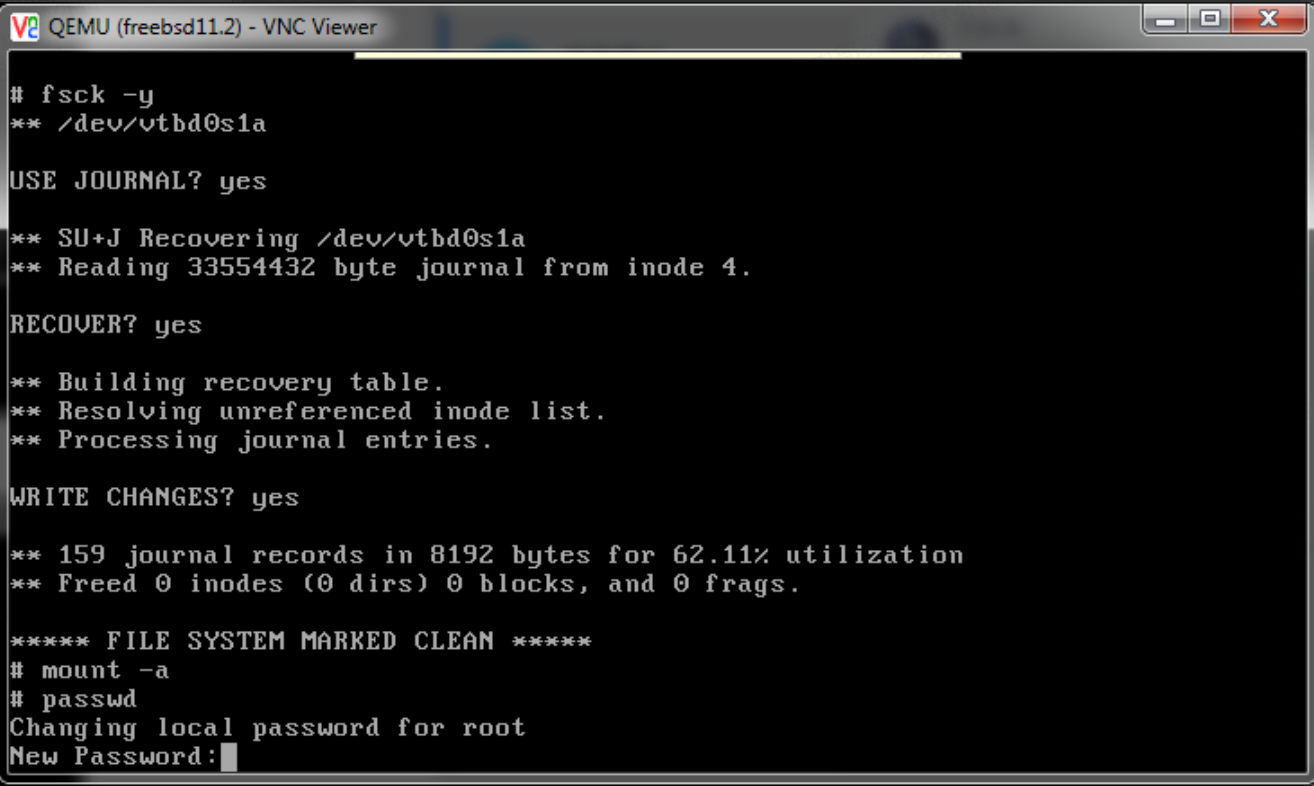
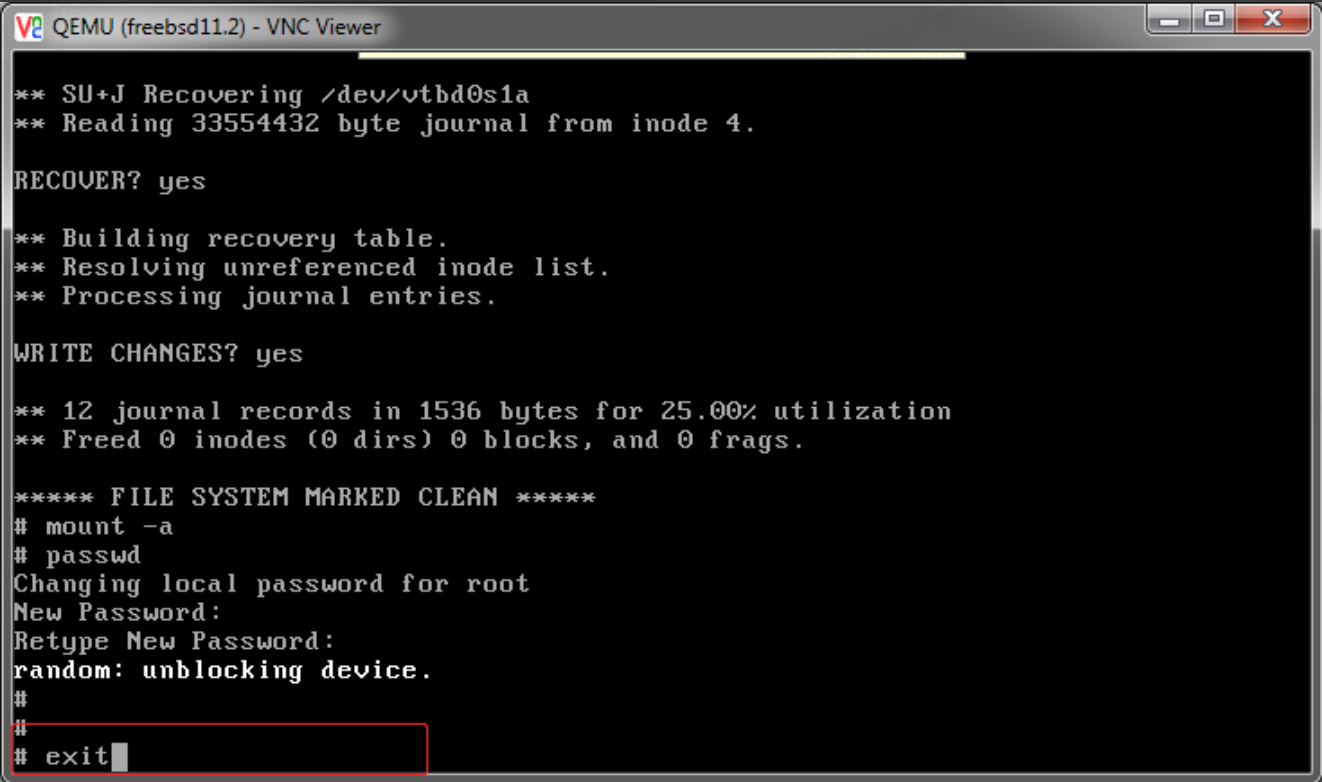
- After modifying the password, enter in the command line: exit (exit single-user mode and directly enter system startup process)/or enter init 6 (reboot system)
You can then log in to the system with the new password.