

Historical records
Updated at:2025-10-20
Historical records
The history section displays all created commands and uploaded files. Users can review details of command executions on the Command Execution Records page and file upload activities on the Upload File Records page. Historical records are retained for up to 30 days.
Operation step
- Sign in to BCC Console.
- Click Cloud Assistant in the left menu bar, then click Historical Records to toggle between command execution records or file upload records and view the corresponding historical record information.
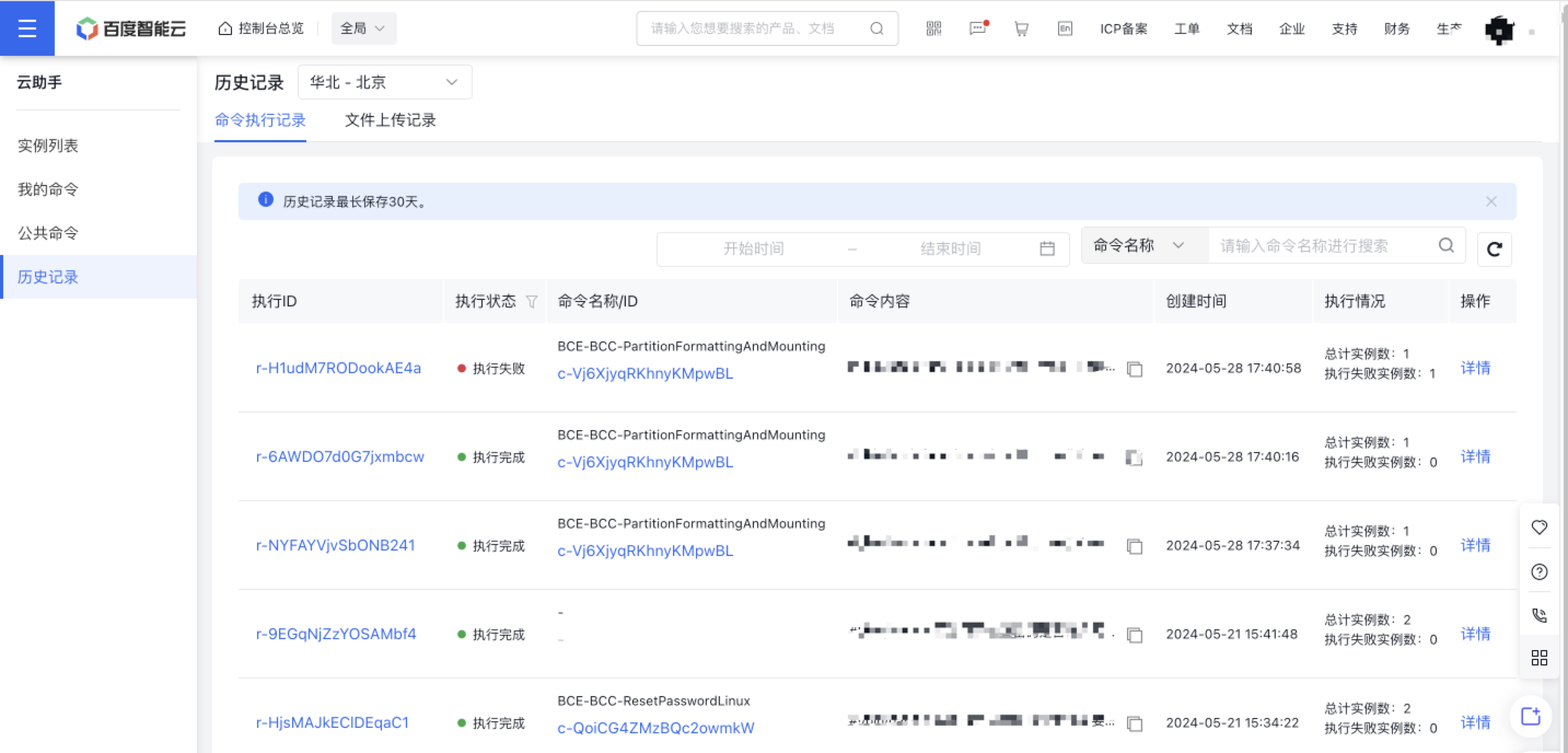
- Click the Command ID in the line of the desired command to view its details on the opened page.
- Click the Execution ID or Details in the operation column to view detailed execution records on the opened page, including the task's execution status and results. If the command execution takes extended time, you may enable auto-refresh in the execution records details.