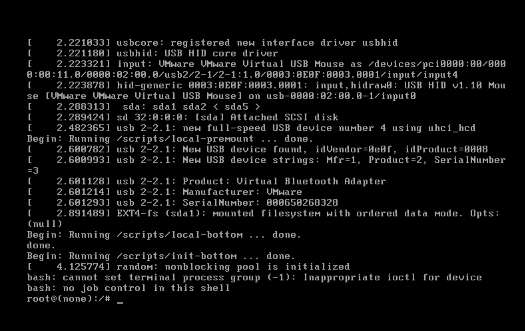
Ubuntu Enter Single User
Updated at:2025-10-20
- In the VNC login window, click the button in the top-right corner to send a command to reboot the system.

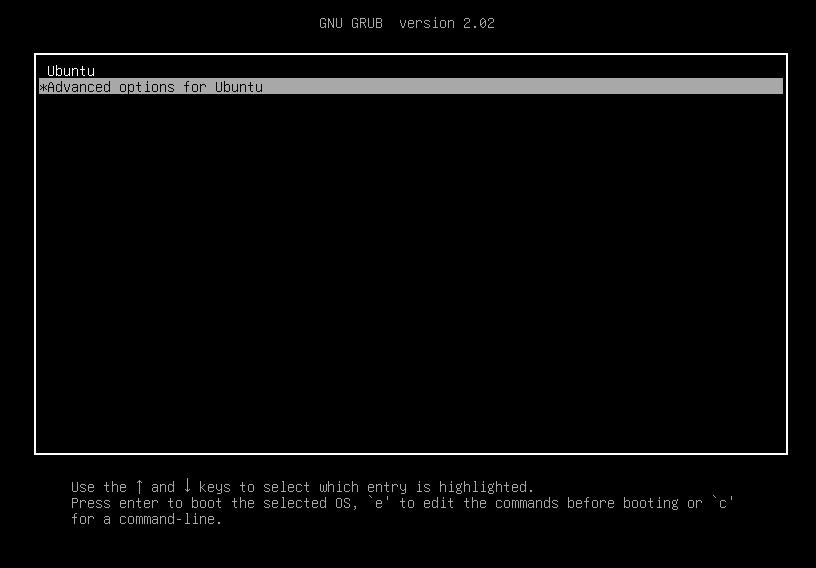
- When booting the system, either wait for a while or hold down the Shift key to enter the grub menu. Then, select "Ubuntu Advanced Options" and press Enter.
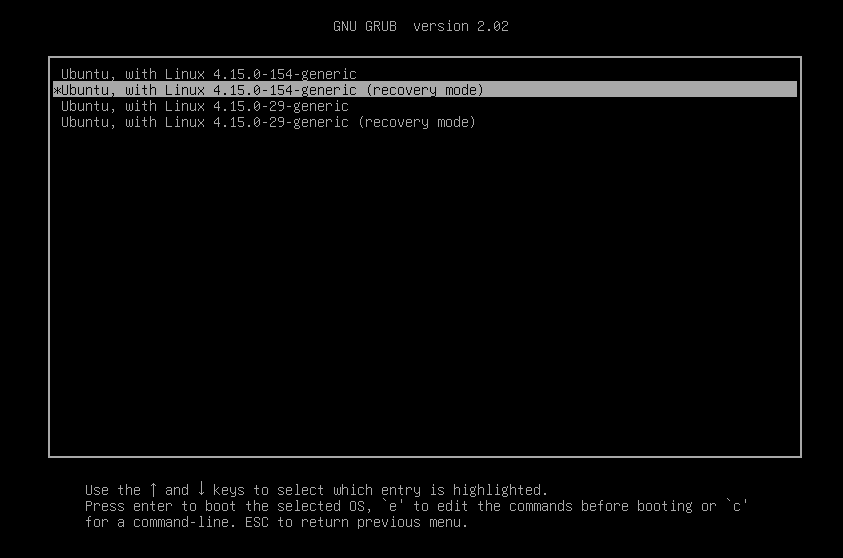
- Choose recovery mode and press "e" to edit.
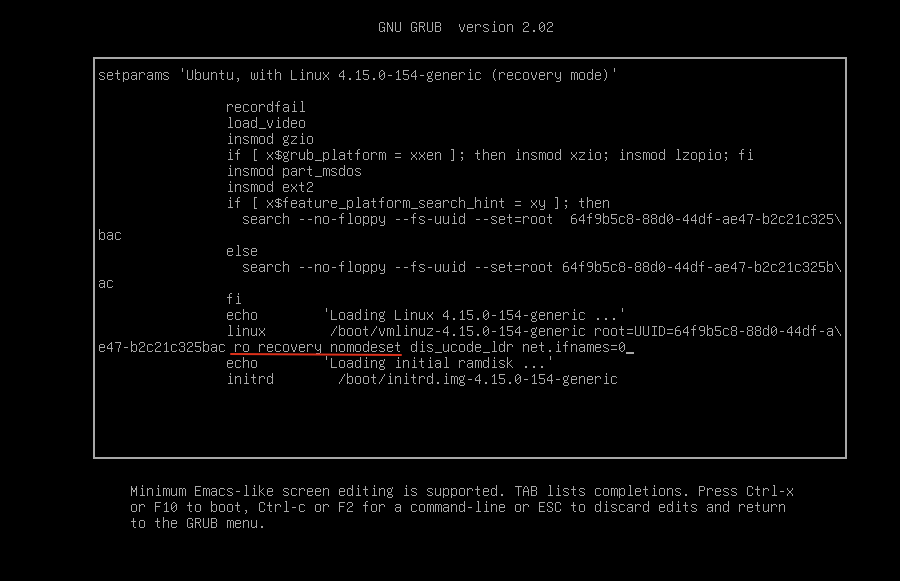
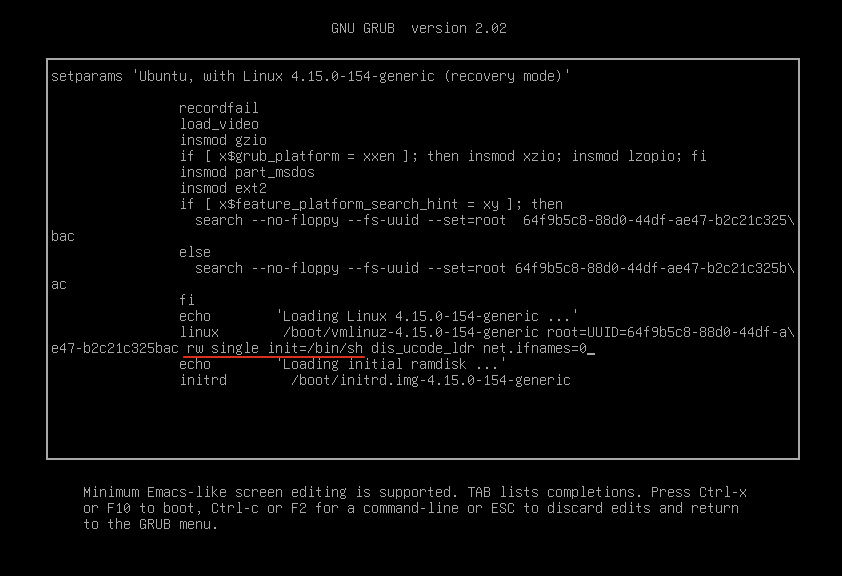
Modify the linux line: Delete the original ro recovery nomodeset and modify it to rw single init=/bin/sh as shown in the following figure:
Please note that for Ubuntu 18.04 and Ubuntu 20.04 systems, you need to delete
ro recovery nomodeset dis_ucode_ldrand modify it to the above field.
Before modification:
After modification:
- Press Ctrl + X or F10 to exit and boot into single-user mode.