Deploy SSL Certificate on Baidu Cloud Compute - IIS
Updated at:2025-10-20
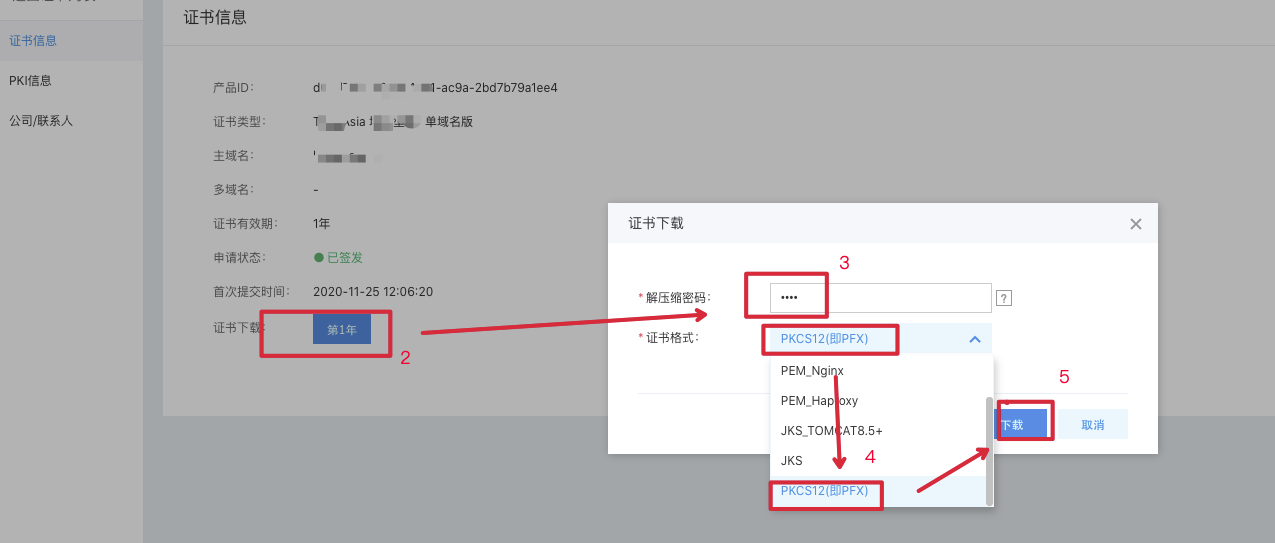
- You need to first download the certificate to be deployed on IIS to the server. IIS requires a .pfx format certificate. The method to download the certificate from Baidu AI Cloud is shown in the figure:

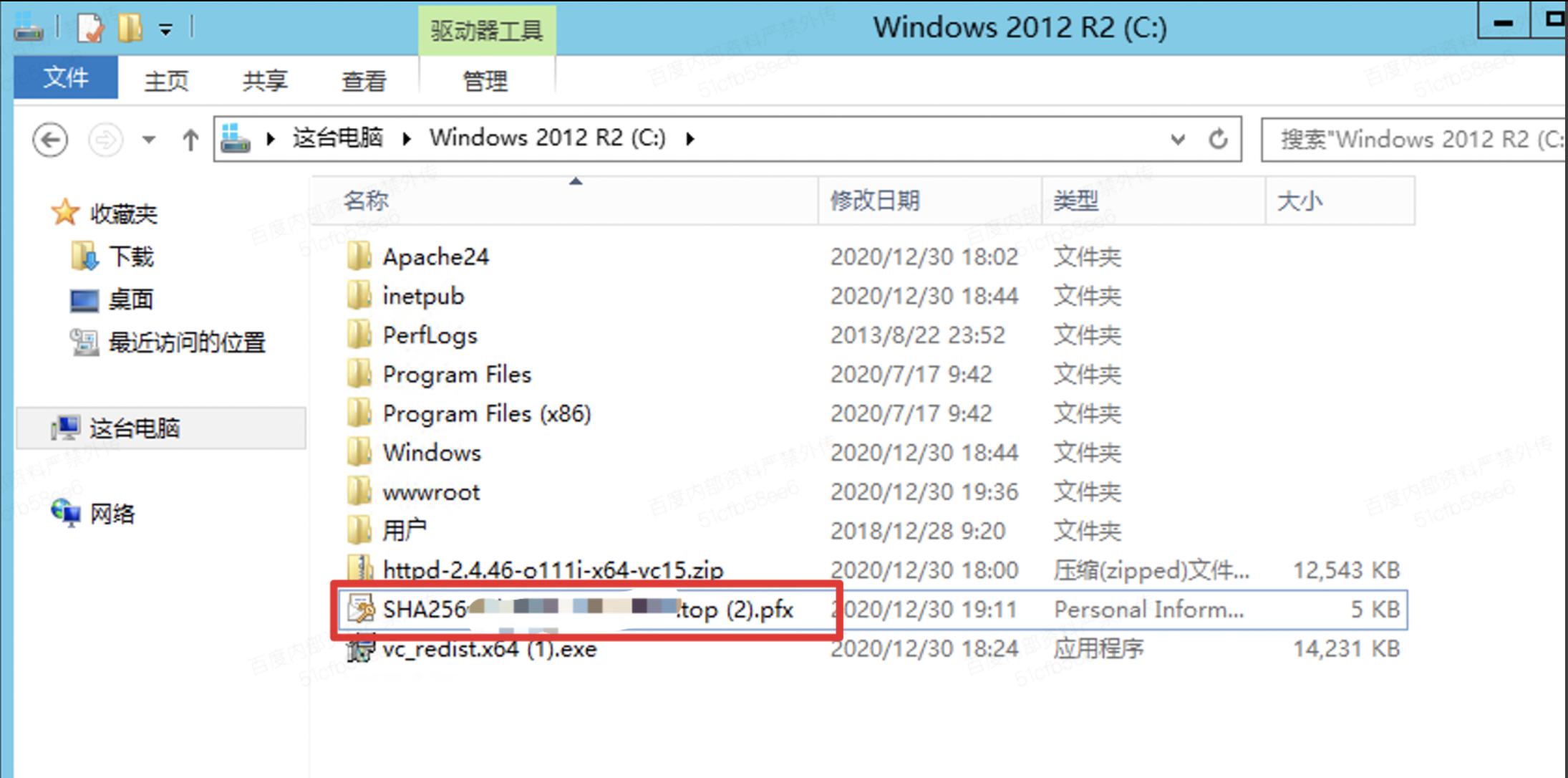
- Upload the certificate to the server, as shown in the figure:
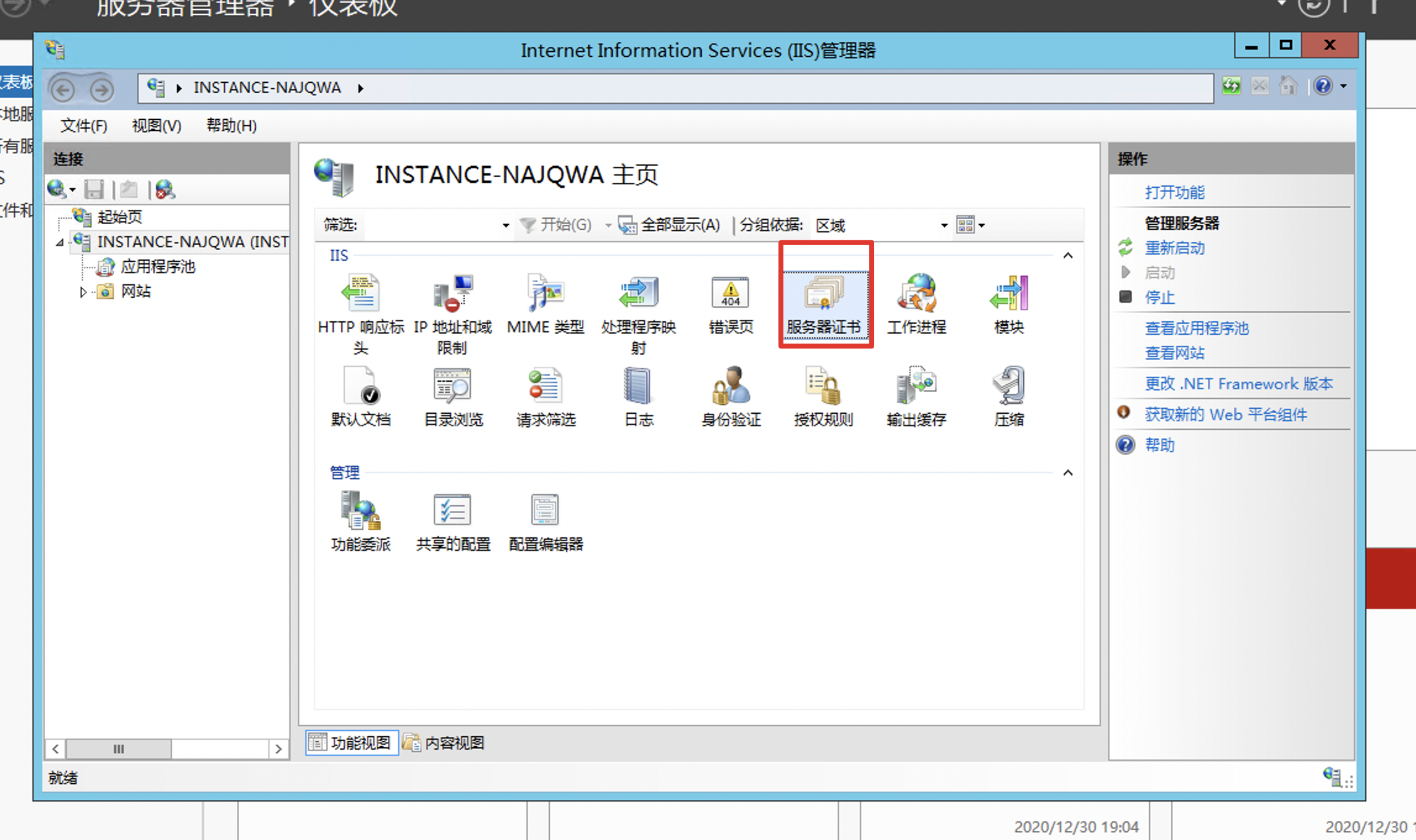
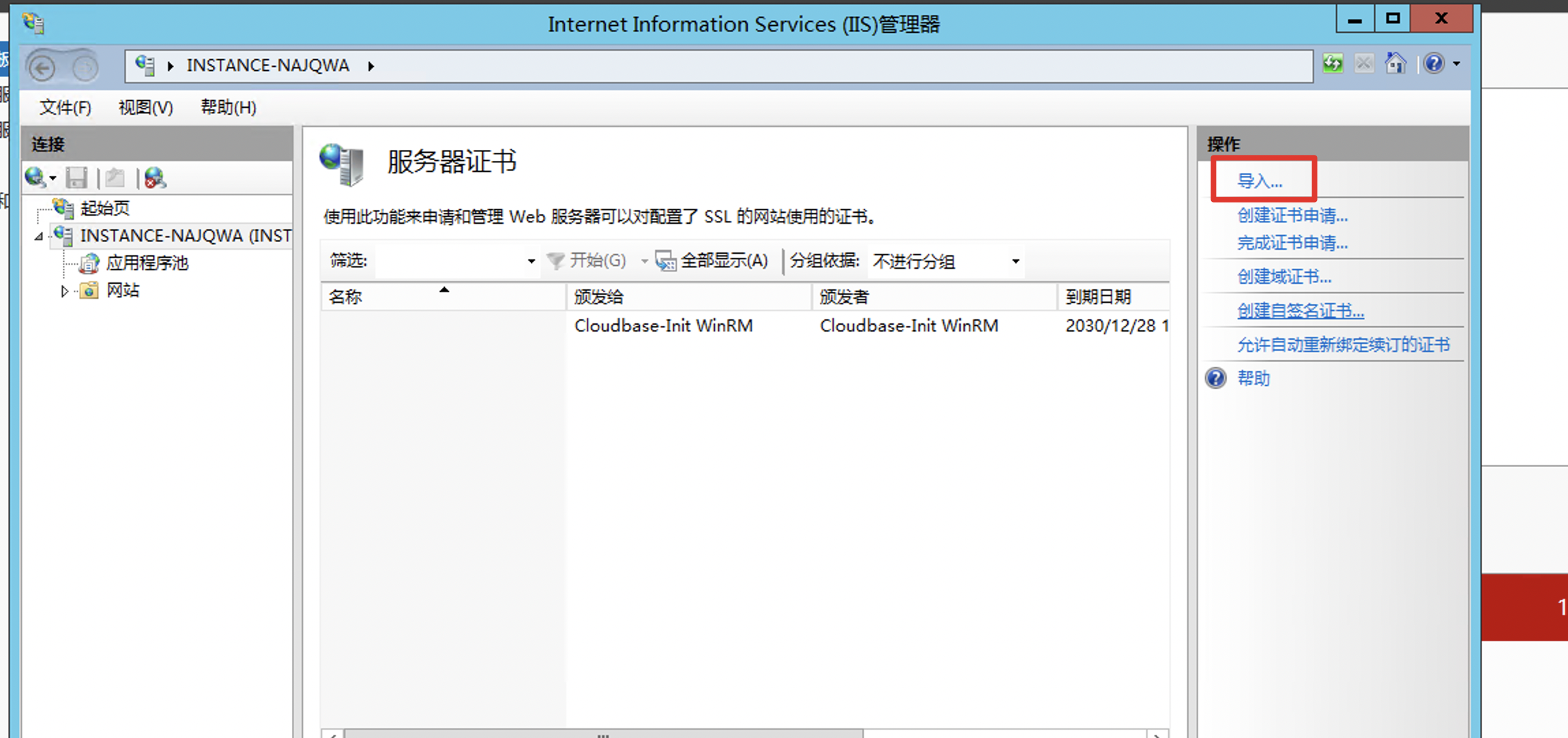
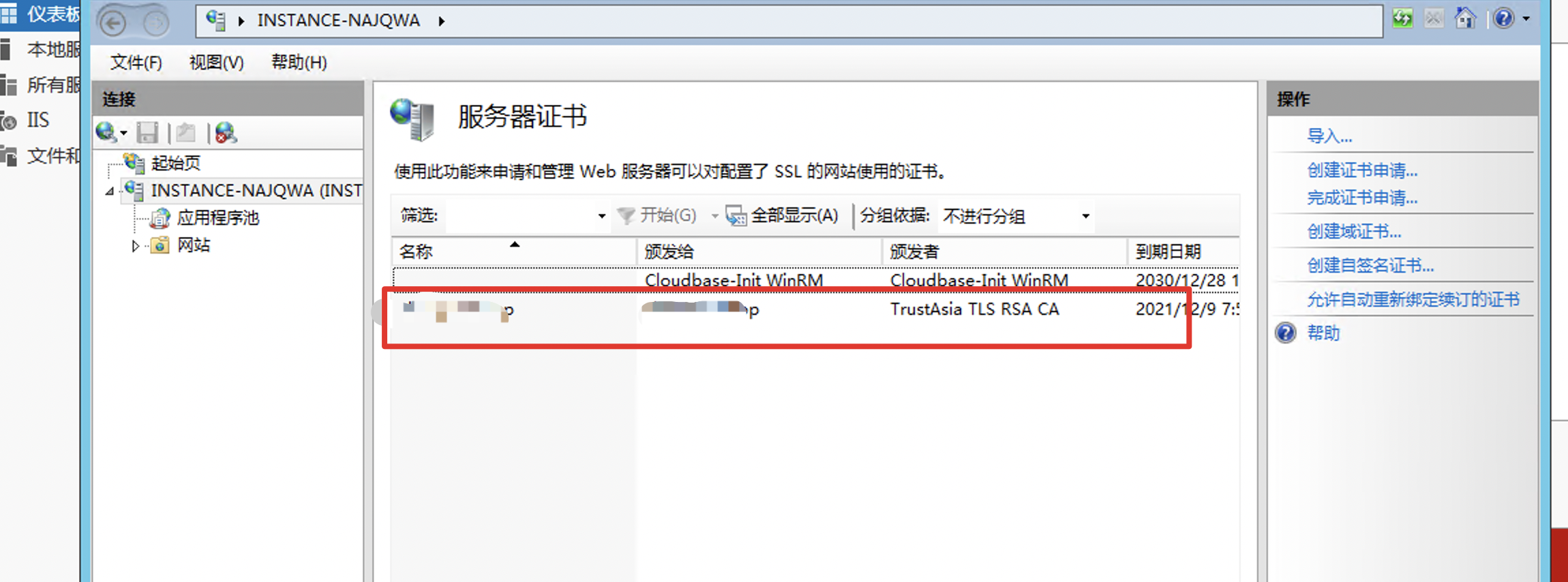
- Open IIS Manager - Server Certificate, as shown in the figure:
- Import the certificate:
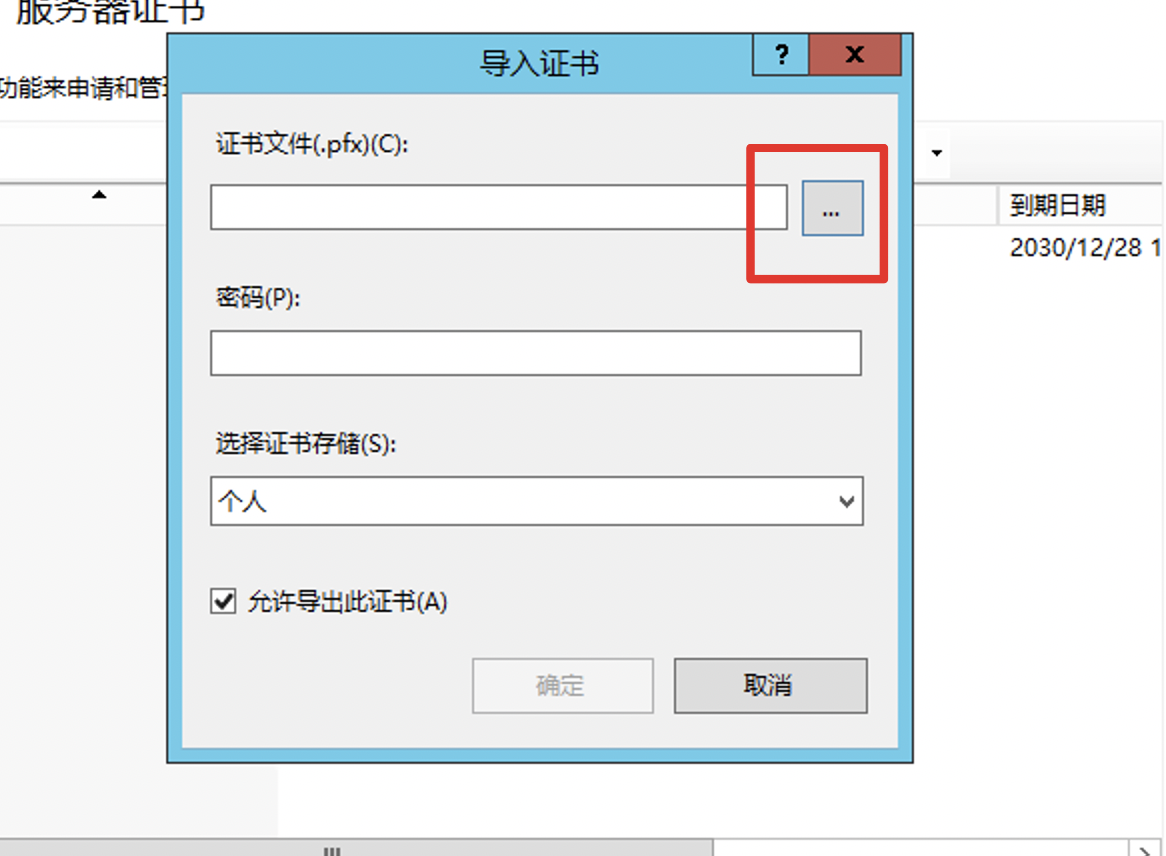
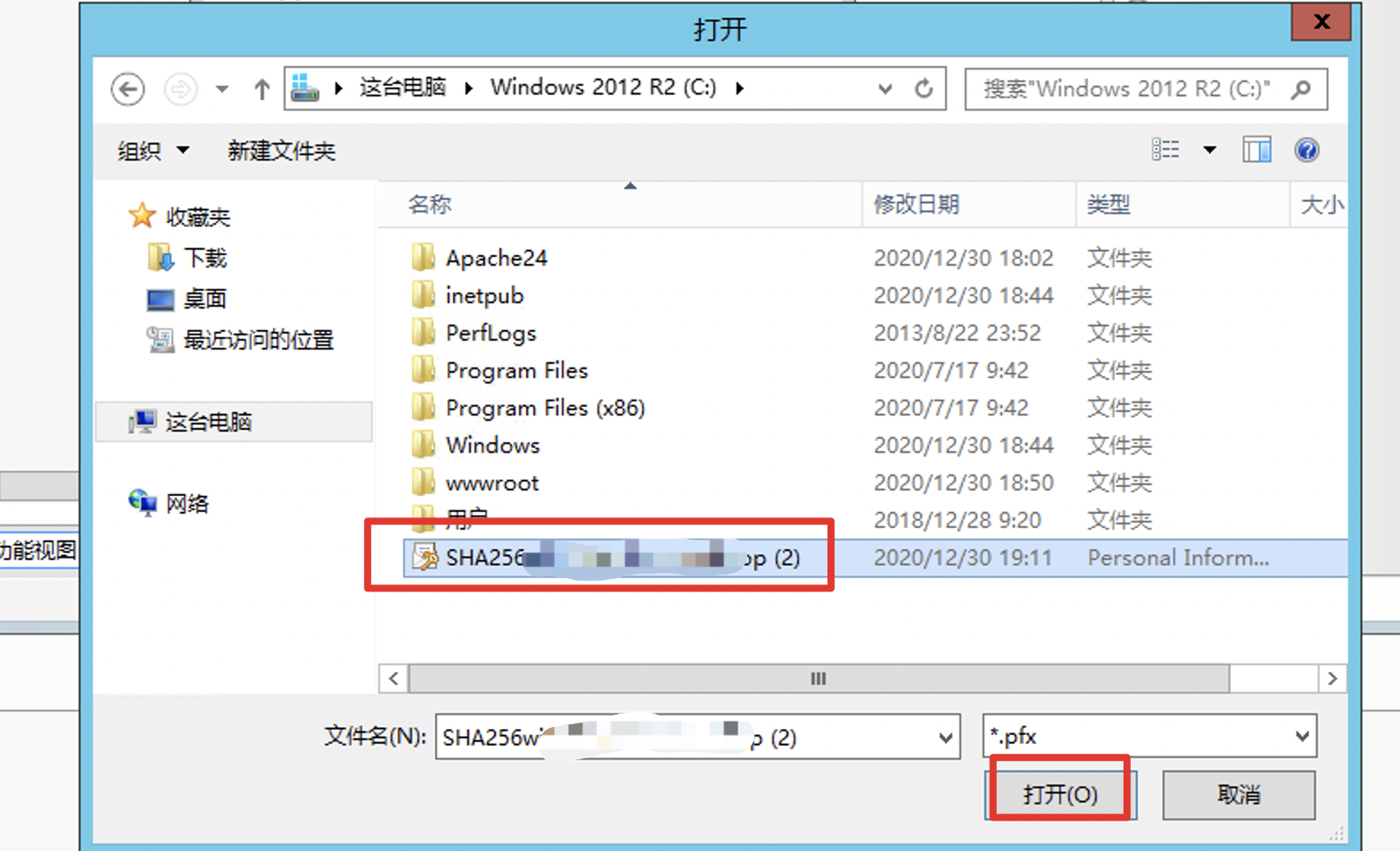
Select the downloaded certificate:
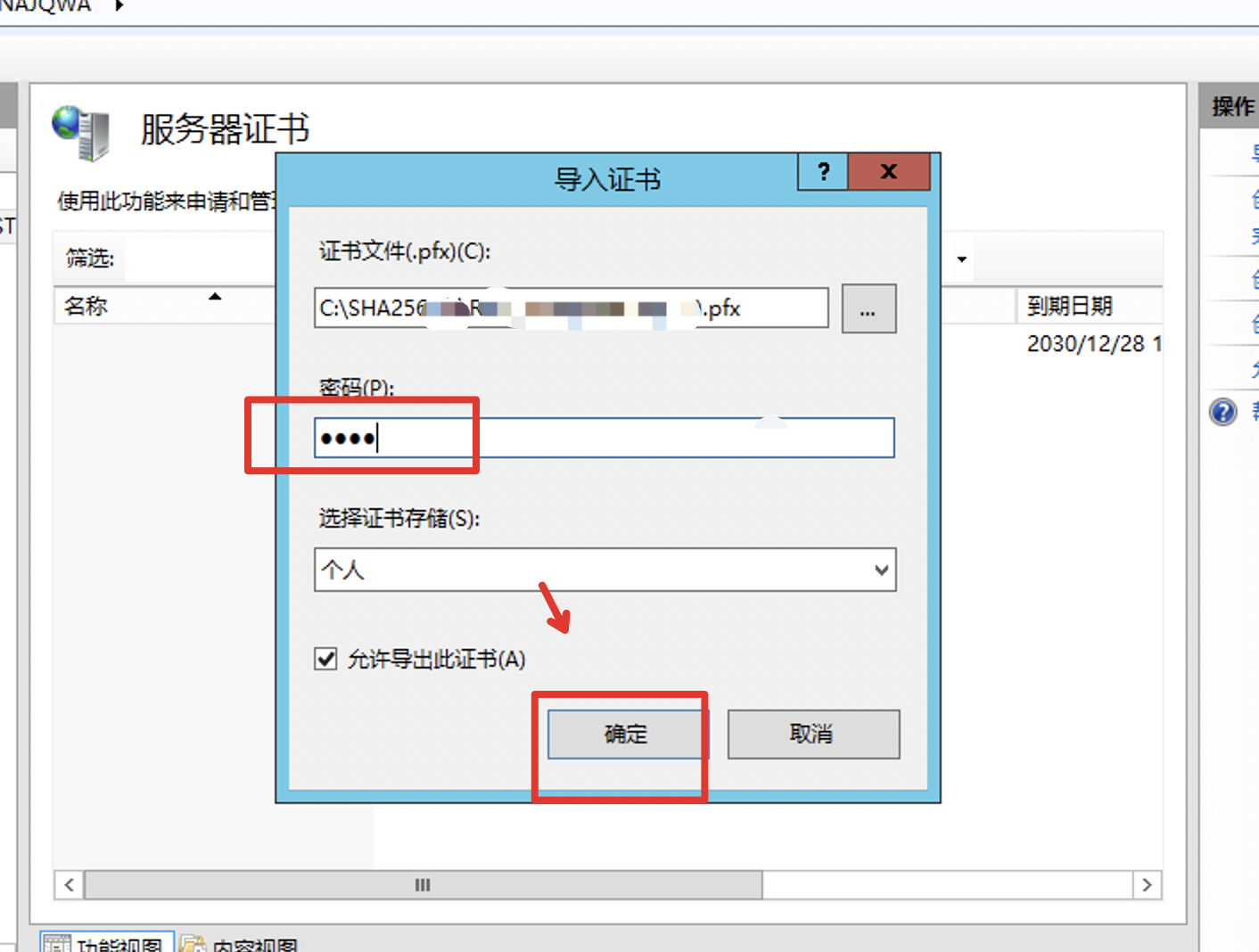
The password is the "unzip password" used when downloading the certificate:
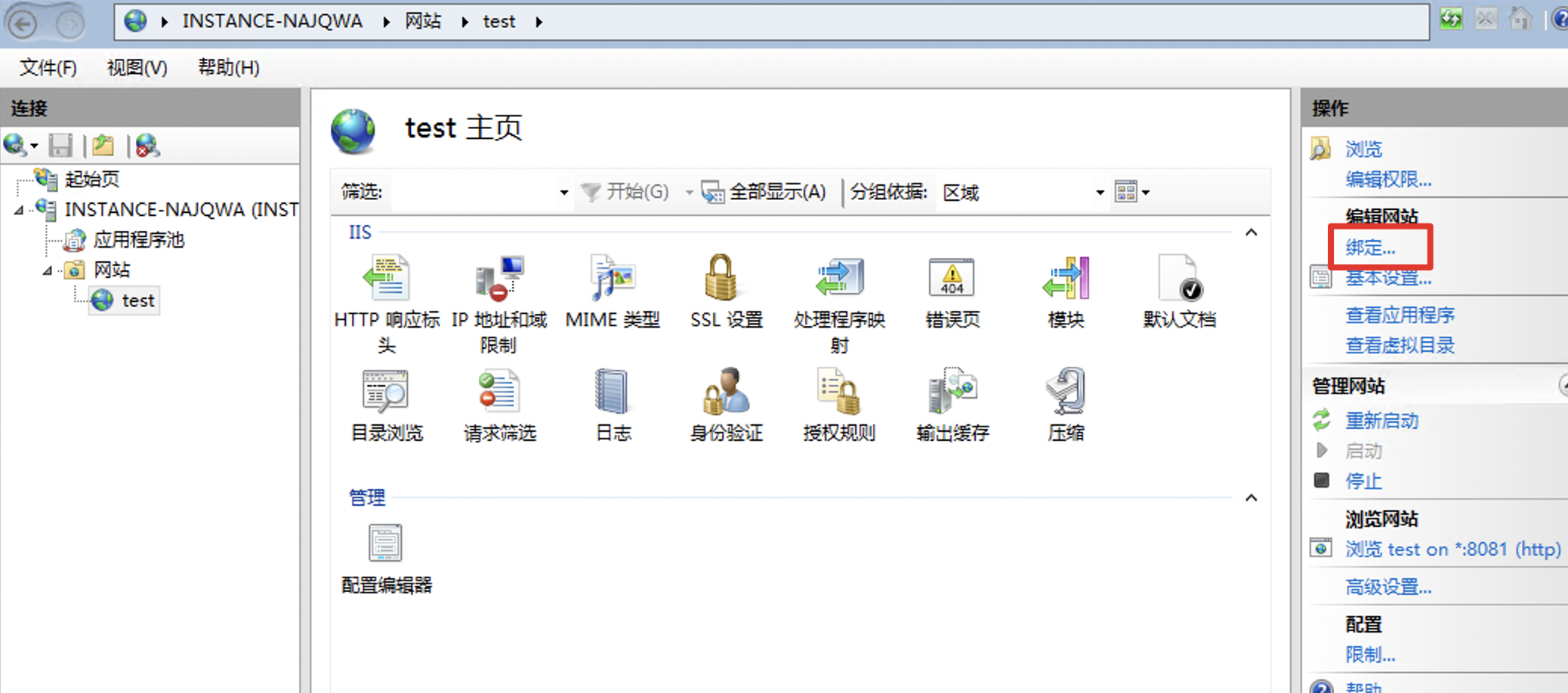
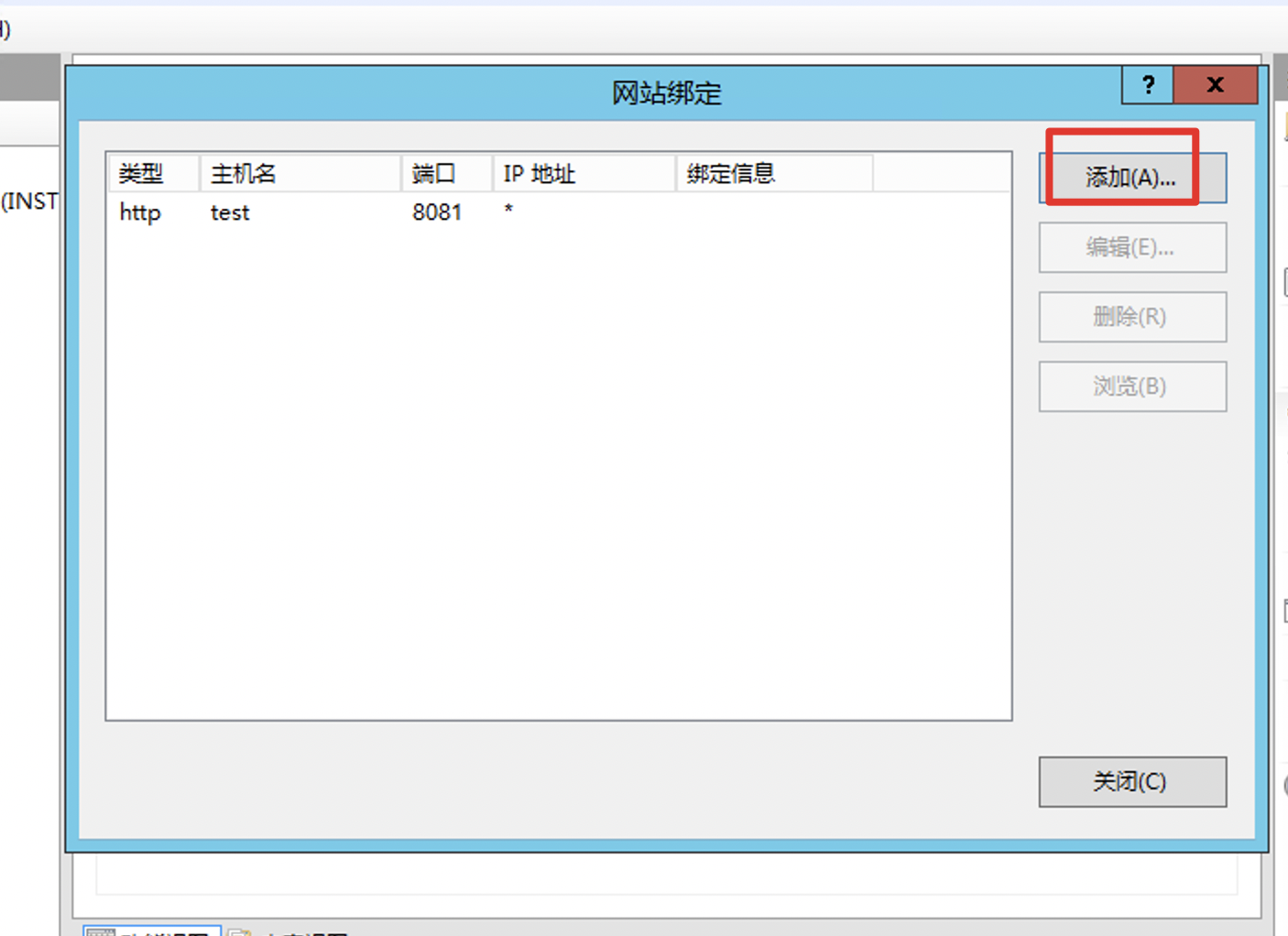
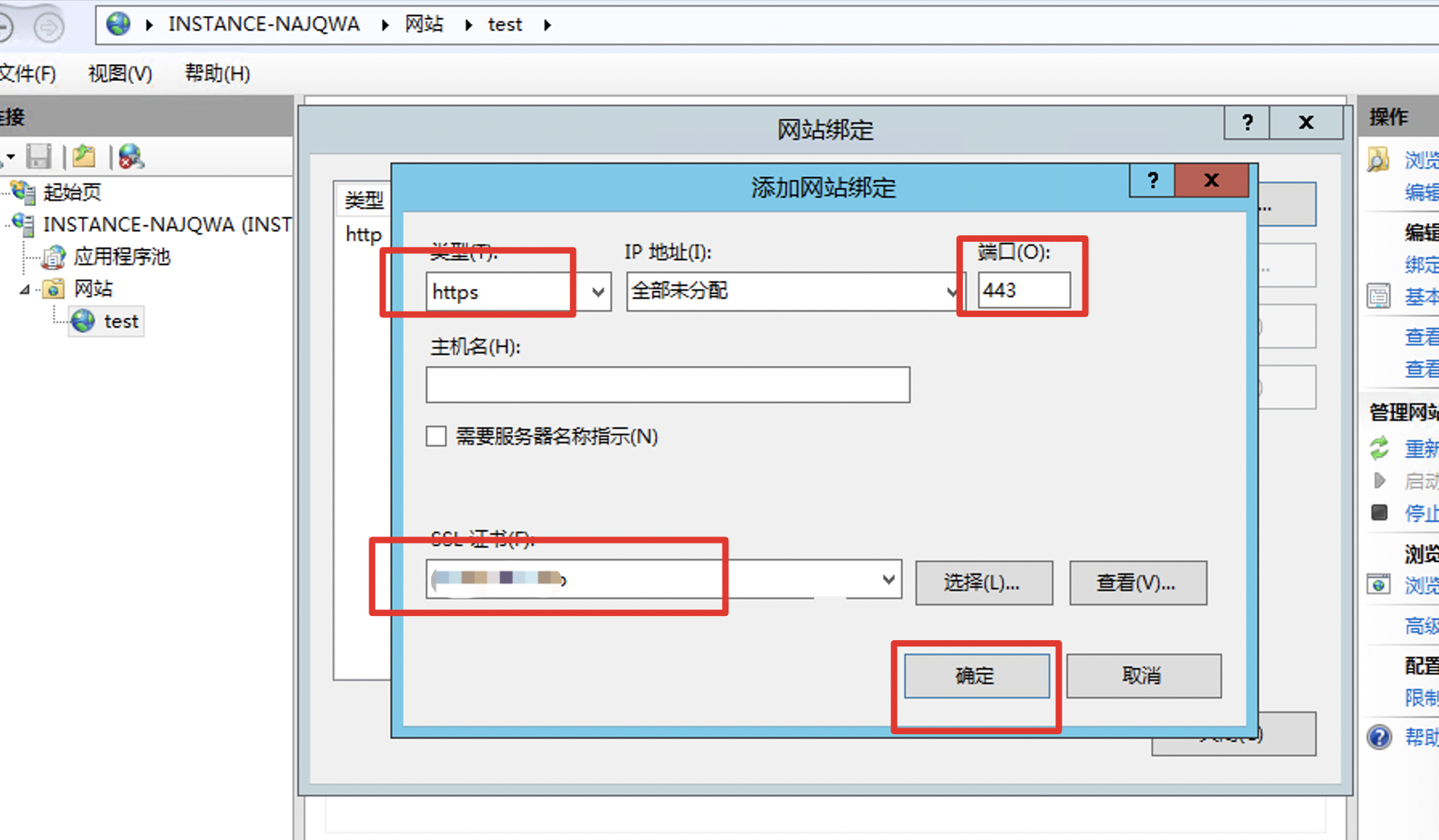
- Bind the certificate to the site:
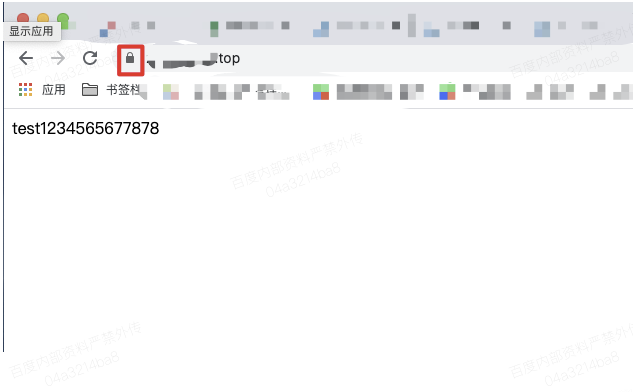
- Verify https access. If there are no security prompts, you can access it normally by https: