Sign in to Windows instance via remote desktop
Updated at:2025-10-20
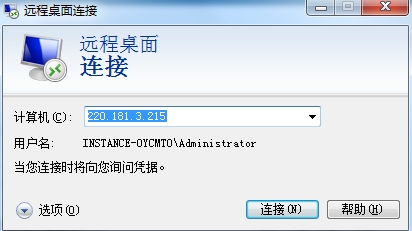
- Sign in to BCC Console and enter the Instance List page. View the summary information of Baidu Cloud Compute to find its public IP.

-
When the Baidu Cloud Compute is in the Running status, start the client for connection.
- For Windows systems, you can sign in using the built-in remote desktop tool or any generic RDP remote desktop client.