

Unbind SSH Key Pair
Updated at:2025-10-20
Prerequisites
The SSH key pair is already bound to a BCC instance. For specific operation, please refer to [Bind SSH Key Pair](BCC/Operation guide/Security/Key pair/Bind SSH Key Pair.md).
Operation steps
- Sign in to BCC Console and enter the Instance List page.
- Click "Key Pair" in the left navigation menu to access the Key Pair List page.
- Choose the region where the SSH key pair you want to unbind is located.
- Locate the key pair to be operated in the Key Pair List, and click Unbind Virtual Machine in the Operation column.
-
In the Unbind Virtual Machine dialog, select the name of the BCC instance for which the key pair needs to be unbound, and then click OK.
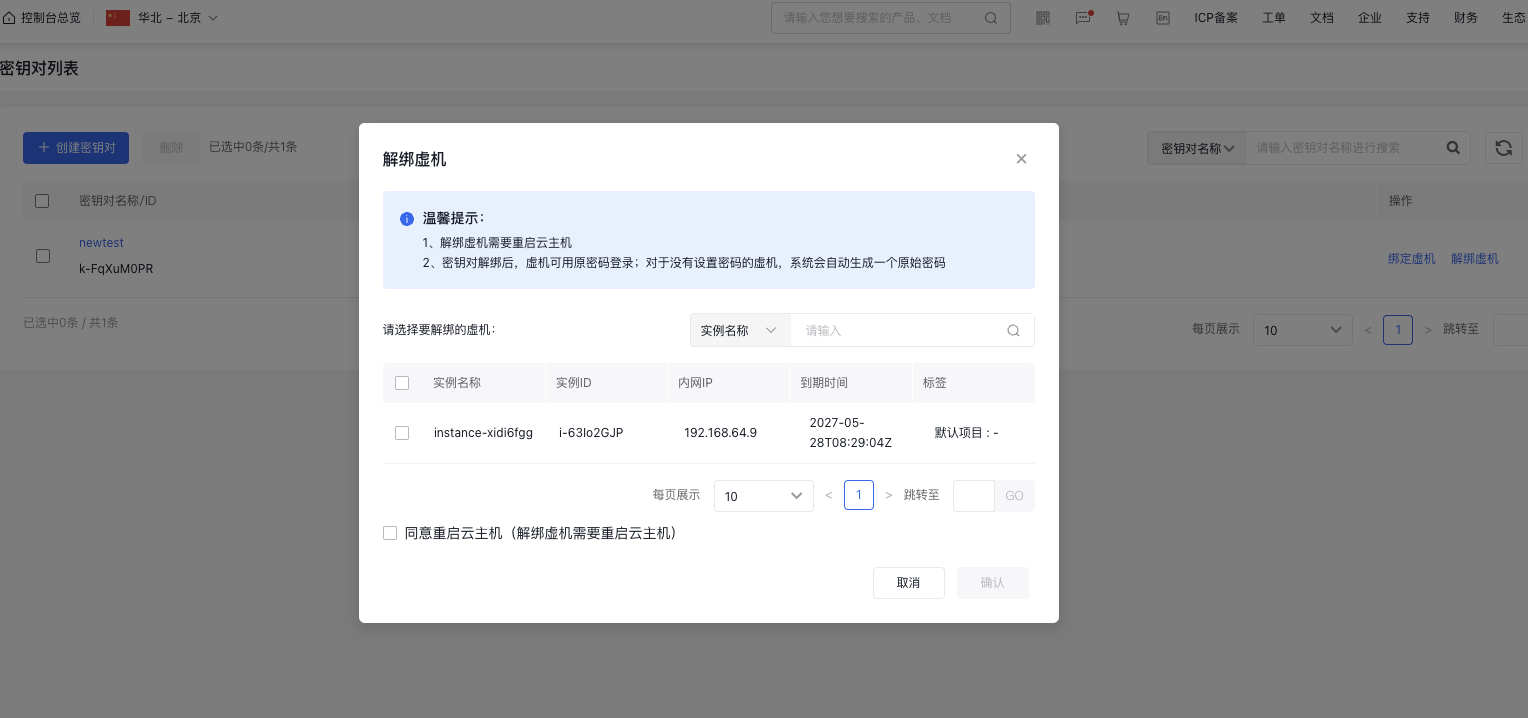
Note: After the key pair is unbound, you can sign in to the virtual machine via the original password. For the virtual machine without a password, the instance password must be reset before it can be used again. For specific operation, please refer to [ Reset Instance Password](BCC/Operation guide/Instance/Reset password.md).