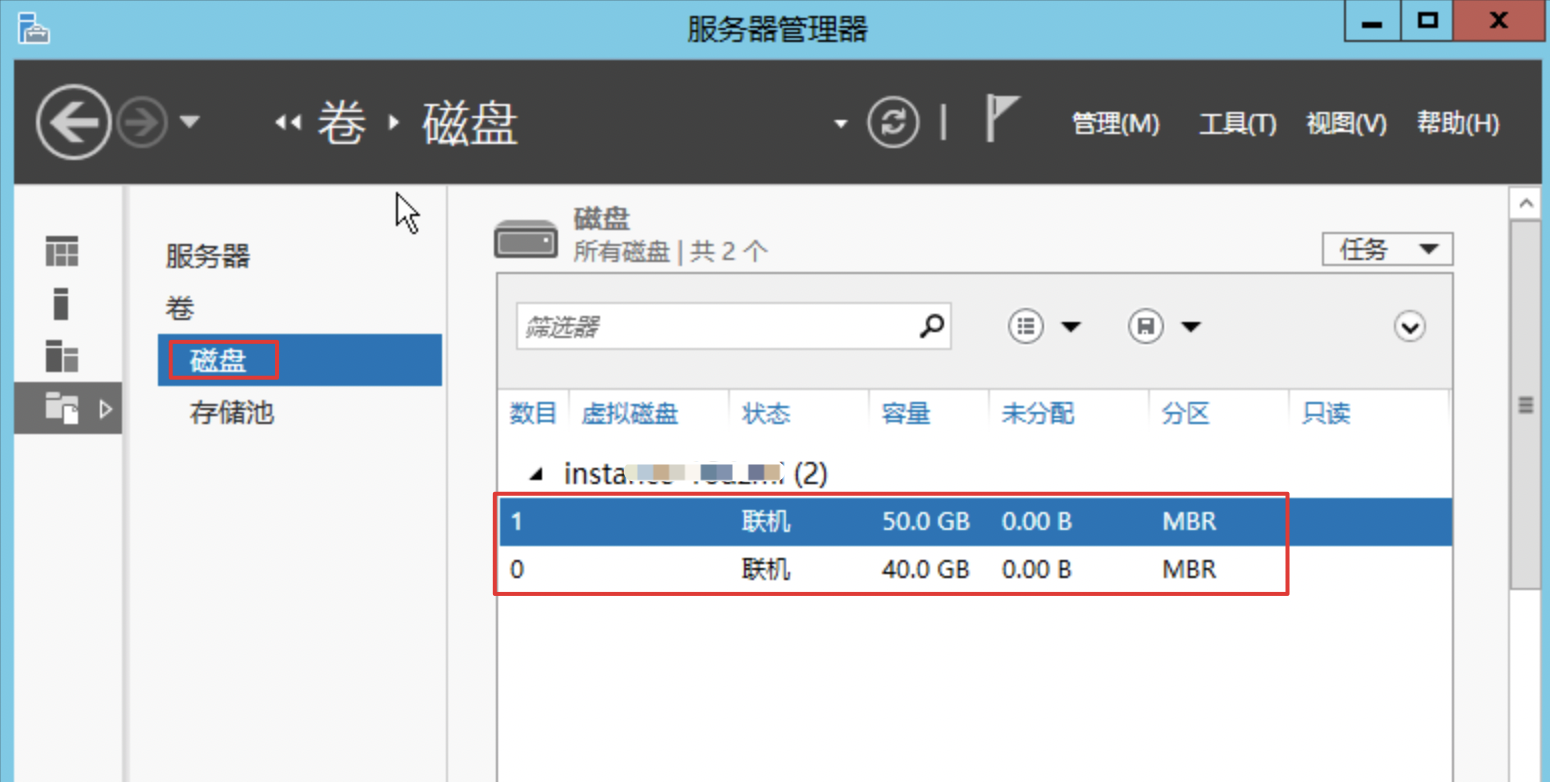
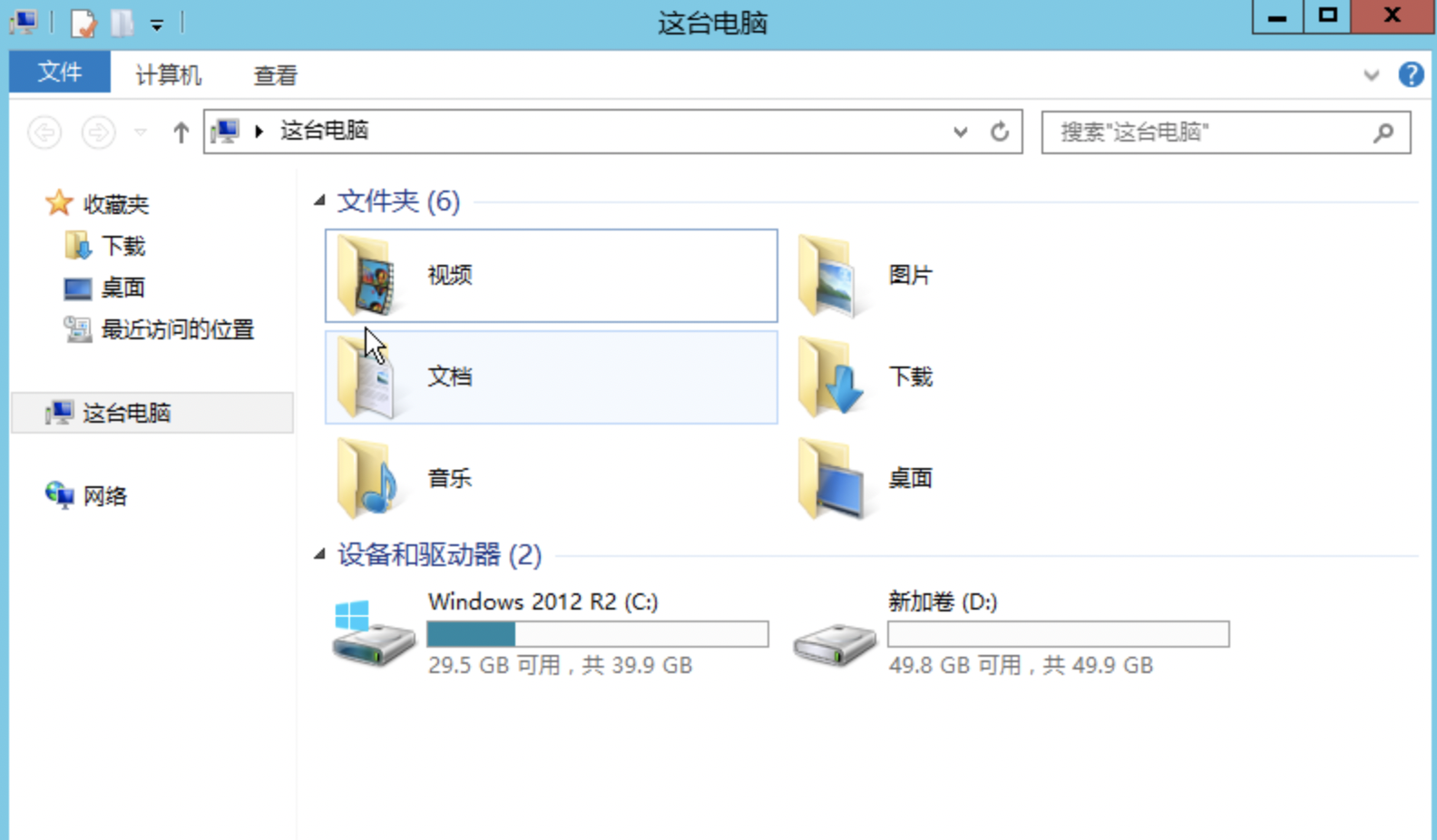
Data Disk Not Displayed After Server Reboot
Updated at:2025-10-20
Problem description
If the data disk is not displayed after server reboot, follow the following steps to check error messages about disk:
- Open Server Manager, navigate to Server Management, and click on File and Storage Services.
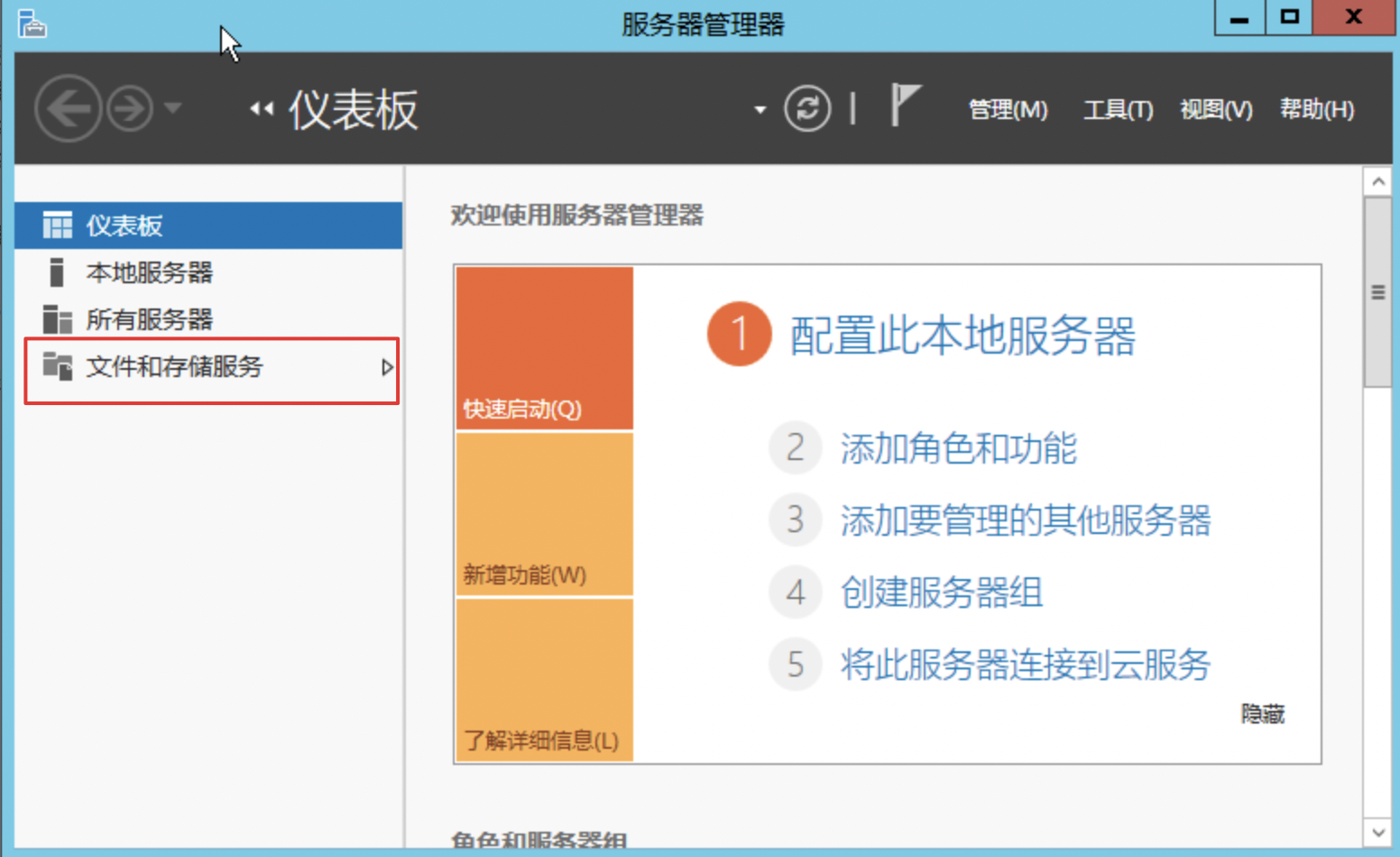
-
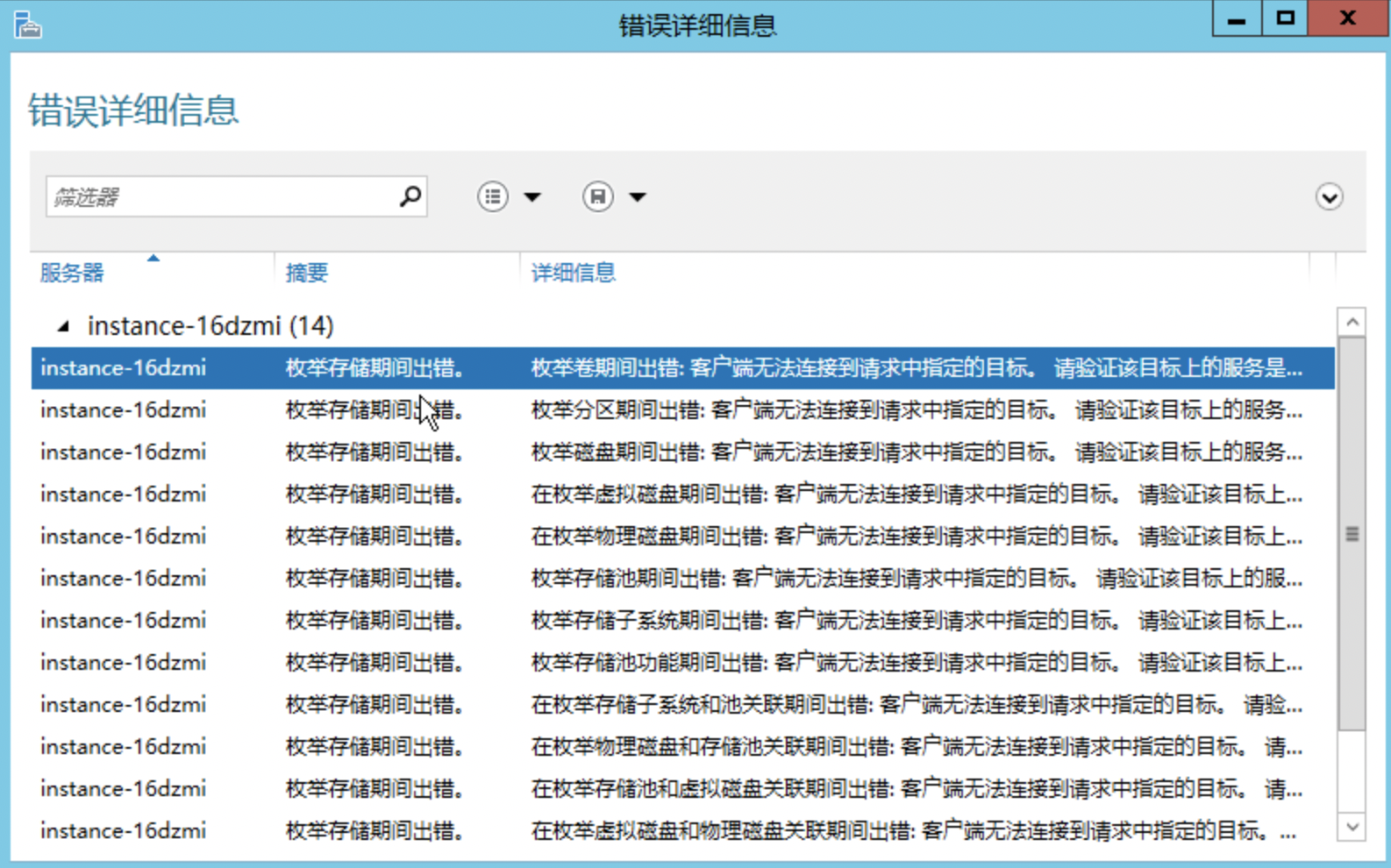
Clicking on Disk displays the following error message.
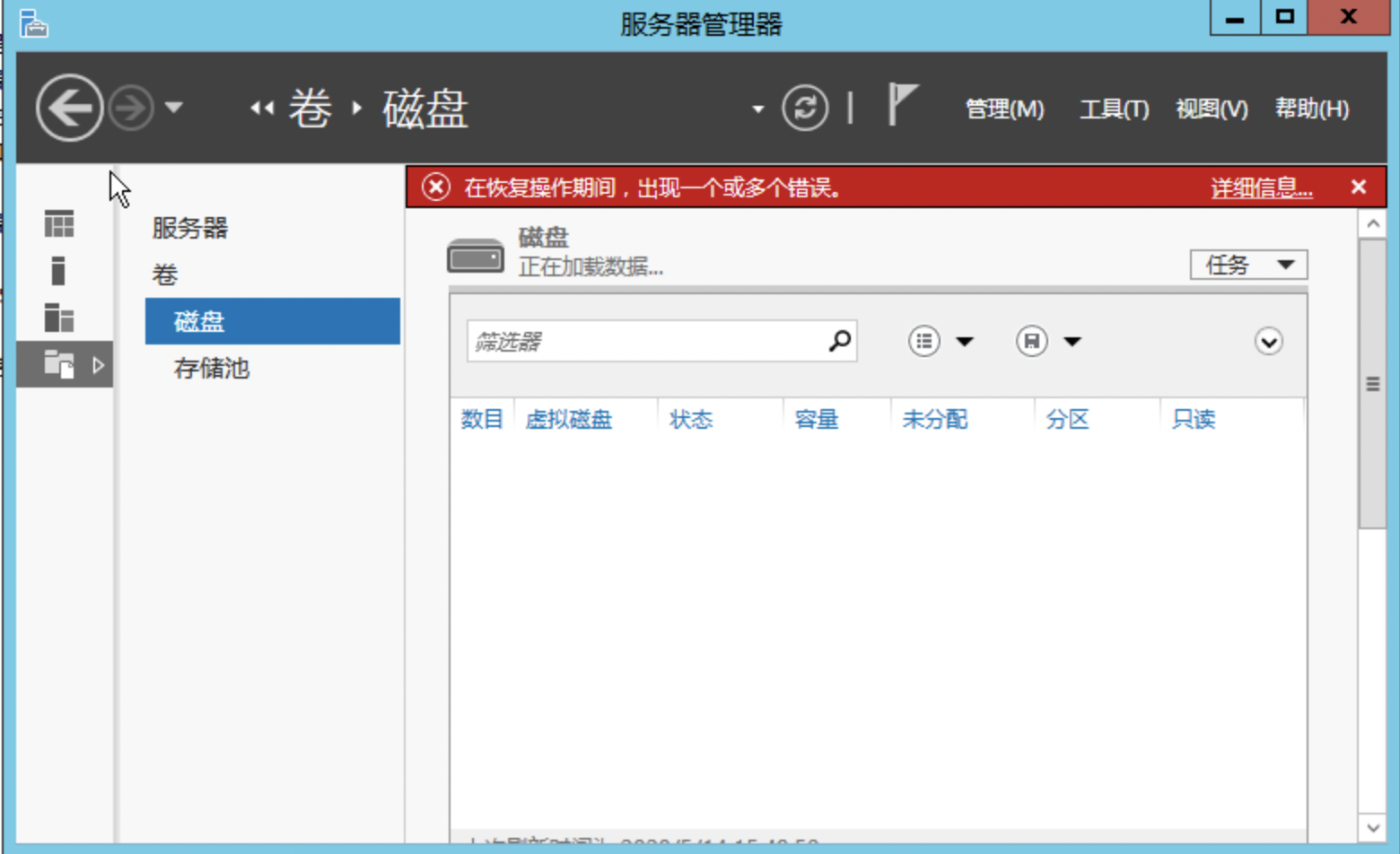
Click Details in the upper right corner; the specific error message is as follows:
Solution
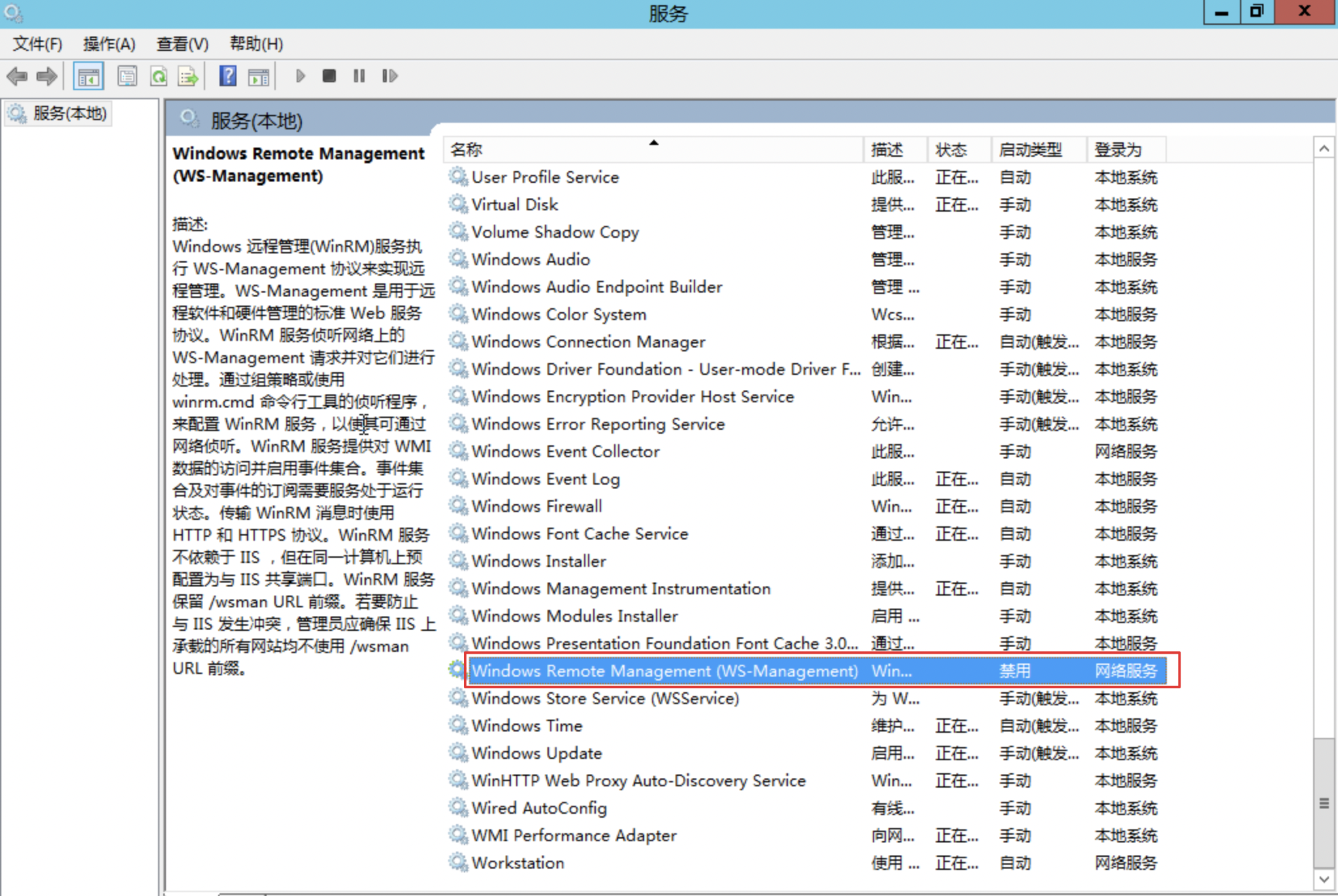
- Open the Services list, find the Windows Remote Management (WS-Management) service, and check its status (this service is enabled by default).
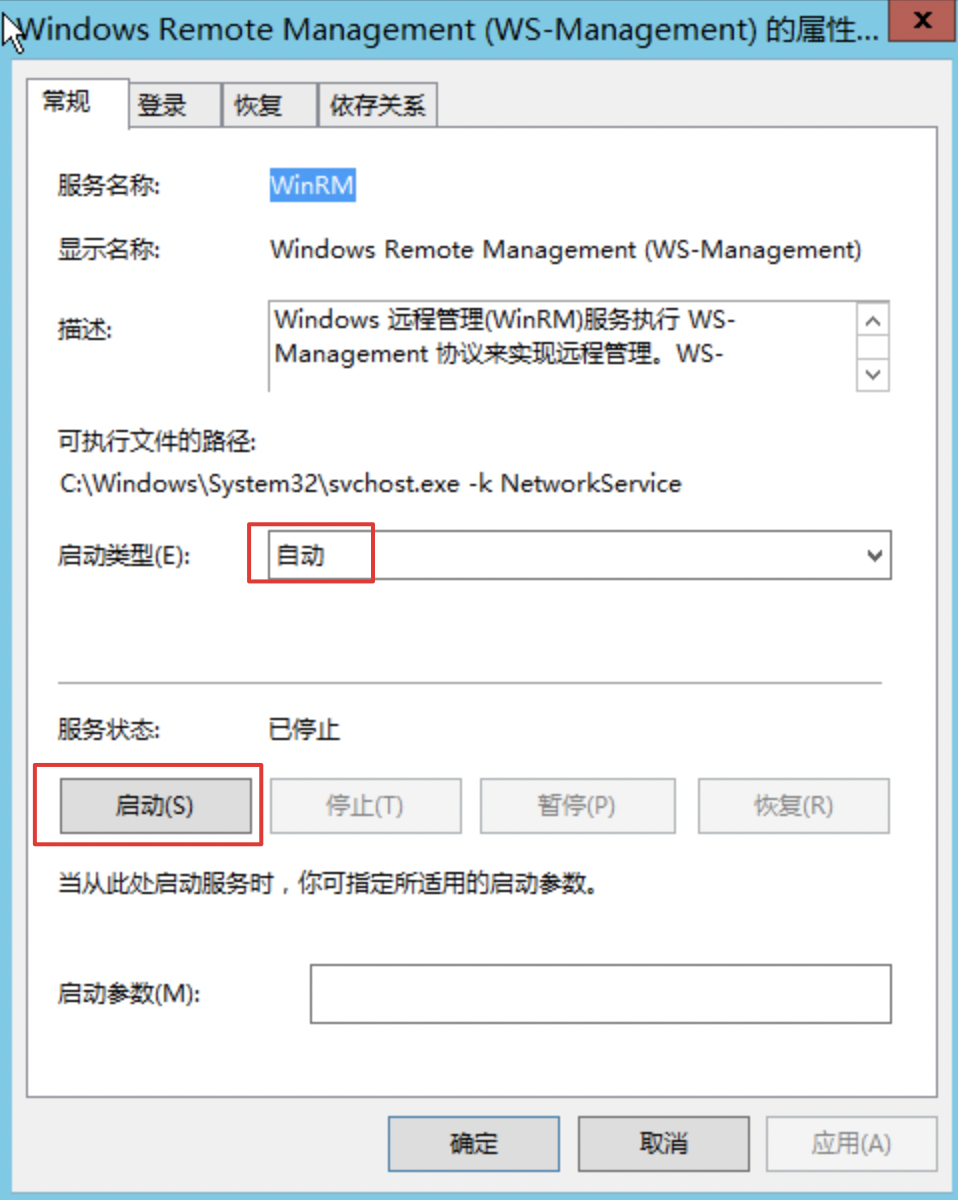
- If the service is disabled, set it to Automatic and then click Start to enable it.
- After enabling the Windows Remote Management (WS-Management) service, reopen Server Manager to check the disk status and confirm that File Explorer is functioning normally.