

Quick Configuration of Windows Baidu Cloud Compute
This document mainly describes how to quickly create a Windows cloud server using the console. To learn about the introductory tutorial for Linux cloud server, refer to Quick Configuration of Linux Cloud Server.
Registration & certification
Before using Baidu Cloud Compute (BCC) of Baidu AI Cloud, you need a Baidu AI Cloud account and must complete the certification. The specific steps are as follows:
- Register and sign in to Baidu AI Cloud Platform. Refer to [Register](UserGuide/Register an account.md#Register a Baidu Account) and Sign in.
- Complete the certification. For details, refer to [Certification](UserGuide/Certification/Basic Introduction to Real-name Verification.md). You can purchase Baidu Cloud Compute (BCC) of Baidu AI Cloud only after the certification.
Create instance
You can create an instance using one of the following two methods.
- Click Purchase Now on the Baidu Cloud Compute (BCC) Product Page.
- Sign in to Management Console, and select Product Service > Compute > Baidu Cloud Compute (BCC). Click Create Instance on the Instance List page.
Set up the following details on the Purchase Product page to finalize the creation of a BCC instance.
Configure basic information
- Fill in the required details on the Basic Information Configuration page, following the prompt message.
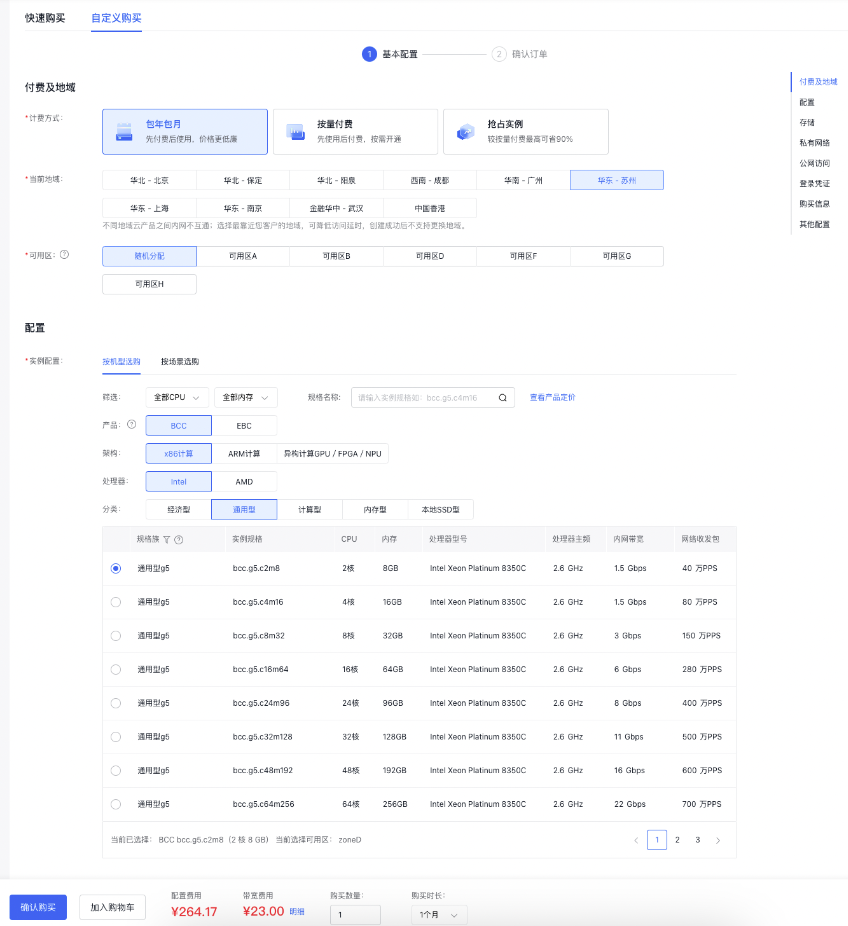
- Click Confirm Purchase, review the purchase information on the Confirm Purchase page, submit the order, and complete payment to successfully create a Windows cloud server.
Sign in to Baidu Cloud Compute
-
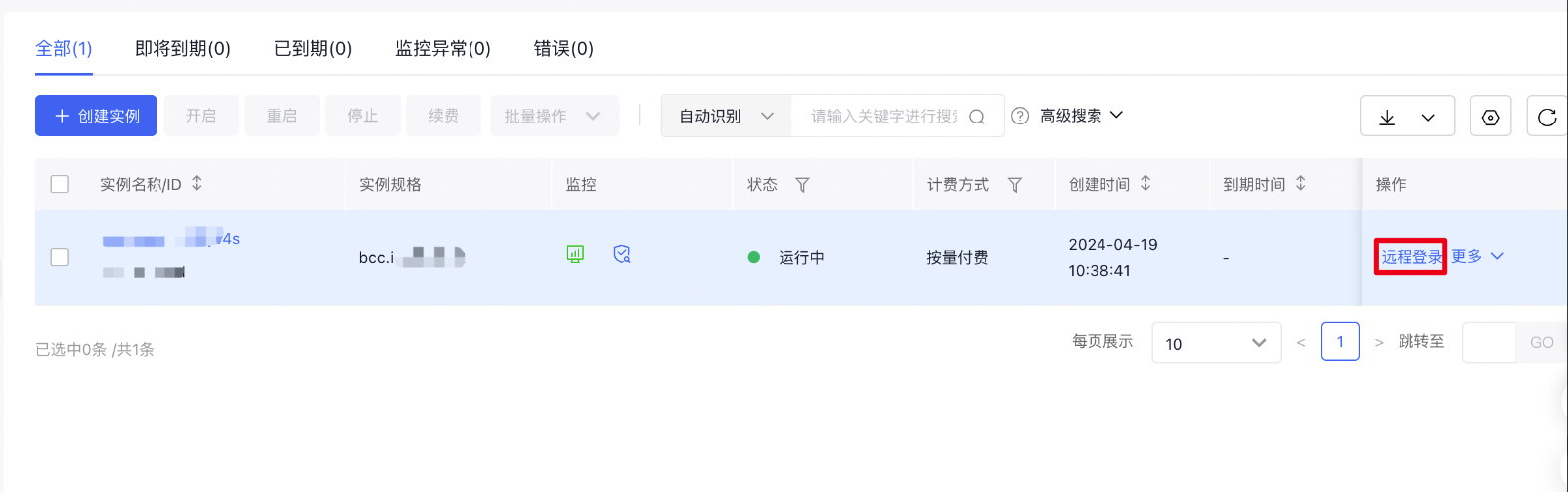
Sign in to Baidu Cloud Compute (BCC) Console, locate the instance you just purchased in the Instance List, and click Remote Connection in the right operation bar. Click Sign in via VNC.
-
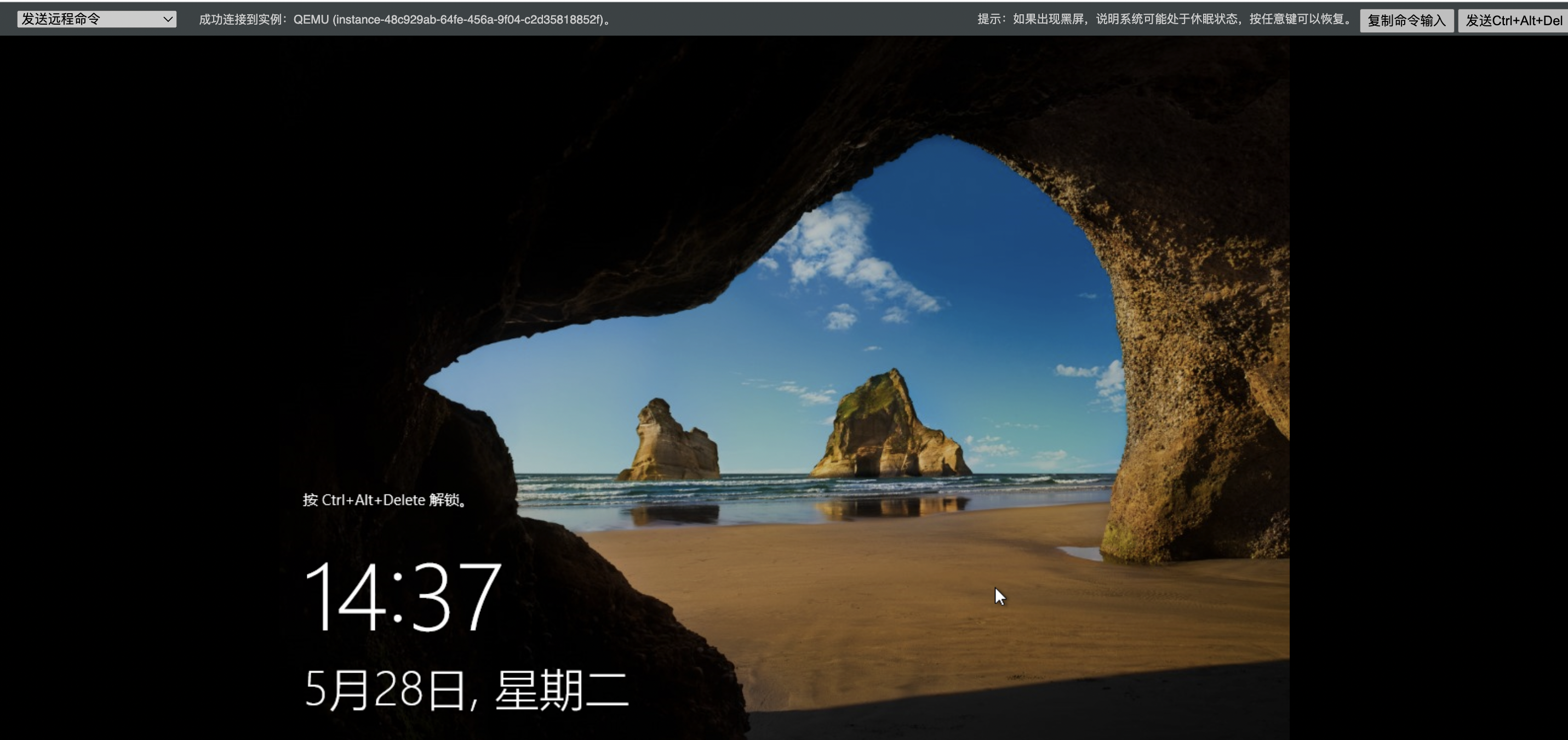
Press "Ctrl + Alt + Delete" or click the Login button located at the top right corner of the page.
-
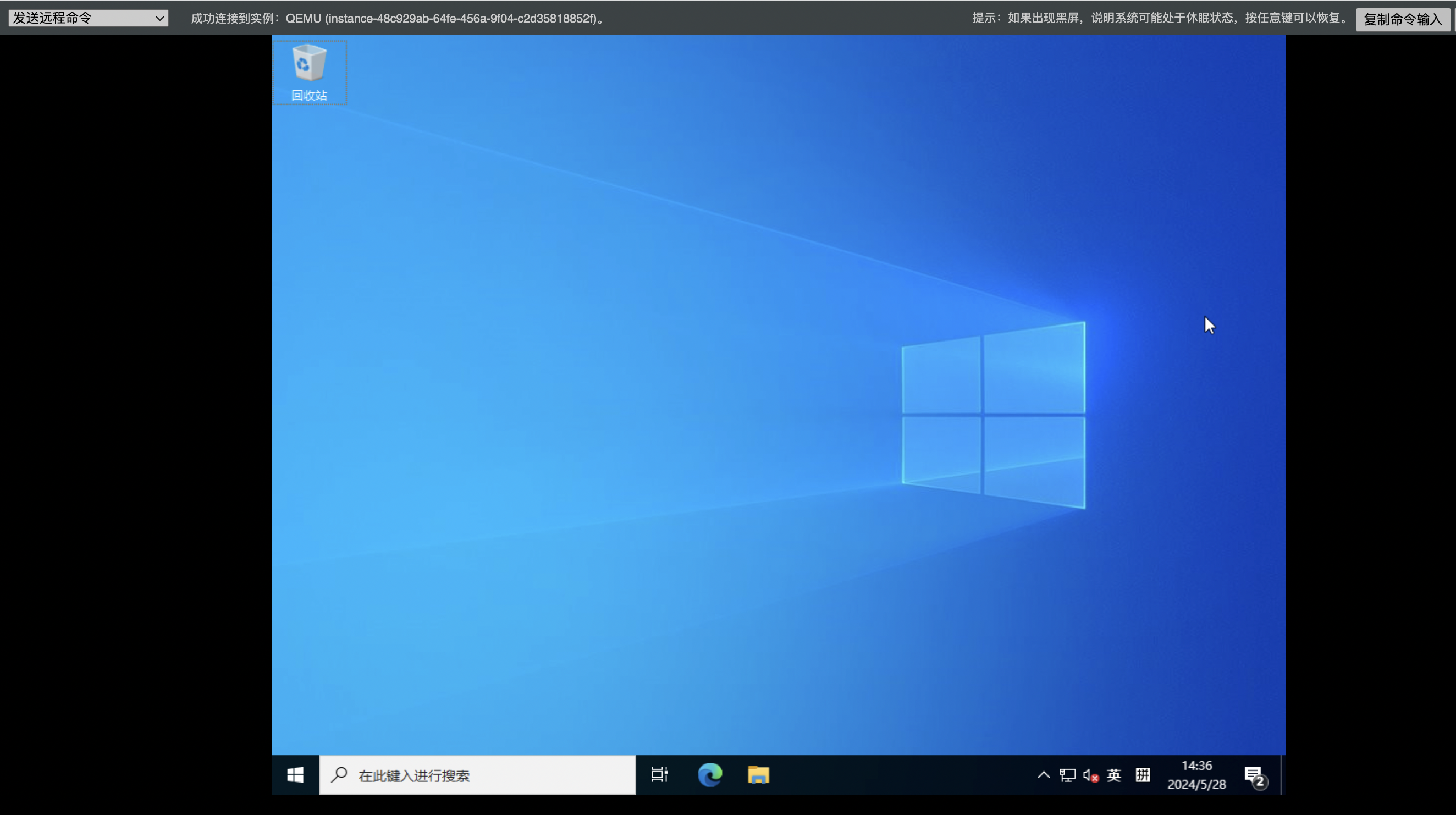
Log in to the host with the administrator password that was set during the creation of the instance.
Note:
You can only remotely log in to instances in the running state using VNC.
You can sign in to BCC instance with other methods: refer to [Login Methods](BCC/Operation guide/Instance/Sign in to instance/Login Method Overview.md).
View bill
-
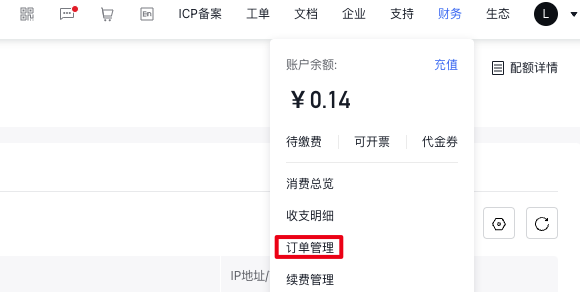
Click Finance - Order Management in the top toolbar of Management Console to access the Order Management page.
-
Select Baidu Cloud Compute (BCC) and your purchase date to check your purchase order information on the Order Management page.

Relevant operations
- Learn about the available Baidu Cloud Compute (BCC) instance family and their applicable scenarios: Specification
- Learn more ways to create Baidu Cloud Compute (BCC) instances: [Instance Creation Guide](BCC/Operation guide/Instance/Create instance/Create Instance Navigation.md)
- Learn about the APIs provided by Baidu Cloud Compute (BCC): [API Overview](BCC/API Reference/Overview.md)
- Learn about operations of Windows cloud server: Windows IIS and FTP Setup Tutorial
FAQs
-
Do you forget the Baidu Cloud Compute (BCC) login password?
Please refer to [Reset Password](BCC/Operation guide/Instance/Reset password.md).
-
Are you unable to remotely connect to the Windows cloud server?
Please refer to [Unable to remotely connect to Windows instance](BCC/Fault handling/Unable to Remotely Connect to Windows Instance.md).