Maintenance Task
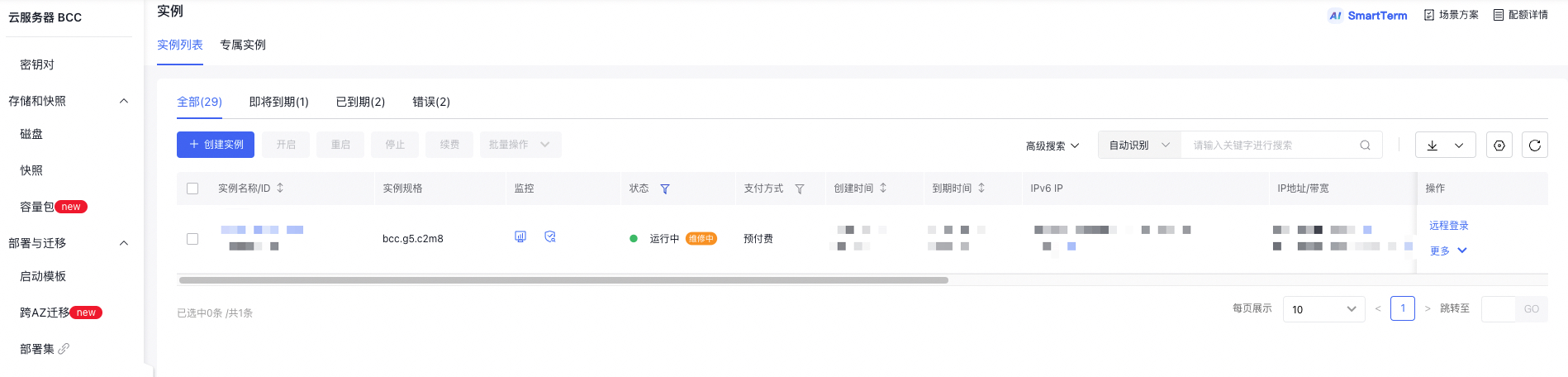
When the repair platform detects an instance fault, it immediately generates a repair task and marks the corresponding instance as "Pending Repair" on the Instance List page.
You can access the Repair Task page to view details such as task ID, associated instance information, and fault description. You can manage repair certifications from here. After generating repair tasks, Baidu AI Cloud will also send notifications based on your preset alarm policies in BCM (Baidu Cloud Monitor) and provide corresponding resolution suggestions.
Note: To ensure you receive fault alert notifications, verify that the HAS Agent (fault monitoring component) is installed, operating online, and the corresponding alert policy is configured in BCM.

Authorize maintenance
You can filter repair tasks with an "Uncertified" status and opt for "Certified" repair or "Postpone Processing" on the repair platform.
- "Certified": Certify to initiate fault repair operations. Ensure services are offline before certification. Once certified, the instance will transition to "Under Repair" status, and the repair task will be marked as "In Progress.\
- "Postpone Processing": If certification is unavailable and services cannot be taken offline, or in cases of redundant hardware faults, you may select "Postpone Processing." Once data backup or service migration is completed later, you can schedule a "Certified" repair.

Confirm repair result
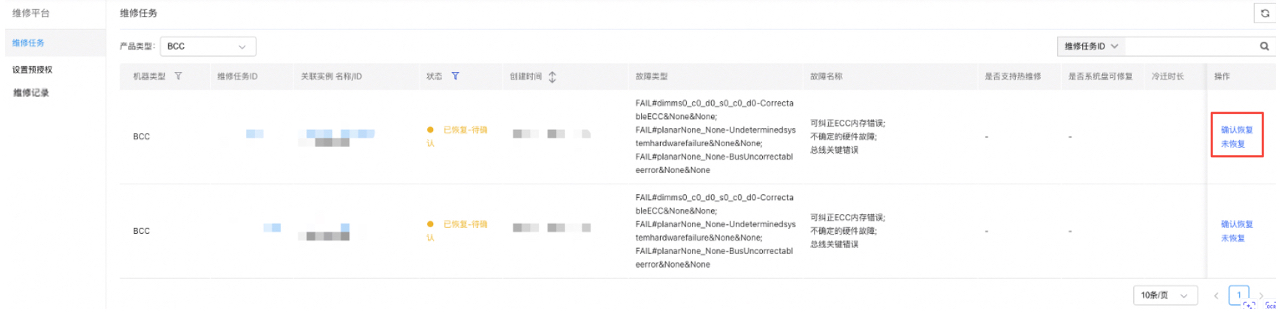
Upon completion of instance repair, select either "Confirm Recovery" or "Not Recovered" for further actions.
- "Confirm Recovery": Confirm that the machine has been restored. Historical repair records can be viewed under "Repair Records.\
- "Unrecovered": Indicate that the machine has not been restored; the repair process will continue.
View task details
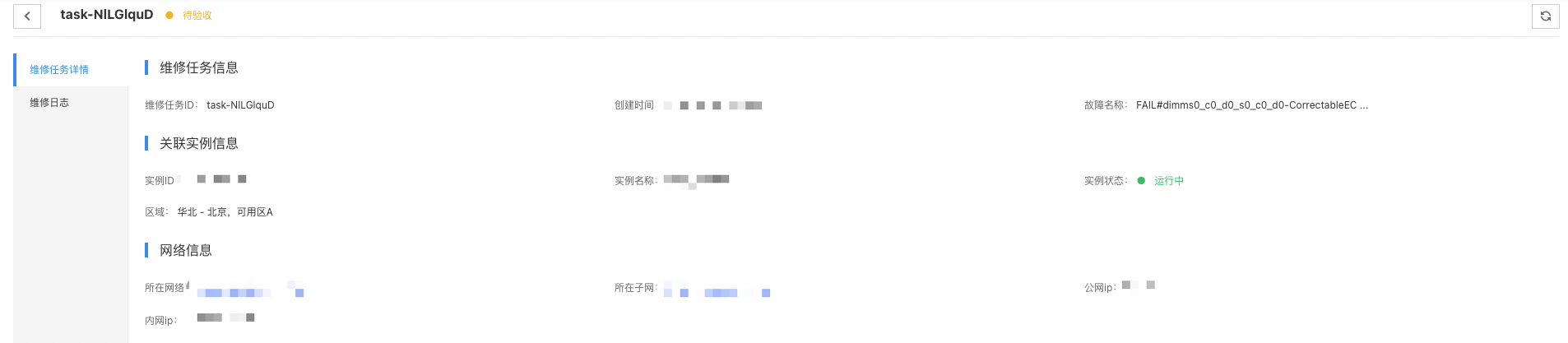
- Click on the Repair Task ID to view its details.
Query pending repair instance
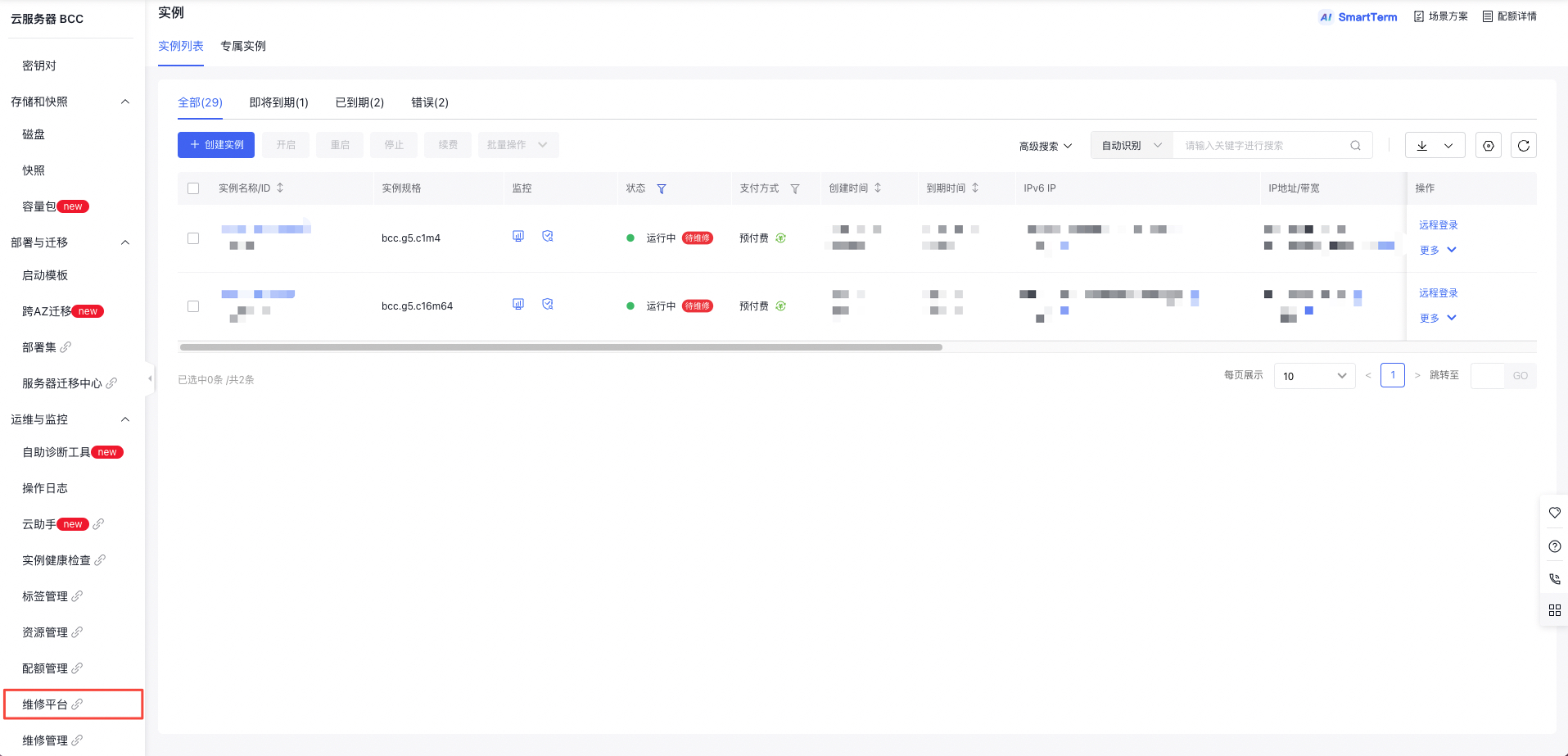
- You can filter instances with "Pending Repair" status in the "Instance List" on console's "Instance" interface, and query specific repair information in the "Repair Platform".
- After certifying repair for faulty instances, their status will change to "Under Repair." You can filter instances with "Under Repair" status in the "Instance List" of the console's Instance interface** and query further repair progress on the repair platform.