

Disassociate security group
Updated at:2025-10-20
Background
You can remove the cloud server instance from a security group based on your business needs.
Prerequisites
The cloud server instance is already connected to two or more security groups.
Operation steps
- Sign in to BCC Console and enter the Instance Inventory page.
- Under the Instance Name column, select the instance to be disassociated with security group, and click the Instance Name link to enter the Instance Details tab.
-
Select the Security Group tab, choose the security group to be disassociated from the List of Associated Security Groups, and then click Disassociate, as shown in the figure.
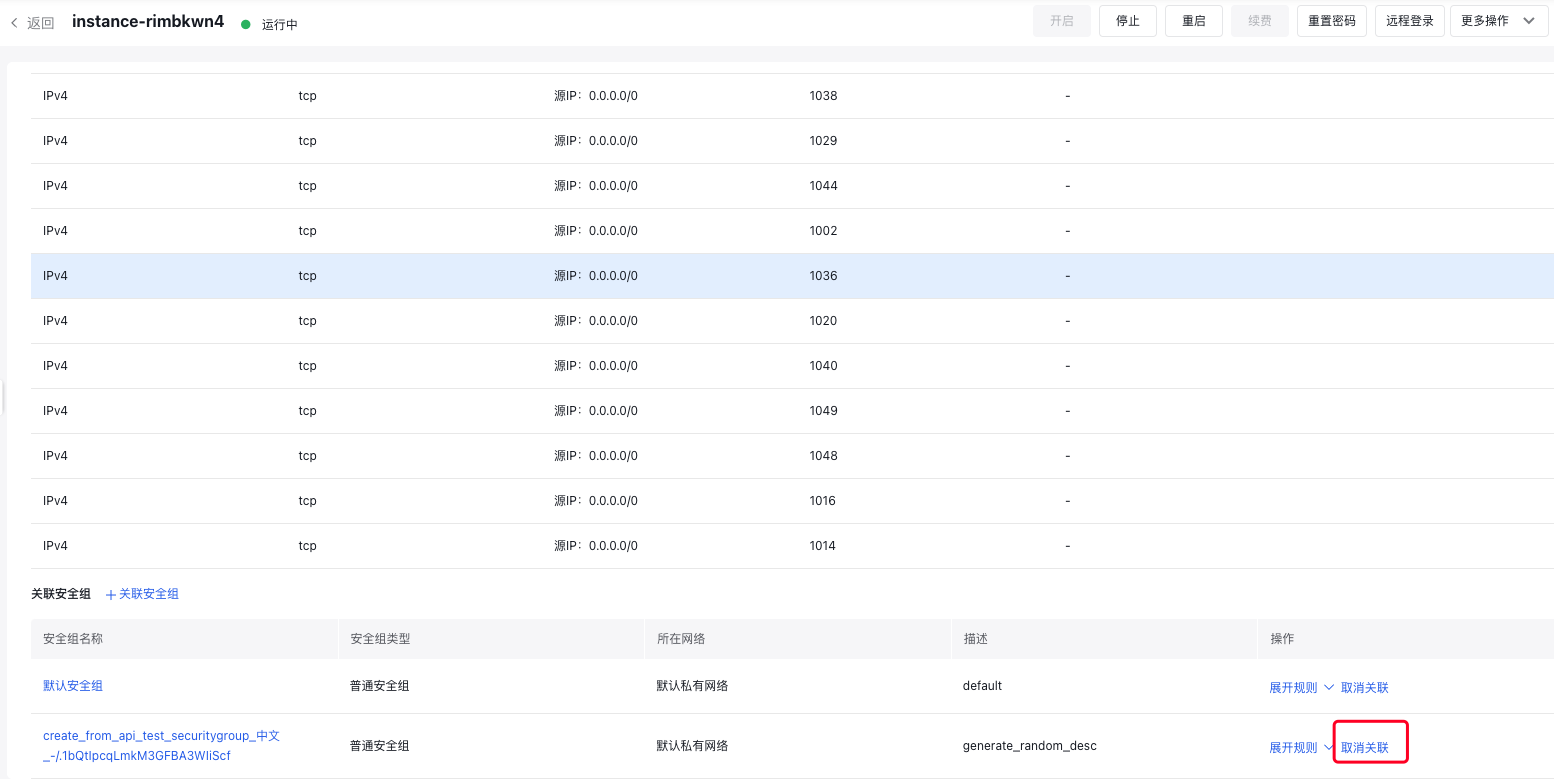
- The instance will be removed from the associated security group.