Desktop and Application Color Turning Black Handling Method
Updated at:2025-10-20
This document takes Windows 2012 as an example to explain the steps and methods for adjusting background colors when desktop and application backgrounds change.
- Use Windows' built-in remote connection tool to sign in to the server. If the remote connection fails, opt for VNC for logging in.
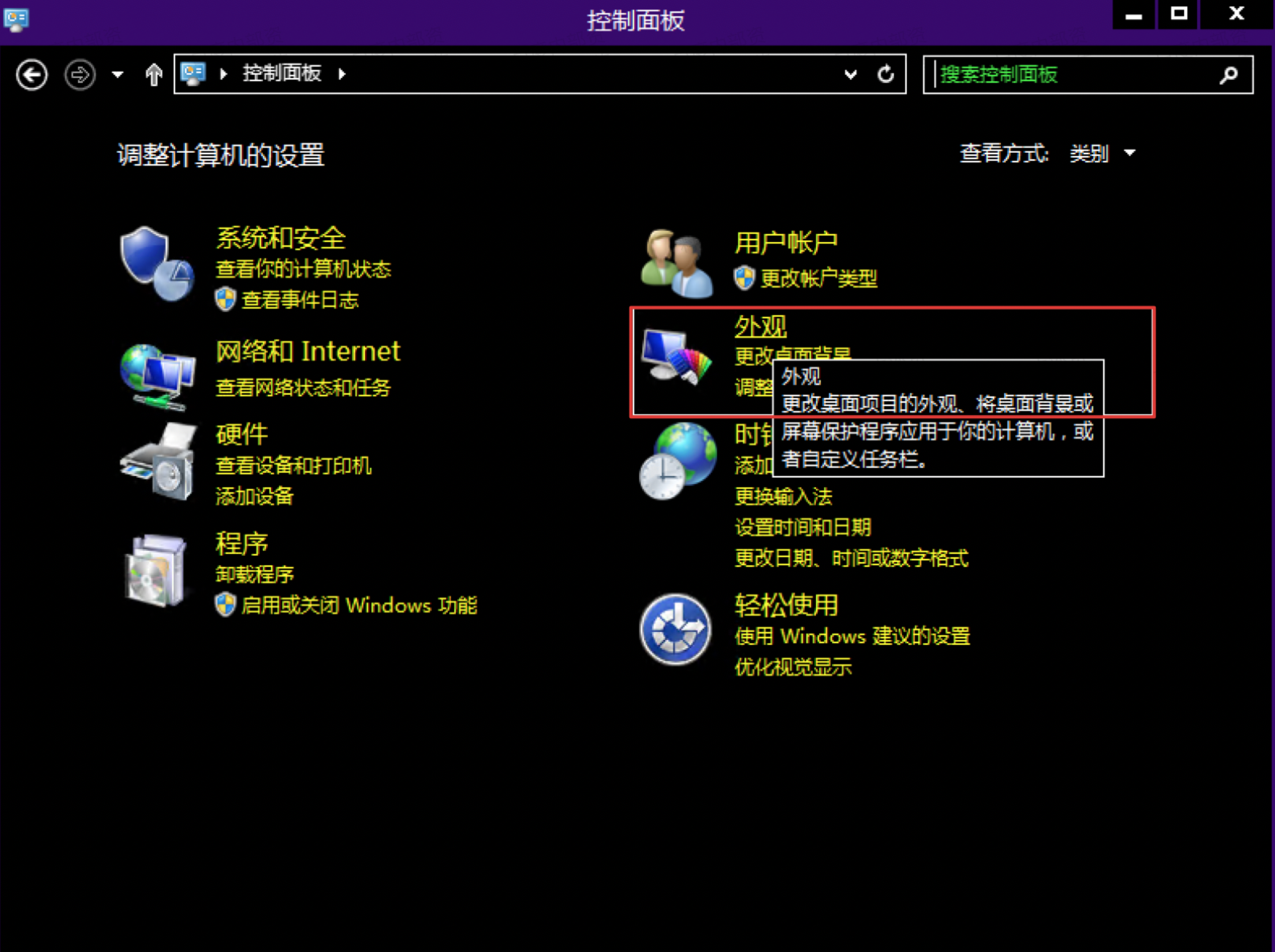
- Open the control panel, and click Appearance on the Control Panel page to access the Appearance Configuration page:
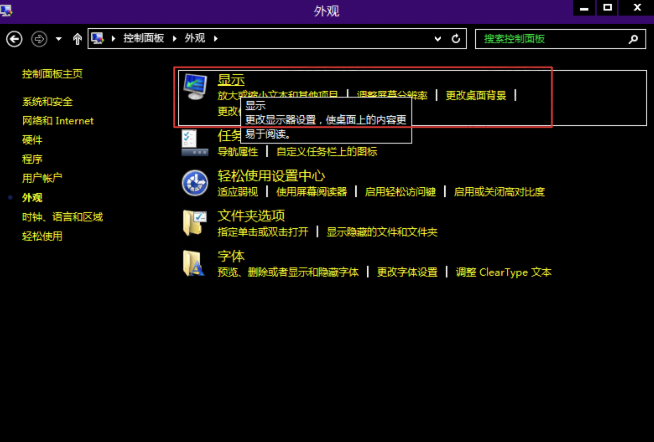
- Click the Display icon to modify the System Display Configuration page:
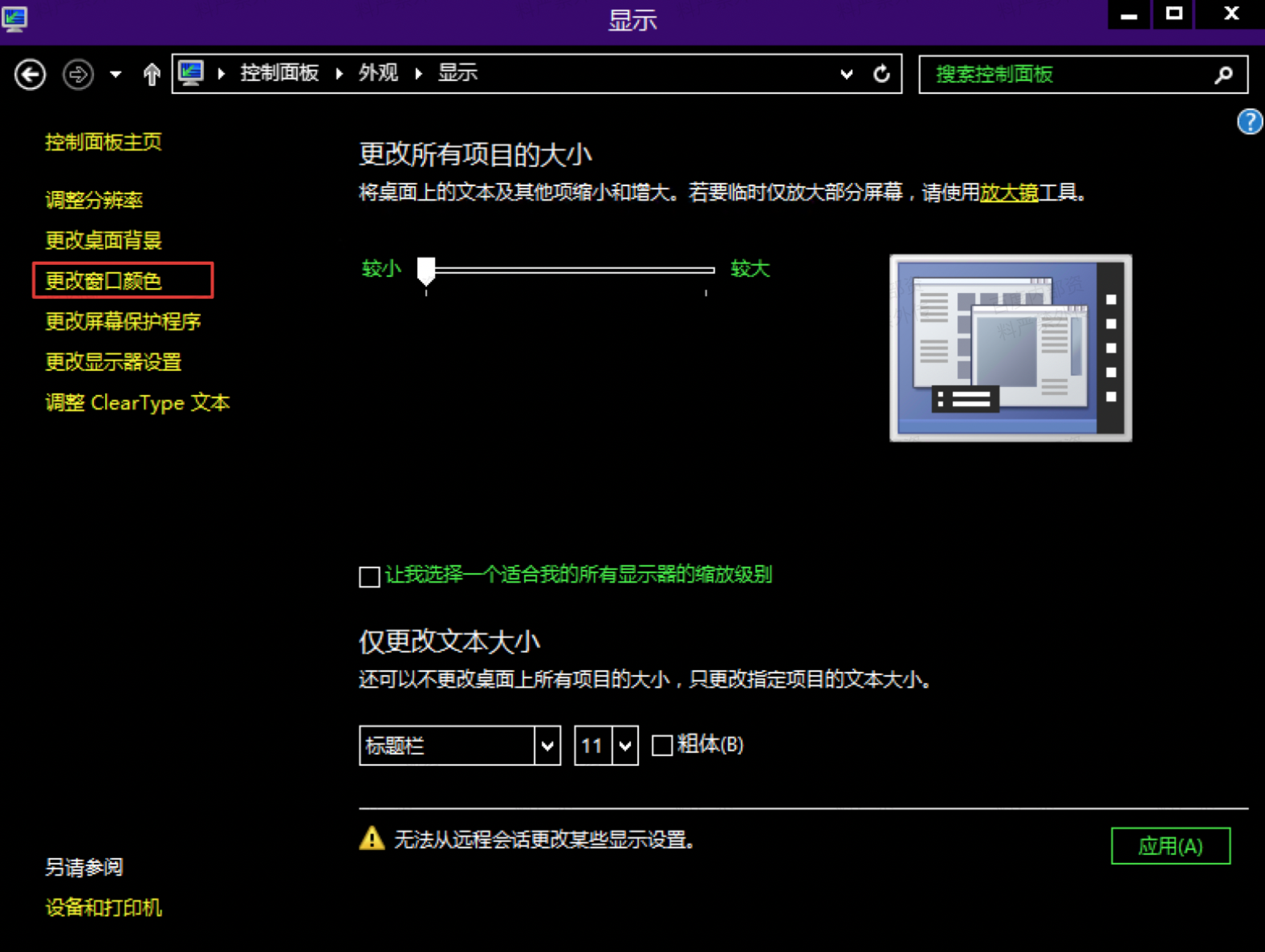
- Click the Change Window Color on the left:
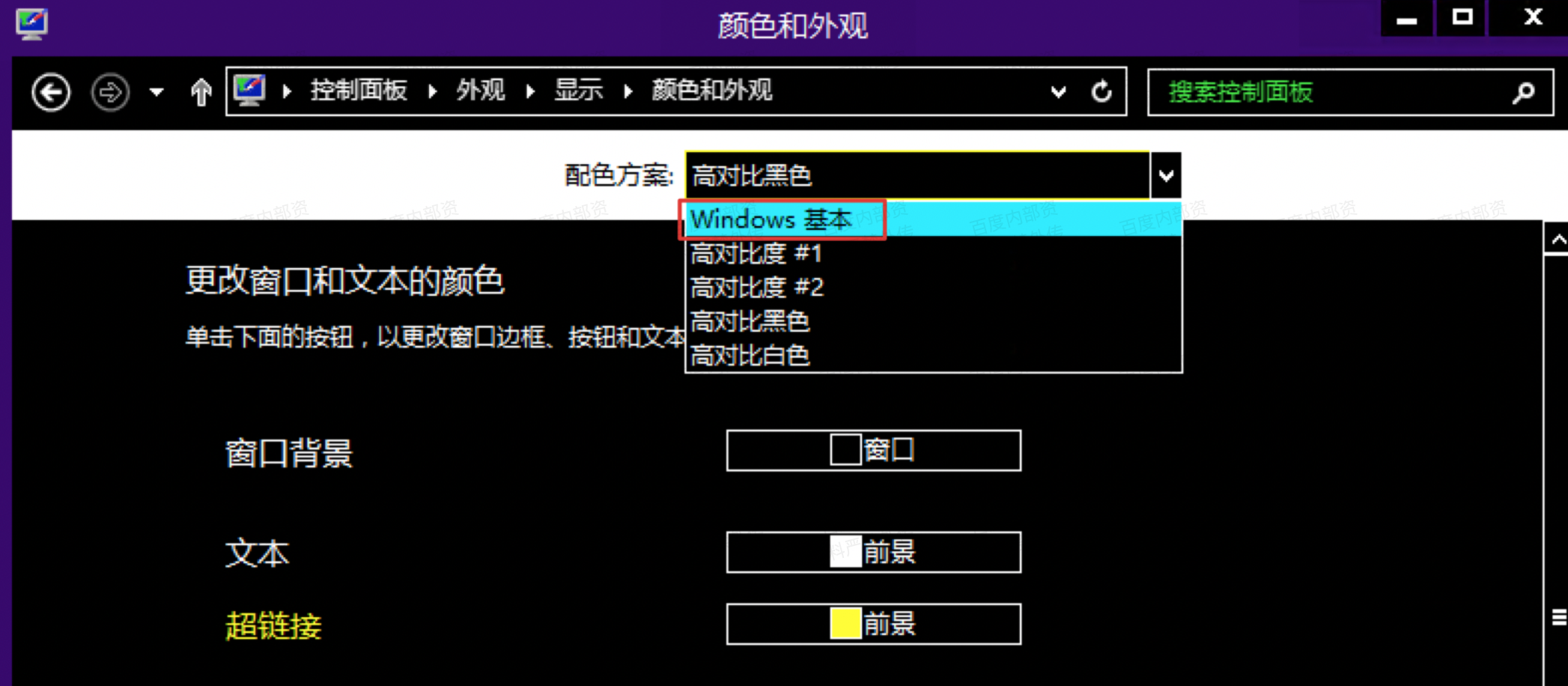
- Select Windows Basic for the Color Scheme, click Save, and after the modification is completed, you will see that the desktop and application background colors have returned to normal: