

Configure Dual Network Interface Card External Network Access for Windows Baidu Cloud Compute
Updated at:2025-10-20
Prerequisites
An EIP will automatically be assigned during instance purchase, enabling the primary network interface card to access the internet normally.
Operation steps
Purchase elastic network interface
- Select Elastic Network Interface on the Virtual Private Cloud (VPC) interface
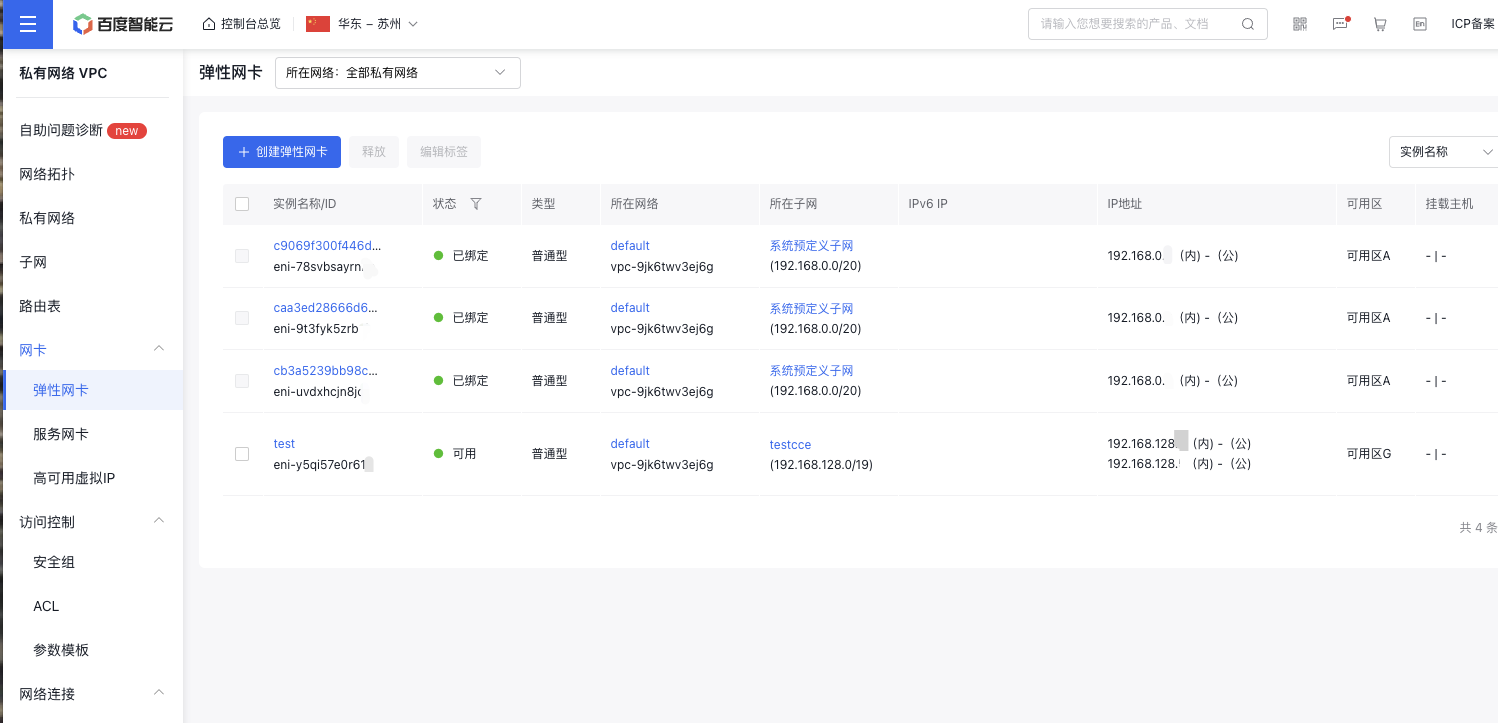
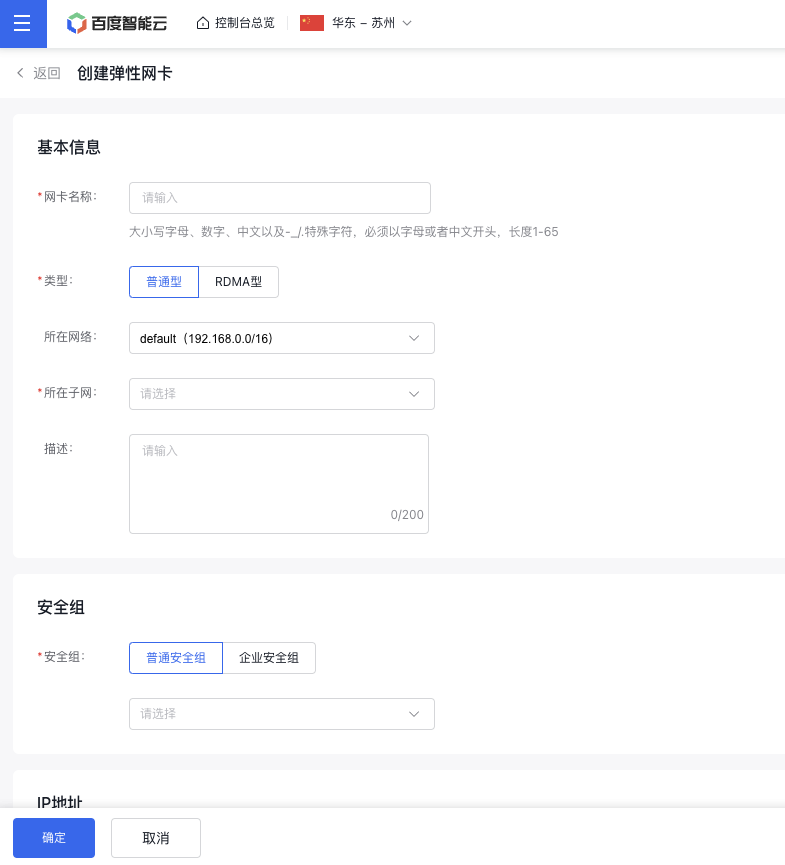
- Click Create Elastic Network Interface, and fill in the relevant information
The network belonged, subnet belonged and security group must match those of the primary network interface card
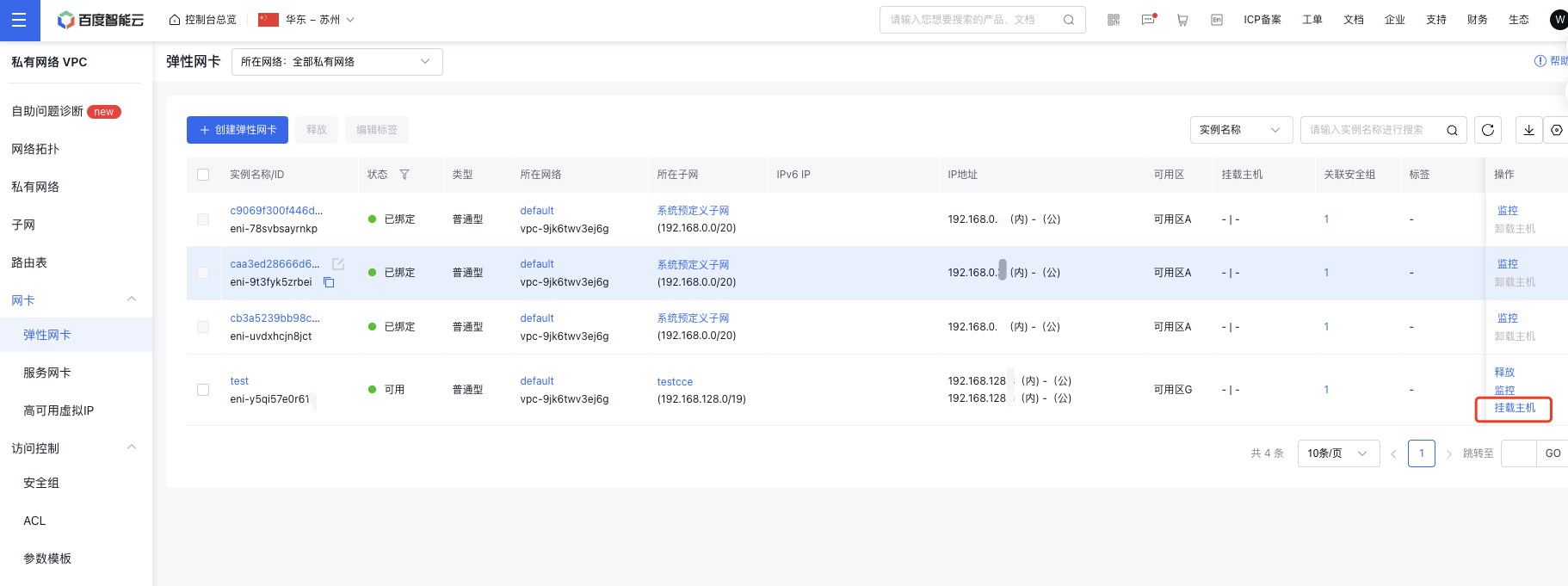
- After being created, the elastic network interface can be mounted to the corresponding virtual machine on the Elastic Network Interface List interface or the Virtual Machine Information interface
Purchase an EIP
- You can create an EIP instance on the EIP page
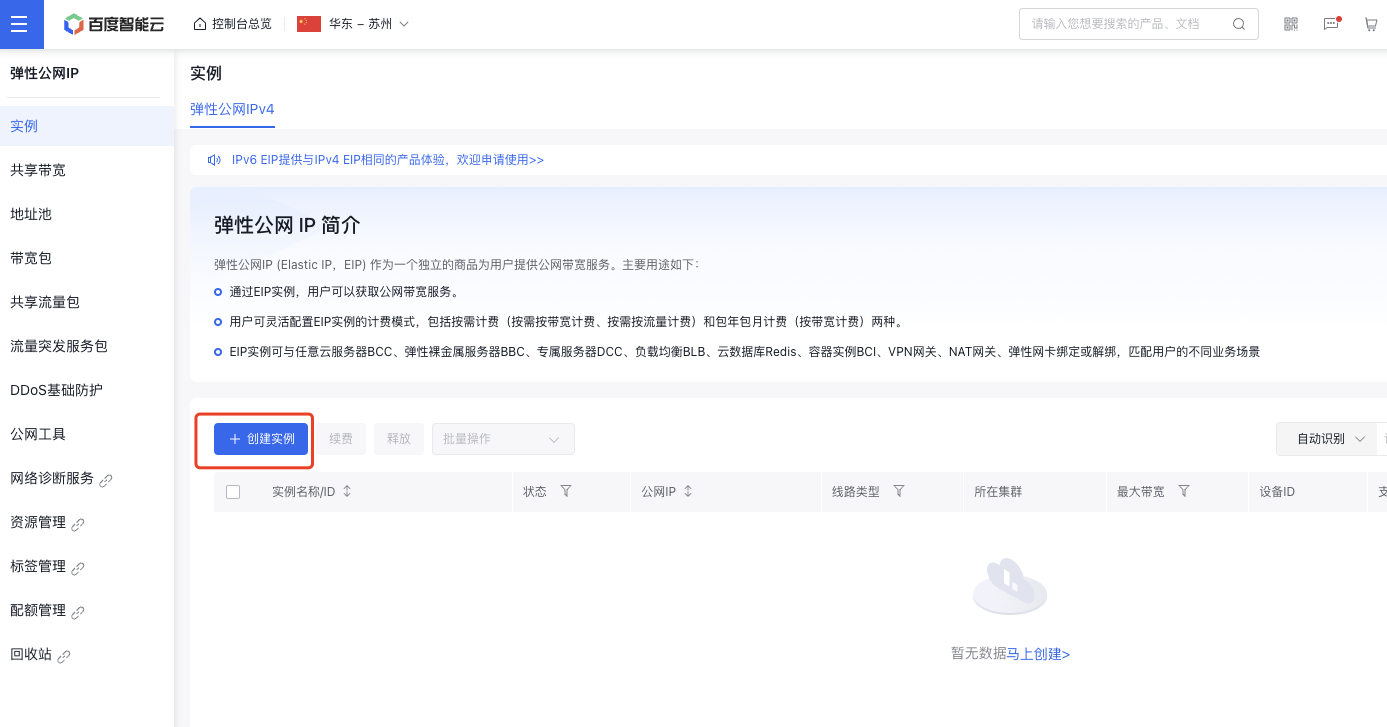
- Click Create Instance, then select Bill Type, Public Network Bandwidth, Purchase Period, Number of Purchases, etc. on the Create Instance page. The purchase process is now completed.
- Bind an EIP to the Elastic Network Interface on the Baidu Cloud Compute Information page
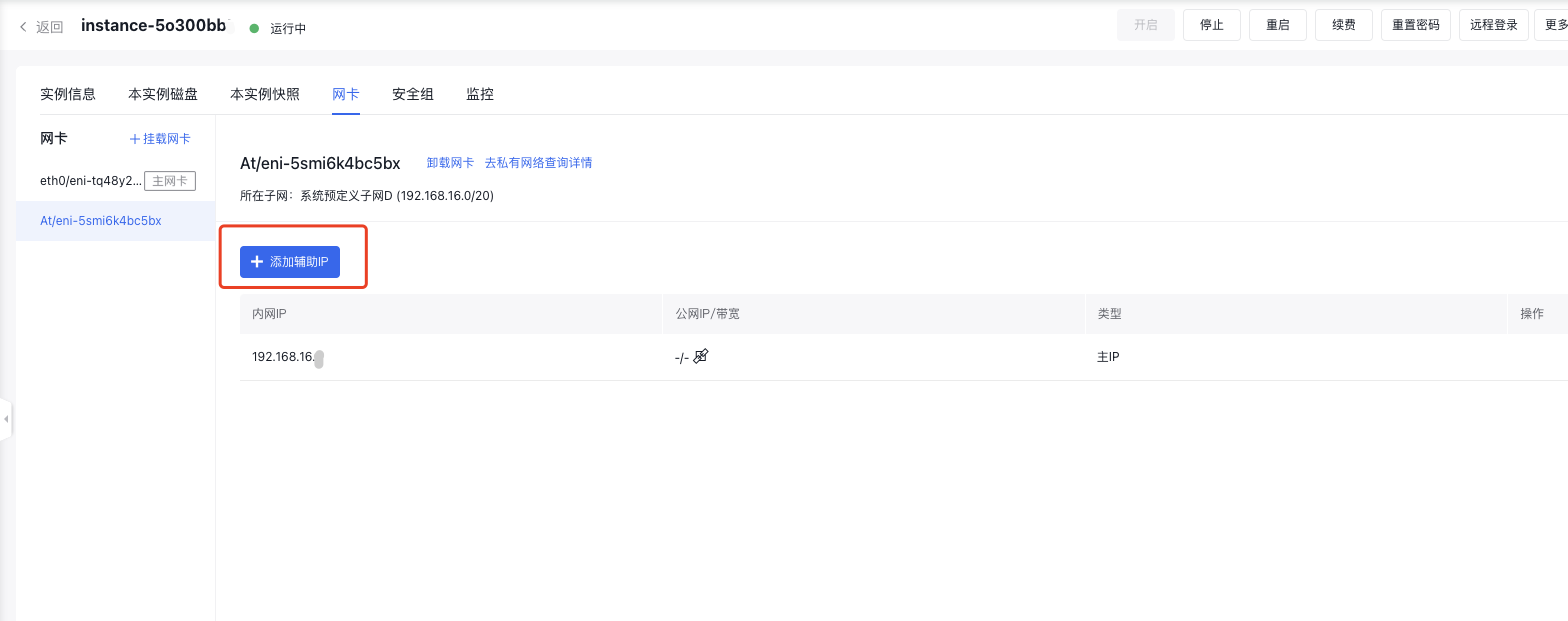
- The extended elastic network interface can now access the public network