CentOS 8 Install Graphical Interface and Connect Using VNC Viewer
This guide explains how to install a graphical interface in a Baidu AI Cloud Public Image CentOS8 environment and connect locally using a VNC client.
Note: Using a graphical desktop can greatly impact server performance. Incorrect installation may prevent the OS from booting normally. Be sure to back up by creating a manual snapshot for the BCC instance to allow rollback in case of problems.
Step I: Install the desktop environment on BCC.
Step II: Install VNCserver service.
Step III: Connect to the instance using the viewer client software.
Prerequisites
- Ensure that security groups and firewalls permit Port 5901 (vncserver port).
- Download VNC Viewer client connection software.
Install the desktop environment on BCC
- Connect to the server either remotely or through VNC.
- Install the graphical desktop software package.
yum groupinstall "Server with GUI" -y
1- Set the graphical mode as the default startup mode.
systemctl set-default graphical
1- After restarting, you can log in to the graphical interface.
reboot
1Install VNCserver service
- Install the required software packages.
yum install tigervnc-server tigervnc-server-module -y
1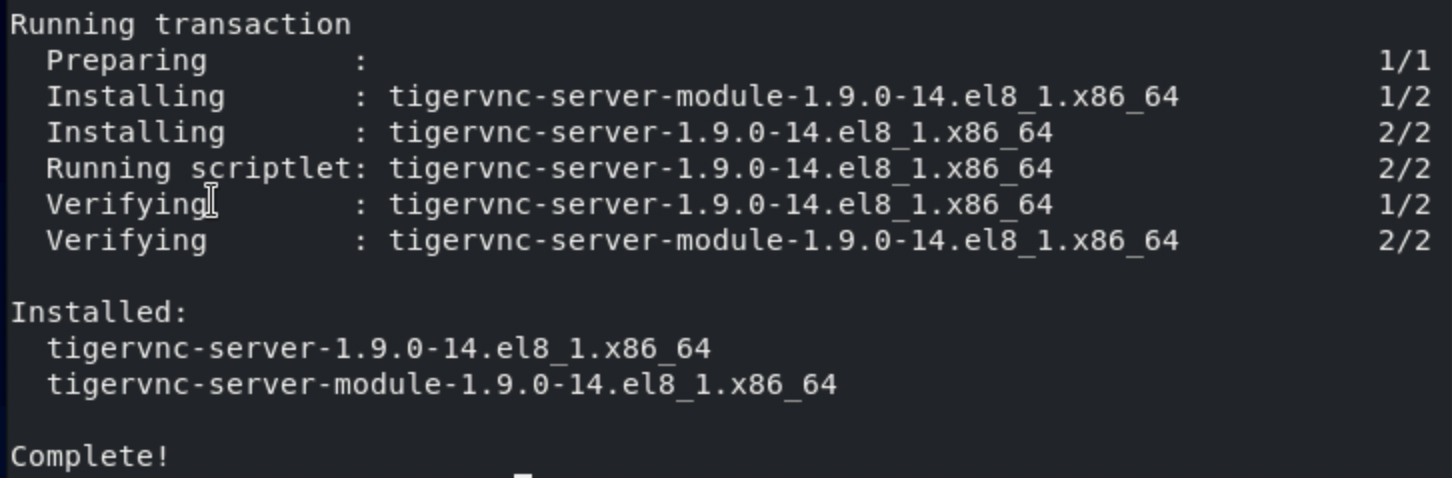- Set up the VNC password.
Vncpasswd

Annotation:
Password: Enter the password for the first time.
Verify: Confirm the password.
Would you like to enter a view-only password (y/n)?: Whether to create a read-only user.
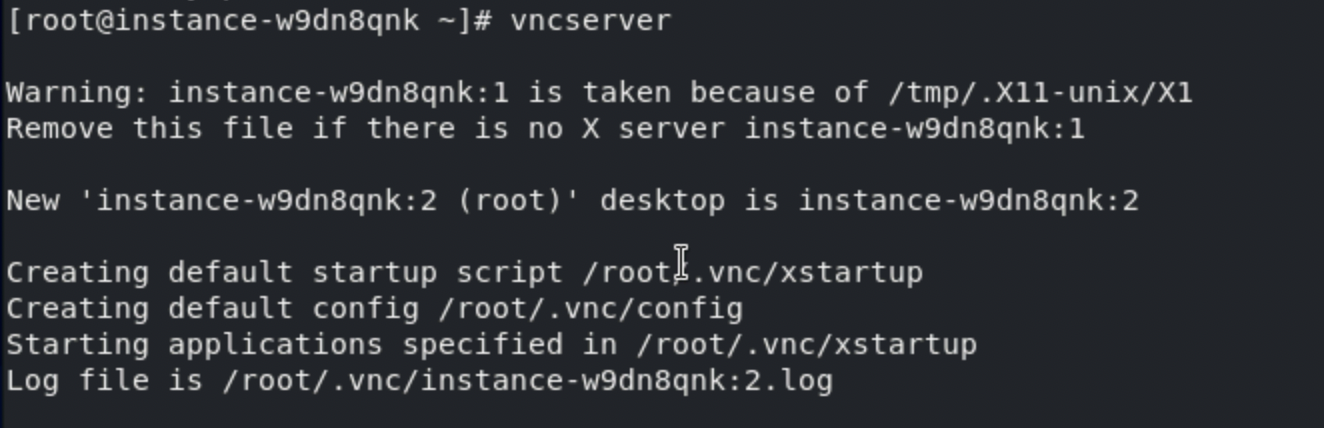
- Run the
vncservercommand to start the VNC server.
- Use
ps -ef | grep vncto check whether it is started and view the port number in use.

You will observe that the service has started successfully and is operating on Port 5902.
Connect to the instance using the viewer client software
- Connect to the instance using the viewer client connection software provided in the prerequisites:
Click File -> New Connection... to create a new connection.

- Input the necessary information.
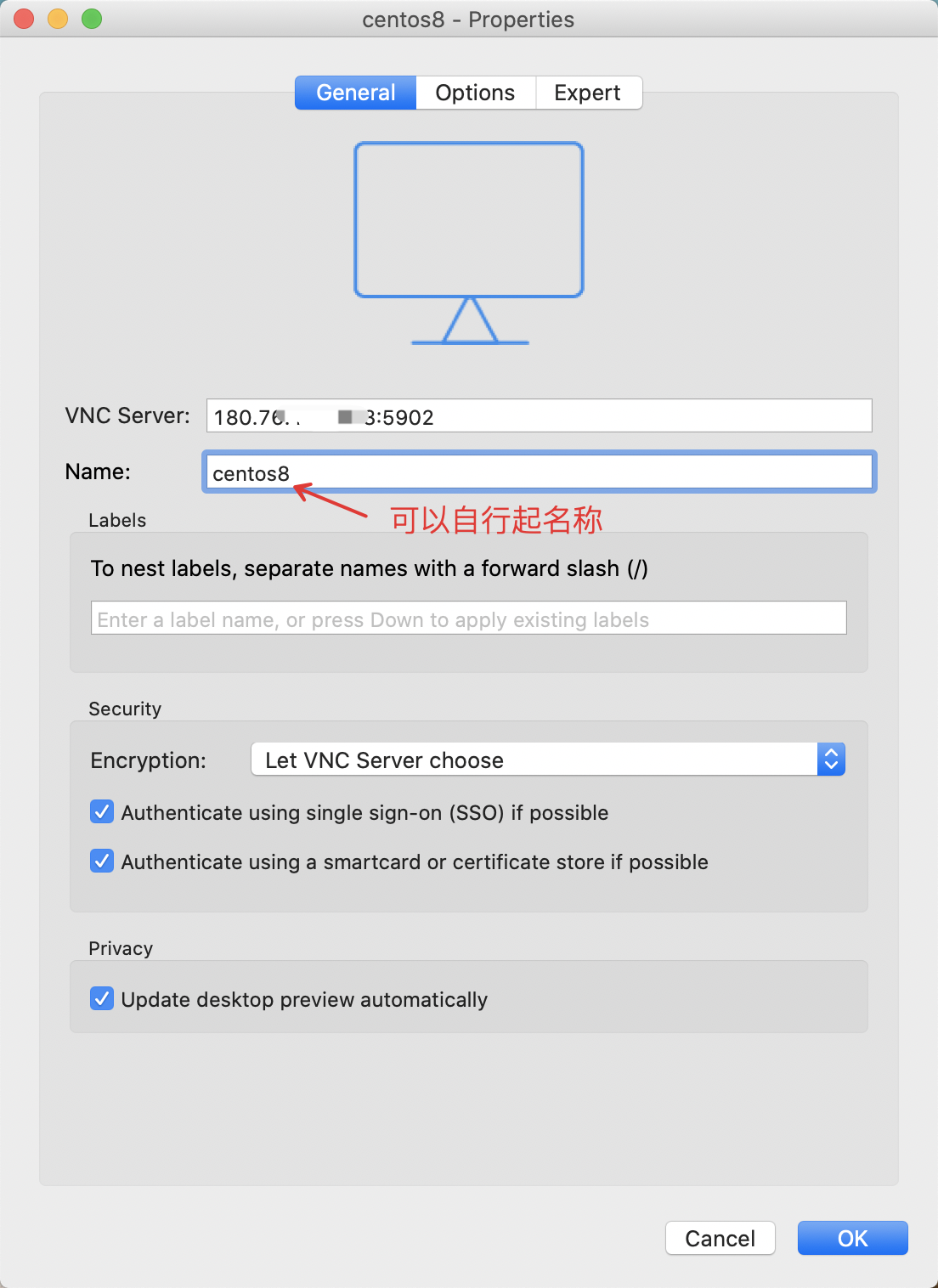
- Press Continue.

- Enter the password set during Step 2 of VNCserver Service Installation here.
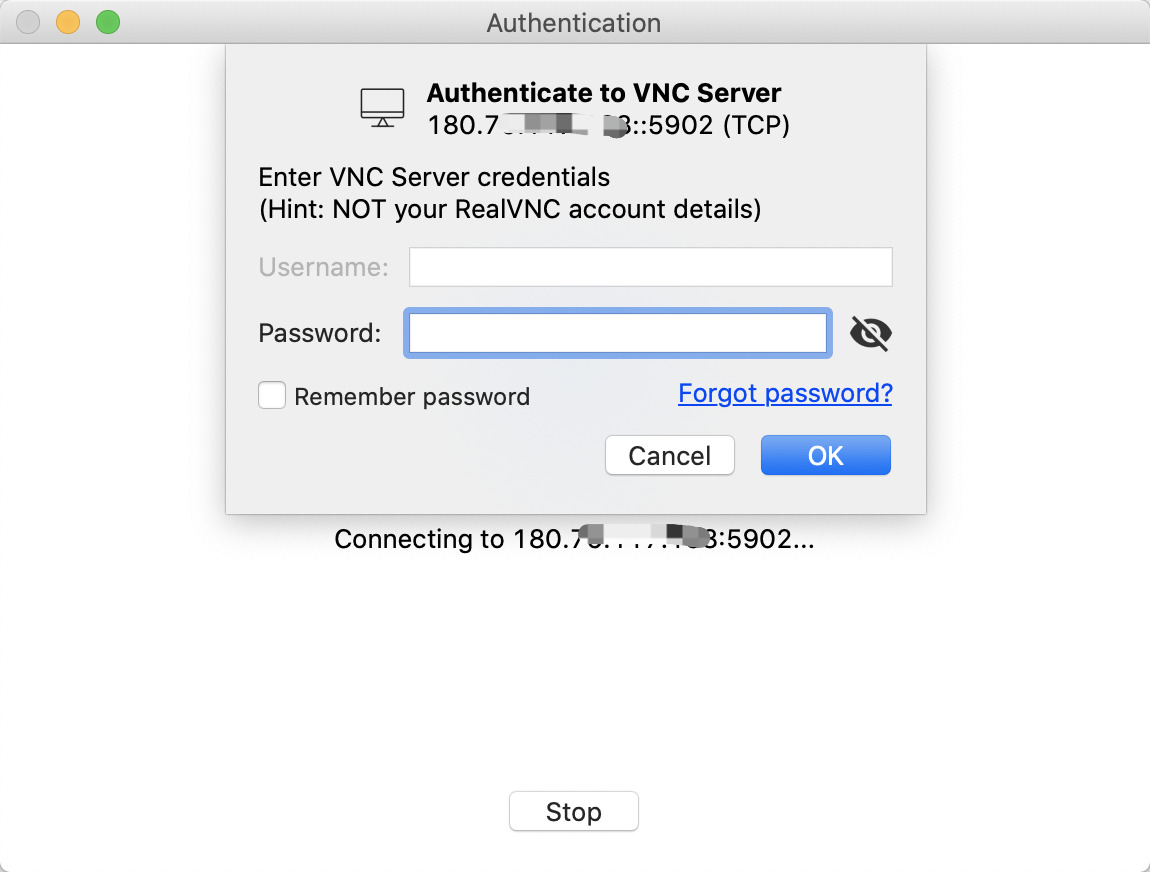
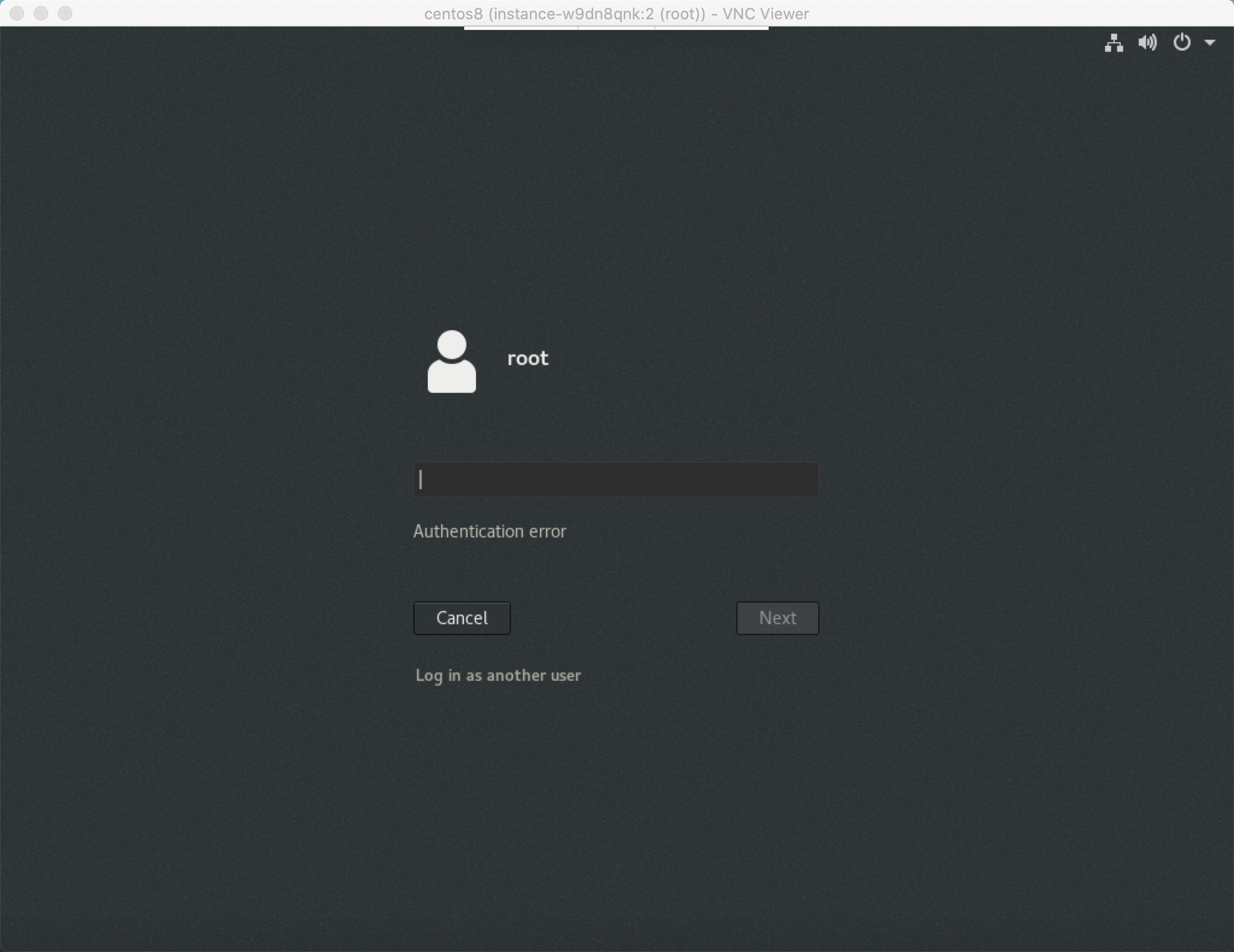
- The connection was successful.