

Installing and Configuring Apache Environment on Windows
Updated at:2025-10-20
- Download from Apache official website
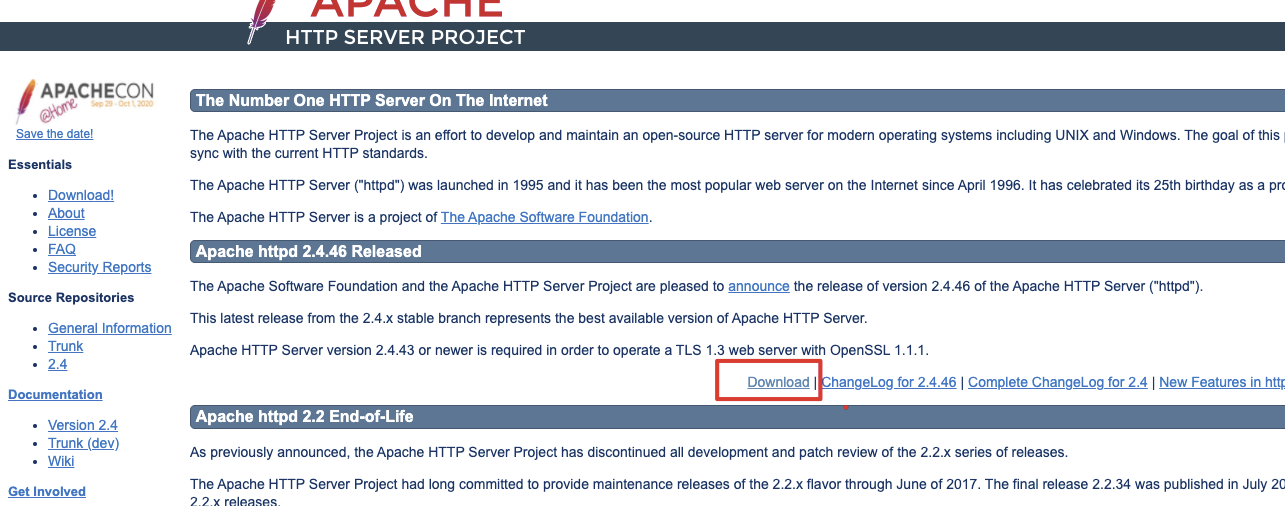
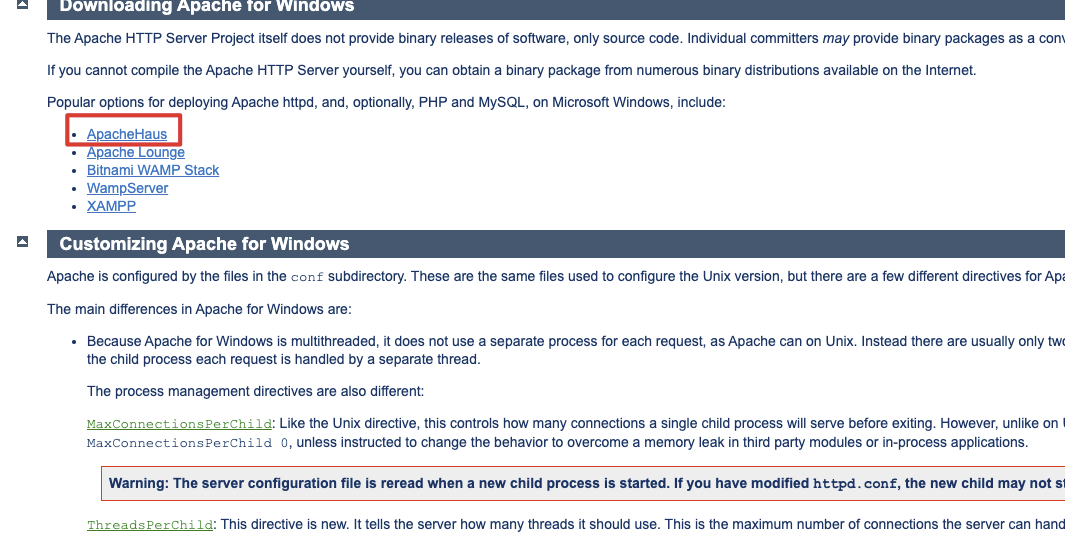
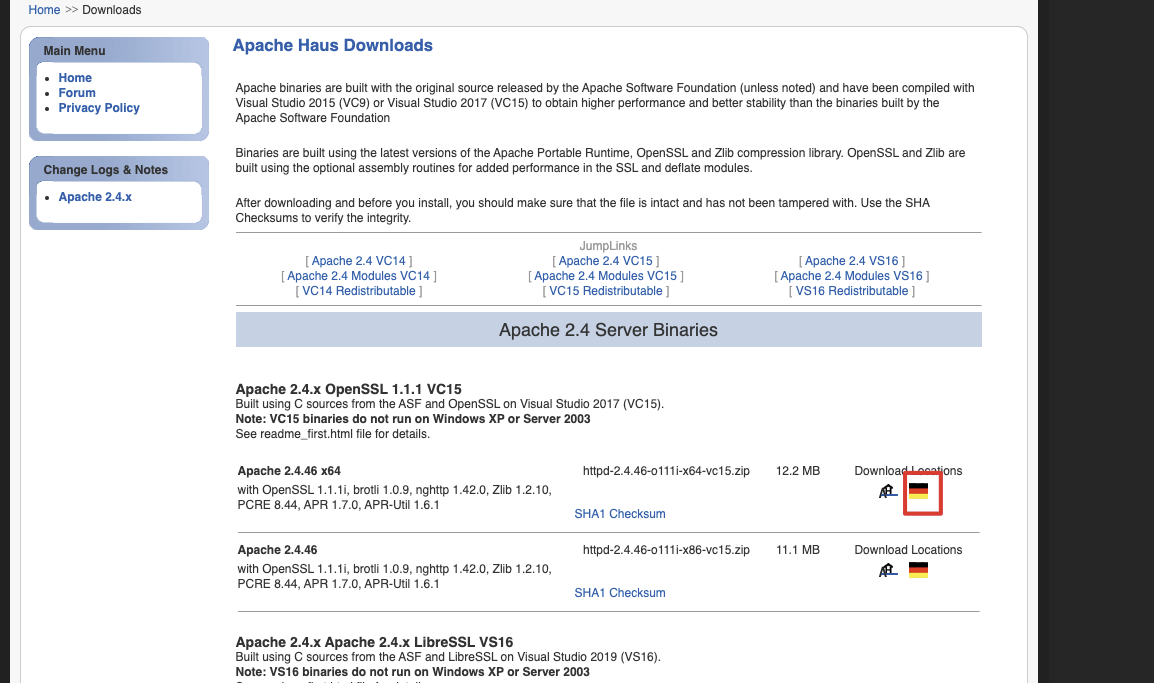
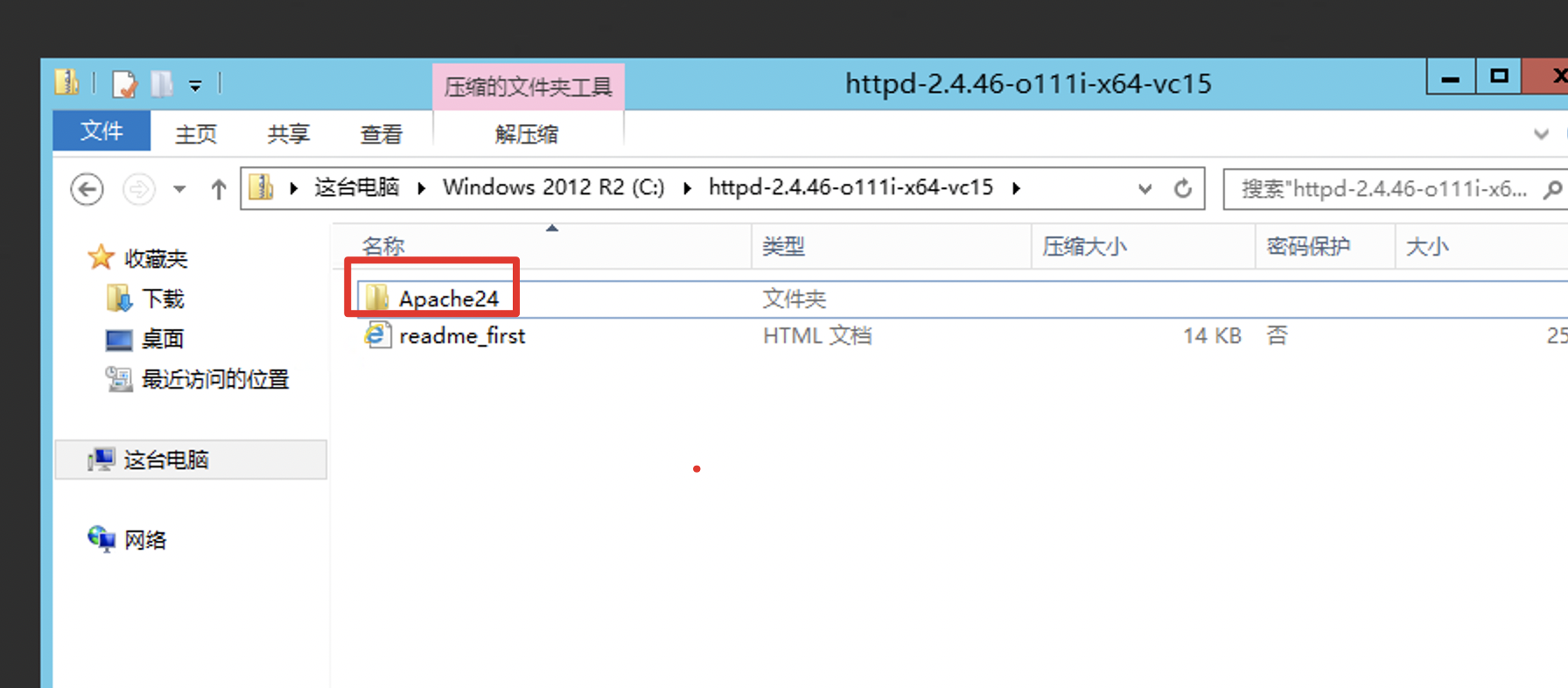
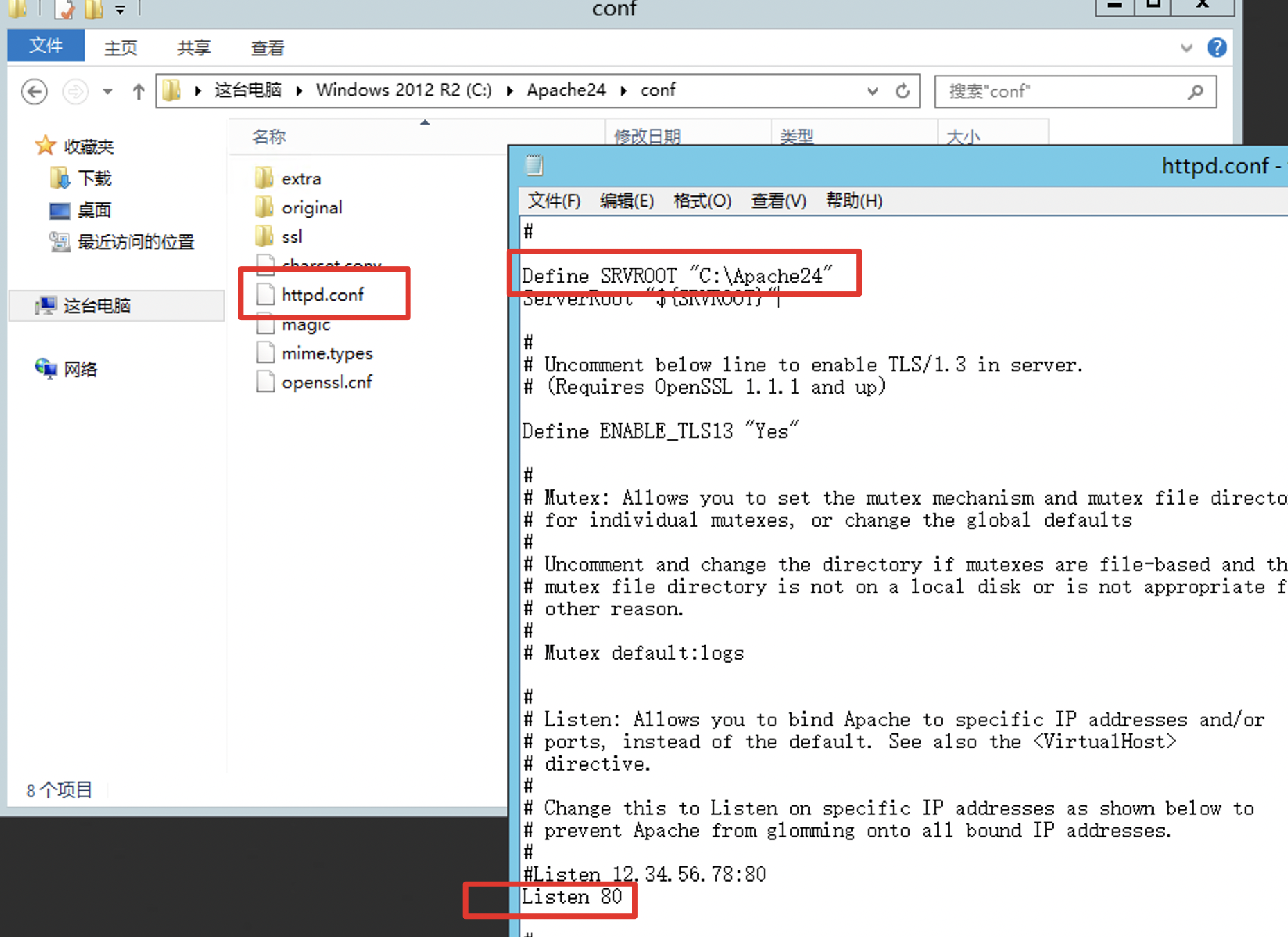
- Open the unzipped file and modify the service path and port in http.conf in the conf directory
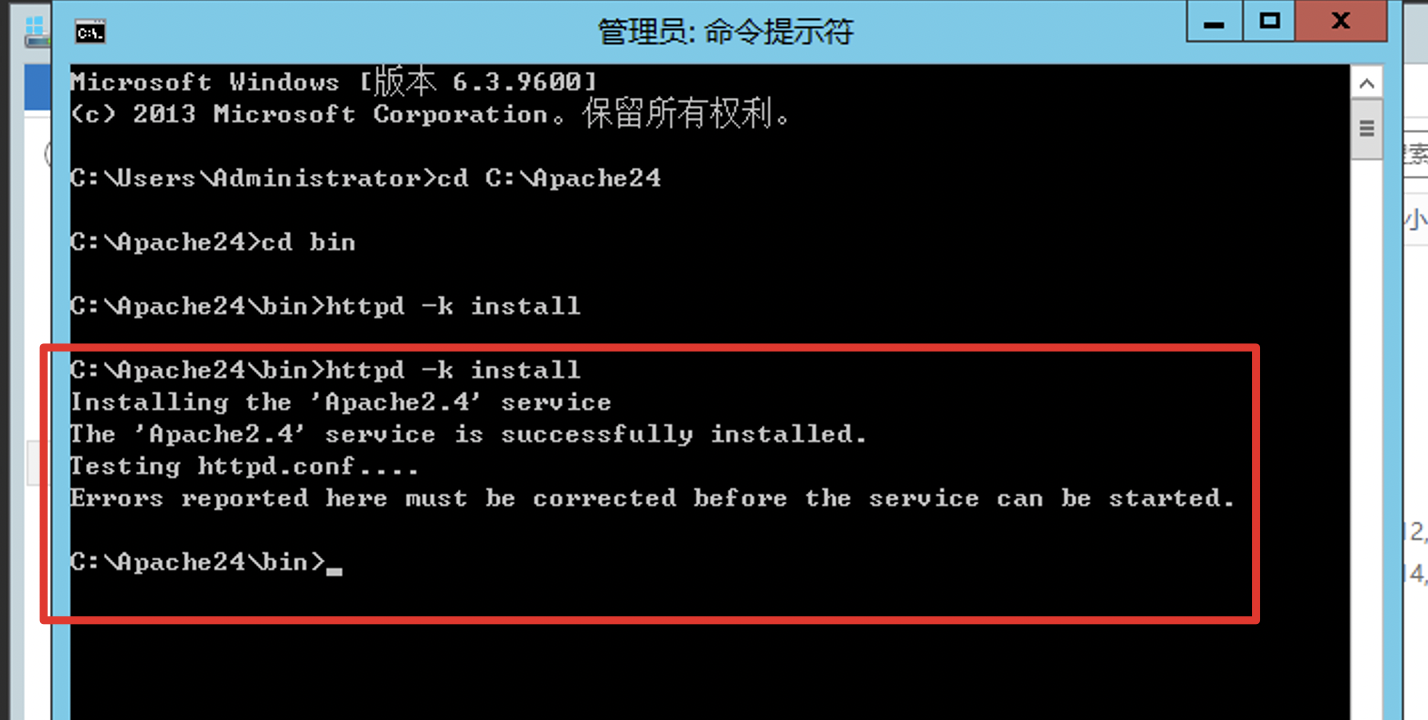
- Install Apache
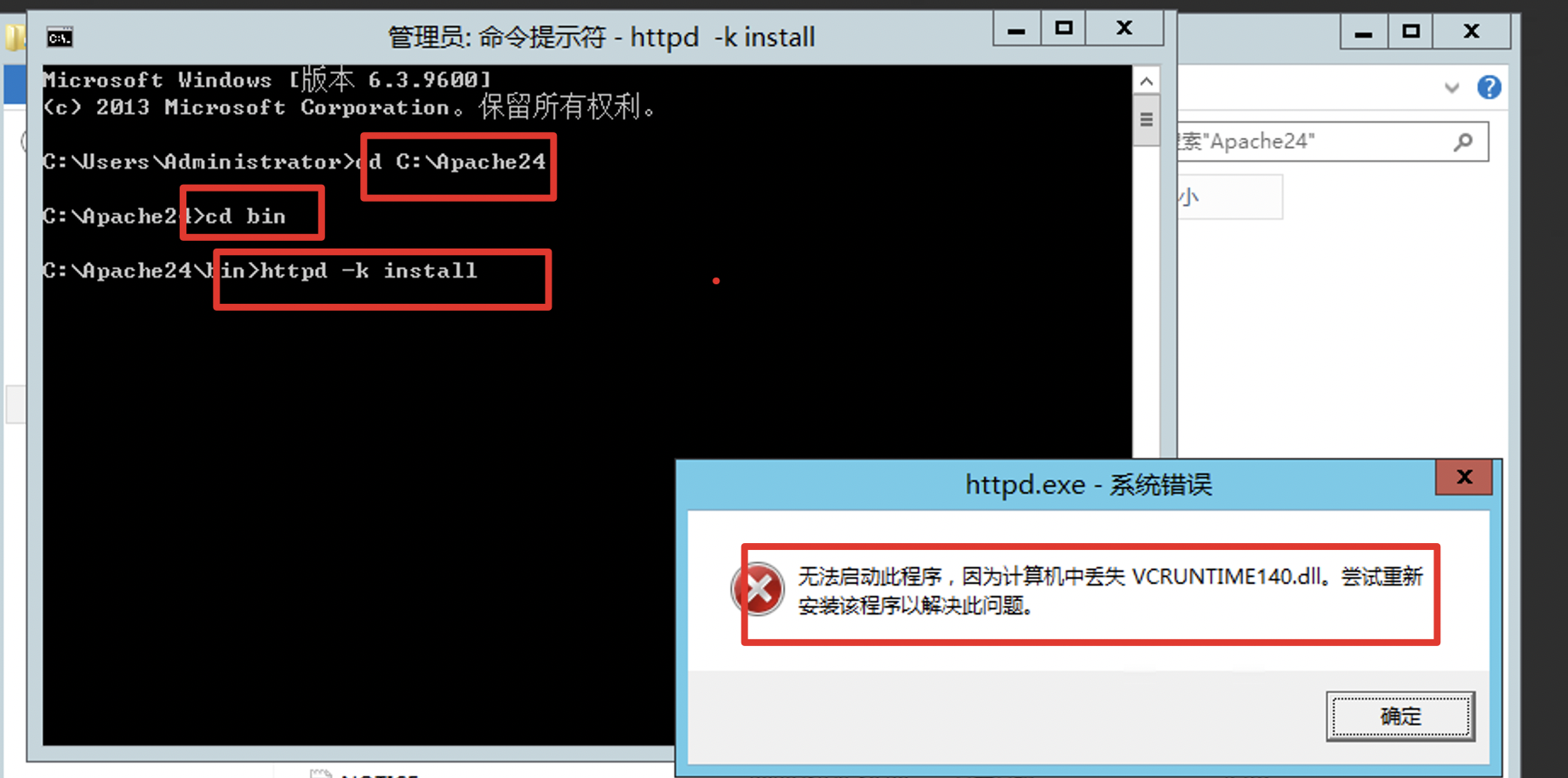
The error occurs because Apache installation requires the latest Visual C++ Redistributable 2015. Download link: https://www.microsoft.com/zh-CN/download/details.aspx?id=48145
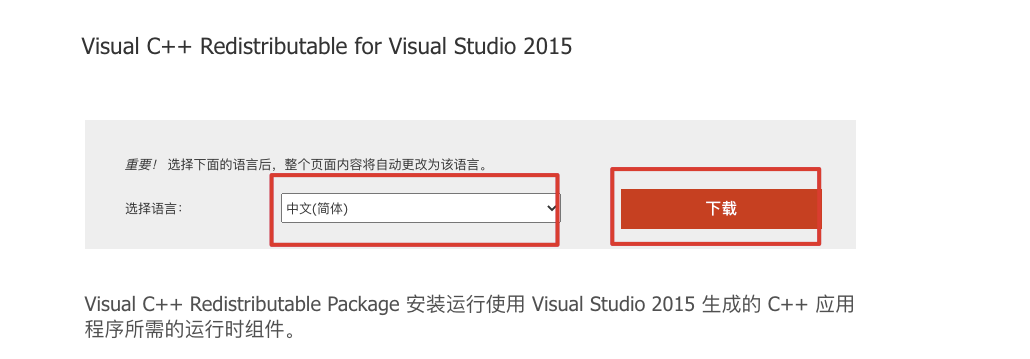

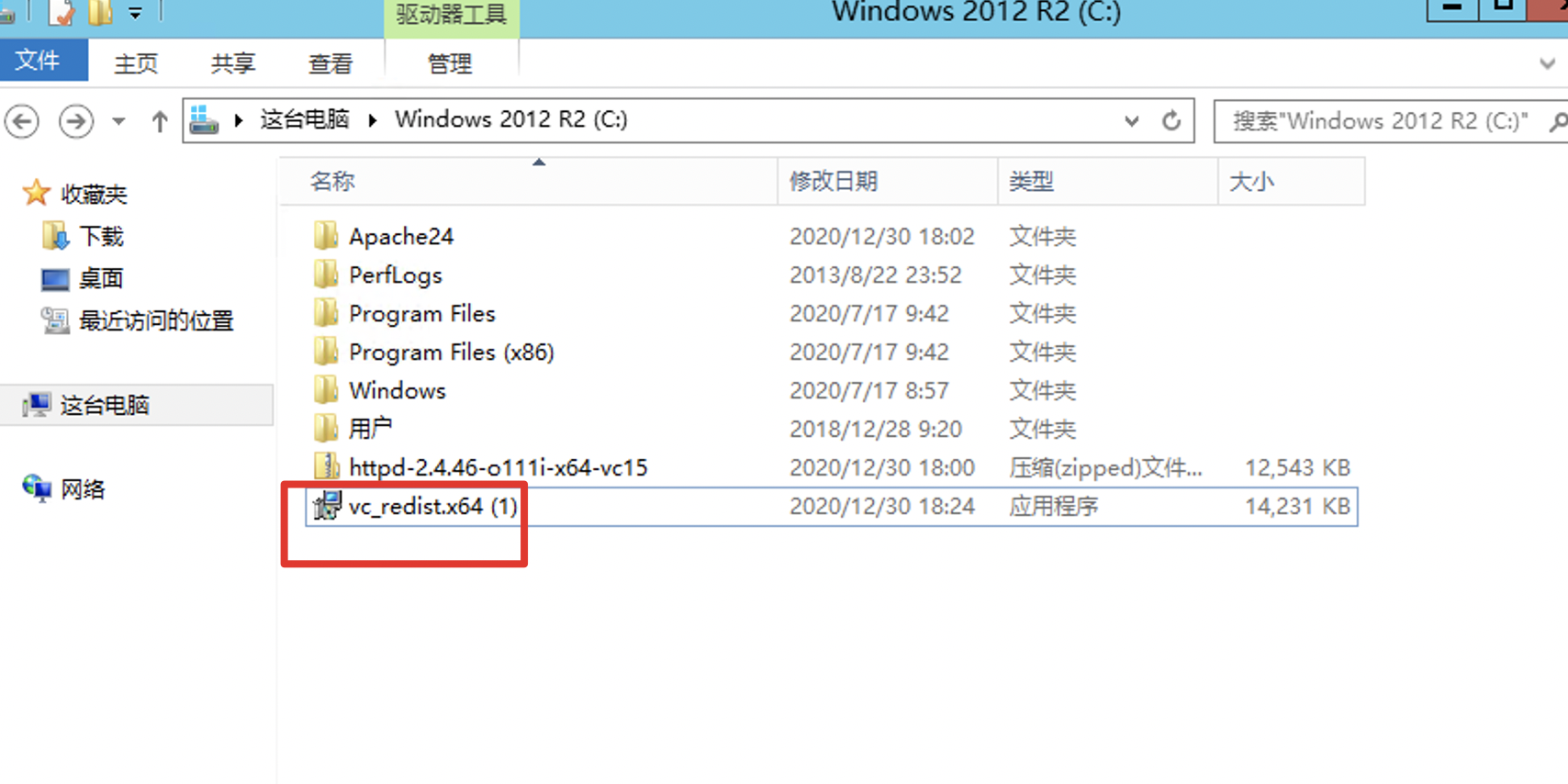
Install Visual C++ Redistributable 2015 and then execute httpd -k install
- Start Apache
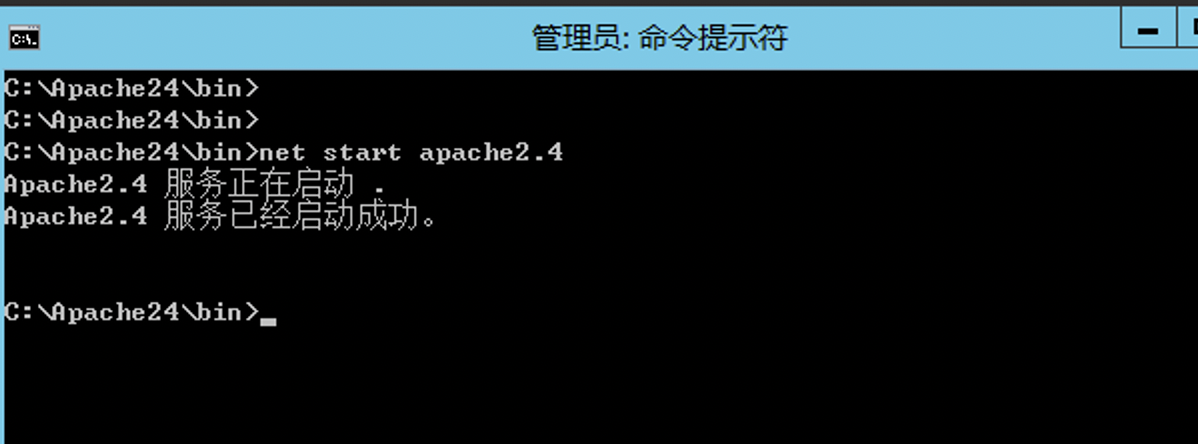
Enter net start apache2.4 to start Apache, as shown in the figure:
- Verification
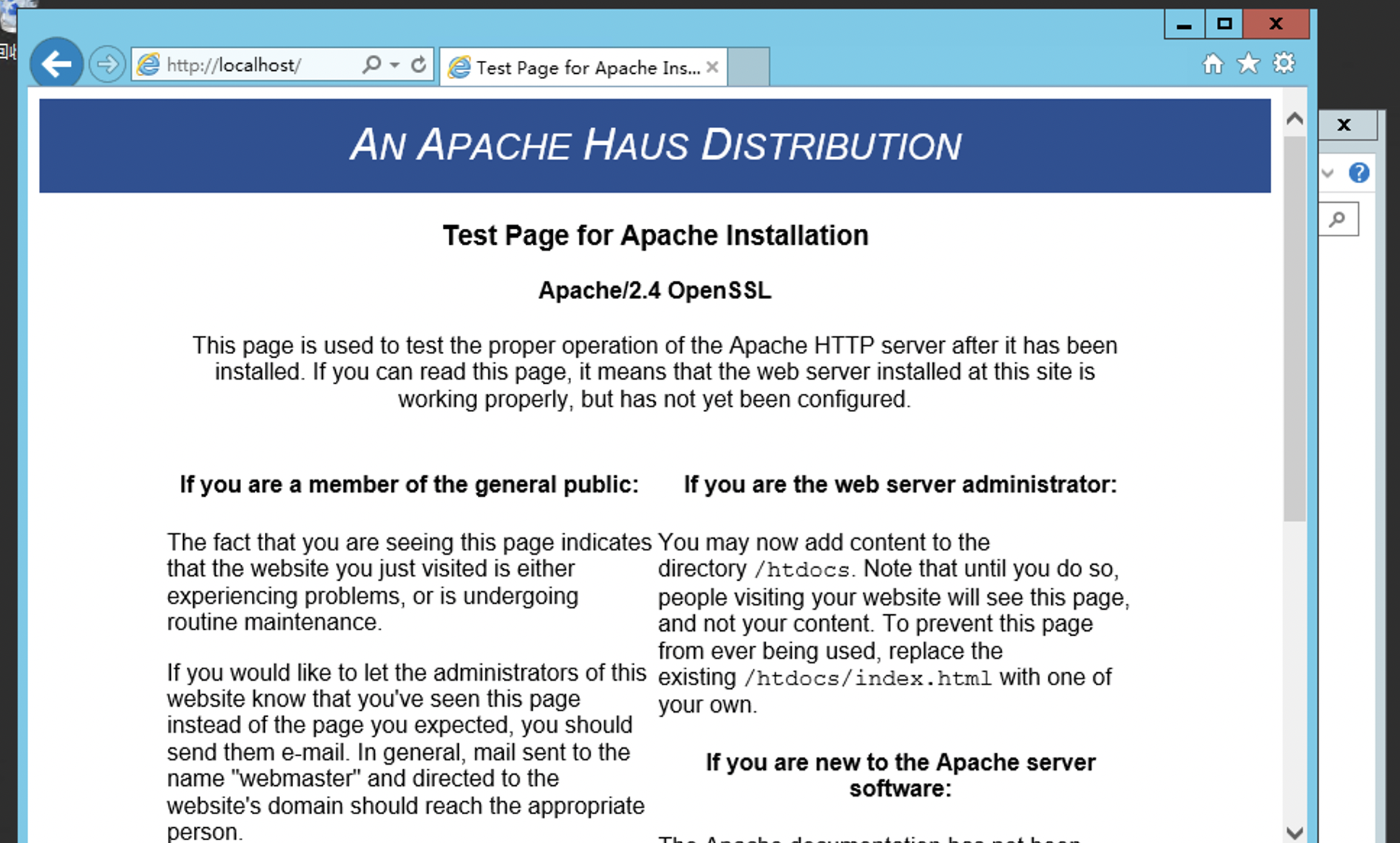
Access http://localhost to display the default page
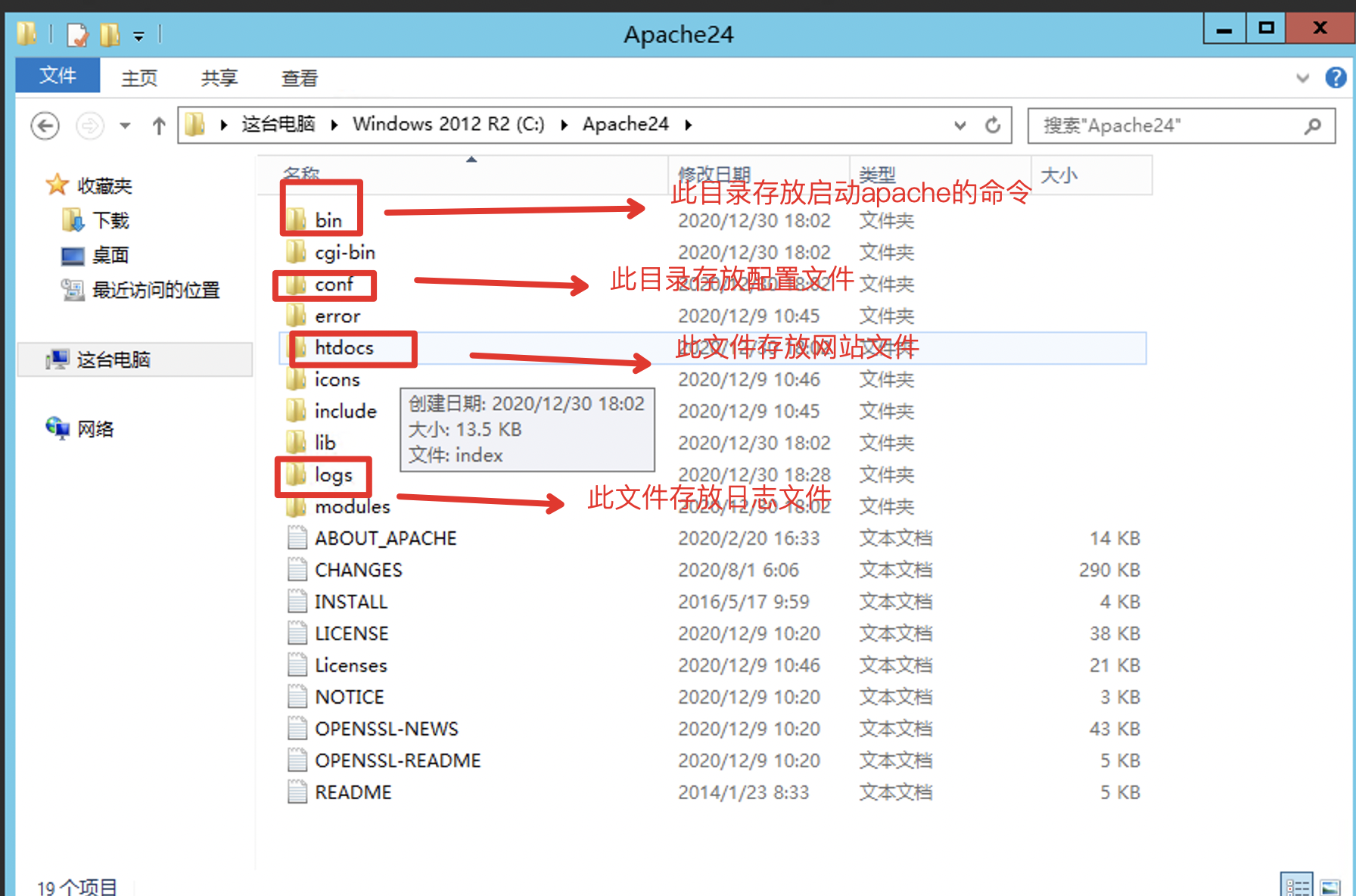
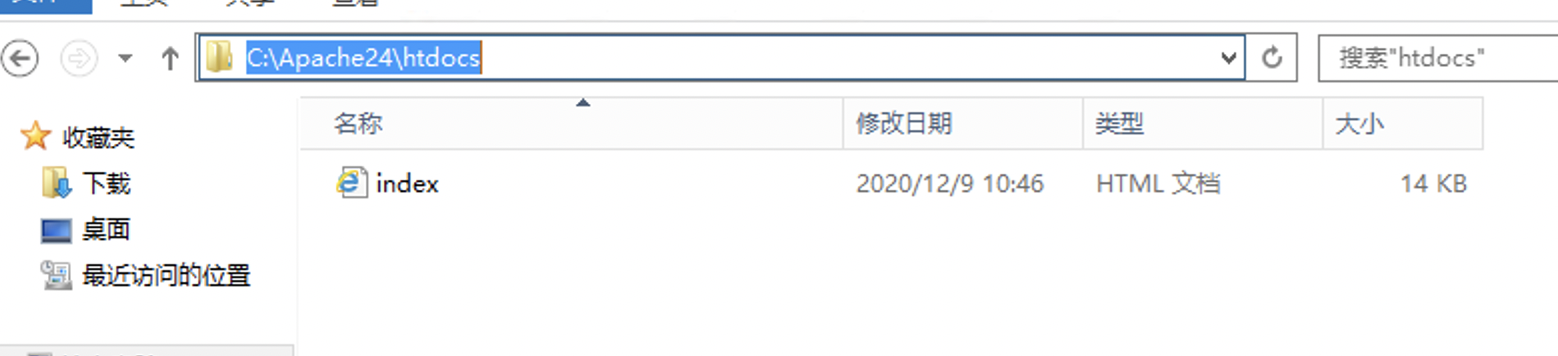
- Website files need to be uploaded to the C:\Apache24\htdocs path. The main file information is shown in the figure:
- Configure firewall rule
Windows servers have the advanced firewall enabled by default. After configuring the services, make sure to open the necessary ports in the firewall's ingress rules or disable the firewall.
For steps to disable the firewall, refer to the document: https://cloud.baidu.com/doc/BCC/s/bjxlq3hzn