

CCE NPU Manager Description
Component introduction
A combination of NPU Device Plugins and Exporters, along with the supporting scheduler, enables NPU resource scheduling.
This component currently relies on the CCE AI Job Scheduler. If you require this feature, install both together; otherwise, the component's functions may be unavailable.
Component function
Supports NPU resource management, allocation, and metric reporting, as well as the use of RDMA networks.
Application scenarios
In K8S Clusters with NPU resources, this component is essential for normal scheduling and utilization of these resources.
Install component
- Sign in to the Baidu AI Cloud official website and enter the management console.
- Select Product Services > Cloud Native > Cloud Container Engine (CCE) to enter the CCE management console.
- Click Cluster Management - Cluster List in the left navigation pane.
- Click on the target cluster name in the Cluster List page to navigate to the cluster management page.
- On the Cluster Management page, click O&M & Management > Component Management.
- Select the CCE NPU Manager component from the component management list and click Install.
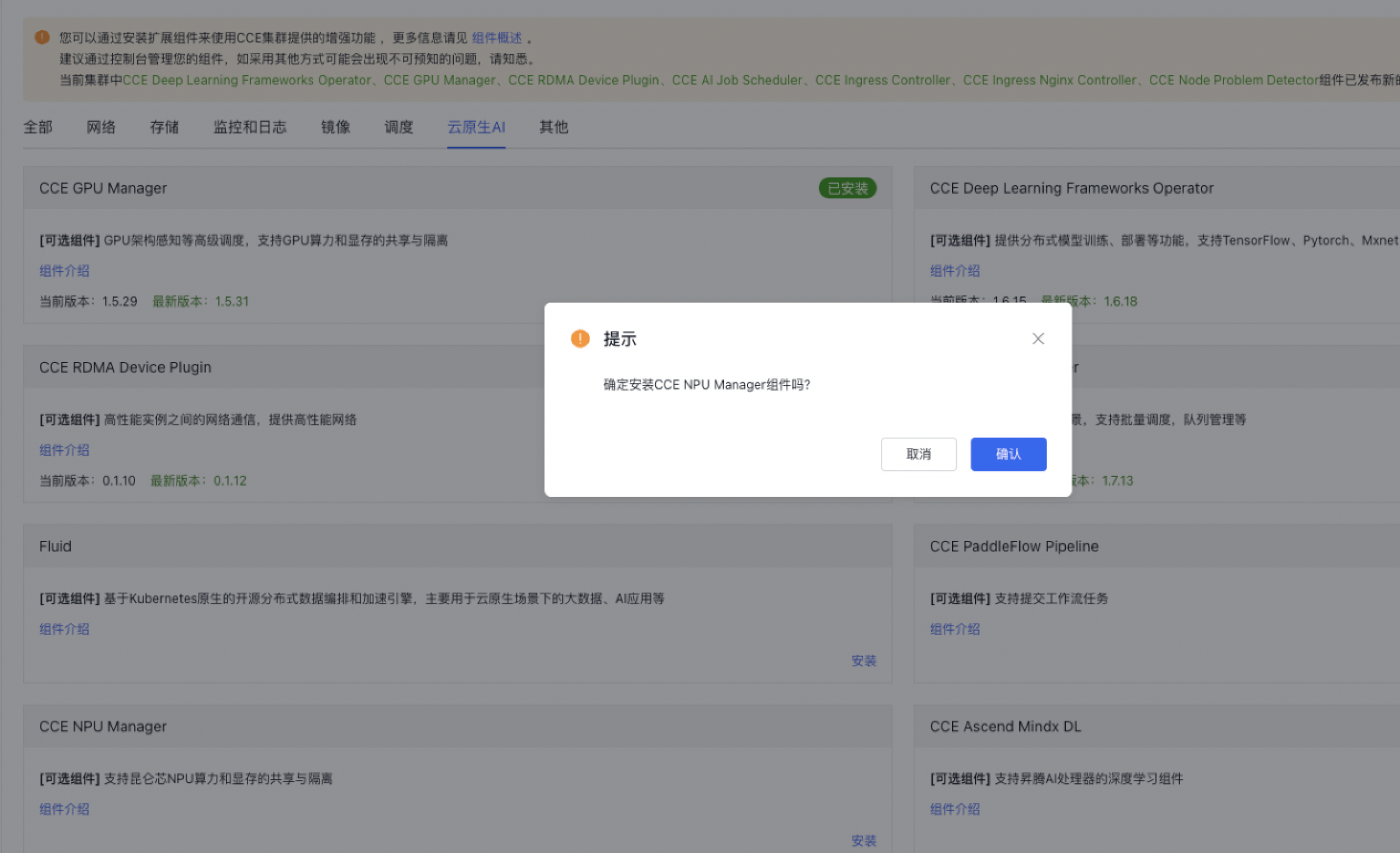
- Click the OK button to complete the component installation.
Component status confirmation
Use the command below to check the Pods associated with the CCE NPU Manager component in the K8S cluster. The component functions correctly only when the STATUS of these Pods reads "Running" and the READY state is "1/1." (The number of Pods output depends on the cluster's node count, with 3 Pods allocated per node.)
kubectl -n kube-system get po | grep xpu
1xpu-device-plugin-daemonset-v3-8pzxn                       1/1     Running   0               55s
2xpu-exporter-v3-bm6cd                                      1/1     Running   0               55s
3rdma-shared-dp-ds                                          1/1     Running   0               55s