

Cluster Snapshot
Updated at:2025-10-27
You can create a cluster snapshot to back up K8S resources in the cluster. The snapshot preserves all K8S resources (except secret resources) in YAML and JSON formats.
Prerequisites
- You have successfully created a Kubernetes cluster. For details, see [Create Cluster](CCE/Operation guide/Cluster management/Create cluster.md).
Limitations
- Cluster snapshots can be used to back up and download K8S resources within the cluster; however, restoration from snapshots is not currently supported.
Operation steps
- Sign in to the Baidu AI Cloud official website and enter the management console.
- Go to Product Services - Cloud Native - Cloud Container Engine (CCE) to access the CCE management console.
- Click Cluster Management - Cluster Snapshot in the left navigation bar.
- In the cluster snapshot page, click Create Snapshot.
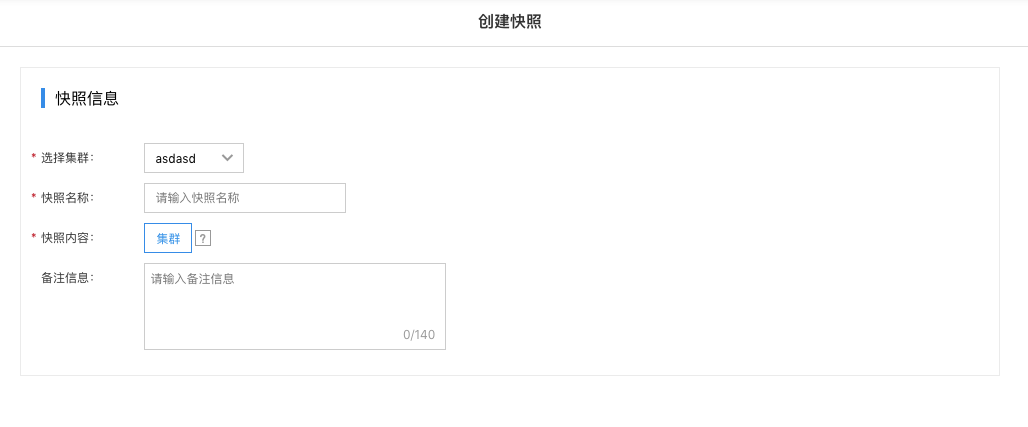
- Once created, the snapshot can be viewed on the snapshot list page.

- You can download the cluster snapshot to view the K8S resource details within the cluster.