Service
Service
Operation service
-
Go to Product Services > Cloud Container Engine (CCE), click Application Management > Service, and open the service list page.
View the service list: Select a cluster and namespace first. The list will then display the services under the selected cluster and namespace.
Plain Text1 -
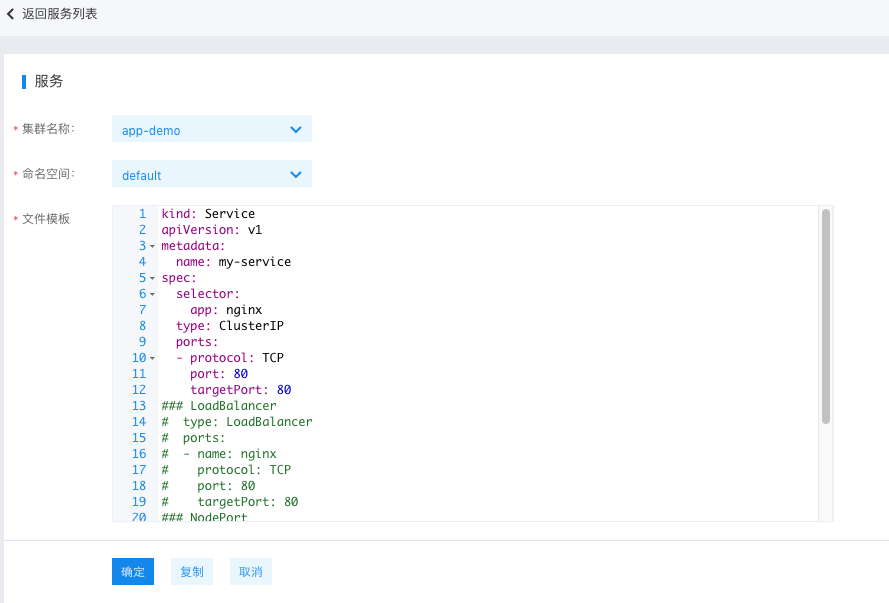
Click Create Service. Users can create a new service using YAML: select the cluster and namespace, complete the YAML file, and then click OK. Once successfully submitted, you will be redirected to the service list.
- Copy: Duplicate the contents of the current YAML file.
- Cancel: Return to the list page.
If there is an error in the submission, a pop-up window will display the error message and the request ID. If the error message does not provide enough information for troubleshooting, you can submit a ticket to seek support from the customer service team.
Plain Text1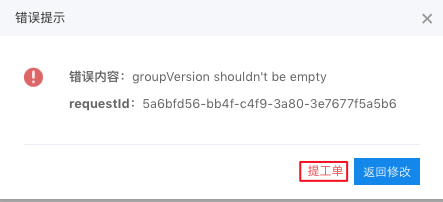 -
View service details: Click the name of any service in the list to enter its details page. The details page includes:
- Basic service information includes: Name, namespace, labels, selector, type, session affinity, creation time.
- Connection details: Cluster IP, internal endpoints.
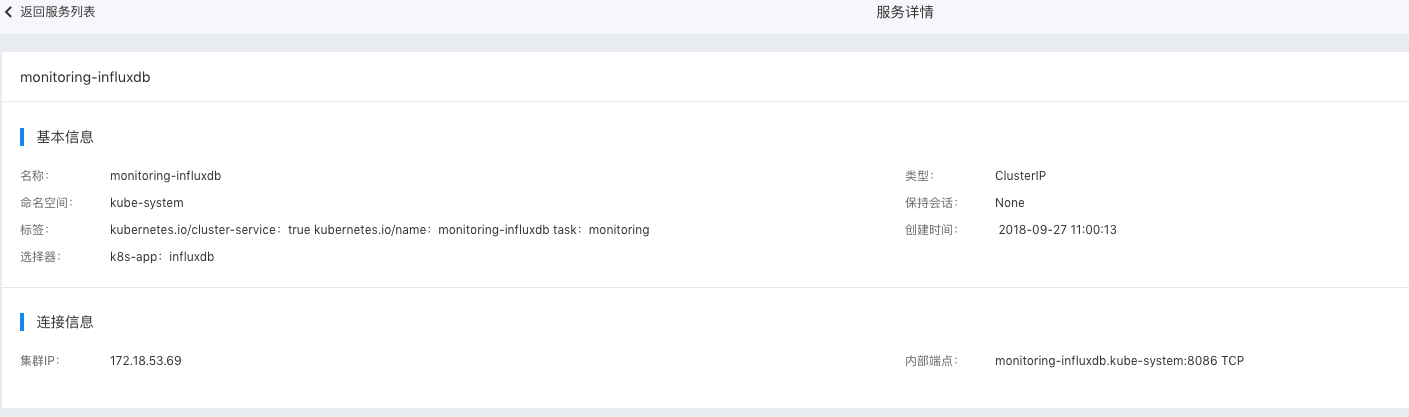
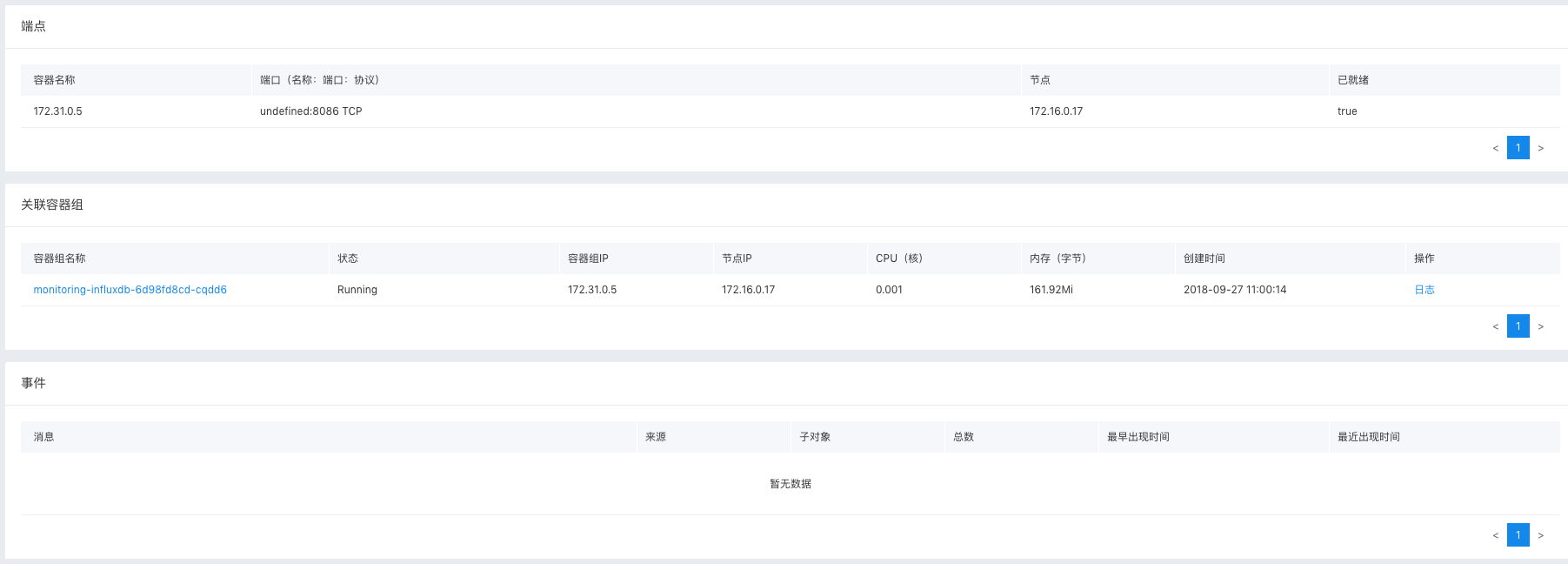
- Endpoint details, associated pods, and event information.
Relevant operations
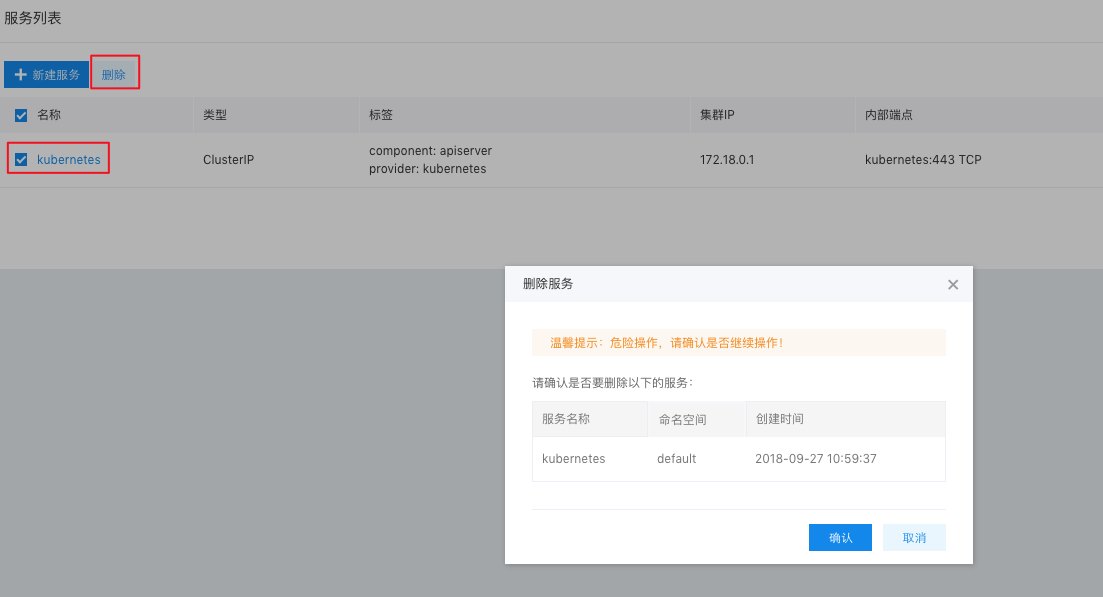
Delete a service: On the service list page, select the service to be deleted, click Delete, verify the information, and click OK.
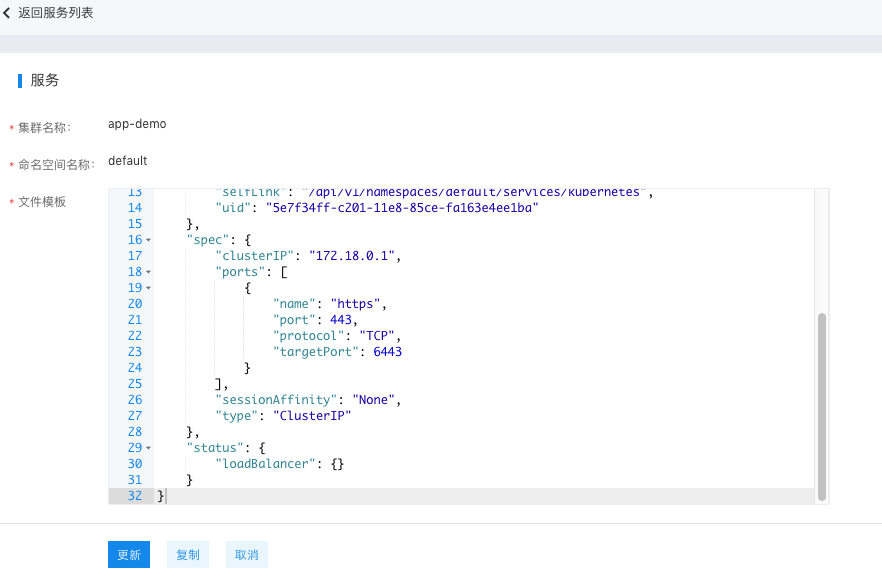
Modify a service: On the service list page, click Modify for the target service. After making the changes, click Update to submit.