

GPU Online and Offline Mixed Usage Instructions
Online services are usually affected by factors such as different time periods and hot events, resulting in traffic that shows obvious peak and trough characteristics. To ensure the stability of online services, a relatively large amount of GPU resources are usually reserved. When traffic is in the trough period, these GPU resources remain idle, leading to low overall utilization of the cluster.
To address this, CCE provides the GPU hybrid deployment function for online and offline workloads. It enables simultaneous deployment of online AI workloads and offline AI workloads in the same cluster. When the traffic of online services is high, GPU resources are prioritized for online services; when the traffic of online services is low, GPU resources are allocated to offline AI tasks. This ensures the stability of online services while improving the overall GPU resource utilization of the cluster.
Prerequisites
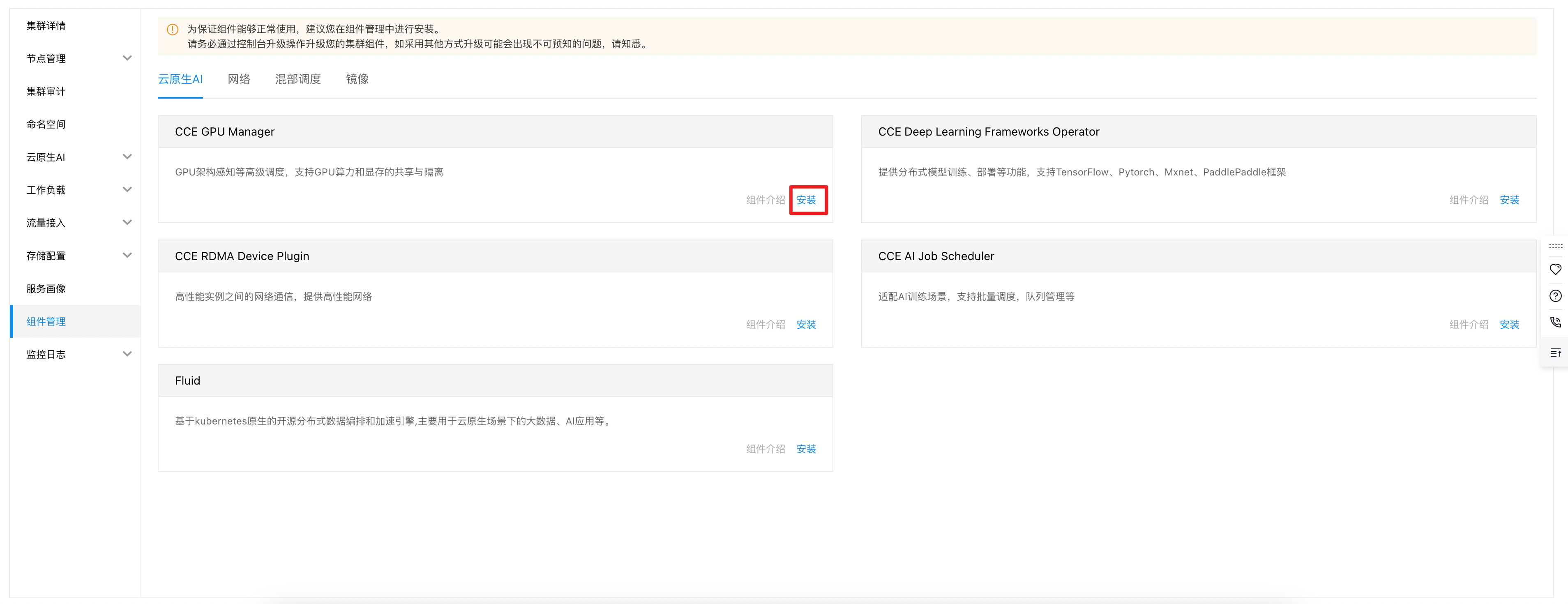
You have successfully installed the CCE GPU Manager component. Without it, the GPU computing power and memory sharing and isolation functions cannot work as expected. If needed, install it by navigating to Cluster - Component Management - Cloud-Native AI.
Enable GPU hybrid deployment for online & offline workloads on nodes
Console operation example:
Go to Cluster - Node Management - Worker, click on Memory Sharing Settings, and select Enable Memory Sharing + GPU Hybrid Deployment for Online & Offline Workloads. Once enabled, offline workloads marked as low-priority will only be assigned to these nodes, ensuring no impact on services running on other nodes.

YAML operation example:
1kubectl label node node-name-xxx cce.baidubce.com/cgpu.hybrid=true/false # XXX represents the node name; “true” means enable, “false” means disable (disabled by default)Enable GPU hybrid deployment for offline tasks
Console operation example
If you create a task through the CCE console (for operation steps, refer to Cloud-Native AI Task Management), you can enable “tolerance for delay” in the basic information of the task. After enabling, the task will run as a low-priority offline task in the cluster and will only be scheduled to nodes with GPU hybrid deployment (for online & offline workloads) enabled.
When both online services and offline tasks share the same GPU card, offline tasks will be moved to a Pending state during peak hours of online services to prioritize the SLA (Service Level Agreement) for online tasks. During off-peak hours, offline tasks will resume, optimizing GPU card utilization.

YAML operation example:
1 labels:
2 cce.baidubce.com/baidu-cgpu.affinity=offline # Add this label to mark the task as a low-priority offline task