Operate Dataset
Updated at:2025-10-27
You can carry out operations on the dataset as required.
Prerequisites
- You have successfully installed the CCE Fluid component; if not, this functionality will be unavailable.
- The dataset has been successfully created.
Disable dataset acceleration
- Sign in to the Baidu AI Cloud official website and enter the management console.
- Go to Product Services - Cloud Native - Cloud Container Engine (CCE) to access the CCE management console.
- Click Cluster Management - Cluster List in the left navigation pane.
- Click on the target cluster name in the Cluster List page to navigate to the cluster management page.
- On the Cluster Management page, click Cloud-Native AI - Datasets.
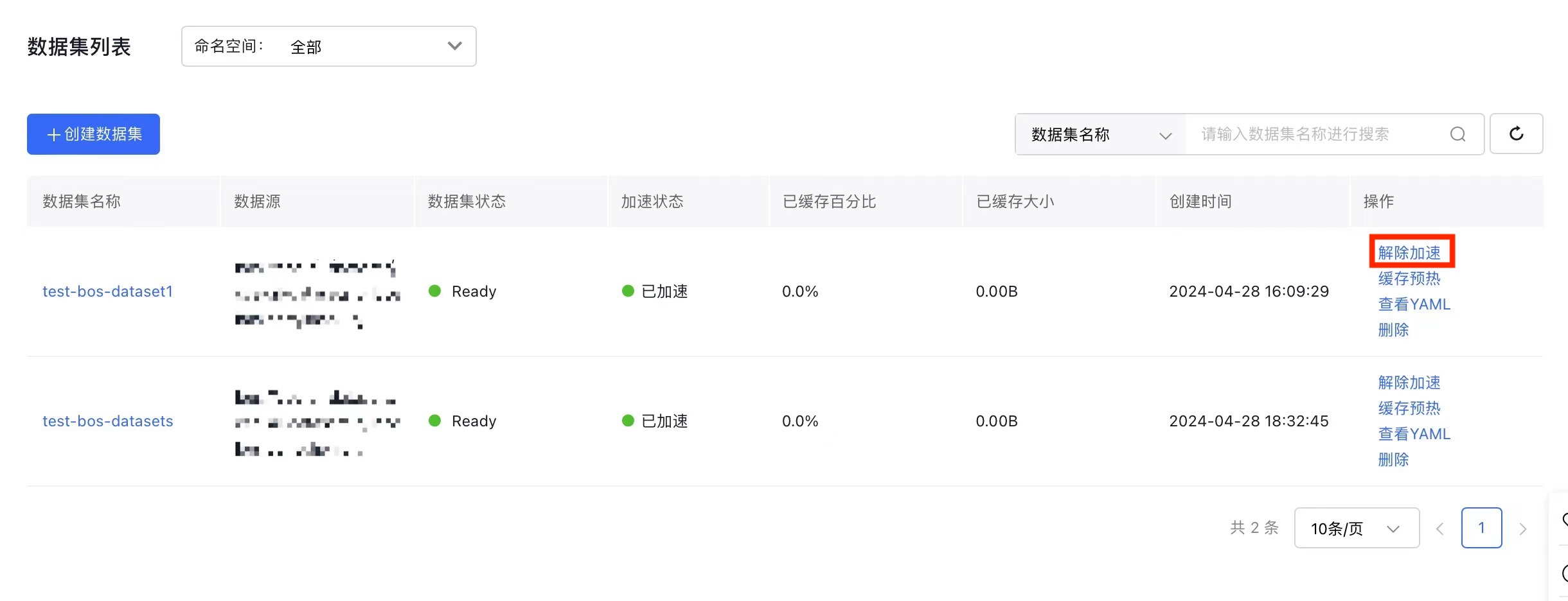
- In the dataset list, find the dataset you want to manage, click Disable Acceleration in the Operation column, confirm the details, and then click OK.
Note:
- Disabling acceleration will remove the related runtime instance and erase the cached data permanently.
- Later, you can re-create the runtime instance by enabling acceleration and re-caching data through the cache pre-loading feature.
Cache pre-load
- On the K8S Cluster CCE Management page, click Cloud-Native AI - Datasets.
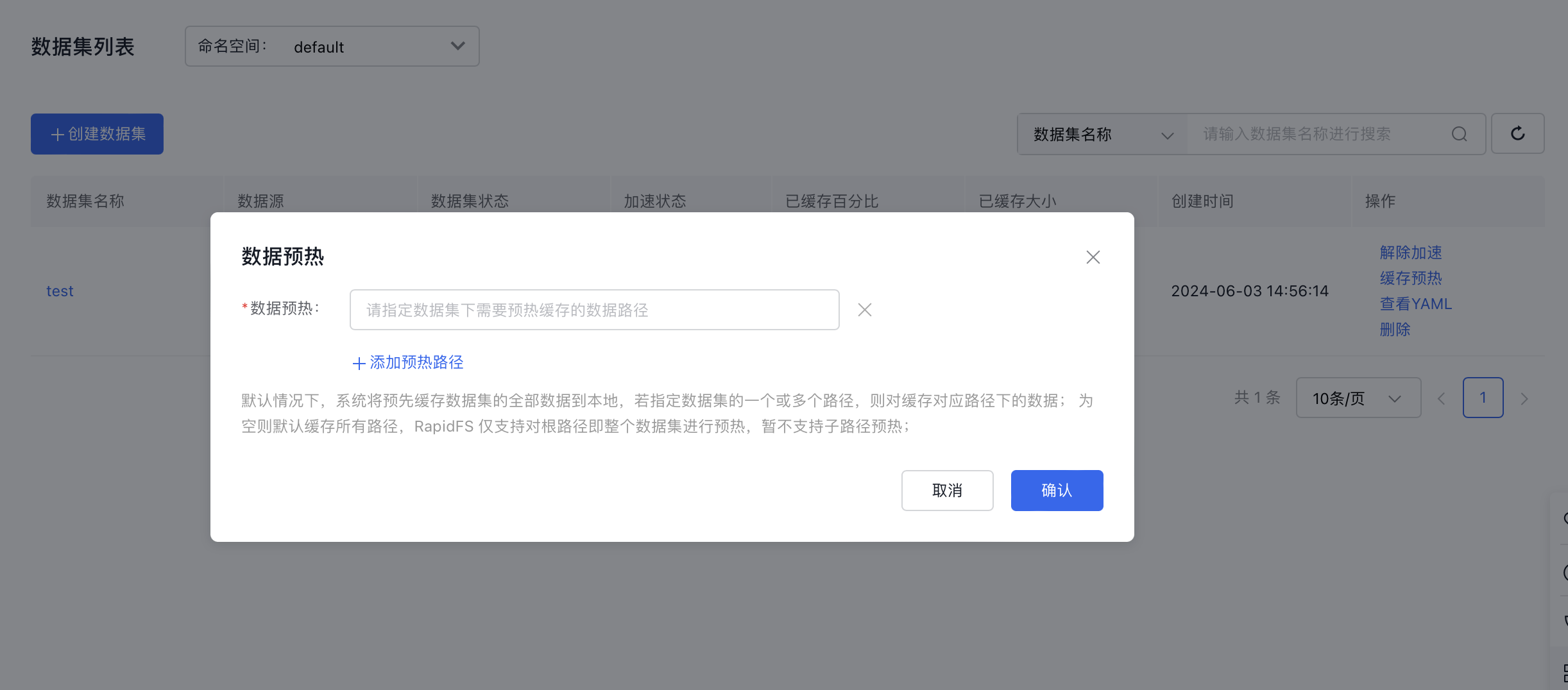
- In the dataset list, locate the dataset you want to manage, and click Cache Pre-load in the Operation column. Add the data path(s) that need pre-loading, then click OK.
Note:
- By default, the system caches all dataset data to local storage. If specific paths in the dataset are assigned, only data within those paths will be cached; otherwise, all paths will be cached by default.
- RapidFS supports pre-loading only the root path (i.e., the entire dataset) and does not currently support pre-loading subfolders.
View YAML
- On the K8S Cluster CCE Management page, click Cloud-Native AI - Datasets.
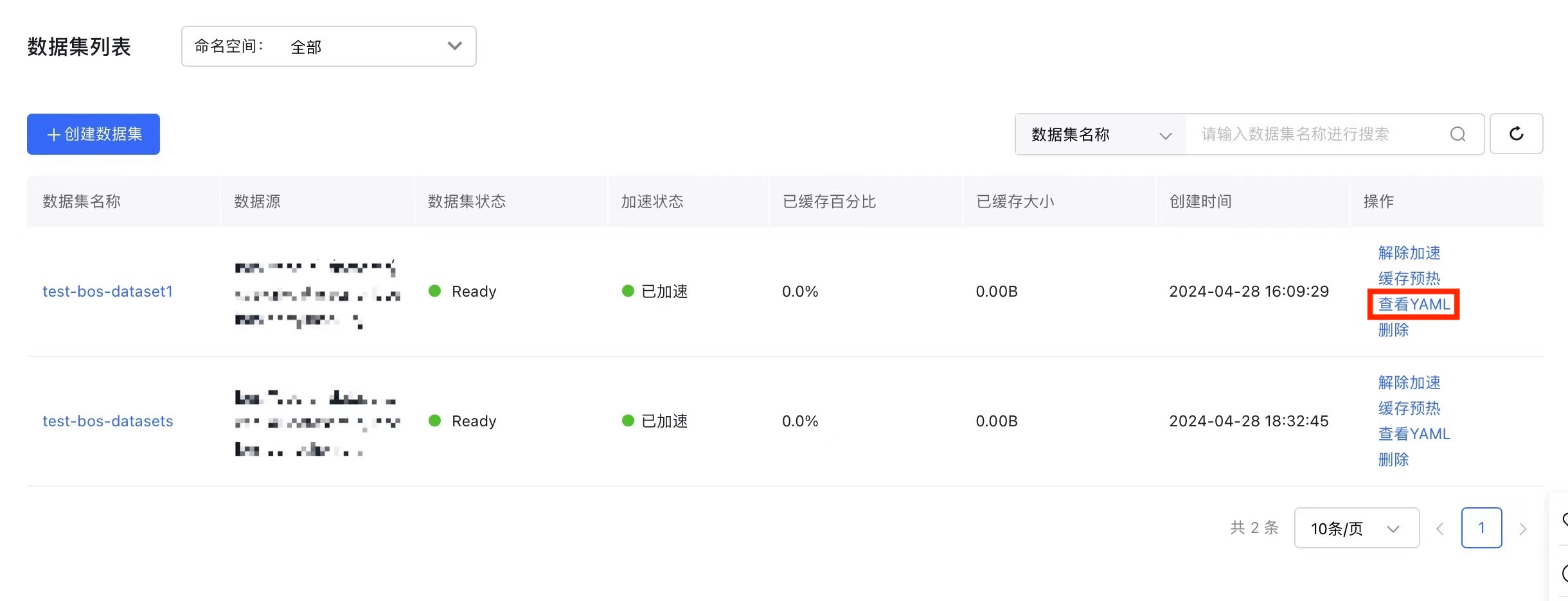
- In the dataset list, find the dataset you want to manage and click View YAML in the Operation column.