

Connecting to a Prometheus Instance and Starting a Job
Updated at:2025-10-27
To access the cloud-native AI resource monitoring feature, follow these steps: connect your cluster to a monitoring instance and initiate data collection tasks accordingly.
Operation steps
- Sign in to Cloud Container Engine Console (CCE).
- Click Cluster Management on the left sidebar. In the Cluster List, select the Cluster Name you need. Under Actions - More on the right, click Prometheus Monitoring to navigate to the Prometheus Monitoring Service.
- Connect to a monitoring instance: Check whether the current cluster is associated with a CProm instance.
- Associated: Proceed to the next step
- Not associated: A “Not Associated” status will be displayed, along with the “Connect Instance” operation option

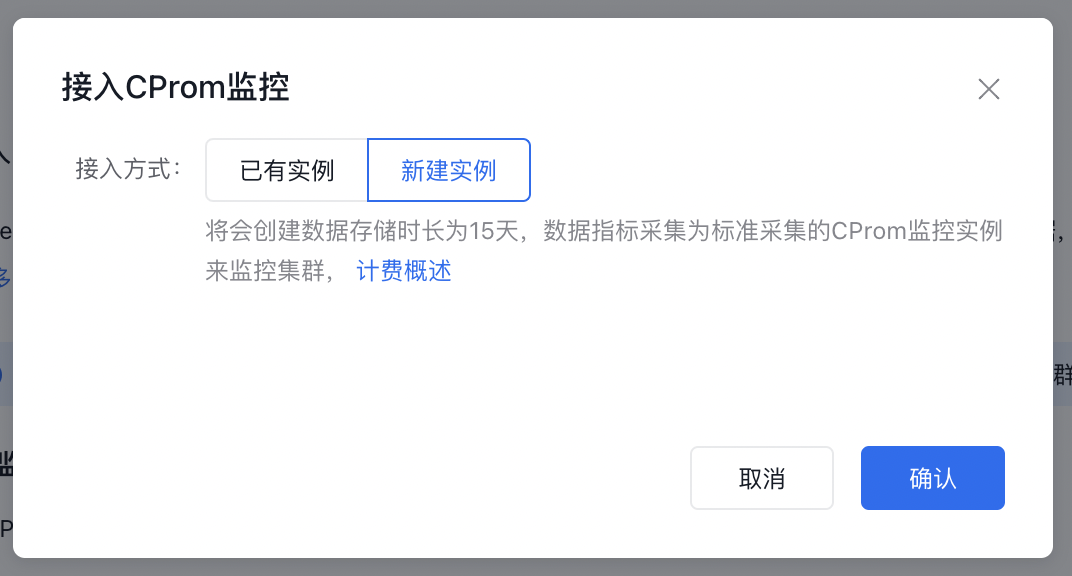
Check monitoring status: Verify if the CProm instance can monitor the cluster normally and if data can be collected and displayed properly.
- Abnormal monitoring status: Abnormal status and related information will be displayed
- Normal monitoring status: Switch to the preset monitoring dashboard page
Connect to CProm monitoring: Click the OK button. The system will first verify two conditions: whether the user has activated the CProm product, and whether the current user has the corresponding operation permissions. If either condition is not met, the connection process will not be executed, and an error message will be displayed.
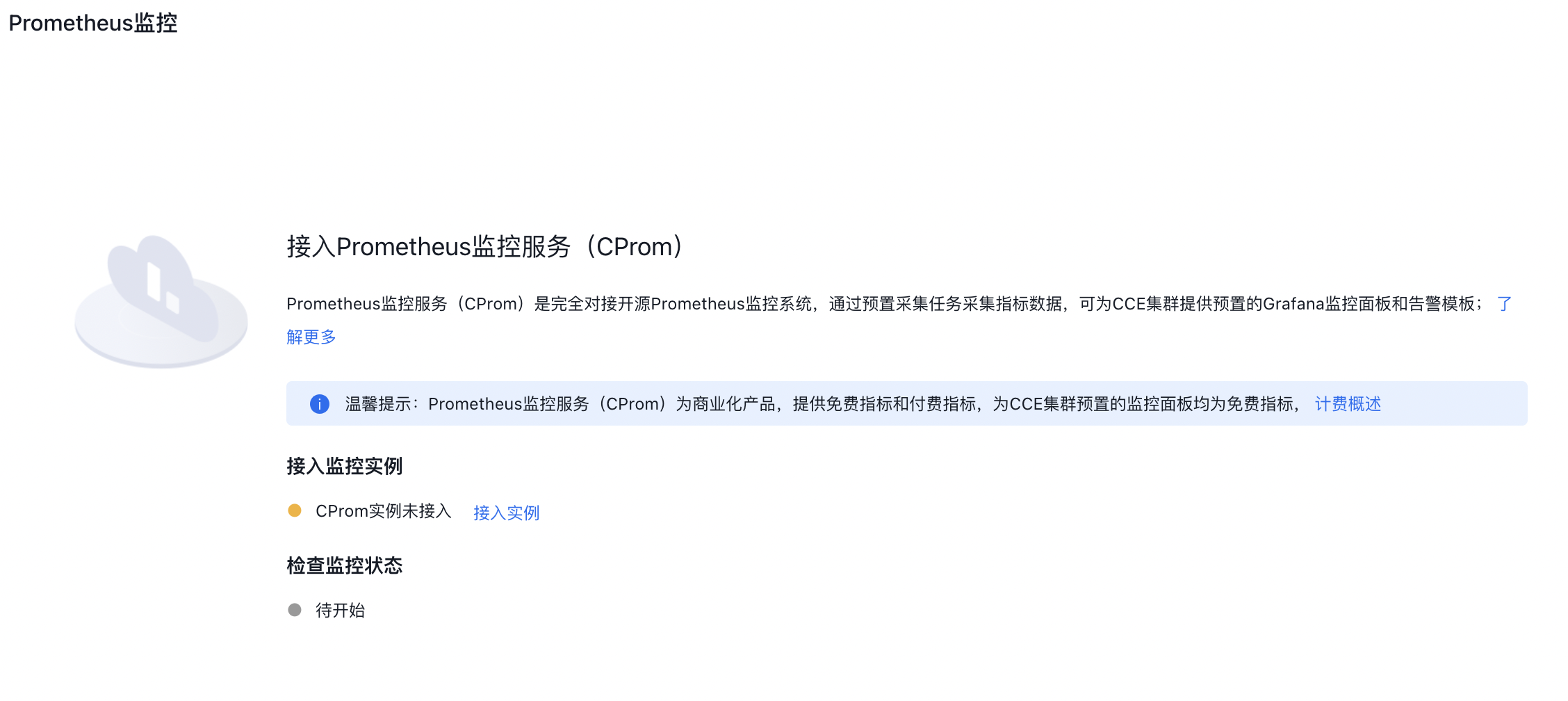
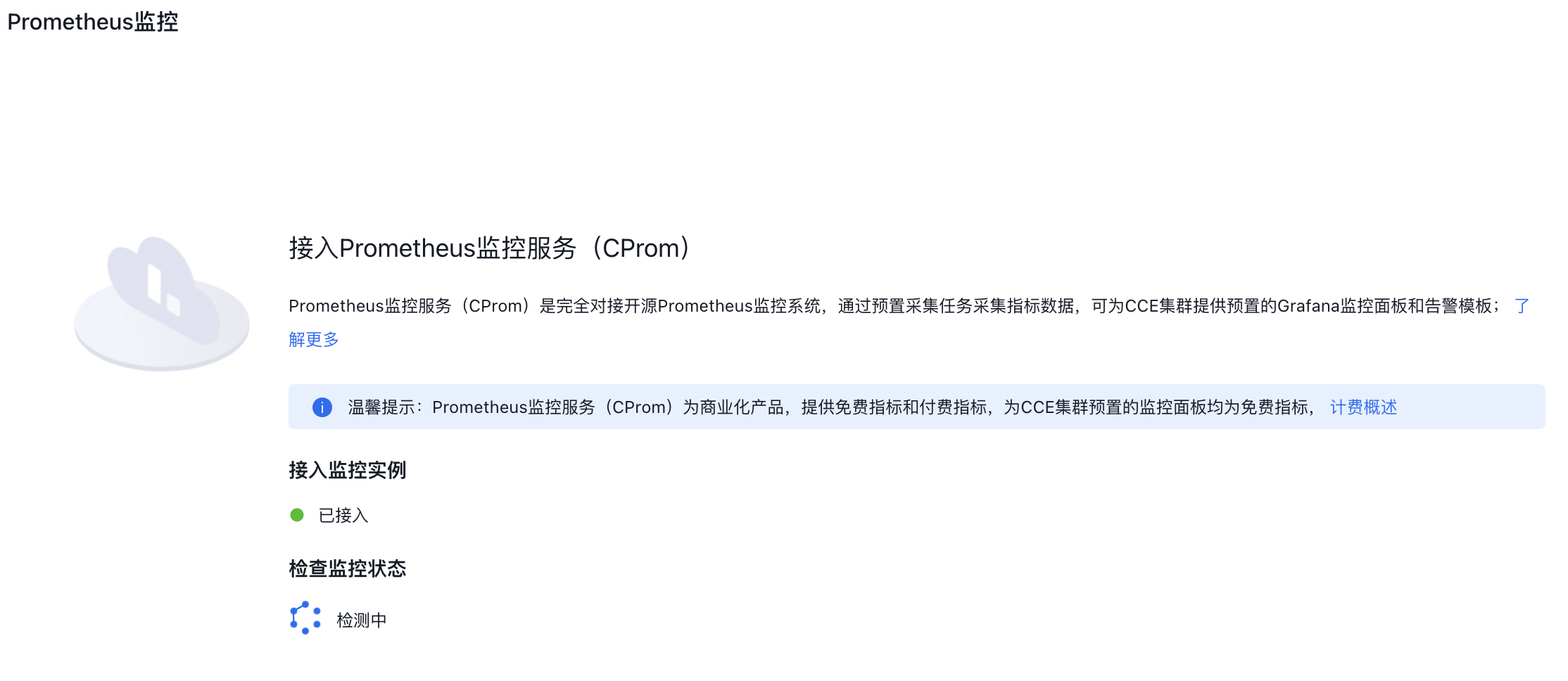
- After successful connection, click Navigate to Prometheus Monitoring Service on the right side of the Prometheus Monitoring page

- Select your instance and click the Instance Name
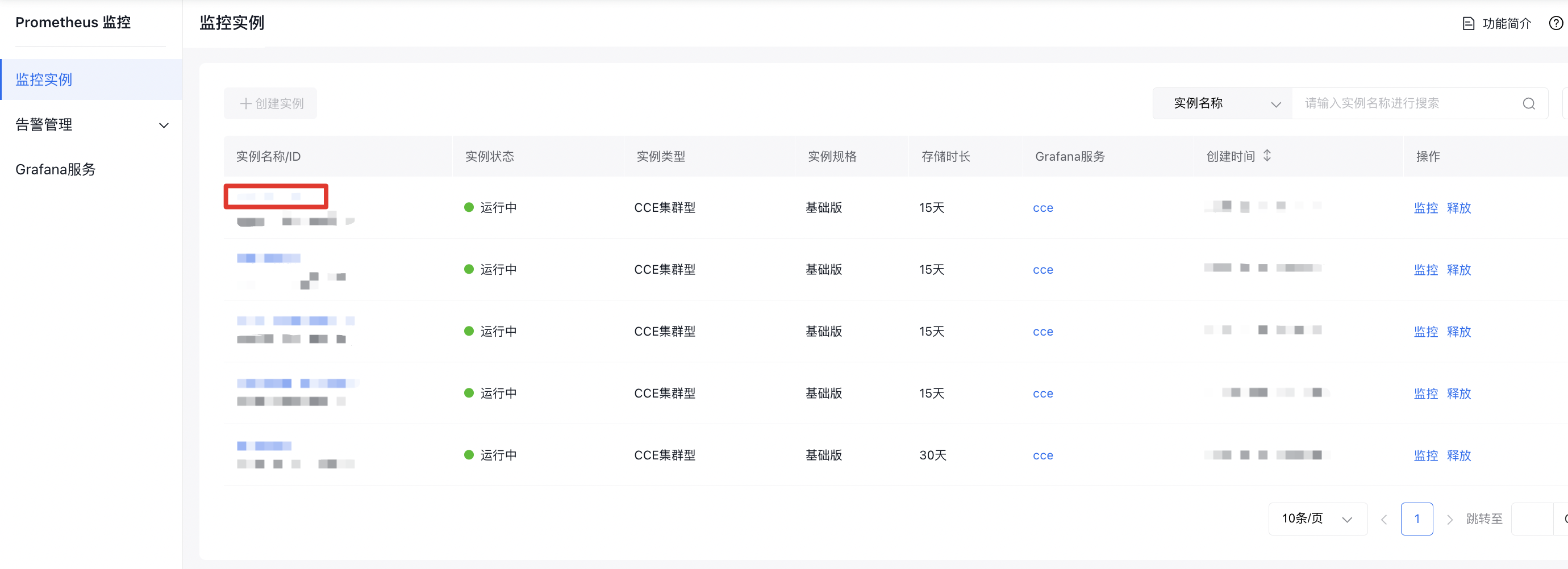
- In the left navigation bar, select Collection Configuration, then select Target Cluster on the right. Locate the name of required job in the Collection Configuration list below, and click Enable in the right Operation column**. The task status will change from Disabled to Enabled**.
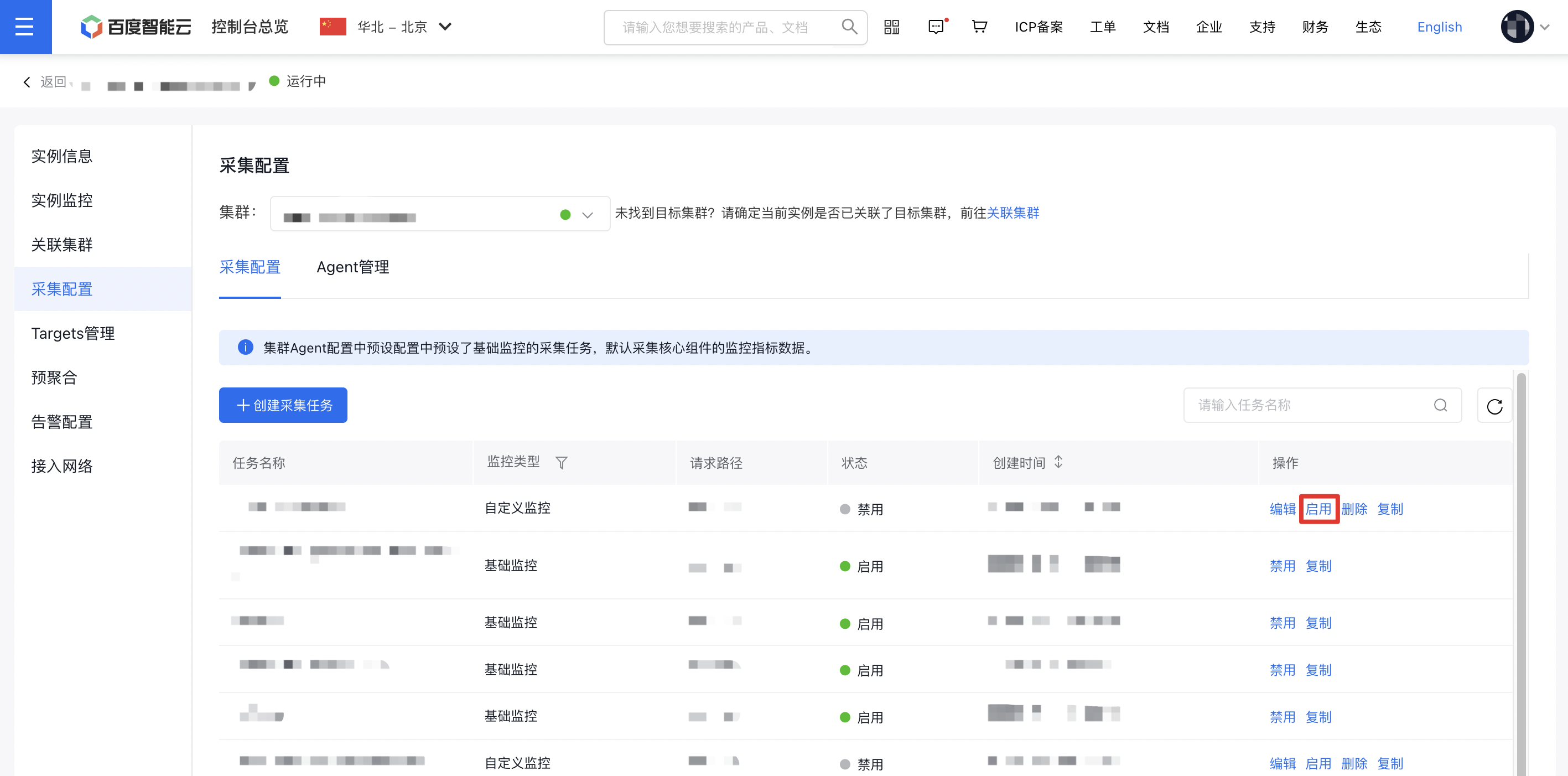
Data collection tasks to enable for GPU/NPU dashboard
NVIDIA GPU chip collection items
Dashboard name |
Collection task | |||||
|---|---|---|---|---|---|---|
| volcano | kubelet | gpu-dcgm | kubernetes-pods | cadvisor | kubernetes-pods-kube-state-metrics | |
| GPU resource pool overview | √ | √ | √ | √ | √ | √ |
| GPU node resources | √ | √ | √ | √ | √ | √ |
| GPU workload resources | √ | √ | √ | √ | √ | √ |
| AI Job Scheduler component | √ | √ | √ | √ | √ | √ |
| GPUManager component | — | — | — | — | — | √ |
Ascend NPU chip collection items
| Dashboard name | Collection task | |||
|---|---|---|---|---|
| npu-exporter | kubelet | cadvisor | kubernetes-pods-kube-state-metrics | |
| Ascend resource pool overview | √ | √ | √ | √ |
| Ascend node resource | √ | √ | √ | √ |
| Ascend workload resource | √ | √ | √ | √ |