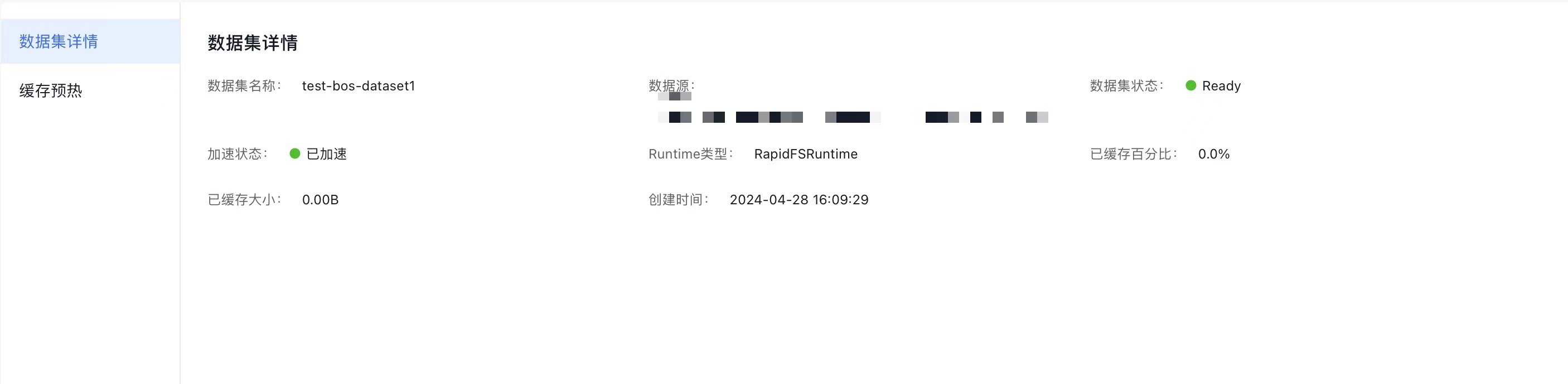
View Dataset
Updated at:2025-10-27
You can manage and view datasets as per your requirements.
Prerequisites
- You have successfully installed the CCE Fluid component; if not, this functionality will be unavailable.
- The dataset has been successfully created.
Operation steps
- Sign in to the Baidu AI Cloud official website and enter the management console.
- Go to Product Services - Cloud Native - Cloud Container Engine (CCE) to access the CCE management console.
- Click Cluster Management - Cluster List in the left navigation pane.
- Click on the target cluster name in the Cluster List page to navigate to the cluster management page.
- On the Cluster Management page, click Cloud-Native AI - Datasets.
- On the Dataset Management page, you can see the datasets you’ve created along with their related details. For a large number of datasets, use the Dataset Name search box in the upper-left corner to search quickly.
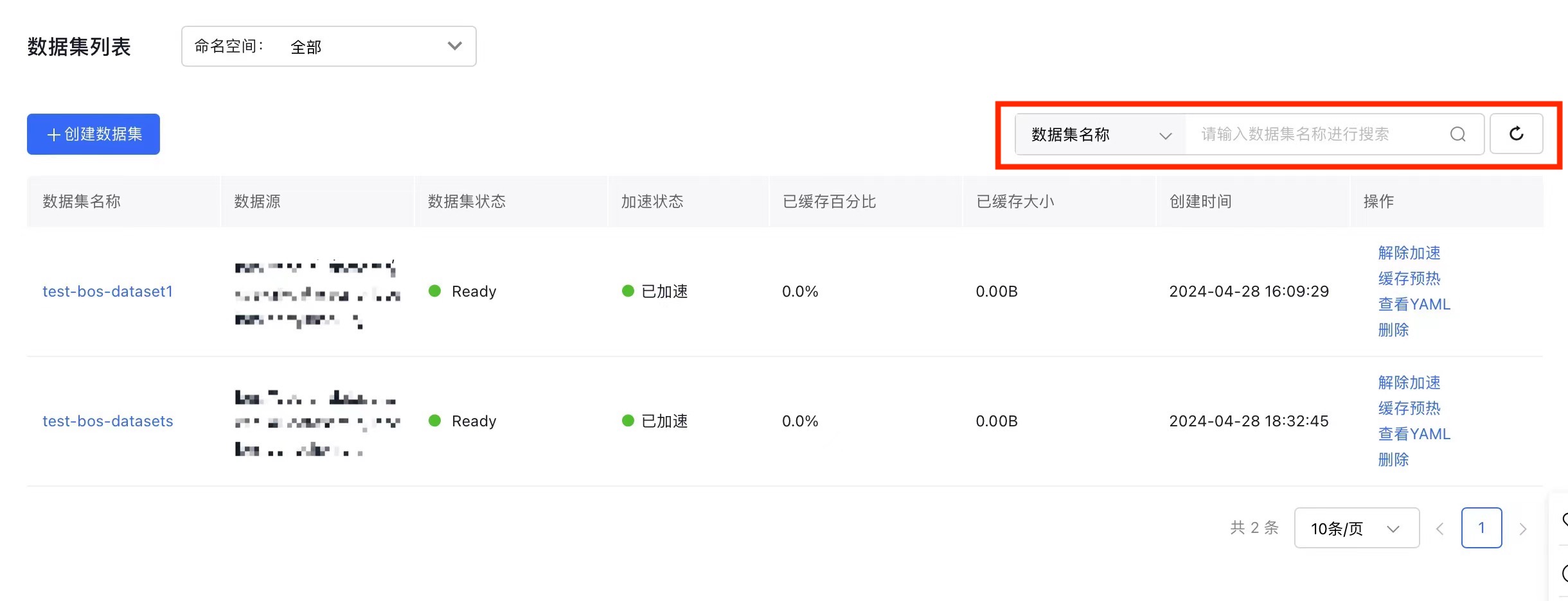
In the Dataset Name column of the dataset list, click a dataset’s name to open the Dataset Details page and view its detailed information.