

Unified Access for Virtual Machines and Container Services via CCE Ingress
Application scenarios
In many scenarios, virtual machines in a cluster may simultaneously host both containerized and non-containerized services. If you'd like to use an application BLB to forward requests to both service types on virtual machines, you can refer to the configurations in this document.
Solution overview
Concepts
- Application BLB: A BLB designed for complex application deployment architectures. It allows users to configure different forwarding rules (Layer 4 or Layer 7).
- Listener forwarding rule: Rules that match incoming packets to the BLB and forward them to different target groups.
- Target group - server group: The target for packet forwarding, consisting of a set of Baidu AI Cloud servers.
- Target group - IP group: The target for packet forwarding, consisting of a set of IP addresses. These IPs can be internal VPC addresses (e.g., node addresses, ingress addresses).
Basic principles
In a CCE cluster, one or more containerized services (referred to as “containerized services” below) typically access external traffic through ingress. Non-containerized services (referred to as “VM services” below) typically access external traffic by configuring an application BLB manually.
You can configure HTTP forwarding rules for the application BLB, and add the internal VPC IP address of the ingress to the self-configured application BLB’s IP group. This routes traffic destined for containerized services to the ingress.
Network topology example
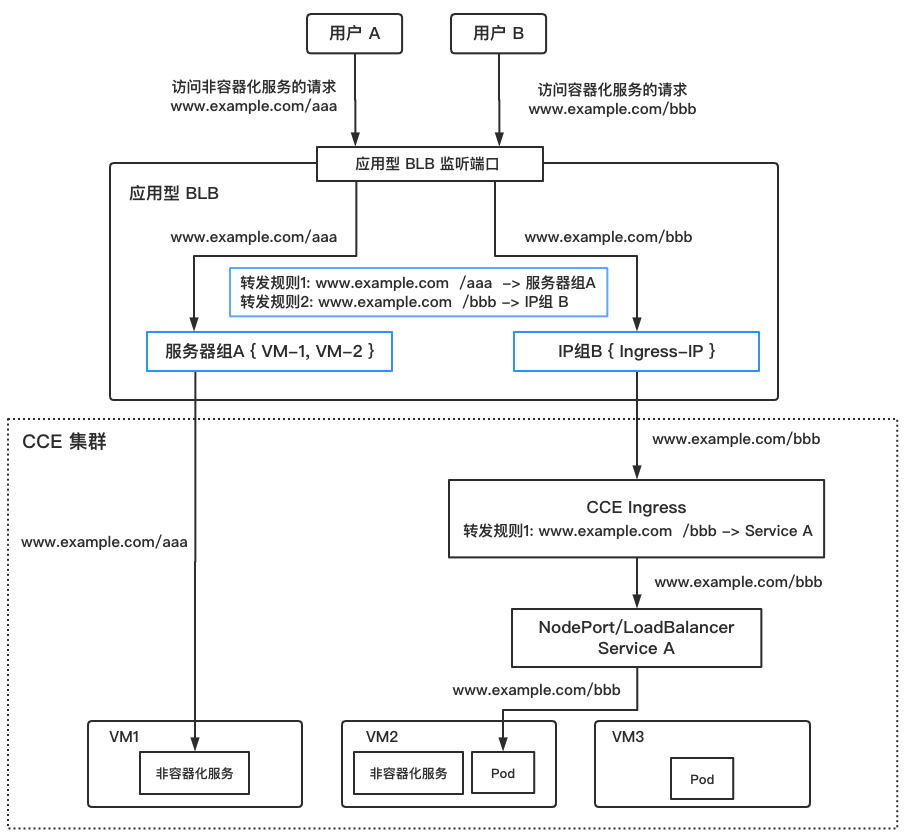
The network topology after configuration is shown in the diagram (not provided here).
Requests to VM services are forwarded directly by the application BLB to backend VMs. Requests to containerized services are first forwarded to the ingress, then to respective services.
The content covered in this guide is marked by the blue box in the diagram, including server group configuration, IP group configuration, and listener forwarding rule settings.
Operation steps
1. Preparation
Before starting the operations, ensure the following tasks are completed:
- VM services are deployed and running properly
- Containerized services are deployed and running properly, and the associated ingress has been created
- The externally exposed application BLB and its HTTP/HTTPS listeners have been created
2. Configure a server group (for VM services)
This step aims to add the virtual machines hosting VM services to the backend server group of the application BLB.
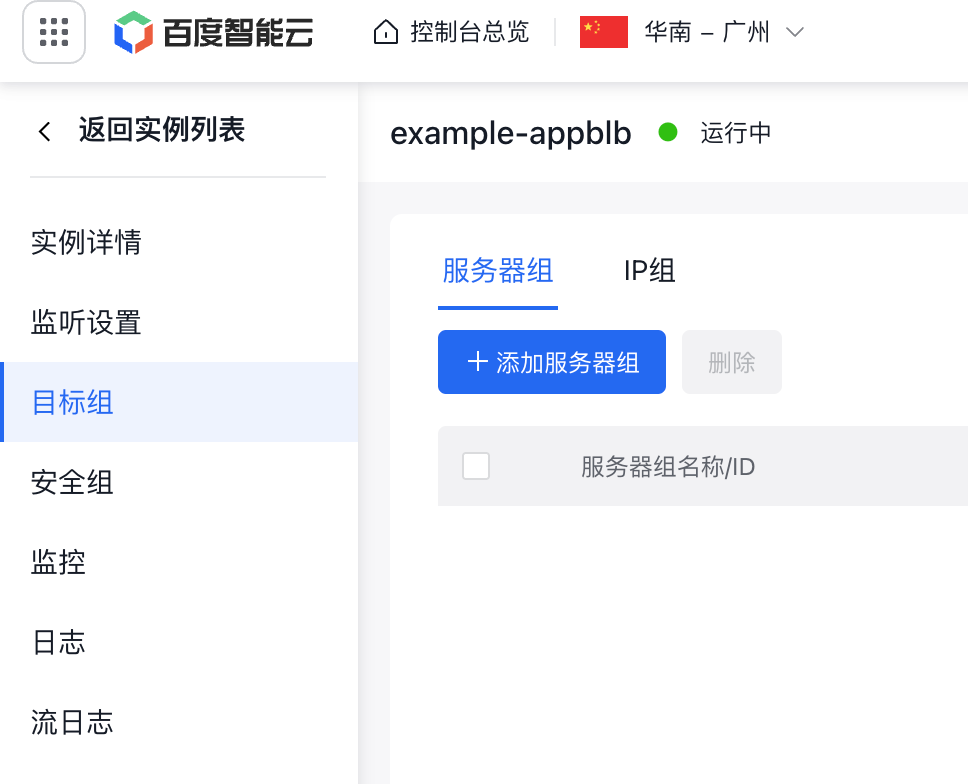
- Access the application BLB console and click Target Groups - Add Server Group
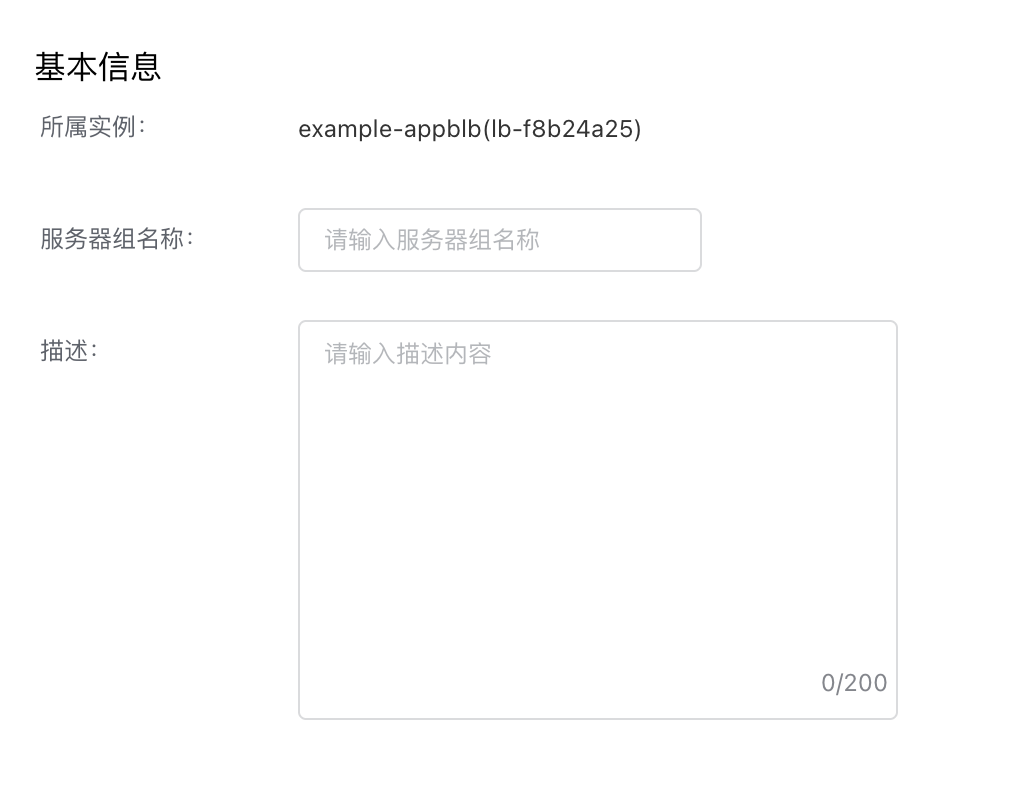
- Set the Server Group Name and Description as needed
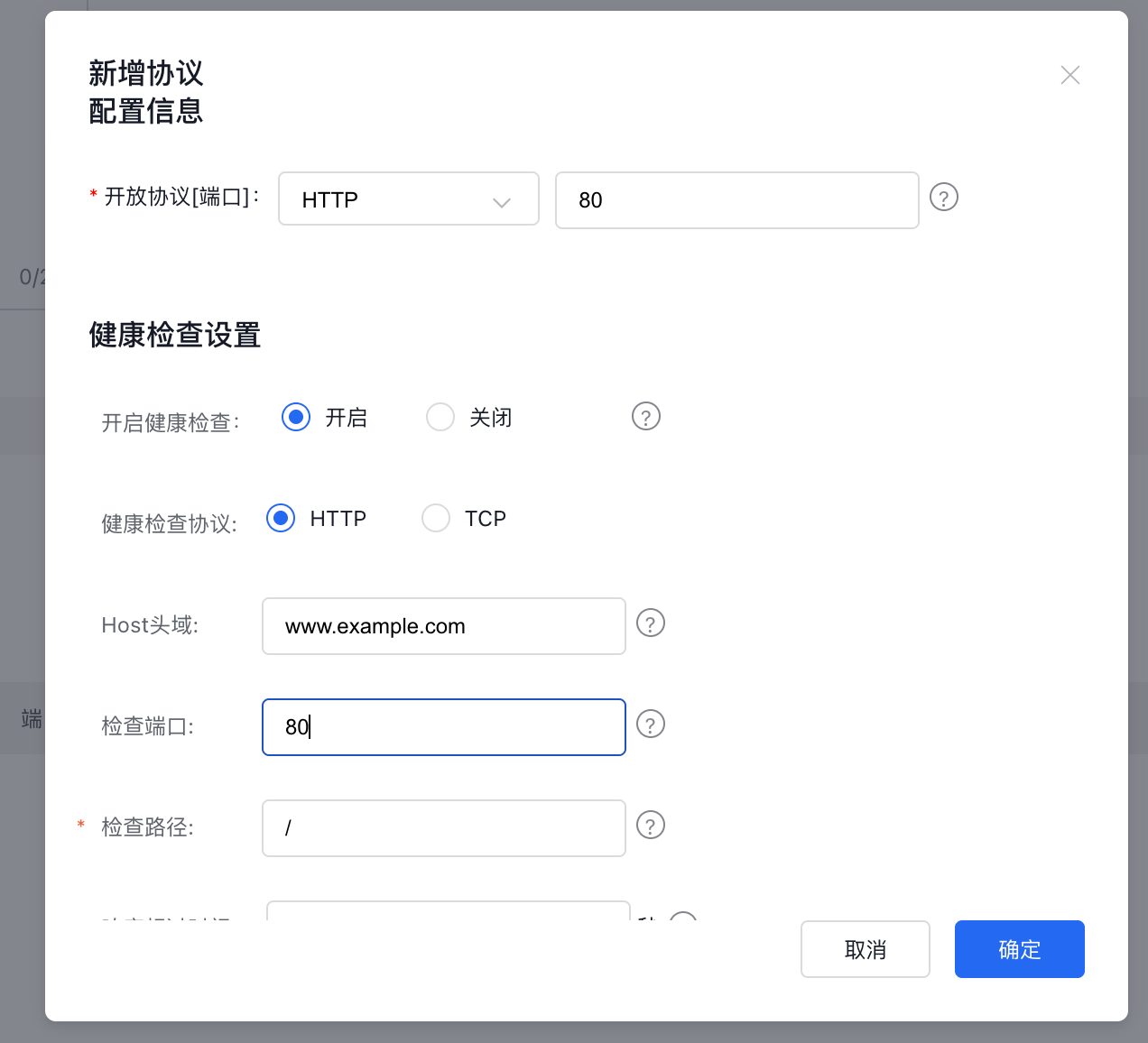
- Set "open ports". Specify the port (this refers to the port used by the VM service; in this example, it is HTTP:80). Configure health check rules based on actual requirements.
-
Add the real servers running the VM services.
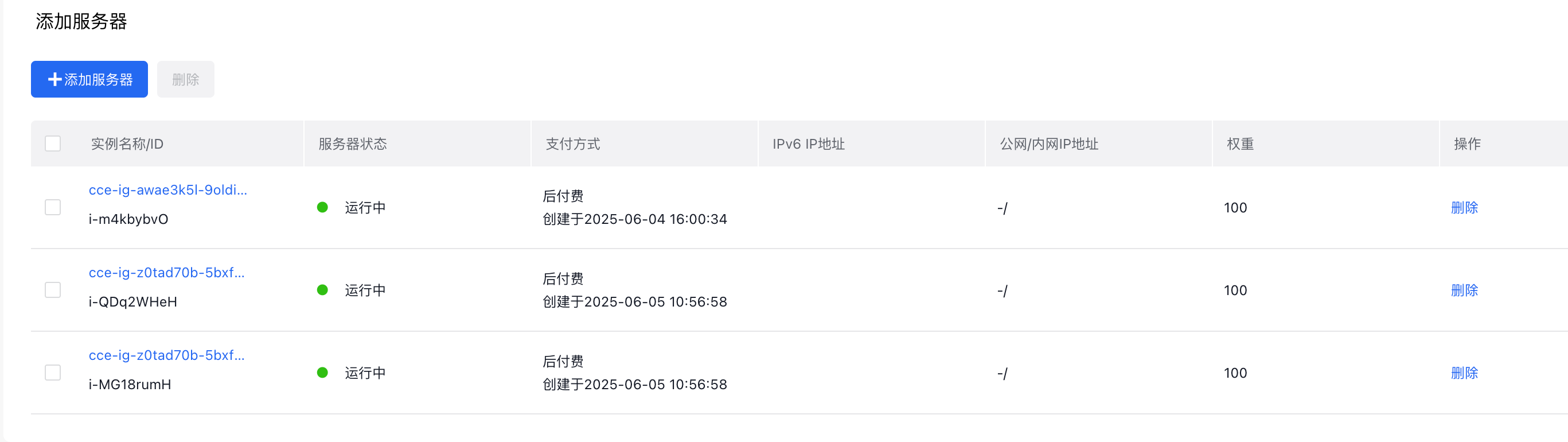
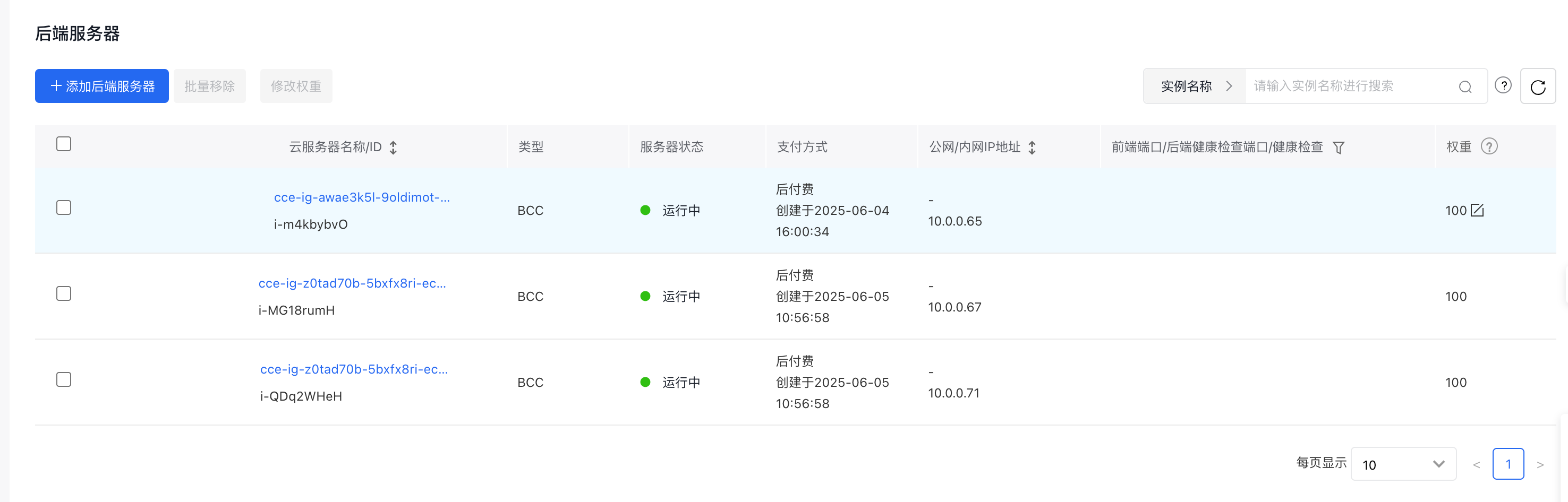
- Click OK to complete creation. After creation, check the health status of the server group and the rear servers in the group. If the status is abnormal, verify the configuration correctness and ensure the backend services are running properly.
3. Configure an IP group (for containerized services)
This step aims to associate the ingress of containerized services with the backend IP group of the application BLB.
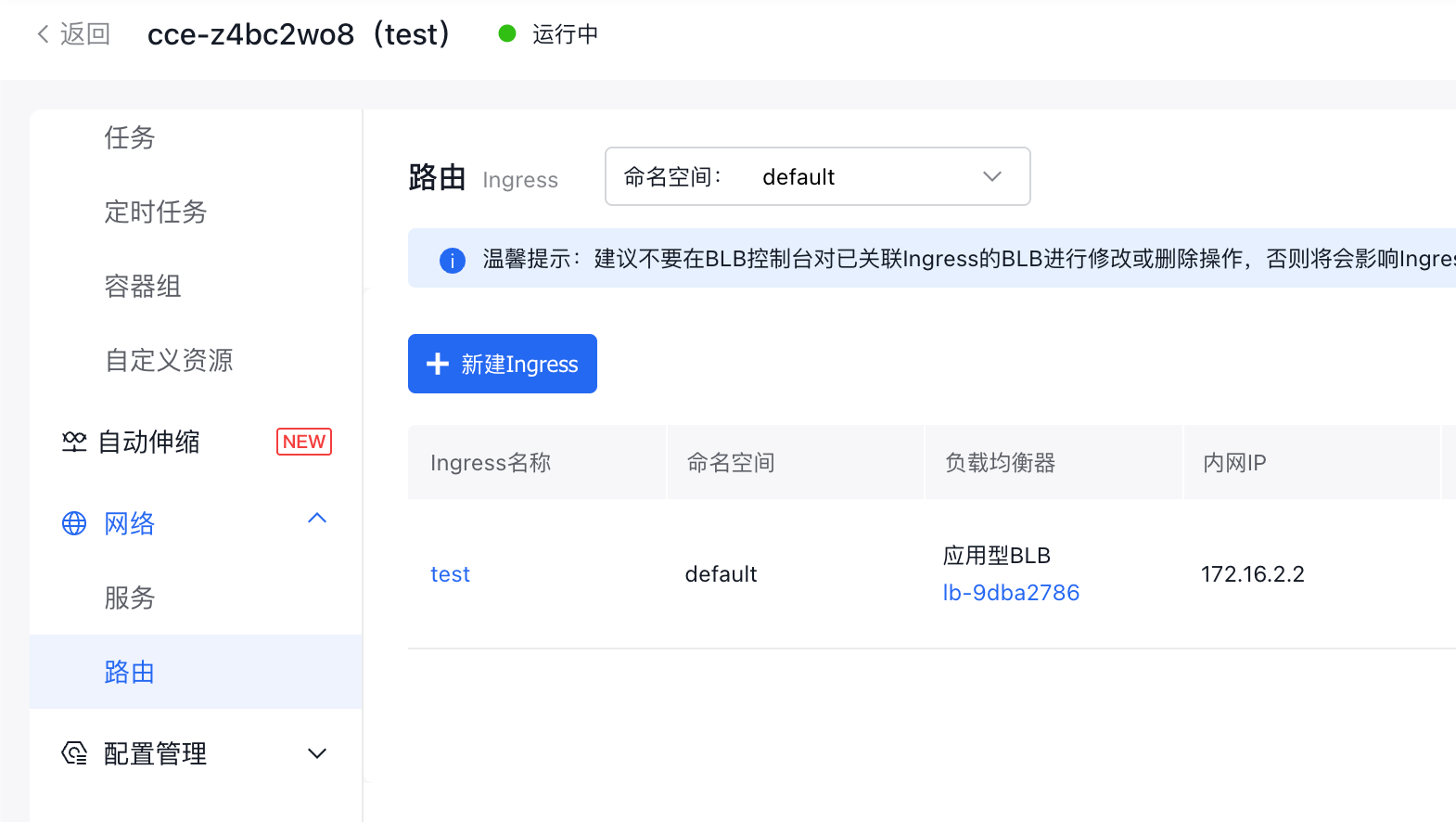
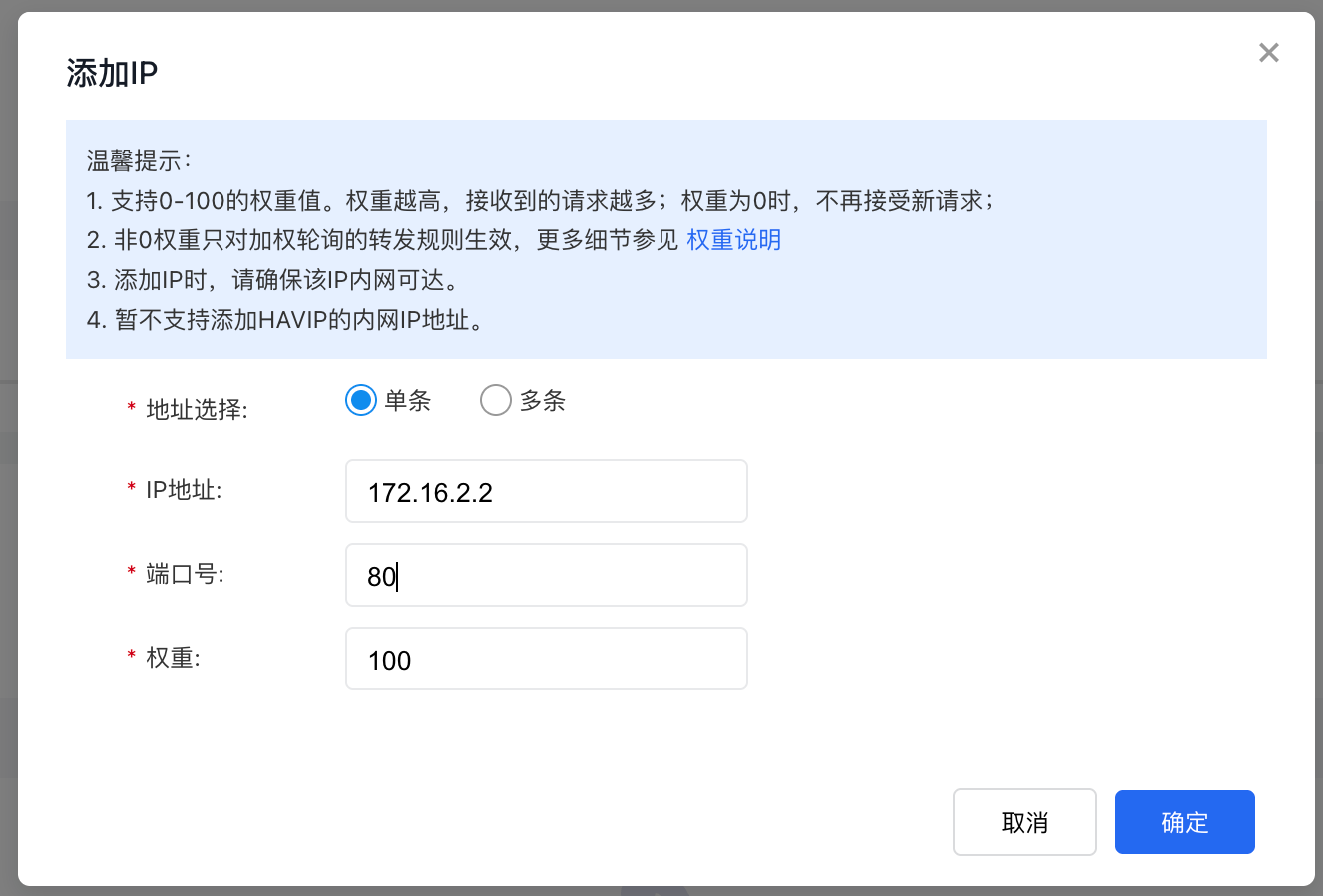
- Confirm the internal IP address of the ingress. You can find it in the CCE console by navigating to Select Cluster - Network - Routes. Example IP: 172.16.2.2
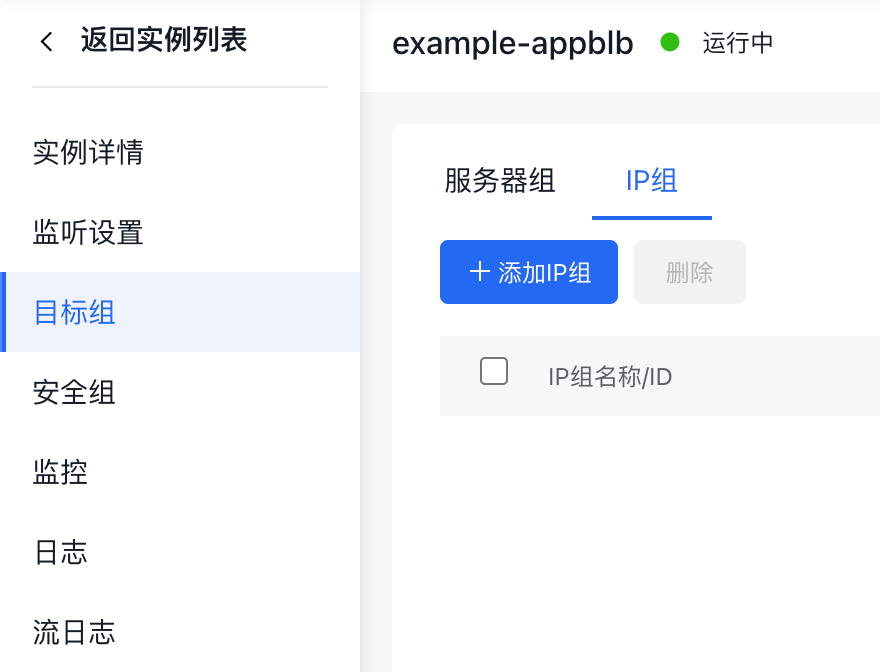
- Access the application BLB console and click Target Groups - Add IP Group
- Set the IP Group Name and Description as needed
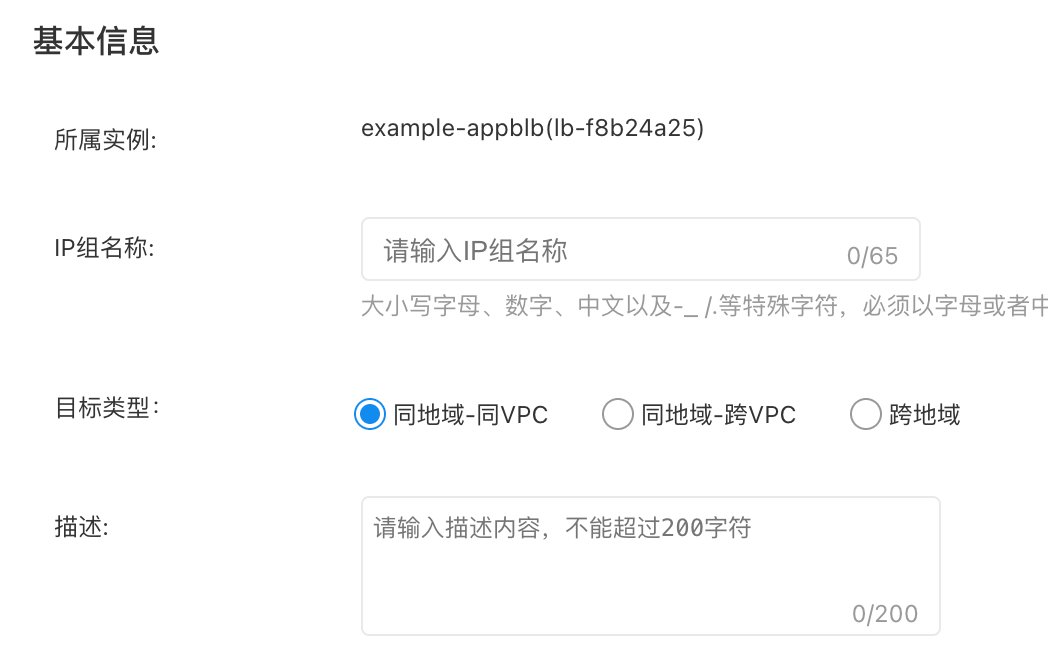
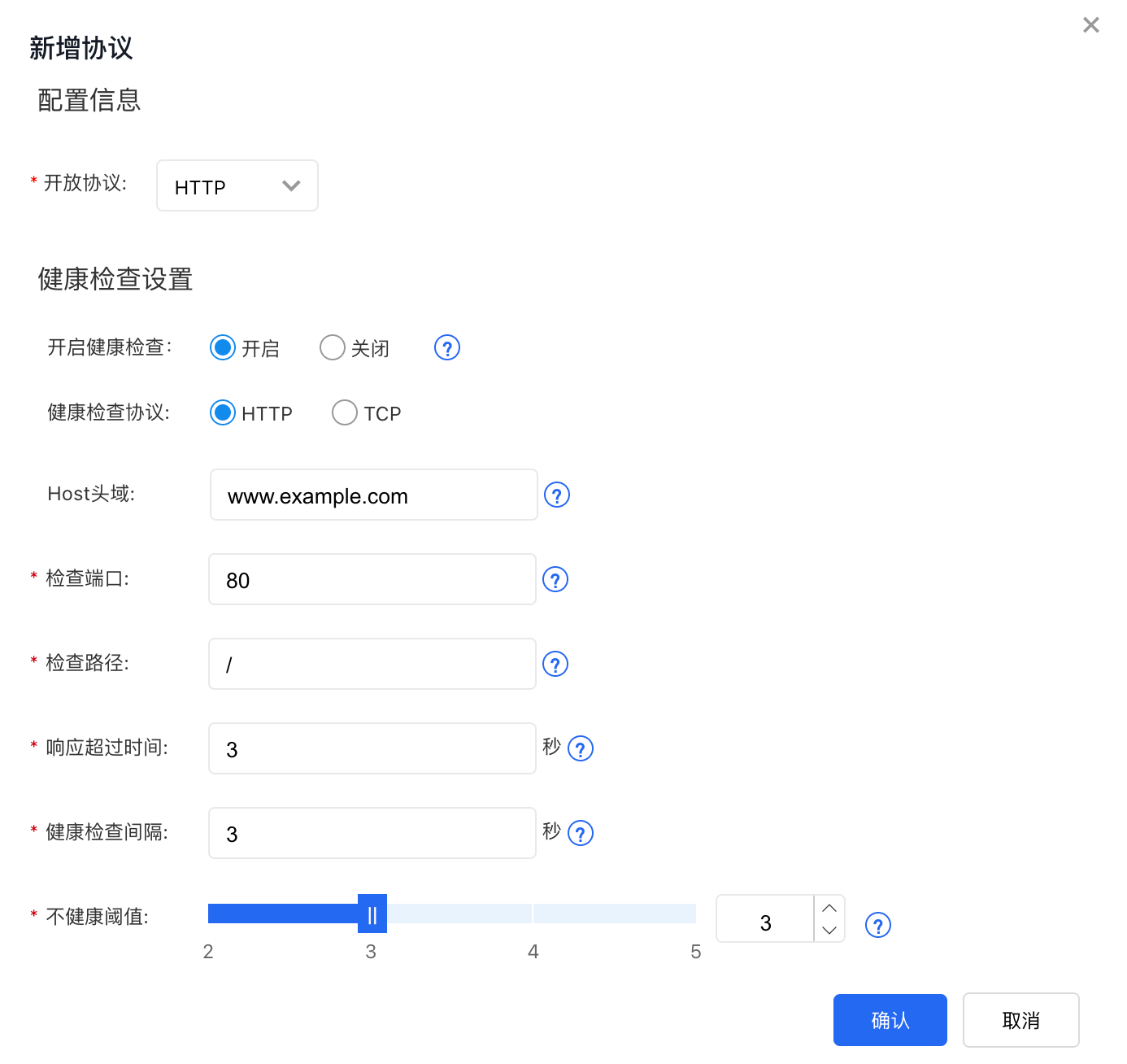
- Set the Open Protocol: Since the IP group in this guide contains an ingress (which uses the HTTP protocol), select HTTP here. Configure health check rules based on actual requirements.
- Add the IP address. Enter the ingress internal IP address and port recorded in Step 1.
- Click OK to finalize the creation process.
4. Configure listener forwarding rules
This step involves setting up forwarding rules to correctly direct various requests to containerized or VM services.
- Access the BLB console, navigate to the application BLB instance page, and select Add Listener Settings.
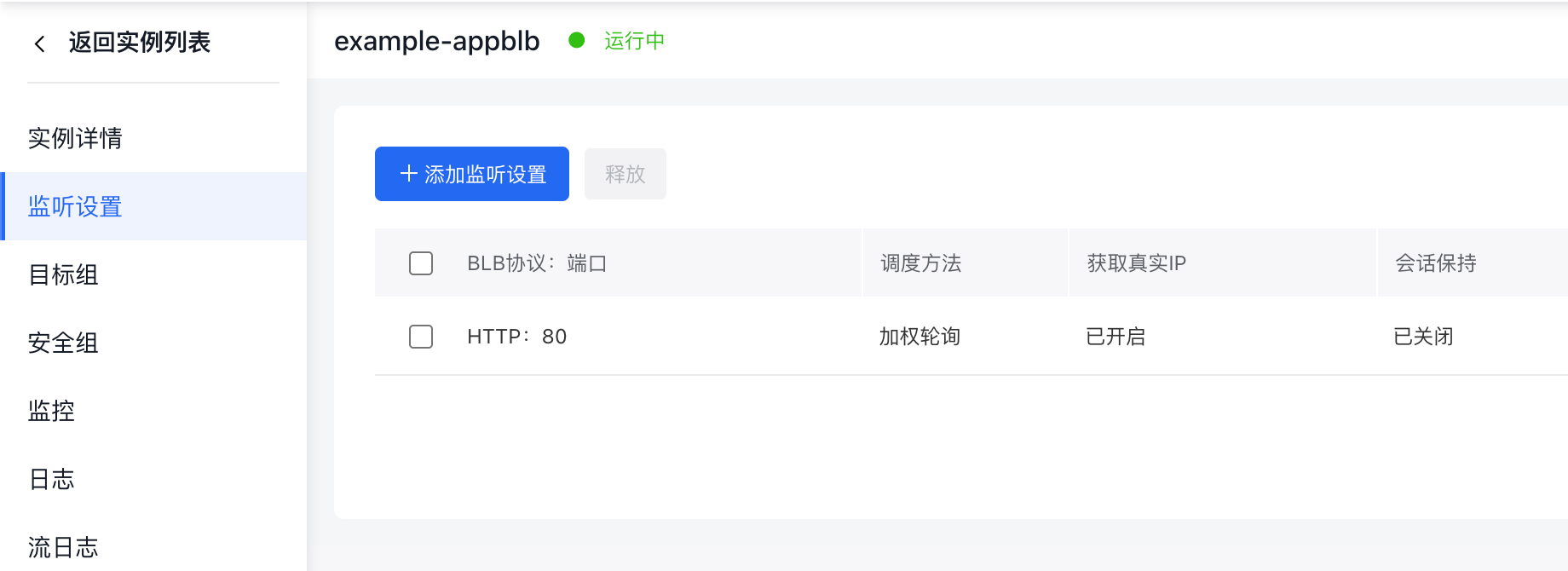
- Configure rules for the BLB to forward requests to VM services. Click Add Rule. Set matching conditions and the corresponding Target Group - Server Group (the server group configured earlier). Example matching condition: www.example.com /aaa.

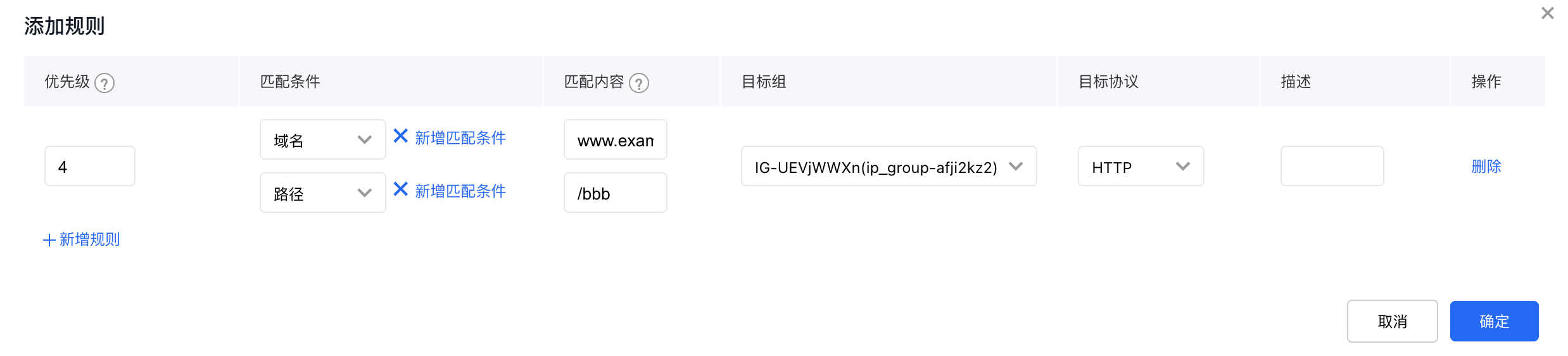
- Configure rules for the BLB to forward requests to containerized services. Click Add Rule. Set matching conditions and the corresponding Target Group - IP Group (the server group configured earlier). Example matching condition: www.example.com /bbb.
- All configurations are complete. Perform testing to confirm that all functions operate as expected.