Delete dataset
Updated at:2025-10-27
You can delete datasets that are no longer needed through the CCE management console.
Prerequisites
- You have successfully installed the CCE Fluid component; if not, this functionality will be unavailable.
- The dataset has been successfully created.
Operation steps
- Sign in to the Baidu AI Cloud official website and enter the management console.
- Go to Product Services - Cloud Native - Cloud Container Engine (CCE) to access the CCE management console.
- Click Cluster Management - Cluster List in the left navigation pane.
- Click on the target cluster name in the Cluster List page to navigate to the cluster management page.
- On the Cluster Management page, click Cloud-Native AI - Datasets.
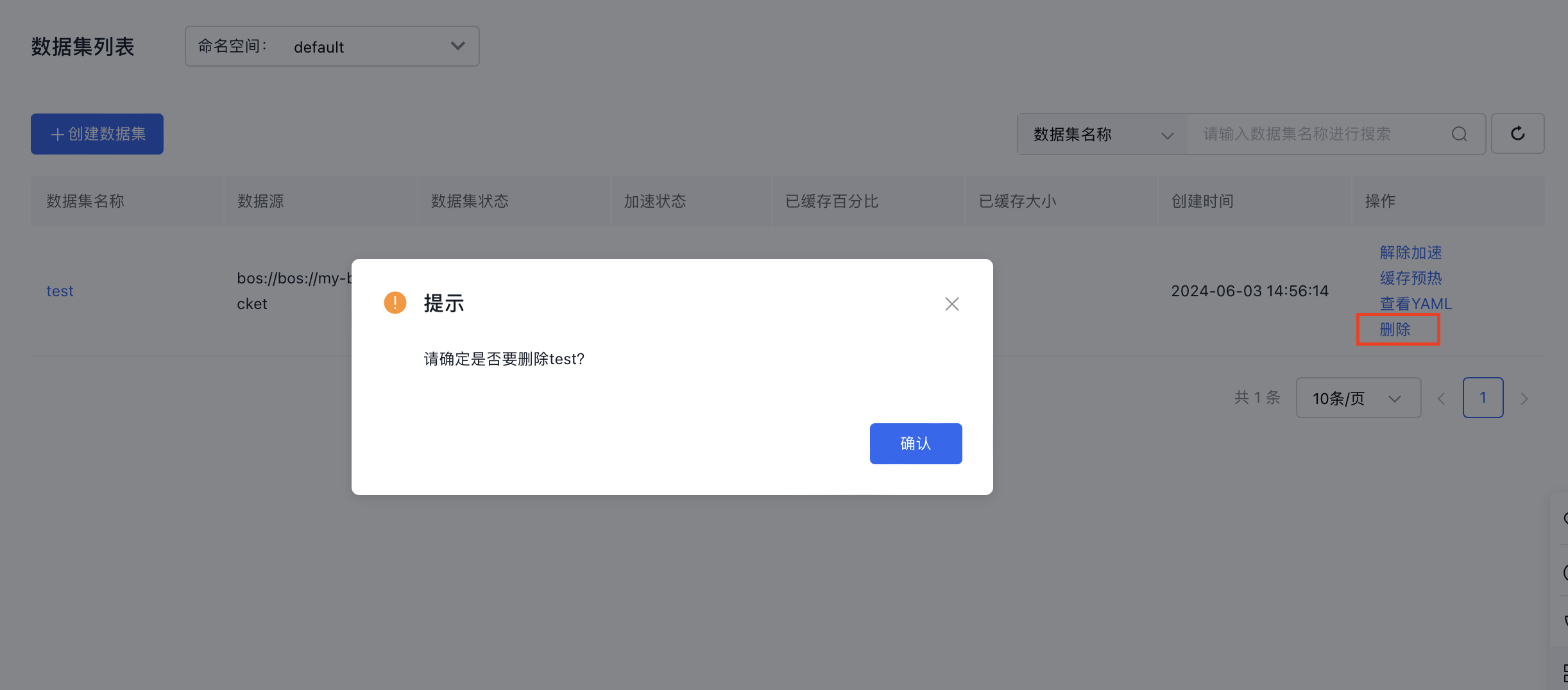
- On the Dataset Management page, click Delete in the Operation column corresponding to the target dataset.
- In the deletion confirmation pop-up window, click the OK button to complete the dataset deletion.