CCE Cluster Anomaly Event Alerts
Updated at:2025-10-27
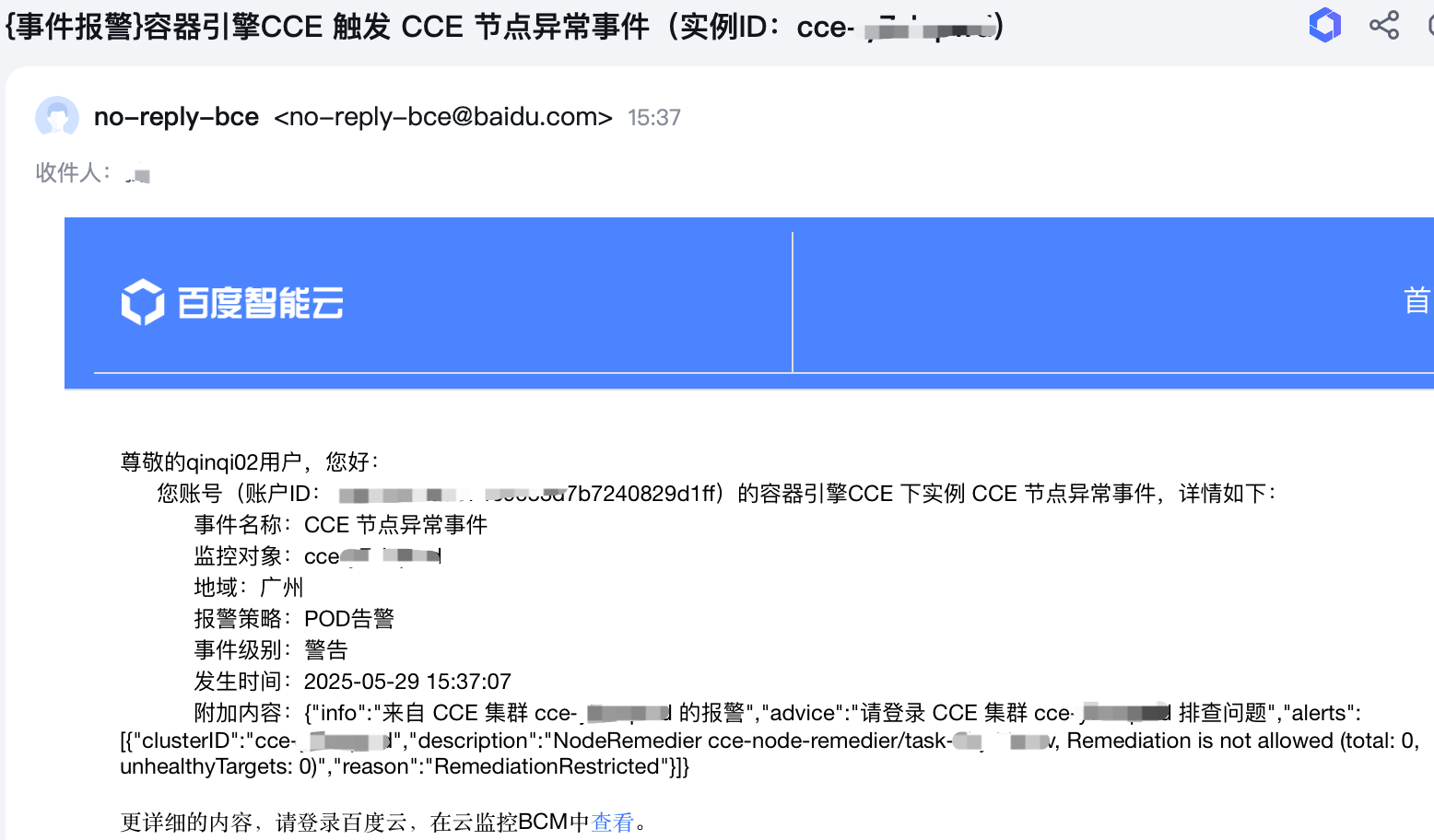
CCE cluster exception event alarm service: When the exception event (e.g., node NotReady) occurs in a CCE cluster, a real-time alarm can be sent to users via the BCM service.
Prerequisites
- Successfully create CCE cluster.
- If the Baidu Cloud Monitor (BCM) service has been activated, you can log in to the Baidu Cloud Monitor (BCM) console to confirm its status.
Operation steps
- Sign in to Cloud Container Engine (CCE) console.
- In the left navigation bar, click on the cluster list.
- On the Cluster List page, click on the desired cluster to open the cluster management page.
- In the left navigation bar of the cluster management page, select O&M& Management - Event Center.
- Click to enable Push Exception Events to BCM in the upper right corner.
- Click Baidu Cloud Monitor Service to redirect to the Baidu Cloud Monitor Service Console and configure CCE exception event alarm strategies.

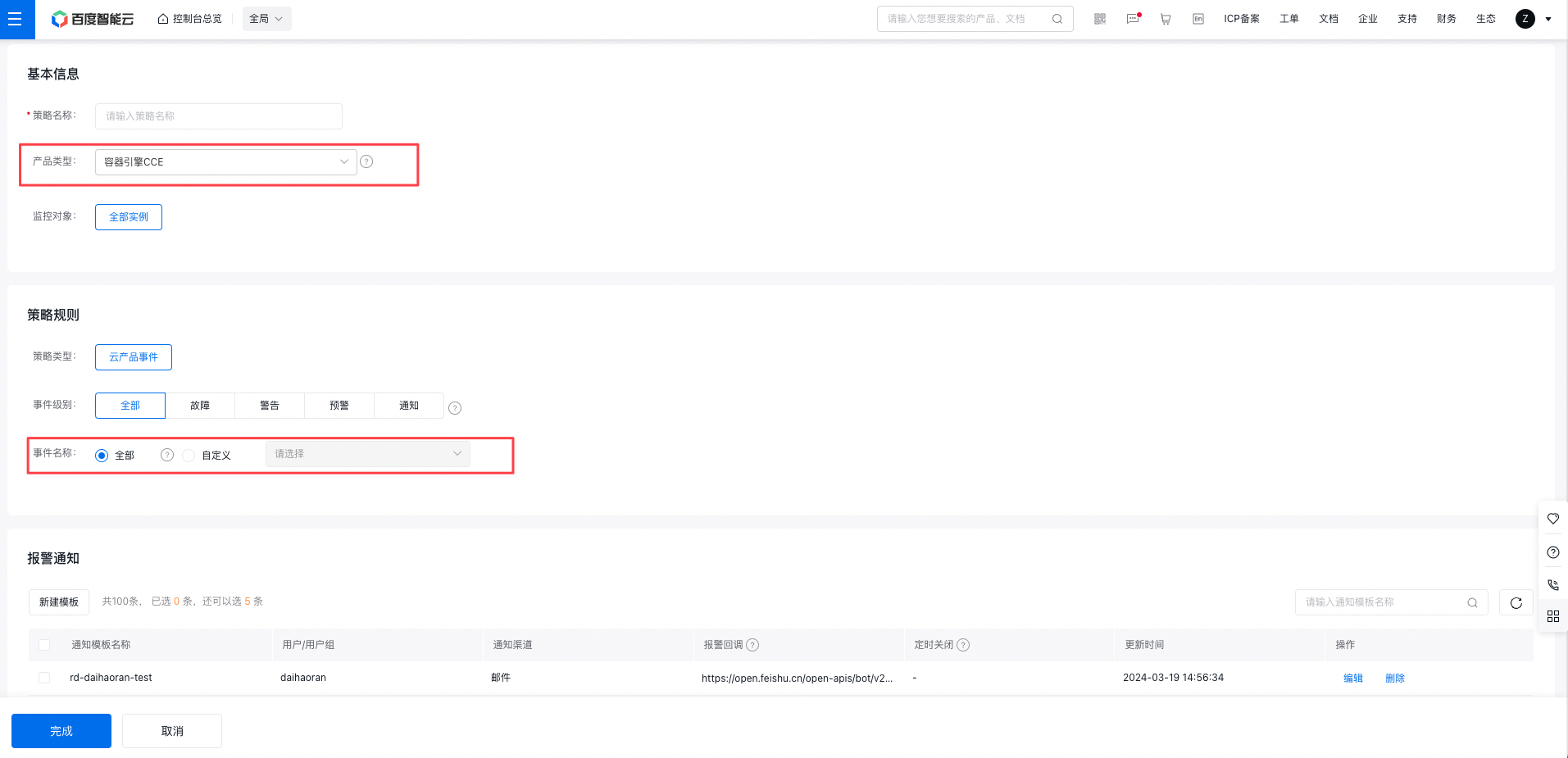
- In the left navigation bar of Baidu Cloud Monitor (BCM) console, select Event Monitor - Cloud Product Events, then click Add Alarm Strategy in the upper left corner.
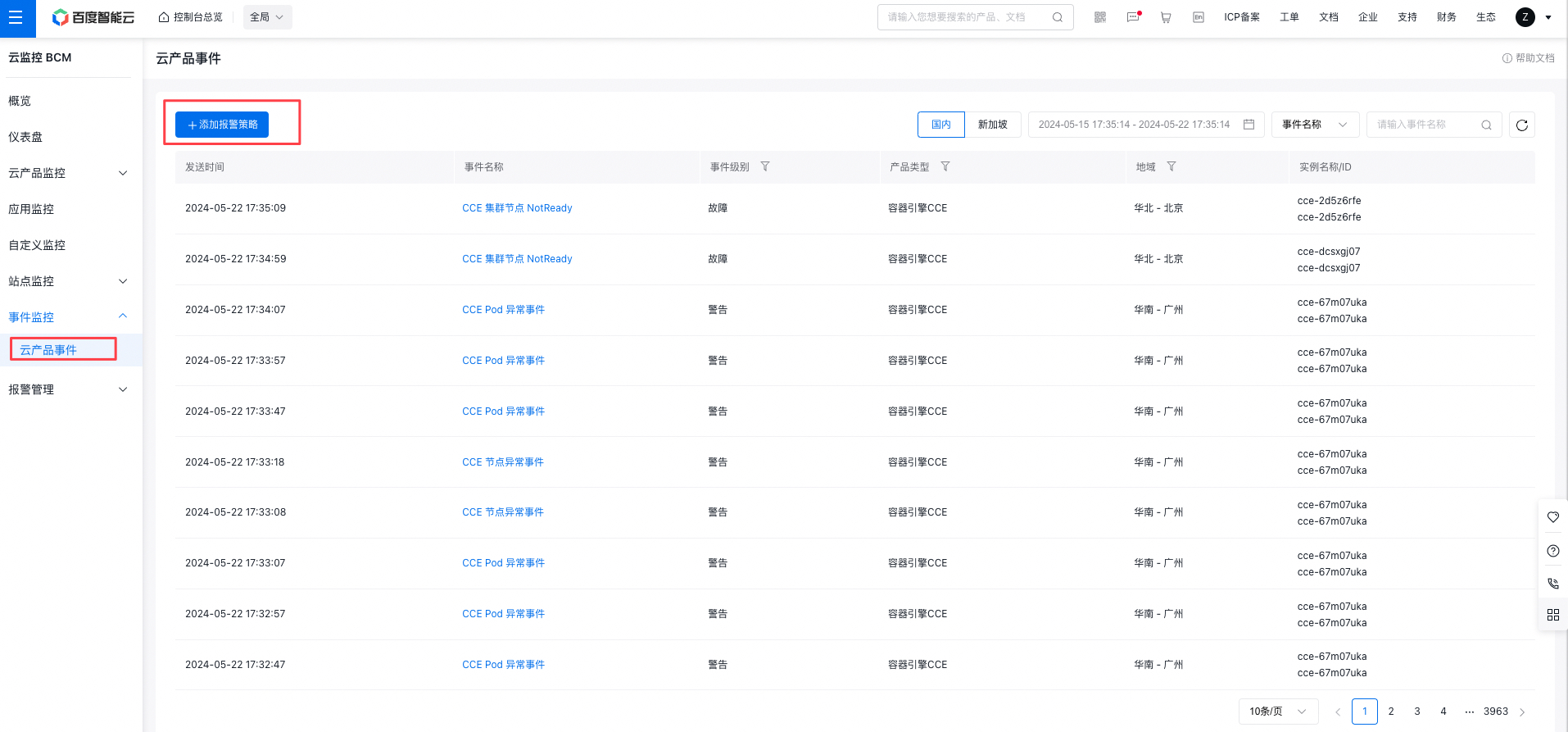
- Create an alarm strategy by selecting Cloud Container Engine (CCE) as the product type, configure alert information and policy rules as needed, and set up alarm notifications. For detailed operations, refer to Alarm Management .
Alarm notification
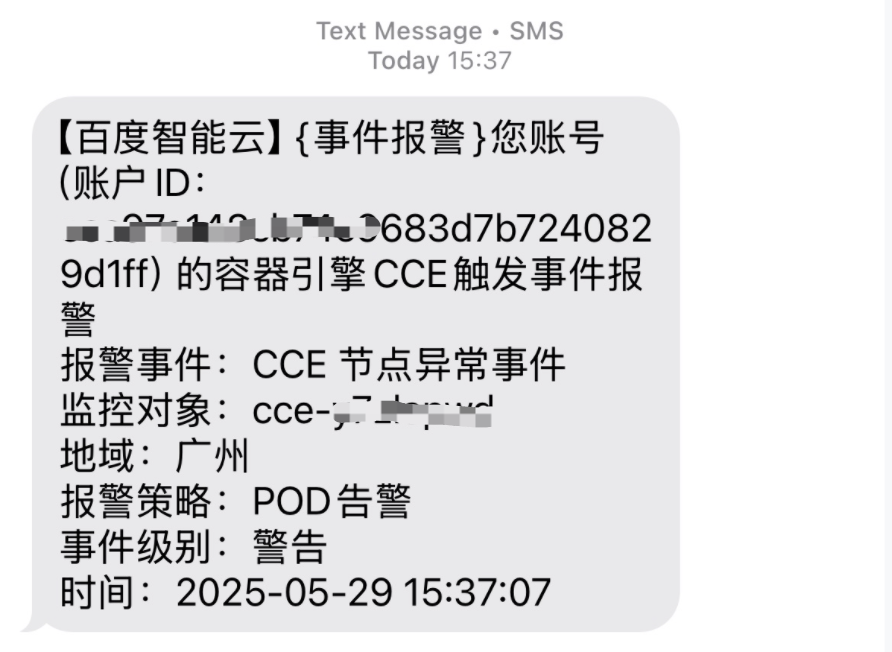
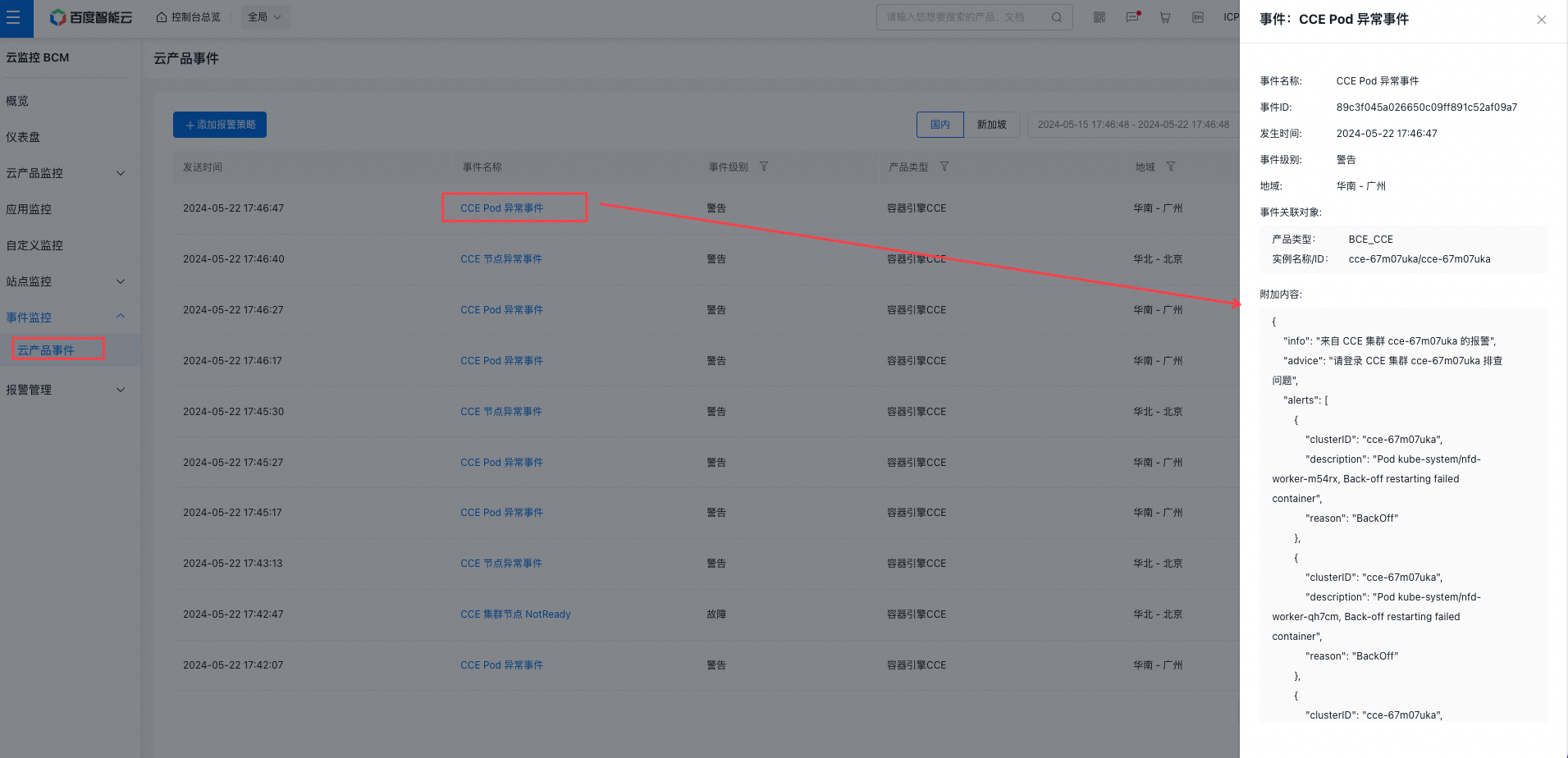
After configuring the alarm strategy, alarms will be triggered if corresponding exception events occur in the CCE Cluster (alarm channels depend on the configured alarm actions, currently supporting email, SMS, and phone calls). Alarm event information can also be viewed on the BCM event monitor page.