

Hierarchical Namespace Bucket Operation Instructions
Hierarchical namespace is a metadata management function launched by Baidu AI Cloud. Through the hierarchical namespace, it can well support directory-level mv and rename operations, and optimize common read operations such as list and head, improving data processing efficiency and performance, which can well meet data lake computing scenarios in the big data field. Currently, the hierarchical namespace feature is configured at the bucket level. You must first obtain access permissions before creating a bucket with hierarchical namespace enabled. For more feature details, please refer to [Hierarchical Namespace](BOS/Developer Guide/Data lake access/Hierarchical namespace.md).
Feature activation:
- Step 1: Submit a request outlining your requirements, and the system will grant the necessary access permissions.
- Step 2: Following approval of your request and the granting of permissions, log in to the object storage console to create a bucket where you wish to enable the hierarchical namespace. Notify the Baidu AI Cloud technical support team, who will then enable the hierarchical namespace for your bucket on the backend.
Supported regions:
Currently, support for this feature is limited to the North China (Beijing) and South China (Guangzhou) regions.
Console operation guide for hierarchical namespace
Since the operational and configuration aspects of buckets with a hierarchical namespace enabled are nearly identical to flat-namespace buckets, this document focuses on the differences between the two types of buckets.
1. Bucket attribute: hierarchical namespace
If the hierarchical namespace is successfully activated for your bucket, this attribute will appear in the bucket information. If it does not appear, the activation was unsuccessful, and you need to retry. A successful activation will display as illustrated in the diagram below:
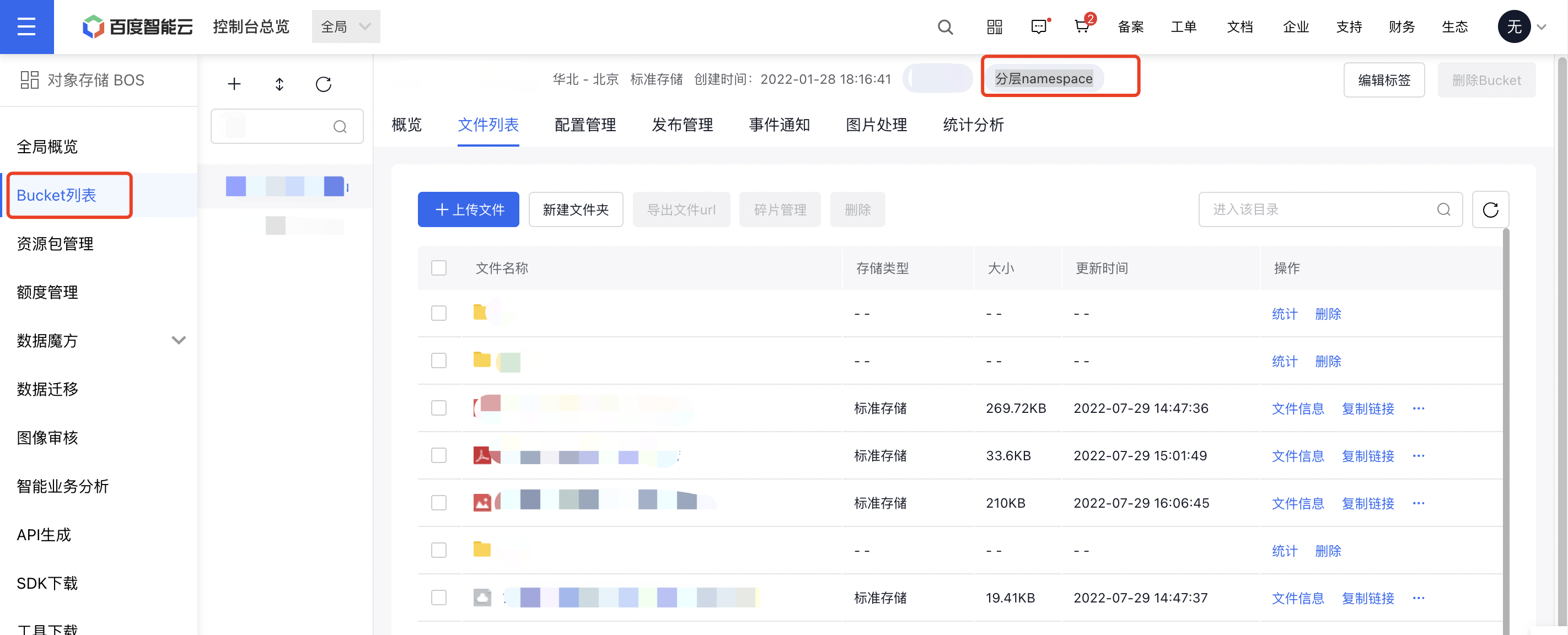
2. File list
For the file list search feature: Simply enter a file prefix to quickly navigate to the corresponding directory. The displayed list will include details about all files and folders within the specified directory.
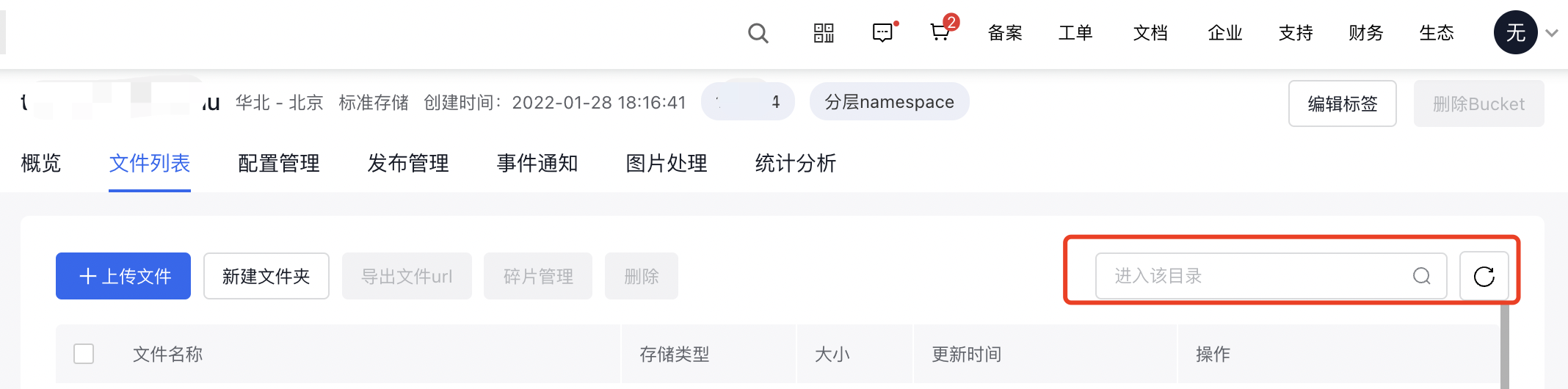
3. File management
Buckets with hierarchical namespace enabled do not support the archive storage class, meaning you cannot assign files to the archive storage class. Additionally, these buckets do not support the file symlink configuration feature. To use archive storage or file soft links, consider using standard flat-namespace buckets instead.
Other descriptions: For more details on the feature support and limitations of buckets with hierarchical namespace enabled, please refer to Features and Limitations of Hierarchical Namespace.