

Delete bucket
Updated at:2025-11-03
Overview
A bucket can only be deleted when it is null, that is, it does not contain any objects and unfinished three-step upload parts; otherwise, deletion is not possible and a corresponding prompt will appear. If you need to directly delete a non-empty bucket, you can use the forced deletion command of the CLI Tool: bce bos rb bos:/<bucket-name> --force.
Note
Deleted storage space cannot be restored. Please proceed with caution.
Delete bucket
- Sign in to the Baidu AI Cloud Object Storage (BOS) Management Console.
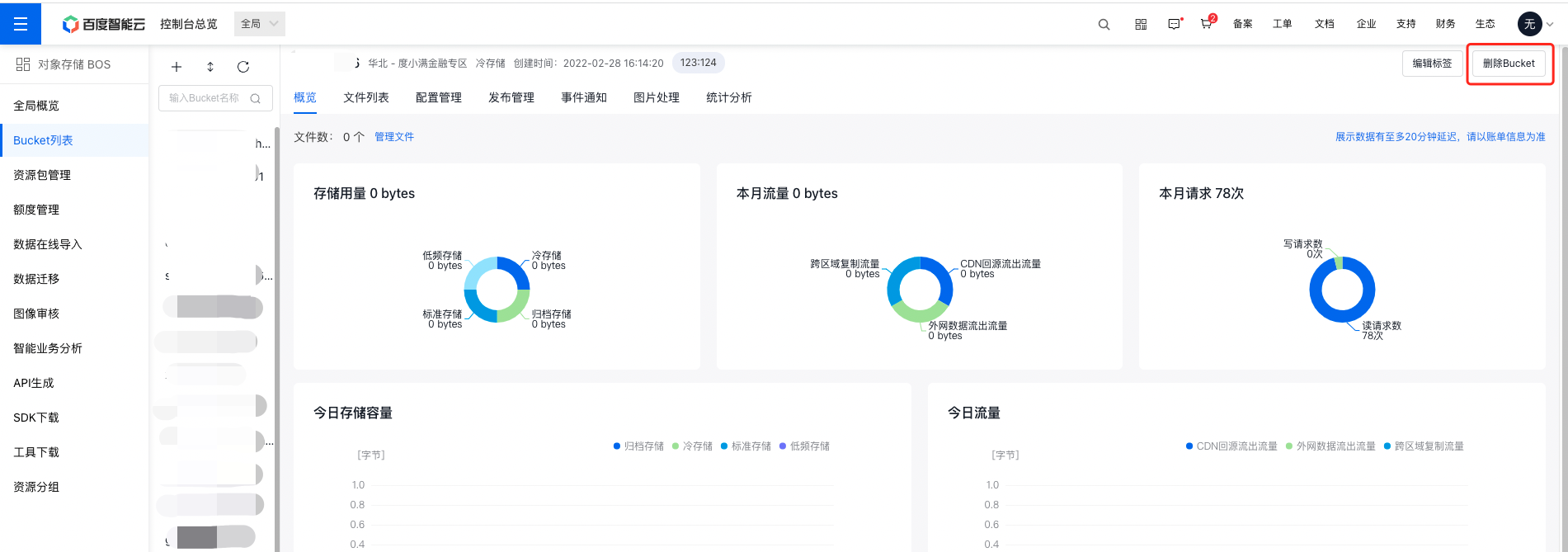
- Select the bucket to be deleted in the left-side bucket list, and click the Delete Bucket button at the top right of the page to delete it.
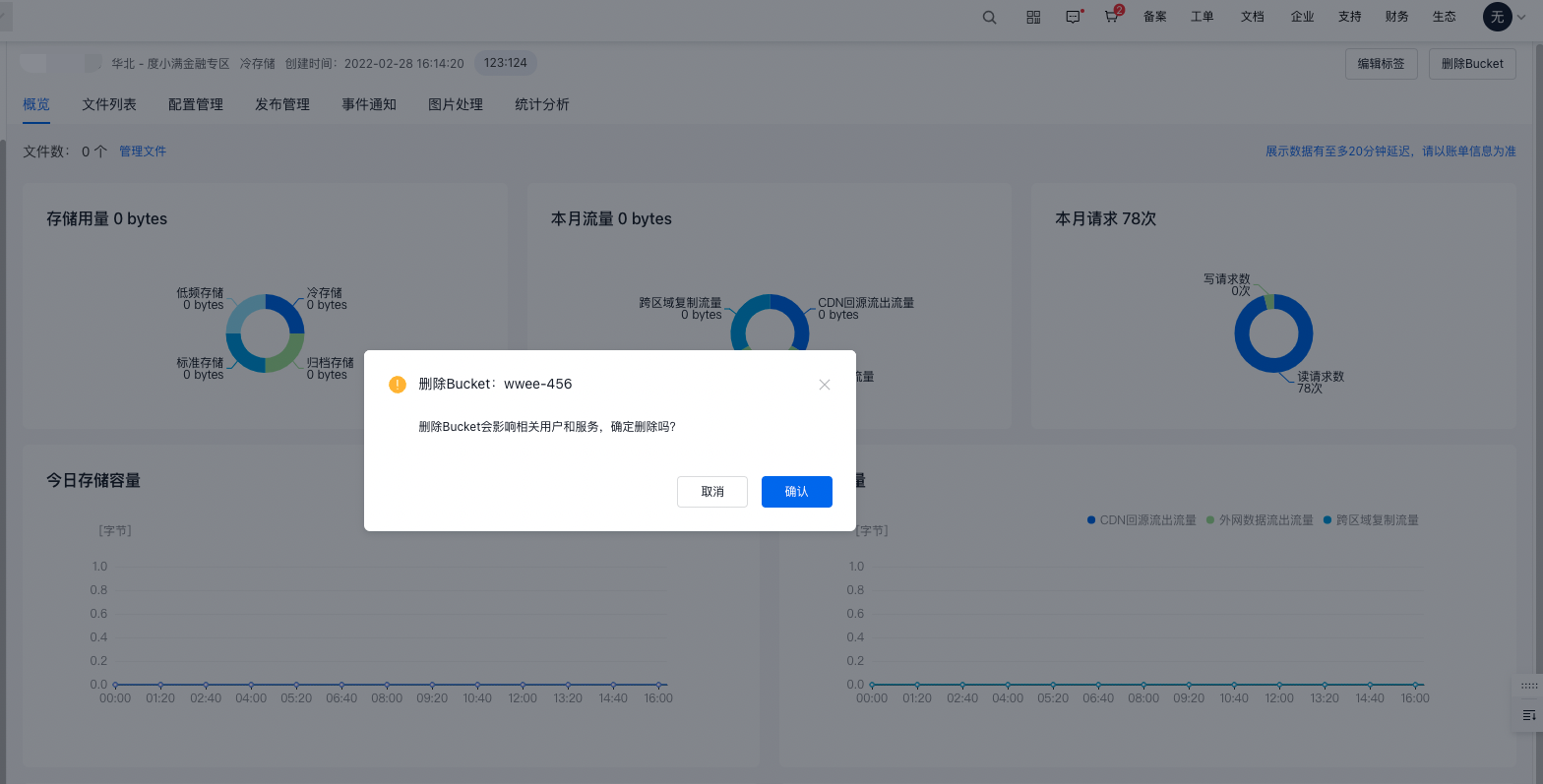
- In the pop-up deletion confirmation box, click OK to complete the deletion operation.
Related APIs
- DeleteBucket API: Use the DeleteBucket API to delete a bucket.