Viewing Bucket Official Domain Name
Updated at:2025-11-03
Overview
When you create a bucket, BOS automatically generates a unique official domain name corresponding to the bucket's name.
View the Official Domain Name of the Bucket
- Sign in to the BOS Management Console and navigate to the Global Overview page.
- In the left navigation bar of the BOS console, select the target Bucket, then click to open the bucket’s file list page.
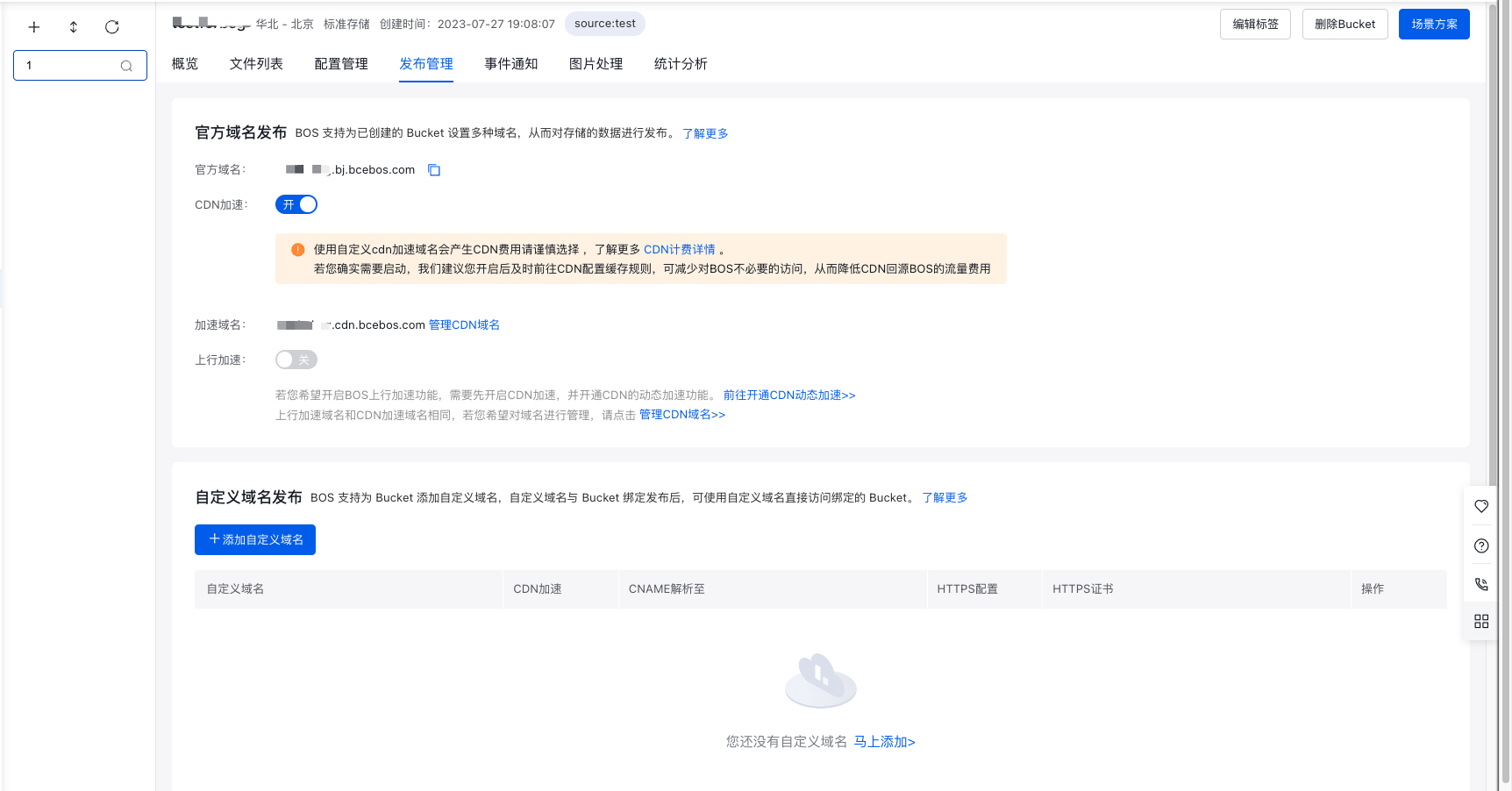
- Select the Release Management tab in the top navigation bar to enter the Release Management page.
- Under the Official Domain Name Release module, you can view the Official Domain Name of the Bucket. The official domain names cannot be modified. You can create a custom domain name if needed.