

Operation preparation
Updated at:2025-11-03
Activate object storage
- Register and sign in to Baidu AI Cloud Platform. Refer to [Register](UserGuide/Register an account.md#Register a Baidu Account) and Sign in.
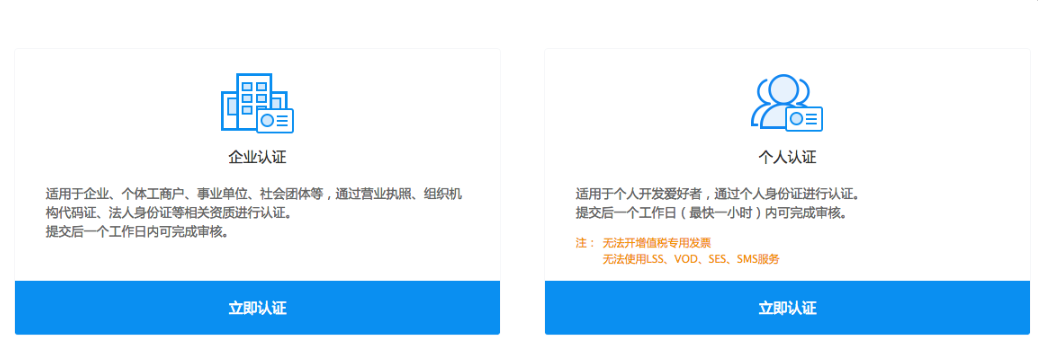
- If you haven't completed real-name authentication, click on "Security Certification" under your username in the upper-right corner of the console to access the verification page. From there, choose "Real-Name Authentication" and select either "Enterprise Authentication" or "Individual Authentication" based on your actual situation.
- Go to Product Services - Baidu AI Cloud Object Storage (BOS) and navigate to the Activate Baidu AI Cloud Object Storage (BOS) page. Click "Activate Now." Once BOS is activated, you can create storage buckets and upload files provided your account is not in arrears. BOS charges will only apply after files are uploaded.
Notes:
- Real-name authentication is required to activate BOS, and each account only needs to complete authentication once;
- First-time BOS users must activate the BOS service before use;
- BOS offers two billing methods: pay-as-you-go (postpay by usage) and prepay with storage packages.
Console overview
In the BOS console, resources are managed by buckets, which integrate four core processes: data transmission, data storage, data processing, and data distribution.
- BOS supports various data transmission methods, including the console, SDKs, APIs, and tools. For more details on the methods, refer to the "Data Transmission Methods" section under "Documents & Tools" in the BOS console navigation.
- Data management consists of two components: object management and part management. The smallest unit of data storage is an object. For oversized files, multipart management is necessary.
- BOS provides three categories of data processing: image processing, multimedia cloud processing, and big data selective scanning. Image processing covers basic operations like scaling, rotation, and watermarking, as well as AI-driven services like image review, recognition, and text extraction. Using multimedia cloud processing, you can activate the MCT product to transcode audio/video files in BOS at no additional cost. Big data selective scanning supports data restoration for CSV and JSON files in big data scenarios, eliminating the need for local downloads.
- Data distribution involves publishing data stored in BOS to the Internet. You can use official or custom domain names for distribution, and enable CDN acceleration to utilize Baidu AI Cloud’s global CDN nodes for faster file transmission. In addition, CDN upload acceleration can be activated to optimize upload processes for buckets.
- You can configure bucket access permissions, cross-origin resource sharing (CORS), referer allow lists, and IP allow lists on the "Bucket Settings" page. Monitoring information, like bucket read/write volumes and traffic stats, is available on the "Monitoring Info" page.