Image Review Service
Overview
The BOS image audit service, provided by Baidu AI Cloud, offers intelligent image review capabilities. Powered by a deep learning-based content audit solution, it accurately identifies images involving pornography, violence, terrorism, political sensitivity, advertisements, and obscenity. For ease of use, BOS supports developers with API or CLI calls, along with an interface-based image audit console. Users can review non-compliant images in BOS audit results on the console and perform manual checks as necessary.
Note
- To prevent the spread of non-compliant images, BOS temporarily sets their permissions to "private." These images can only be accessed after identity verification and obtaining read permission.
- In buckets configured with automatic incremental image audit rules, images copied through data synchronization or created by lifecycle policies will not be subject to automatic audits.
- For archived objects that are not restored, the image audit policy will not apply. Once restored, these archived objects can be audited normally.
- In July 2022, the image audit function was upgraded. The setting of an upper limit for image audits will no longer be supported, and to activate the function, you need to first Enable ICR Postpay and keep it enabled. This ensures that you can enjoy unlimited image audit times and your audit business will not be interrupted.
- Since BOS image audit relies on the image audit function of the Content Audit Platform (ICR), the service terms fully comply with the ICR terms. At the same time, fees for calling the image audit interface will be incurred. Please refer to the ICR Pricing Document. ICR provides you with a free usage quota. You can claim the Free Image Audit Calls of ICR. The calls generated by image audit will be deducted from this free resource first, and the insufficient part will be charged on a pay-as-you-go basis.
Set audit rules
- Sign in to BOS Management Console.
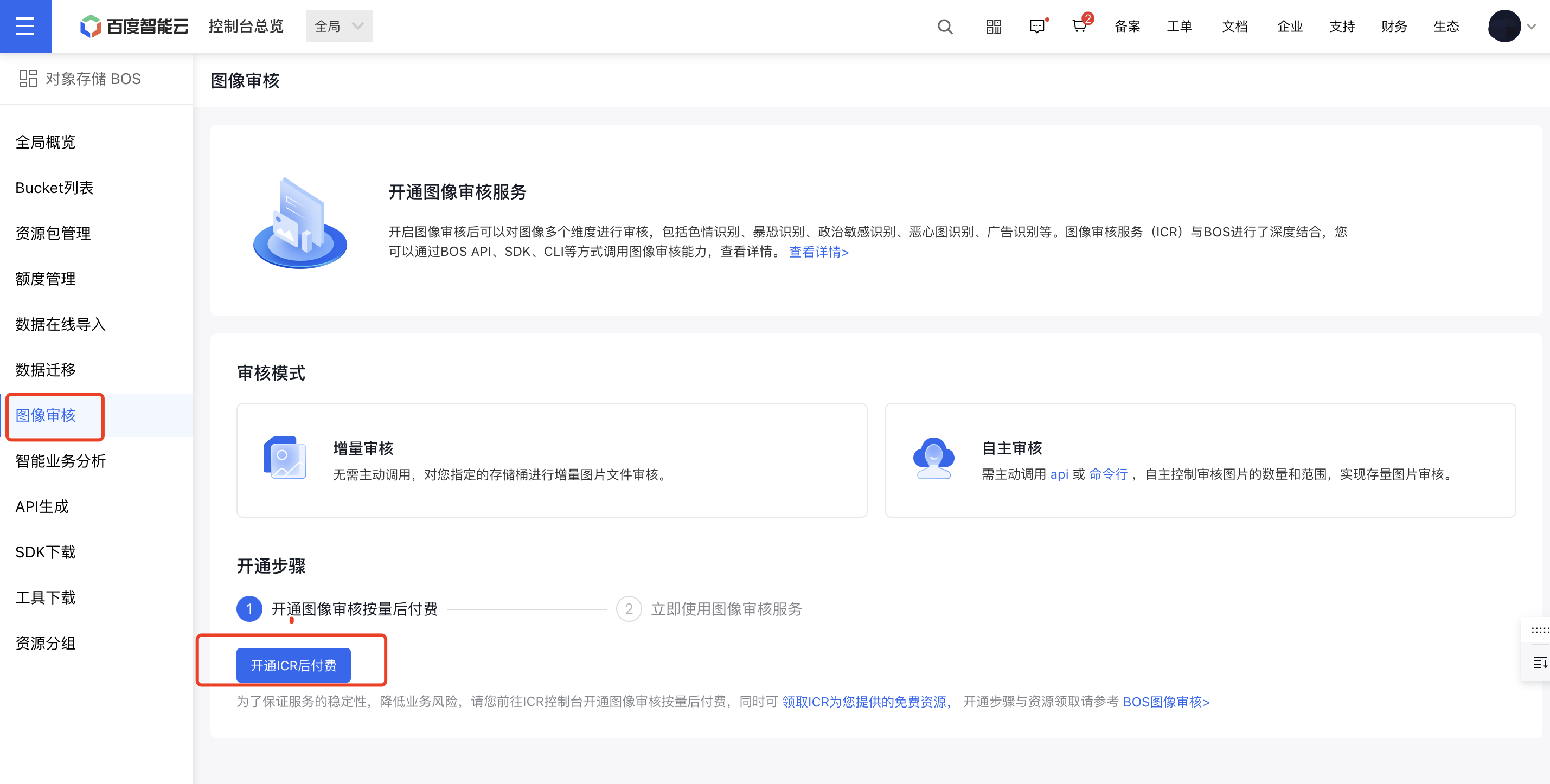
- Click Image Audit in the left navigation bar and read the image audit service enabling guide.
-
Plain Text
1You need to enable the ICR service and its postpay before setting image audit rules.
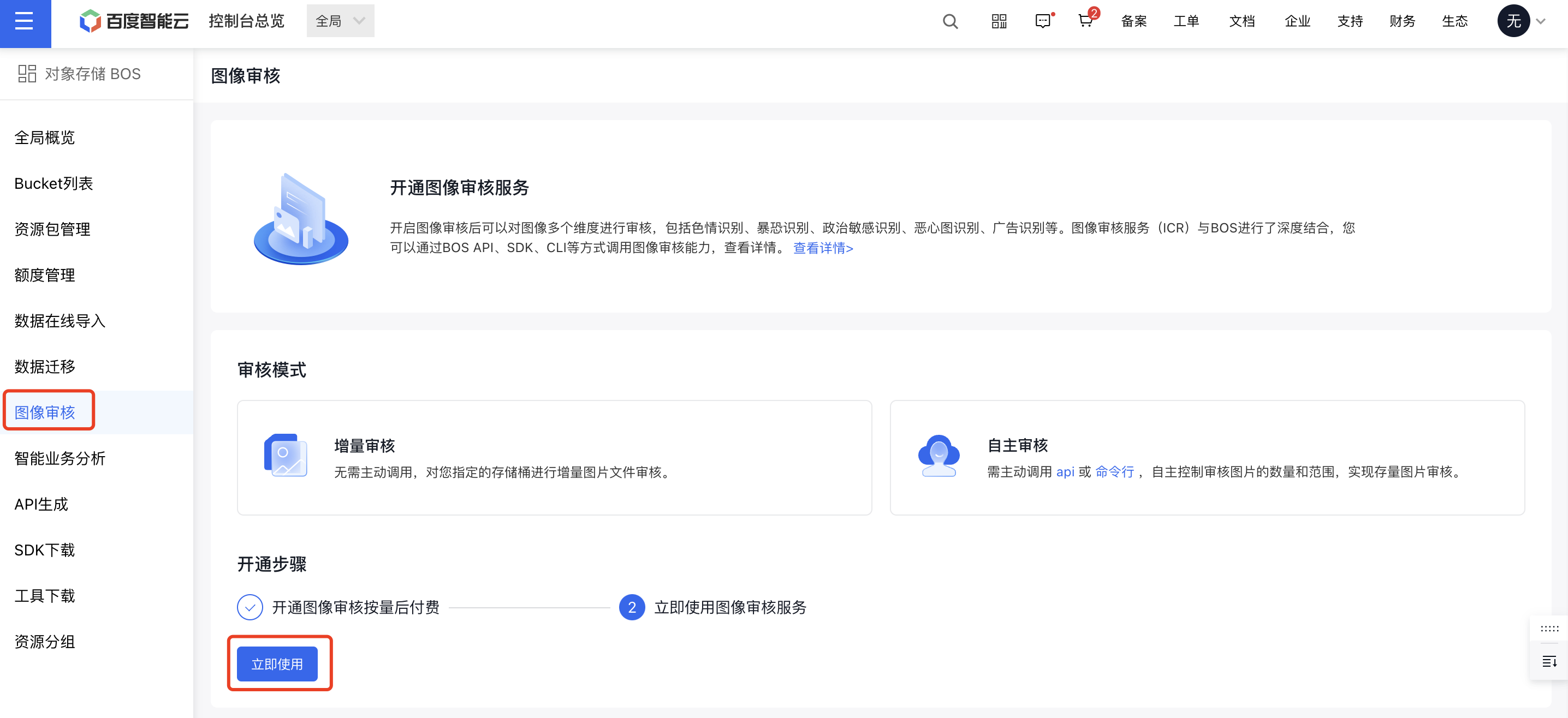
- If you have enabled ICR and completed postpay, you can click Use Now on the following page to complete the audit rule configuration.
-
Set audit rules.
- Bucket audit: Choose the target bucket to audit. Currently, buckets in the Beijing, Shanghai, and Guangzhou regions are supported.
- Audit types: Select the categories of violations to audit. The system currently analyzes pornography, violence and terrorism, and political sensitivity violations.
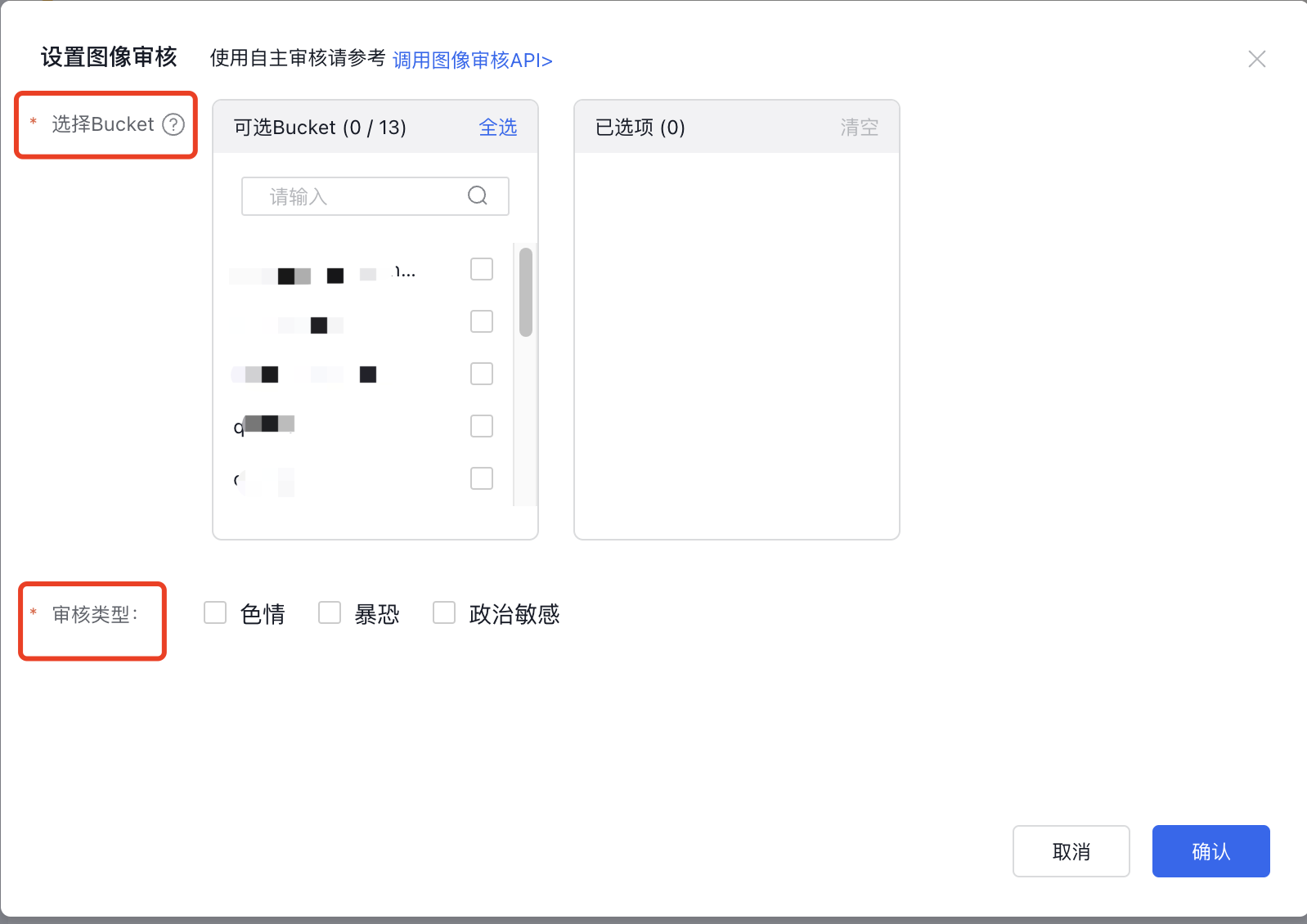
- Click OK to save the audit rule settings.
Use the audit service
View audit data
Method 1:
The BOS image audit service monitors and audits all new images in the selected bucket, presenting audit information in a categorized statistical overview under "Today's Image Data," providing clear and instant insights.
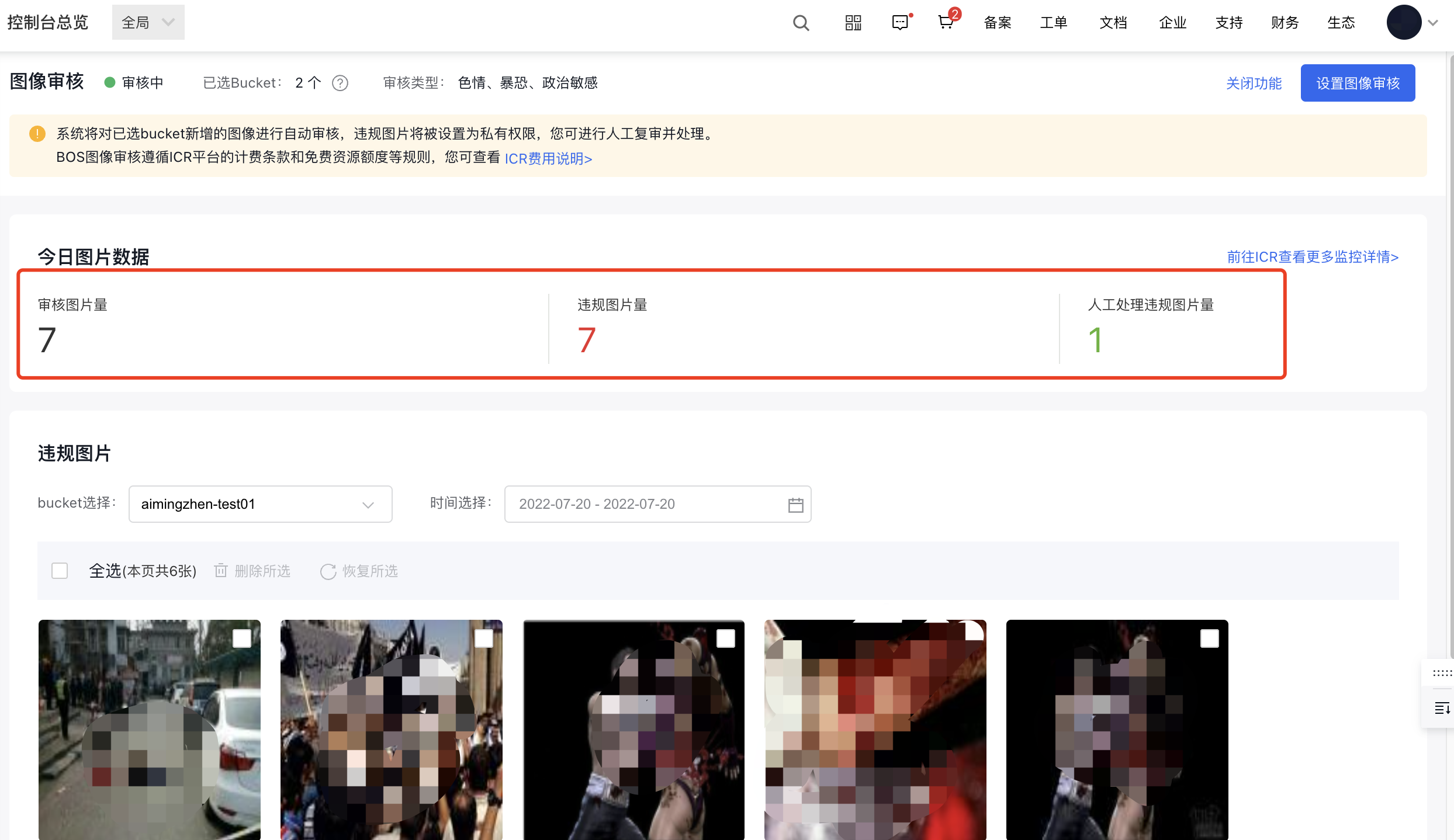
- Number of Audited Images: Represent the total number of images that have been audited in the bucket for which you have enabled image audit.
- Number of Non-Compliant Images: Represent the number of images that are judged as non-compliant in the audit results.
- Number of Non-Compliant Images Processed Manually: Represent the number of images that administrators have manually processed based on the number of non-compliant images. The operations include: deletion and restoration of original permissions.
Method 2:
You can also go to ICR to view more specific information about image audit API calls. You can customize the time range to query the success and failure status of image audit API calls.
Recheck non-compliant images
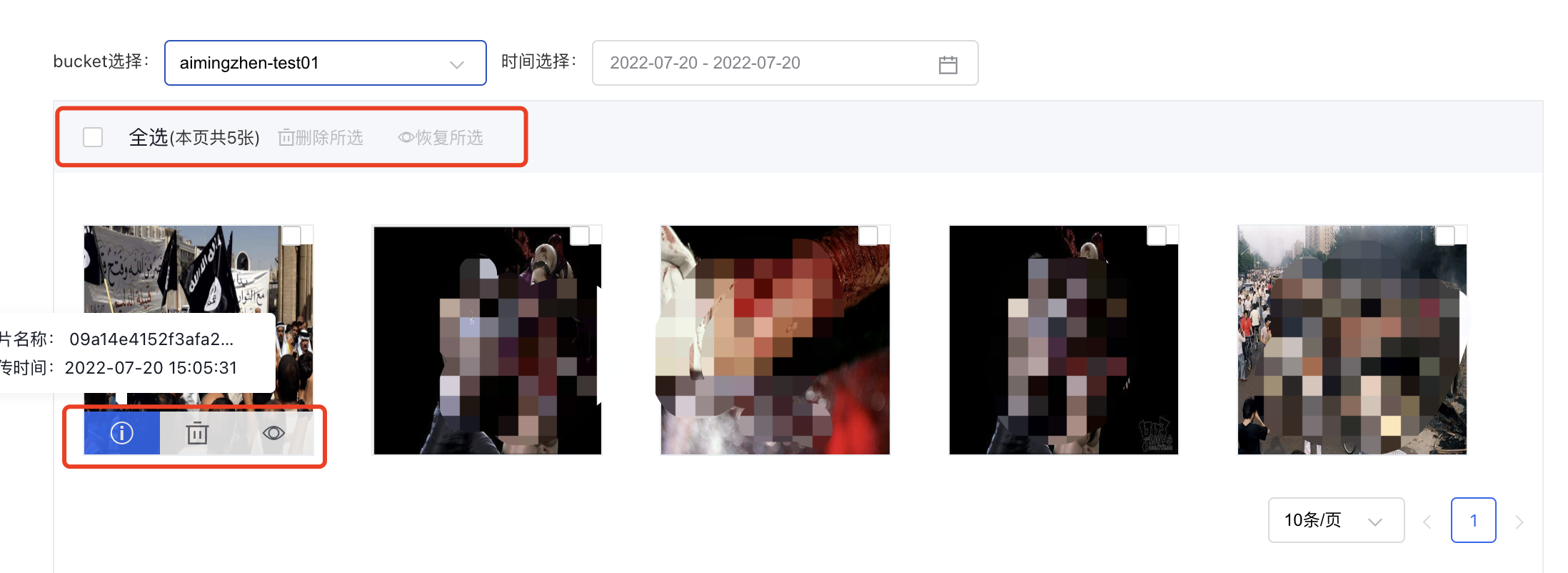
- You can choose the bucket and time range to display specific non-compliant images for manual rechecking.
- While manually rechecking non-compliant images, you can perform actions such as viewing detailed information, deleting, or restoring original permissions for the selected images.
- You can batch delete or restore non-compliant images. Note: Deleting images permanently removes them from BOS, so please proceed cautiously.