Using BOS as Backend Storage Service for Jfrog Artifactory
Overview
This document explains how to configure BOS as the backend storage service for JFrog Artifactory.
Application scenarios
JFrog Artifactory is a universal binary artifact repository manager, part of the DevOps platform, used for centralized management of all binary files throughout the software development lifecycle. Its key use cases include the following:
- CI/CD pipeline integration
- Security and compliance
- Dependency management and proxy
JFrog Artifactory supports using object storage as its backend storage service, offering benefits such as scalability, cost optimization, high availability, and simplified maintenance.
Note: Only the commercial version of JFrog Artifactory supports configuring object storage as the backend storage. The open-source version does not allow connections to object storage services.
Configuration method
Overview
JFrog Artifactory uses local storage by default. You can adjust the configuration file to specify S3-compatible storage as the storage method.
Steps
Step 1: Back up the default initial configuration
1cp /opt/jfrog/artifactory/var/etc/artifactory/binarystore.xml /opt/jfrog/artifactory/var/etc/artifactory/binarystore.xml.backupStep 2: Create a new configuration file
1vi /opt/jfrog/artifactory/var/etc/artifactory/binarystore.xml1<?xml version="1.0" encoding="UTF-8" standalone="yes"?>
2<config version="2">
3 <chain template="s3-storage-v3-direct"/>
4 <provider type="s3-storage-v3" id="s3-storage-v3">
5 <bucketName>xxxxx</bucketName>
6 <path>artifactory/filestore</path>
7 <endpoint>s3.bj.bcebos.com</endpoint>
8 <credential>xxxxxxxxxxxxxx</credential>
9 <identity>xxxxxxxxx</identity>
10 <region>bj</region>
11 </provider>
12</config>| Parameters | Content example | Description |
|---|---|---|
| bucketName | my-bucket-001 | Created BOS bucket |
| endpoint | s3.bj.bce.bos | S3 compatible domain name |
| credential | akxxxxxxxxx | Access Key with BOS read and write permissions |
| identity | skxxxxxxxxx | Secret Key with BOS read and write permissions |
| region | bj | Region to which the bucket belongs |
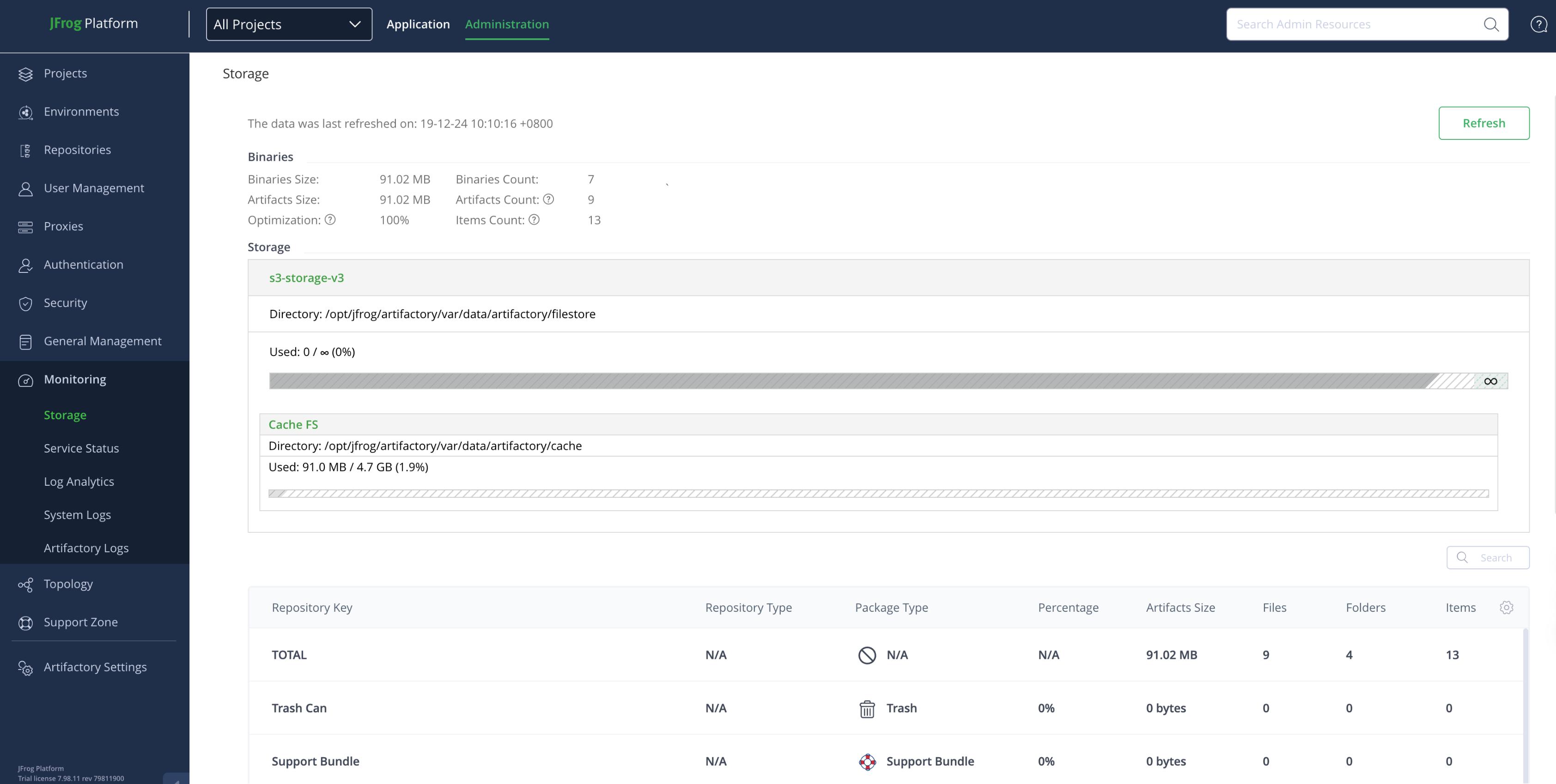
Step 3: Start the service and check the logs
1sudo systemctl start artifactory.service
2sudo systemctl start xray.service1tail -f /opt/jfrog/artifactory/var/log/artifactory-service.logStep 4: Create a repository and select the storage location
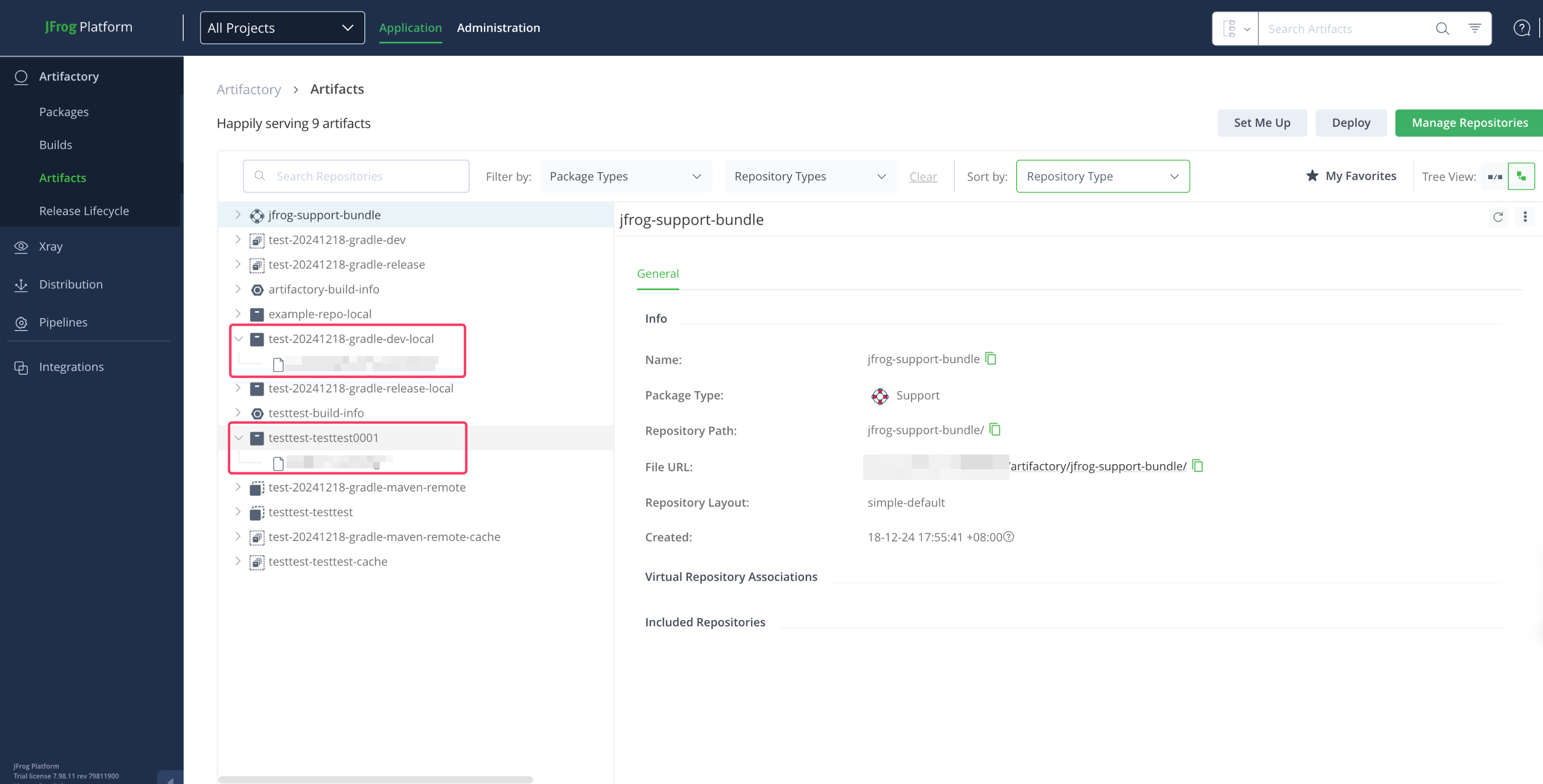
Take the console as an example: