Renamed files
Updated at:2025-11-03
Overview
You can rename files that have been uploaded.
Note
- Objects in the Archive class do not support rename operations.
Renamed files
- Sign in to the BOS Management Console and navigate to the Global Overview page.
- In the left navigation bar of the BOS console, select the target bucket where the renamed file is located, then click to open the bucket’s File List page.
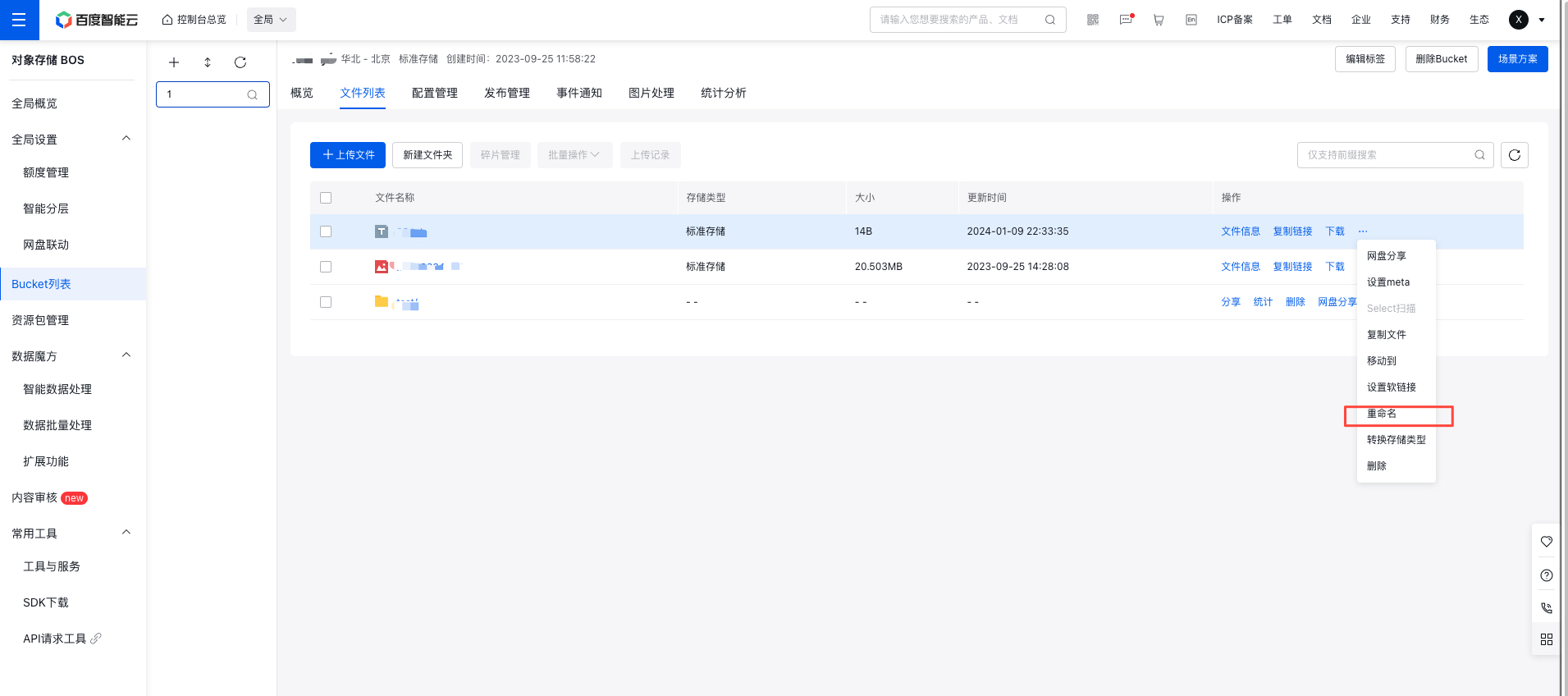
- Click More -> Rename in the operation bar on the right side of the target file, enter the new filename, and click OK.
- Successfully renamed files will immediately appear in the bucket's file list.