

Port verification
Overview
Port verification is a tool that provides one-click detection for commonly used high-risk port openings as well as custom port openings on servers within a VPC, offering basic verification for secure server access.
Note
- All detections are conducted based on TCP protocol.
- Only servers bound with EIPs are subjected to detection.
- The detection results exclusively reflect the network status from Baidu AI Cloud's perspective, without accounting for ISP or local user network conditions.
Operation steps
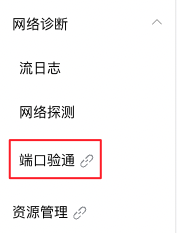
- Enter Port Verification page. Select Network Diagnostics - Port Verification.
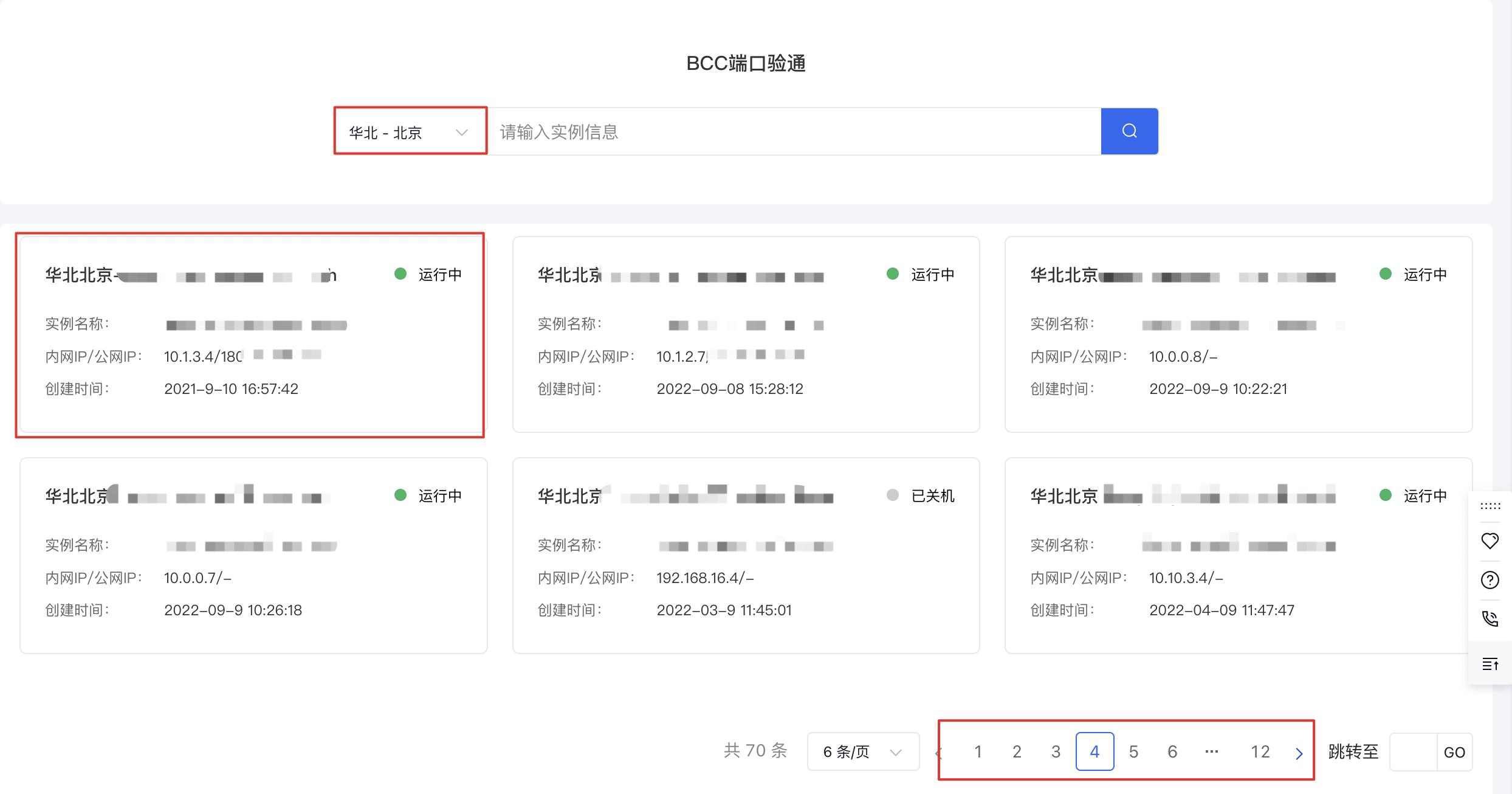
- Choose a region and select the servers to verify on the page.
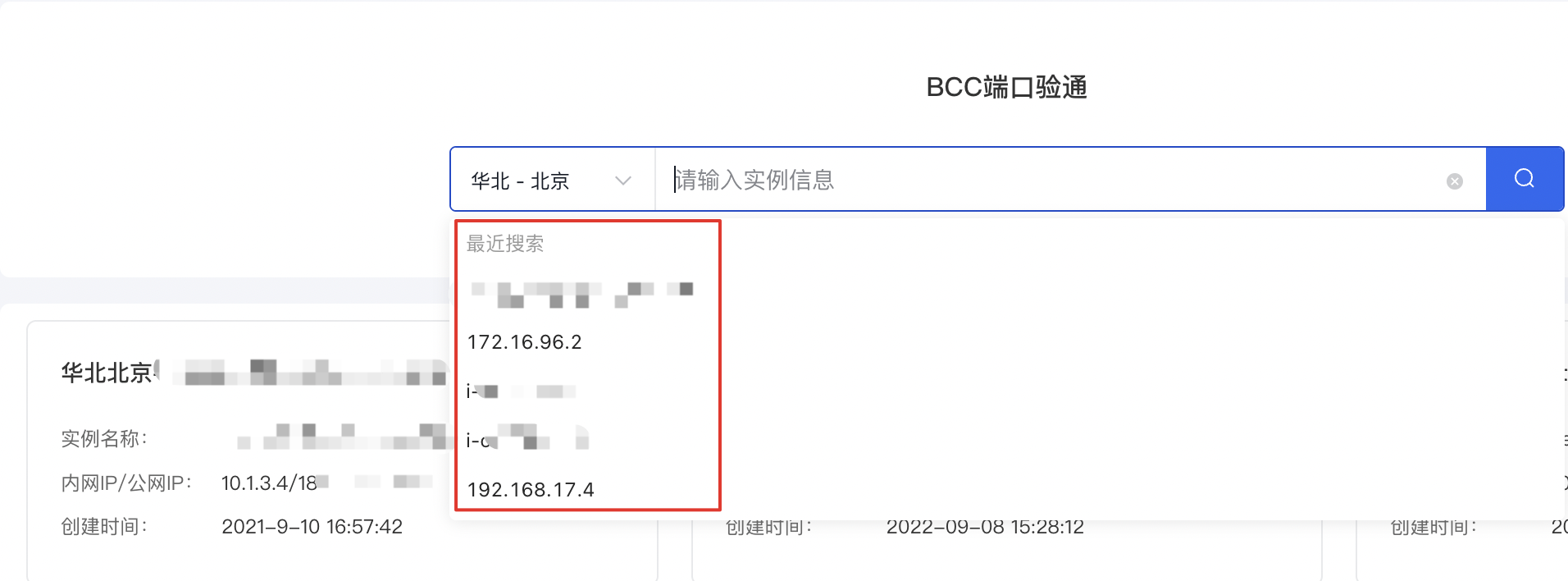
You can also search for the desired server by using details like instance ID, instance name, or server IP address.
Common high-risk port detection
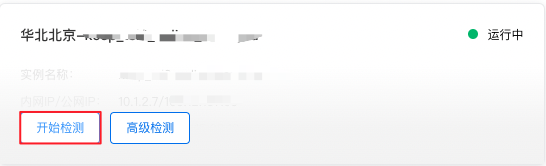
- Hover your cursor over the target instance, click Start Detection, and wait for the process to complete.
- Review the detection results.
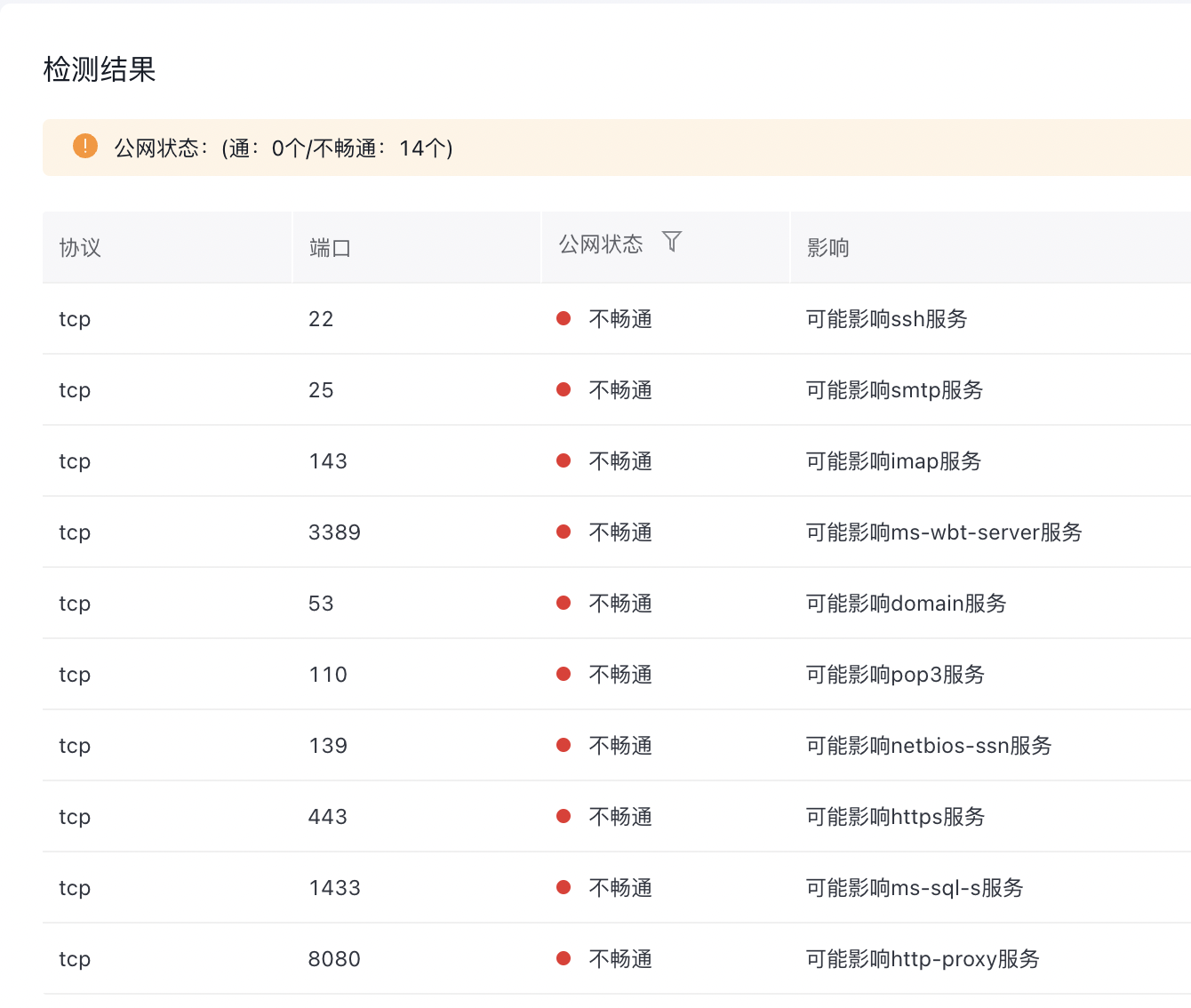
Note: If the port detection result is "blocked," it indicates that the port is currently inaccessible via public network connections, implying a higher level of security. If the result is "unblocked," it is recommended to implement appropriate security measures to strengthen the server's network security.
Custom port detection
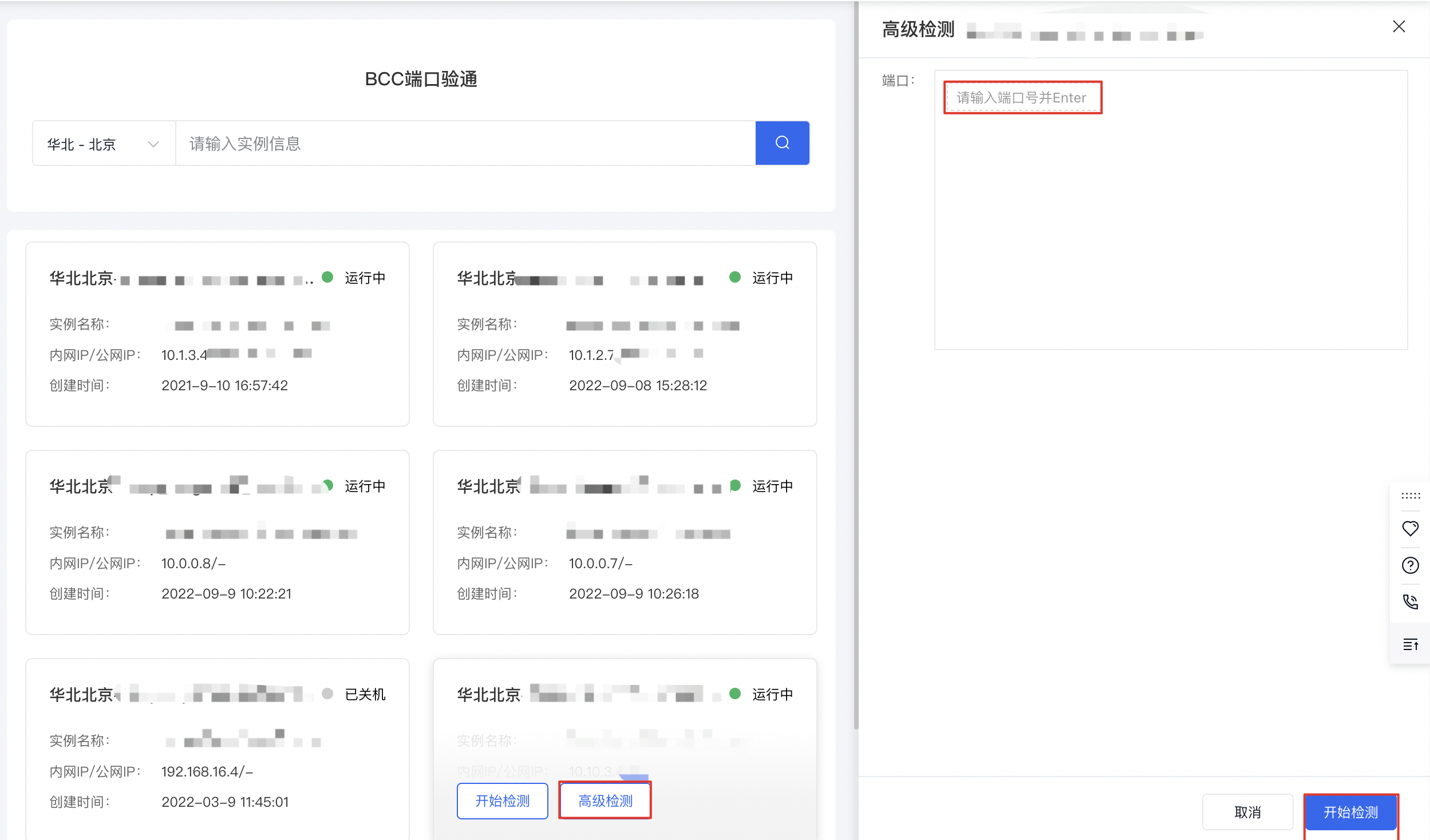
- Hover your cursor over the specific instance, click Advanced Detection, input the custom port number for detection in the pop-up on the right (press Enter to confirm), and click Start.
-
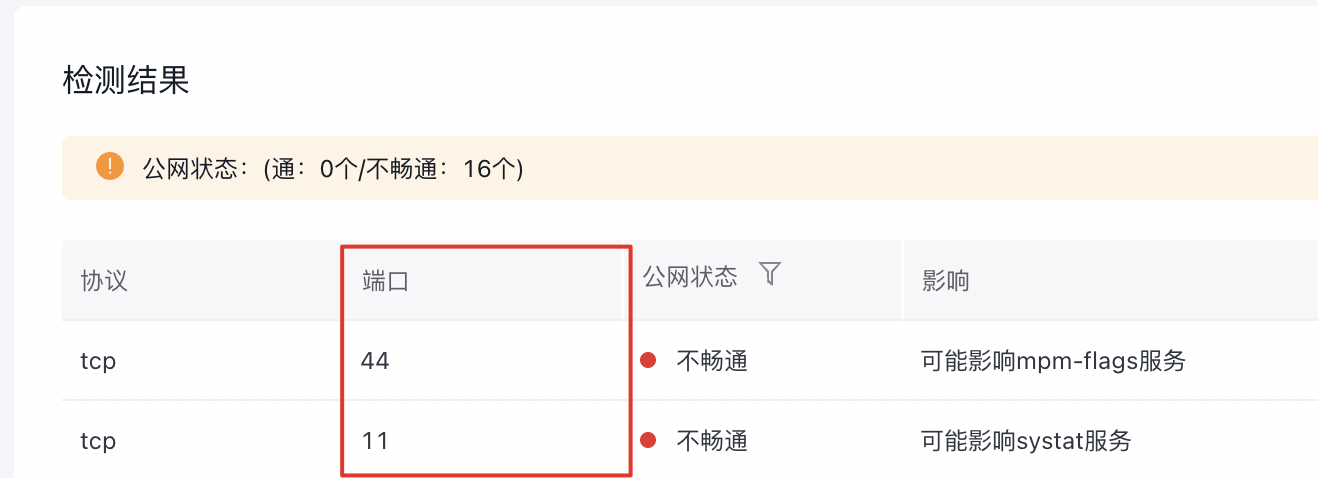
Review the detection results.
Note: Custom ports are displayed at the top, while common high-risk ports are shown at the bottom.
- (Optional) Perform a "re-detection" on the server.
