Scenarios for Batch Creation of Alarm Strategies
Updated at:2025-11-03
Overview
If your account contains many cloud resources, you can manage them in batches using instance groups. When configuring alarms for multiple instance groups, all instances, tags, etc., with the same set of alarm rules, you can quickly complete the configuration using an alarm template.
Requirement scenarios
Users need to organize different instance groups by project to enable efficient batch alarm configuration.
Solution overview
- Maintain alarm templates for common cloud services to facilitate quick reuse in future operational scenarios.
-
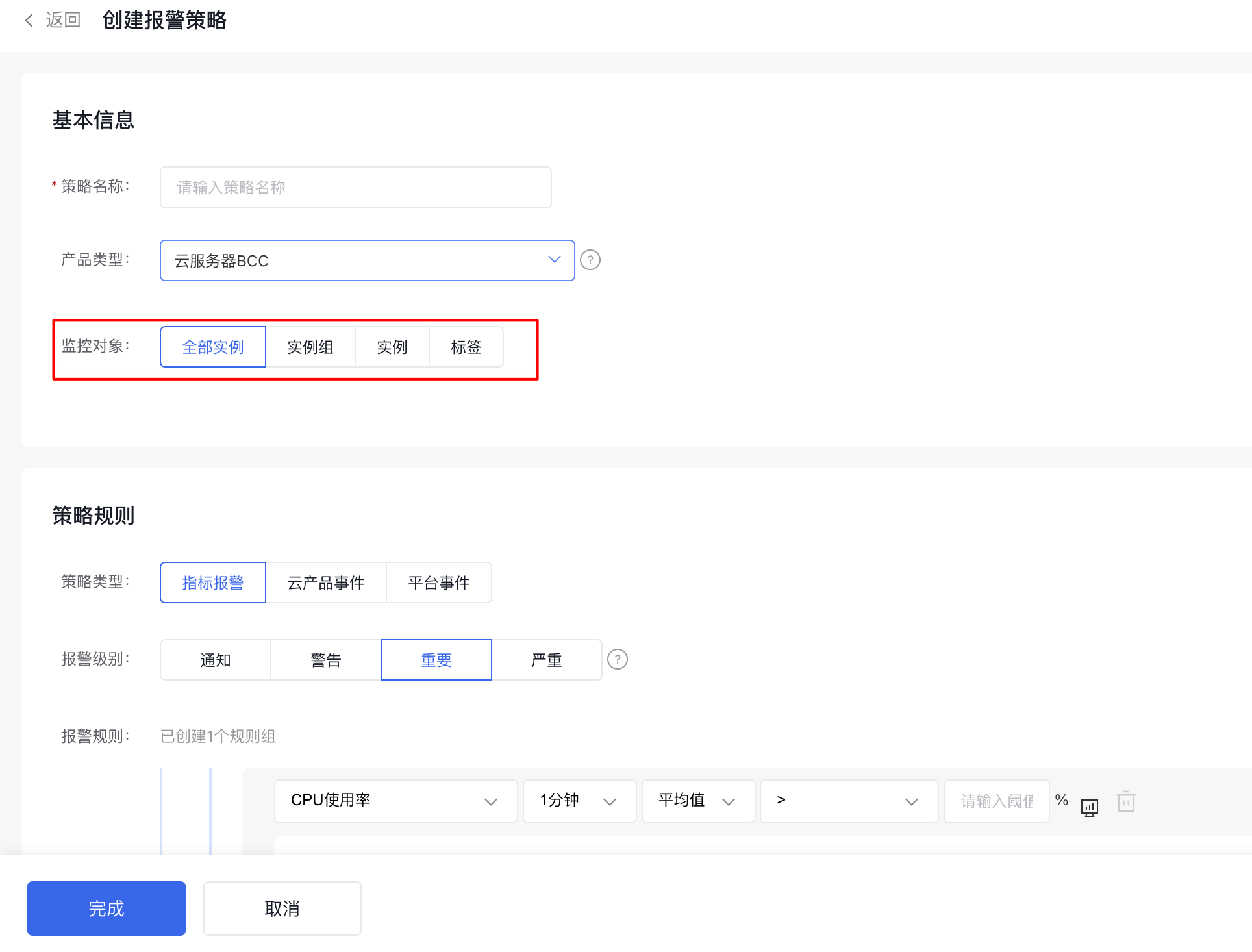
Common monitor object usage scenarios:
- Manage multiple instance resources under the same cloud product within an application by "Instance Group", then configure alarms for the instance group;
- Configure alarms by department or project, with reference to "Tag Usage" scenarios;
- For a small number of instances or in special scenarios, you can configure alarms for "All Instances" under a specific cloud service
- Perform batch alarm configuration by selecting "Multiple Instances.\
Configuration steps
Follow these steps:
- Create instance groups with application significance as needed
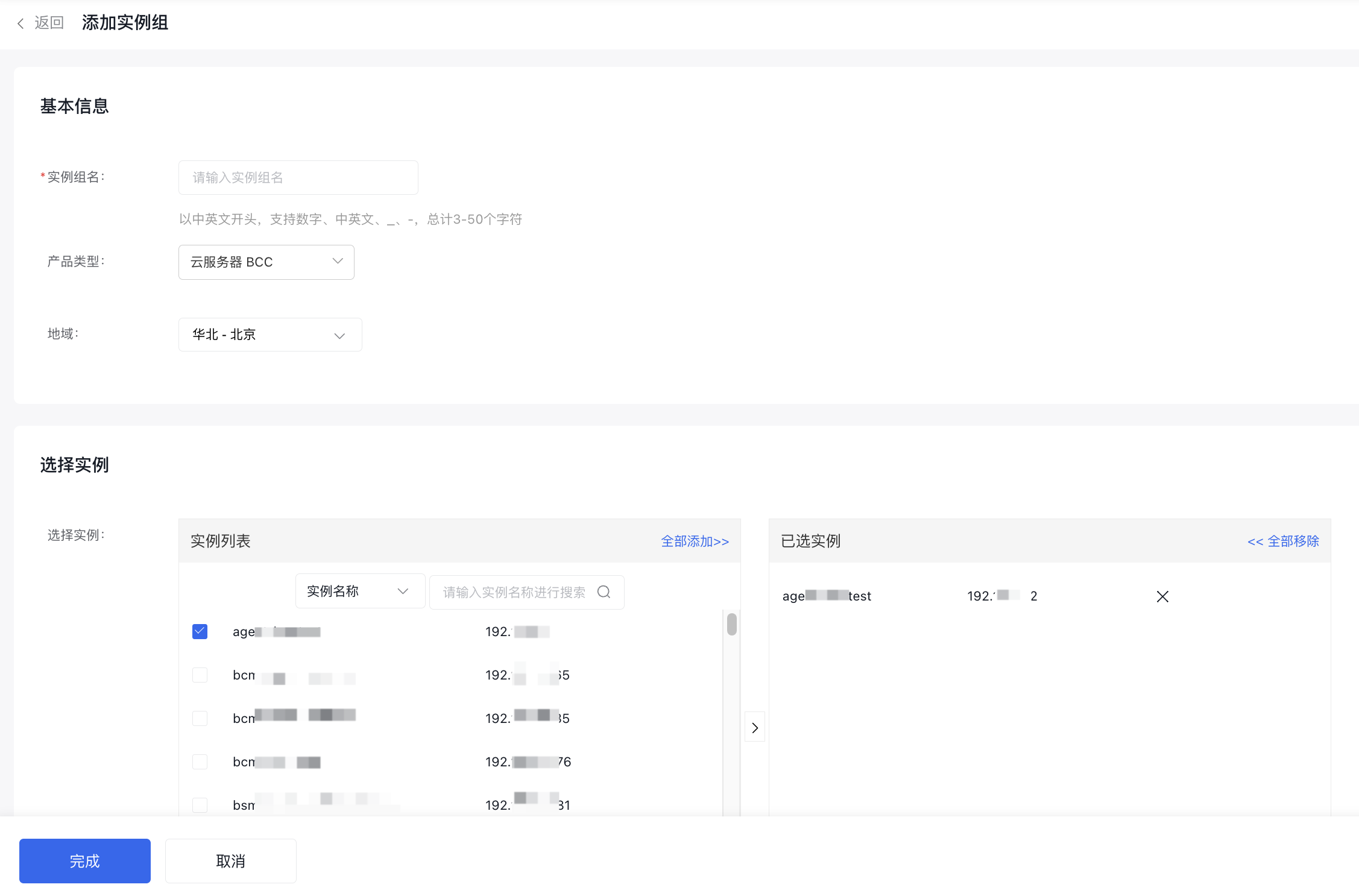
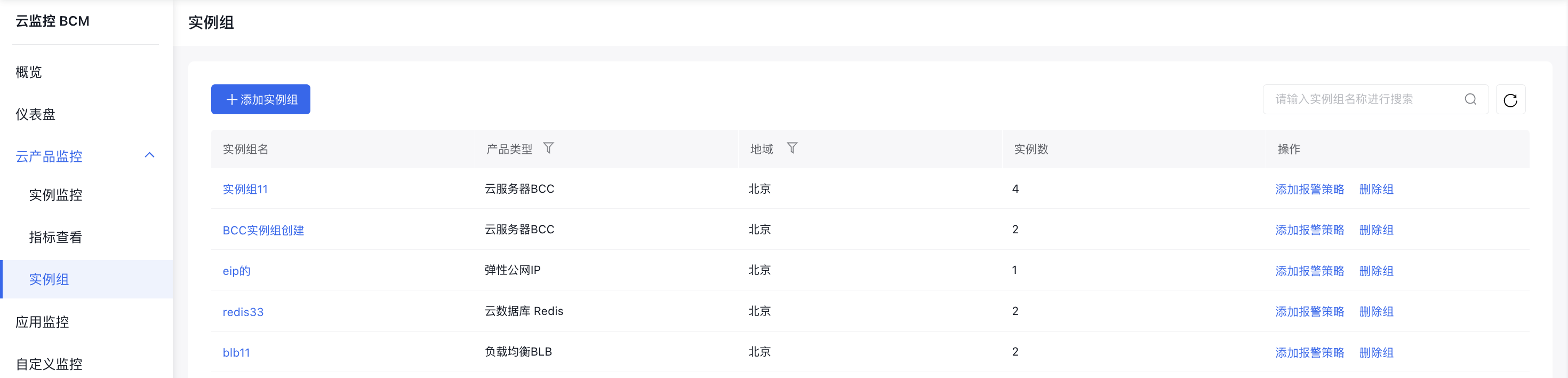
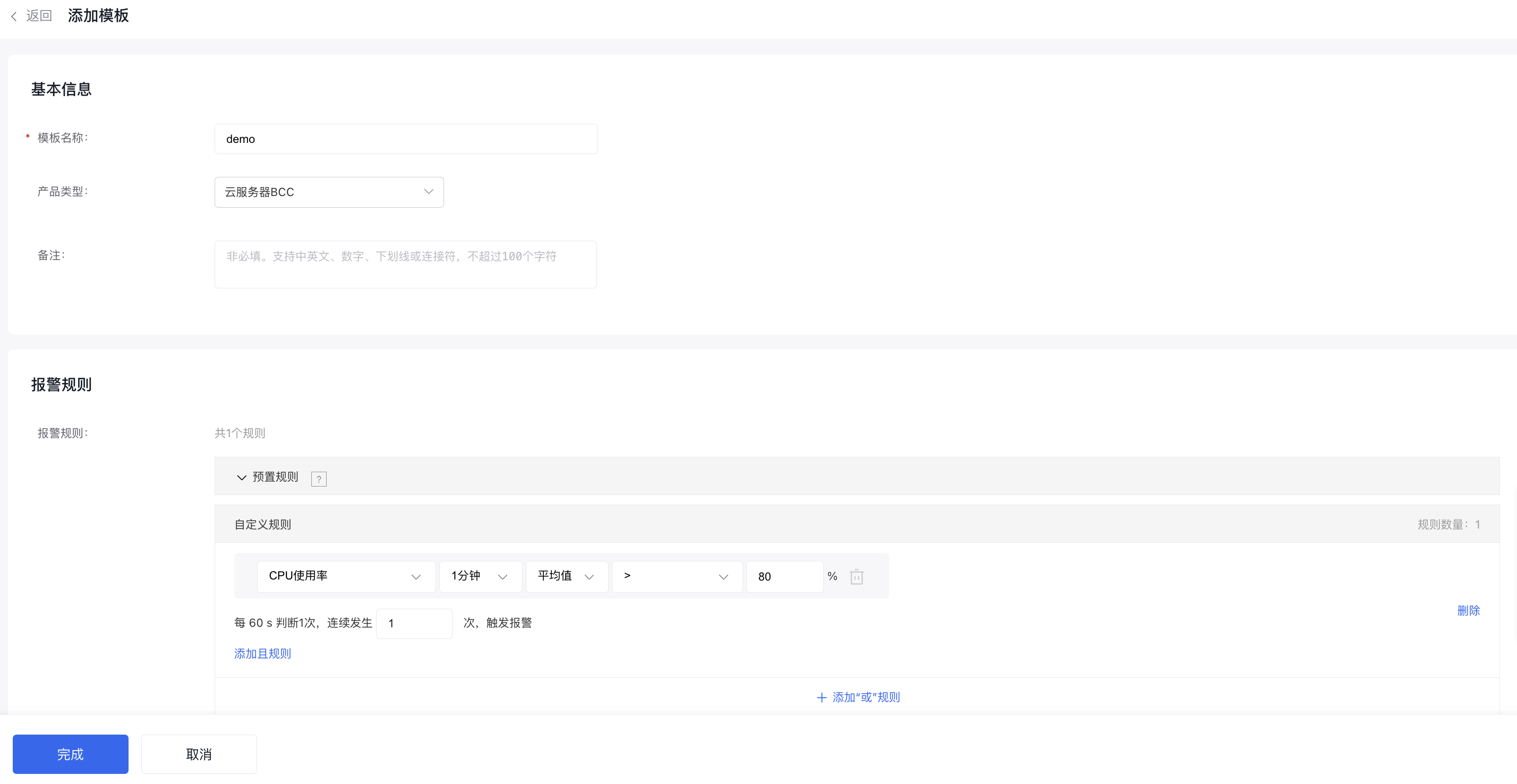
- Create and maintain alarm templates for common cloud services to facilitate quick reuse in subsequent alarm strategy configurations
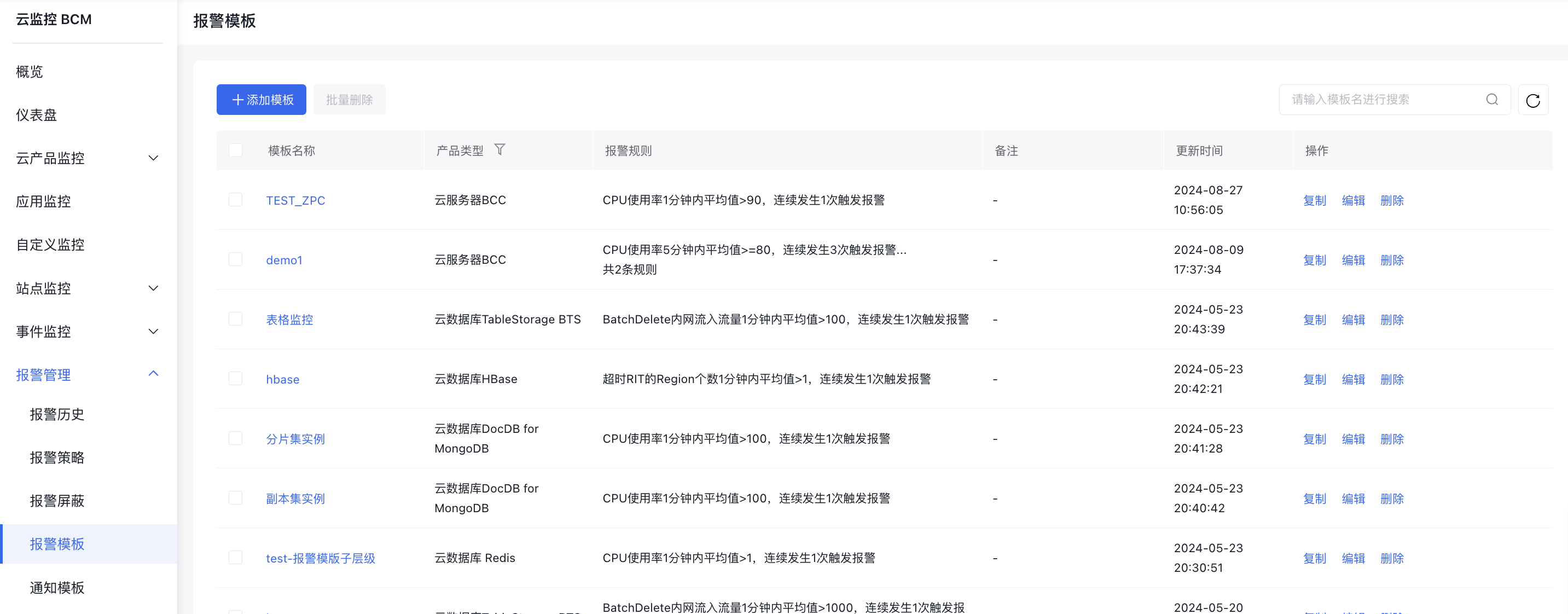
- Select the corresponding monitor object as needed. If required, associate the corresponding alarm template to configure the alarm strategy