

Appendix
Updated at:2025-11-03
This appendix applies to BCC instances where the BCM-Agent is not automatically installed.
Windows Platform
- Log in to a cloud server in "Running" state, and enter http://repo.bcm.baidubce.com/windows/bcm_agent_upgrade.exe in the browser to download bcm_agent_upgrade.exe.
- Click
bcm_agent_upgrade.exeand save the program to the specified path.
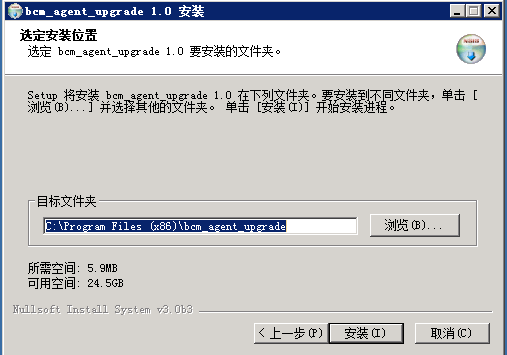
- Run the program and choose the installation location.
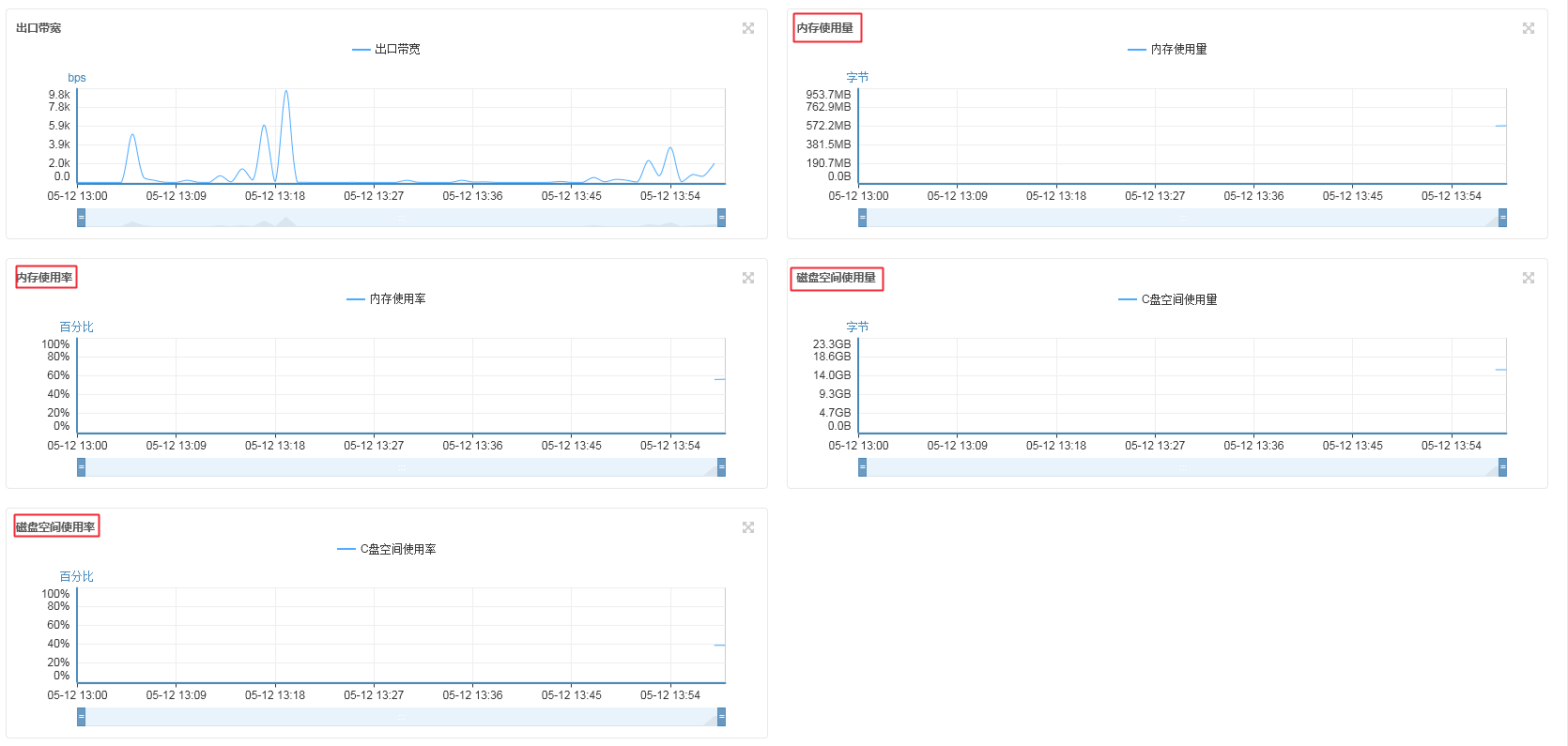
- After installation, you can view the monitoring information in the management console.
Linux Platform
Prerequisites:
Enter service bcm-agent status to check if the relevant service exists. If not, please install it manually.
-
Ubuntu/Debian
Plain Text1 // Download the deb installation package 2 // 64-bit OS 3 # wget http://repo.bcm.baidubce.com/deb/dists/all/main/binary-amd64/avalokita_1.0.1.1-1_amd64.deb 4 # wget http://repo.bcm.baidubce.com/deb/dists/all/main/binary-amd64/bcm-agent_1.0.31.0-2_amd64.deb 5 // 32-bit OS 6 # wget http://repo.bcm.baidubce.com/deb/dists/all/main/binary-i386/avalokita_1.0.1.1-1_i386.deb 7 # wget http://repo.bcm.baidubce.com/deb/dists/all/main/binary-i386/bcm-agent_1.0.29.0-1_i386.deb 8 9 //Install bcm-agent 10 # dpkg -i avalokita_${version}.deb 11 # dpkg -i bcm-agent_${version}.deb 12 13 //Uninstall bcm-agent 14 # dpkg -r bcm-agent 15 16 //Start/Stop 17 # service bcm-agent start/stop/restart -
Centos/suse
Plain Text1 // Download RPM installation package 2 // 64-bit OS 3 # wget http://repo.bcm.baidubce.com/yum/Packages/avalokita-1.0.1.1-1.x86_64.rpm 4 # wget http://repo.bcm.baidubce.com/yum/Packages/bcm-agent-1.0.31.0-1.x86_64.rpm 5 // 32-bit OS 6 # wget http://repo.bcm.baidubce.com/yum/Packages/avalokita-1.0.1.1-1.i386.rpm 7 # wget http://repo.bcm.baidubce.com/yum/Packages/bcm-agent-1.0.29.0-1.i686.rpm 8 9 //Install bcm-agent 10 # rpm -ivh avalokita-${version}.rpm 11 # rpm -ivh bcm-agent-${version}.rpm 12 13 //Uninstall bcm-agent 14 # rpm -e bcm-agent 15 16 //Start/Stop 17 # service bcm-agent start/stop/restart