Manage Shared Bandwidth
Resize bandwidth
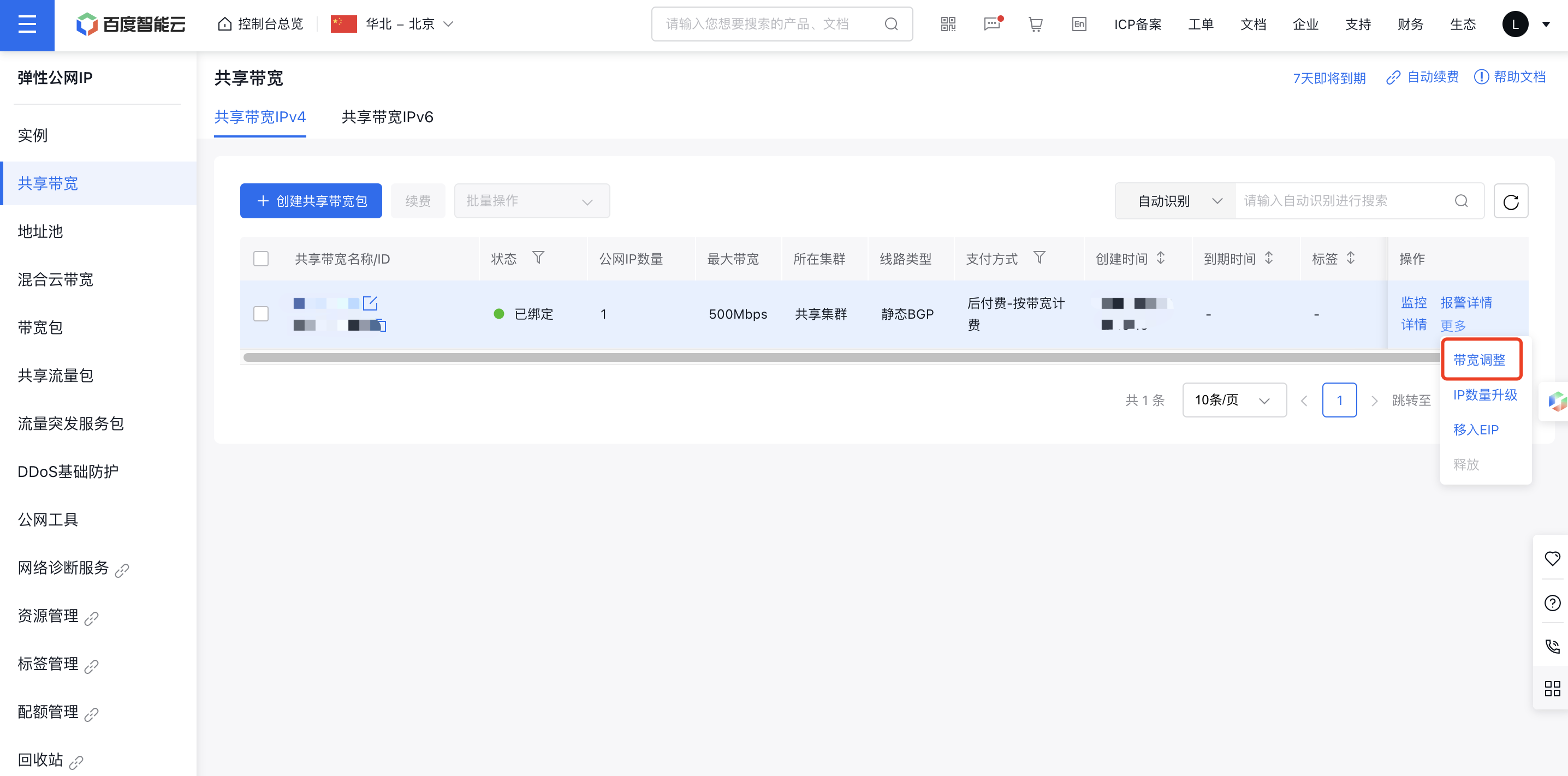
Select the EIPGROUP instance to be scaled up, then click "More - Bandwidth Adjustment." Choose the desired bandwidth configuration, complete the payment step by step, and upgrade to the new bandwidth.
IP count upgrade
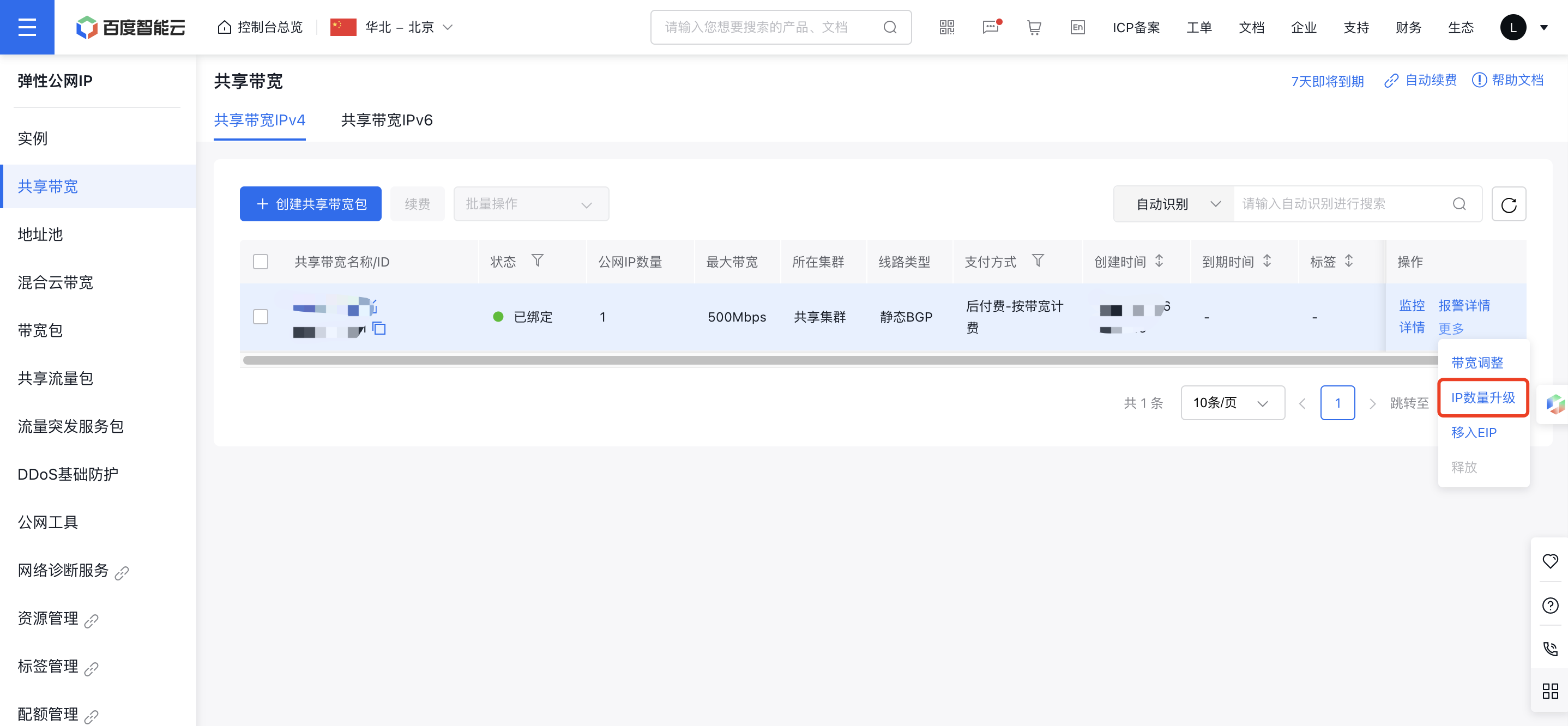
Select the EIPGROUP instances that require an upgrade in IP count, then click the "IP Count Upgrade" button. If the IP count has not reached the limit, users can add more public IPs. Complete the payment to finalize the bandwidth upgrade.
Note: Each EIPGROUP supports proportional IP additions; higher IP quotas are available by increasing bandwidth:
- Standard BGP: The maximum number of EIPGROUP IPs for bandwidth-based prepay and postpay billing is ≤ public network bandwidth (M)/2M; for postpay-monthly 95th percentile billing, it's ≤ committed bandwidth (M)/2M.
- Enhanced BGP: The maximum number of EIPGROUP IPs for bandwidth-based prepay and postpay billing is ≤ public network bandwidth (M)/20M; for postpay-monthly 95th percentile billing, it's ≤ committed bandwidth (M)/20M. Example: A 1,000M Enhanced BGP EIPGROUP under Postpay-95th percentile billing has a default guaranteed bandwidth of 20% of the upper limit, supporting up to 10 EIPs.
Migrate to EIP
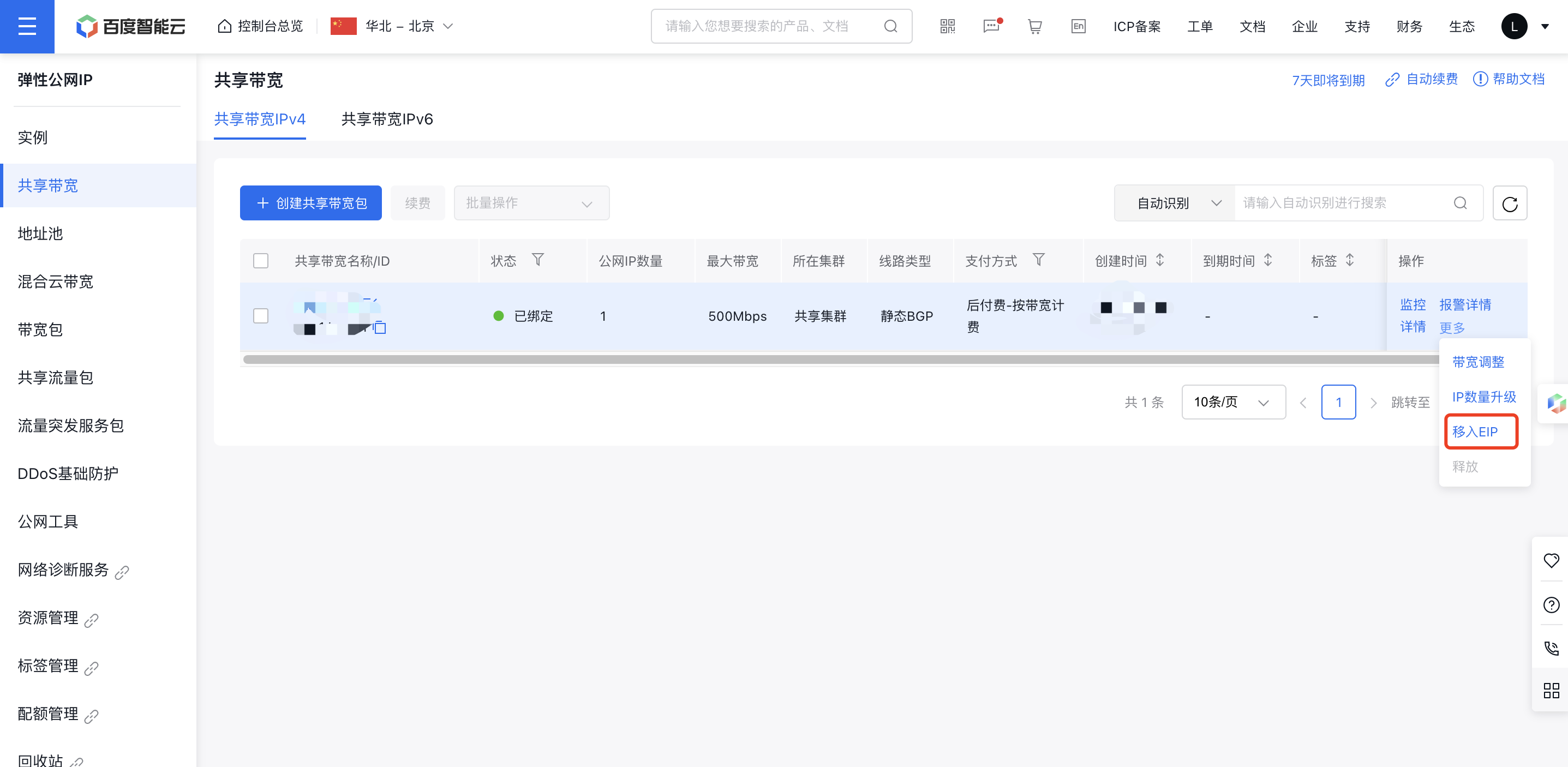
In the EIPGROUP instance list, click "Migrate to EIP" under "More Operations." Select the IPs to migrate in the pop-up window, click "OK," and complete the payment to finalize the transfer. After migrating the EIP instances to EIPGROUP, their original billing types are terminated, and IP leasing fees are added to the EIPGROUP.
Description:
Only postpaid EIPs can be migrated to EIPGROUP. Prepaid EIP instances are not supported currently.
Remove EIP
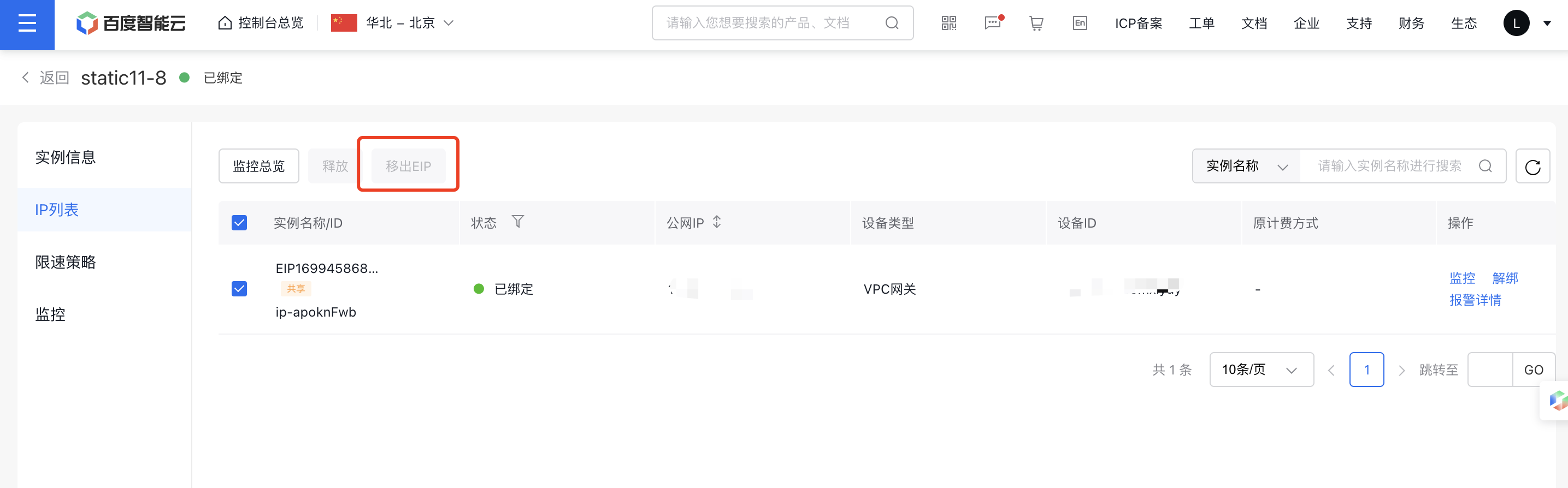
On the EIPGROUP Details page, select the IPs to be removed. If the selected IPs were previously added EIPs, click "Remove EIP" to complete the removal, restoring the original billing type of the EIP. If the selected IP was purchased along with the EIPGROUP, you must specify its billing type when removing it. Once removed, the EIPGROUP will stop charging for that IP.
Description:
Prepaid EIPGROUP currently does not support removing EIPs. EIPs previously migrated or purchased with the EIPGROUP cannot be removed simultaneously.
Renew
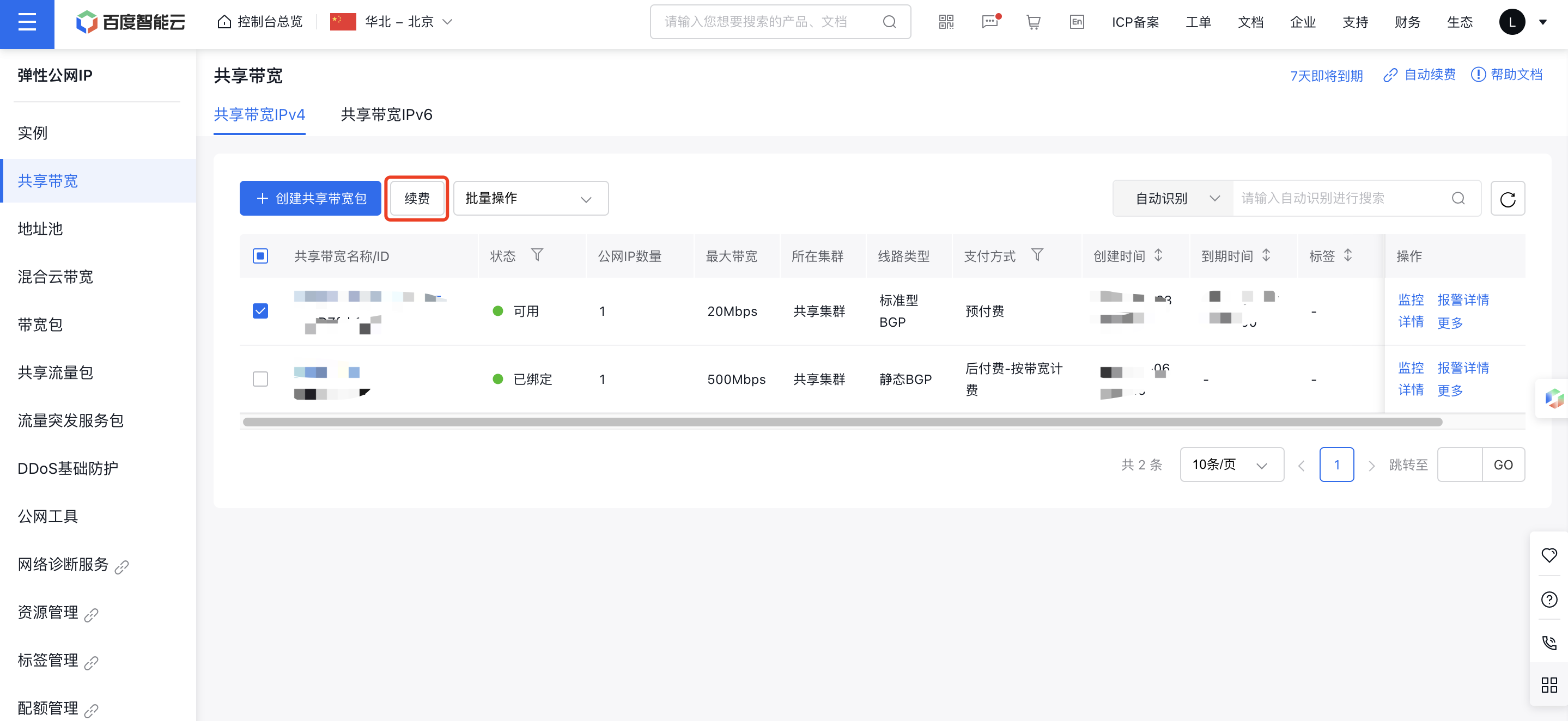
Select the EIPGROUP instance needing renewal and click the "Renew" button. Users can choose the renewal duration and complete the payment step by step.