View monitoring
Updated at:2025-10-16
With the integration of Baidu AI Cloud monitoring services, users can access monitoring data for EIPGROUPs and shared IPs, such as ingress and egress bandwidth information.
View EIPGROUP monitor
Operation step
- Log in to the Management Console and go to the EIP service.
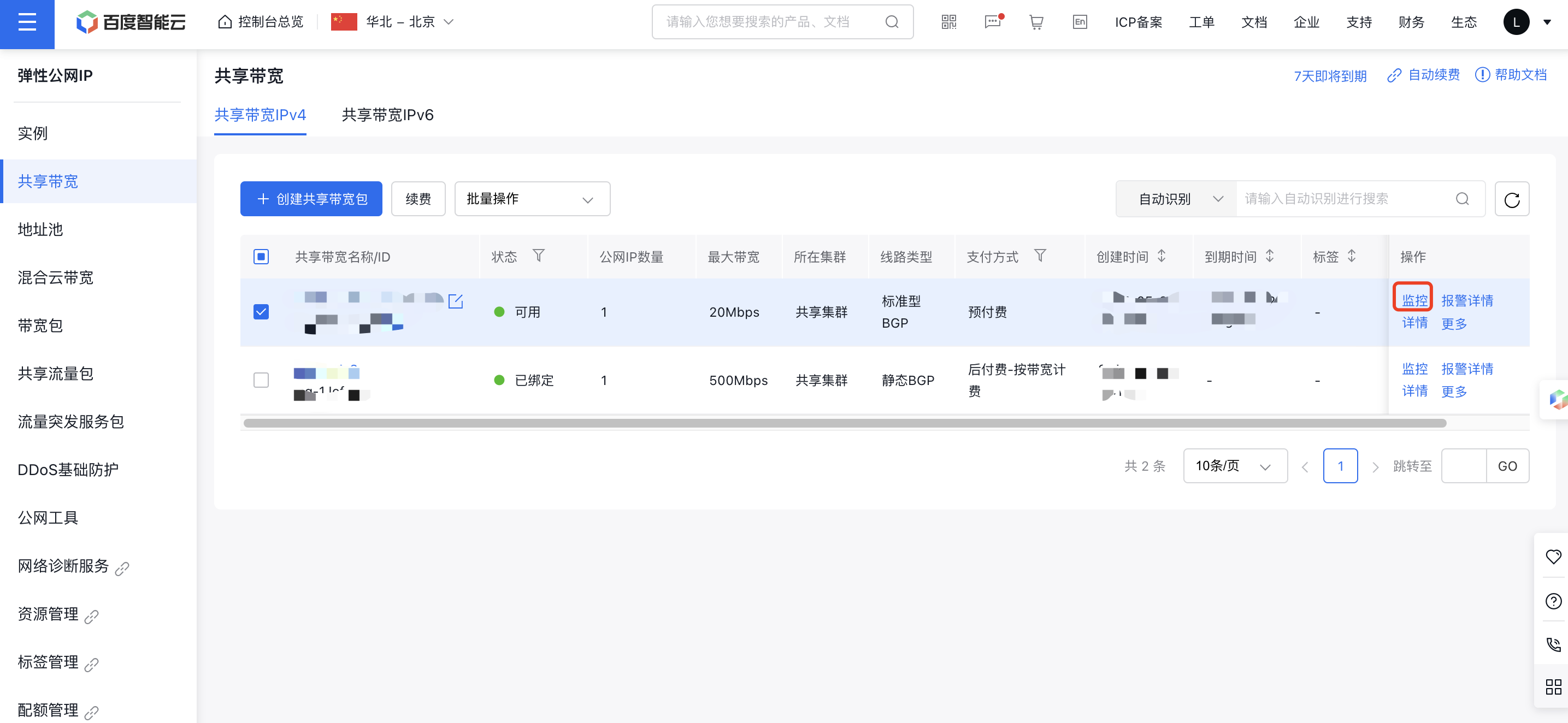
- From the navigation bar, select EIPGROUP, then click the Monitor button under EIPGROUP Operations. A monitoring dialog will appear to display the monitoring data.
View shared IP monitor
Operation step
- Log in to the Management Console and go to the EIP service.
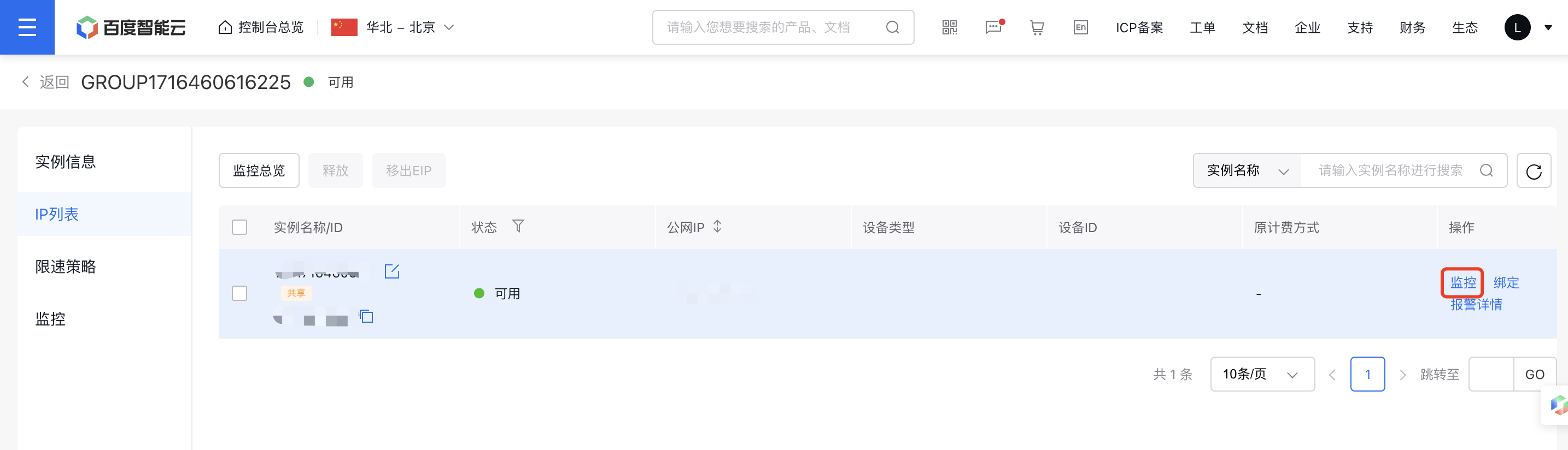
- Select EIPGROUP from the navigation bar and click on the EIPGROUP name to access the details page.
- Click the Monitor button under shared IP Instance operations to view monitoring data in the popup window.