Managing BLB via Terraform
Updated at:2025-10-16
Overview
This document provides guidance on managing BLB through Terraform, enabling the swift creation, administration, and handling of BLB resources.
Requirement scenarios
Simplify resource operations by following the Infrastructure as Code (IaC) principles and managing the BLB lifecycle through relevant Terraform code files.
Solution overview
- Download the Terraform tool and prepare the basic environment
- Write .tf file to configure the basic attributes of the BLB
- Complete the lifecycle management of BLB through relevant Terraform commands
Configuration steps
Environment preparation
- Prepare a PC or laptop that can connect to the Internet
- Sign in to Terraform official website
- Select the corresponding system to download. After decompression, it is a binary executable file requiring environment variable configuration
- Enter the configuration file vi ~/.bash_profile
- Add the environment variable export PATH=${PATH}:/path (path: binary file location)
- Make the configuration take effect source ~/.profile
- Check if Terraform can run normally: Execute terraform -v. If the version number can be displayed normally, the installation is successful
Terraform-managed BLB example
Edit the relevant tf file to manage BLB instance configurations
- Edit
main.tf: Used to configure the provider version to download and subsequent required AK/SK information
Plain Text
1    terraform {
2        required_providers {
3            baiducloud = {
4 source  = "baidubce/baiducloud"    #source address
5 version = "1.12.0"  #version number
6            }
7        }
8    }
9
10    provider "baiducloud" {
11 access_key  = "xxxxx"    #AK corresponding to user UID
12 secret_key  = "xxxx"       #SK corresponding to the user UID
13 region      = "bj"               #Region where the instance will be created
14 }- Edit the .tf file to create a VPC
Plain Text
1    resource "baiducloud_vpc" "default" {
2        provider = baiducloud.bj
3        name = "terra-test-vpc"
4        description = "baiducloud vpc created by terraform"
5        cidr = "192.168.0.0/16"
6 }- Edit the .tf` file to create a subnet
Plain Text
1    resource "baiducloud_subnet" "default" {
2      name = "terra-subnet"
3      zone_name = "cn-bj-a"
4      cidr = "192.168.3.0/24"
5 vpc_id      = "${baiducloud_vpc.default.id}"  # The VPC ID created in the previous step
6 }- Edit the .tf file to create a BLB instance
Plain Text
1    resource "baiducloud_blb" "default" {
2      name        = "terratestLoadBalance-changed"
3      description = "this is a test LoadBalance instance"
4 vpc_id      = "${baiducloud_vpc.default.id}"     # vpcid created in the previous step
5 subnet_id   = "${baiducloud_subnet.default.id}"  # The Subnet ID created in the previous step
6 }- The complete configuration information is as follows:
Plain Text
1    resource "baiducloud_vpc" "default" {
2        name = "terra-test-vpc"
3        description = "baiducloud vpc created by terraform"
4        cidr = "192.168.0.0/16"
5    }
6    resource "baiducloud_subnet" "default" {
7        name = "terra-subnet"
8        zone_name = "cn-bj-a"
9        cidr = "192.168.3.0/24"
10        vpc_id = "${baiducloud_vpc.default.id}"
11    }
12    resource "baiducloud_blb" "default" {
13        name        = "terratestLoadBalance-changed"
14        description = "this is a test LoadBalance instance"
15        vpc_id      = "${baiducloud_vpc.default.id}"
16        subnet_id   = "${baiducloud_subnet.default.id}"
17    }
Execute the Terraform command to create a BLB instance
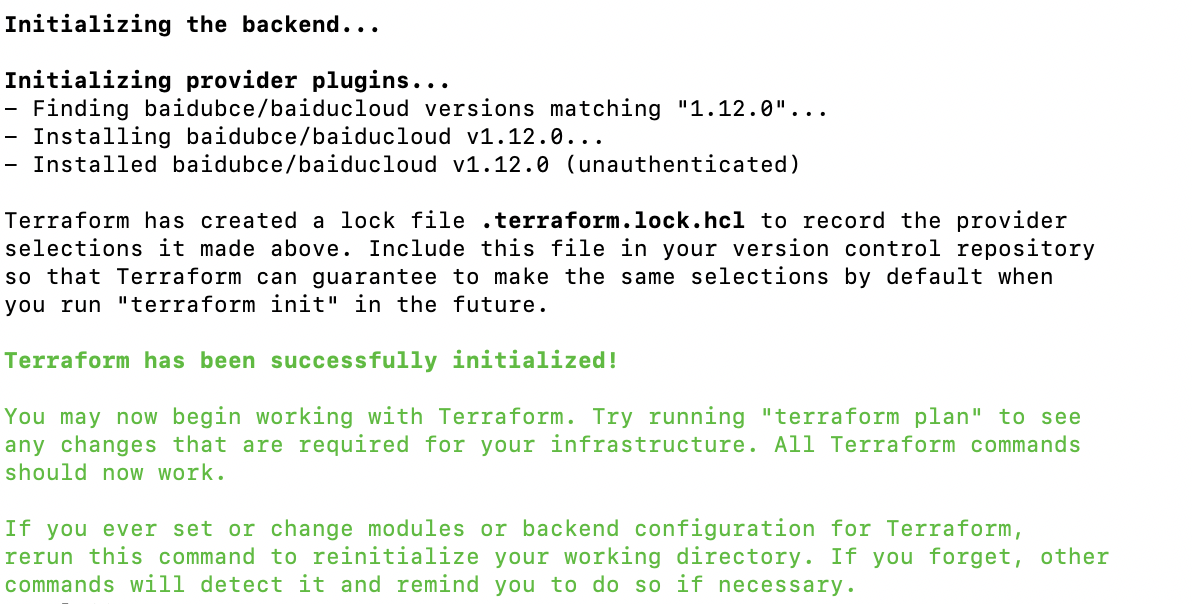
- terraform init: This command is used to download or update the Baidu provider. A specific message indicates a successful download.
- terraform plan: Confirm the resource change plan
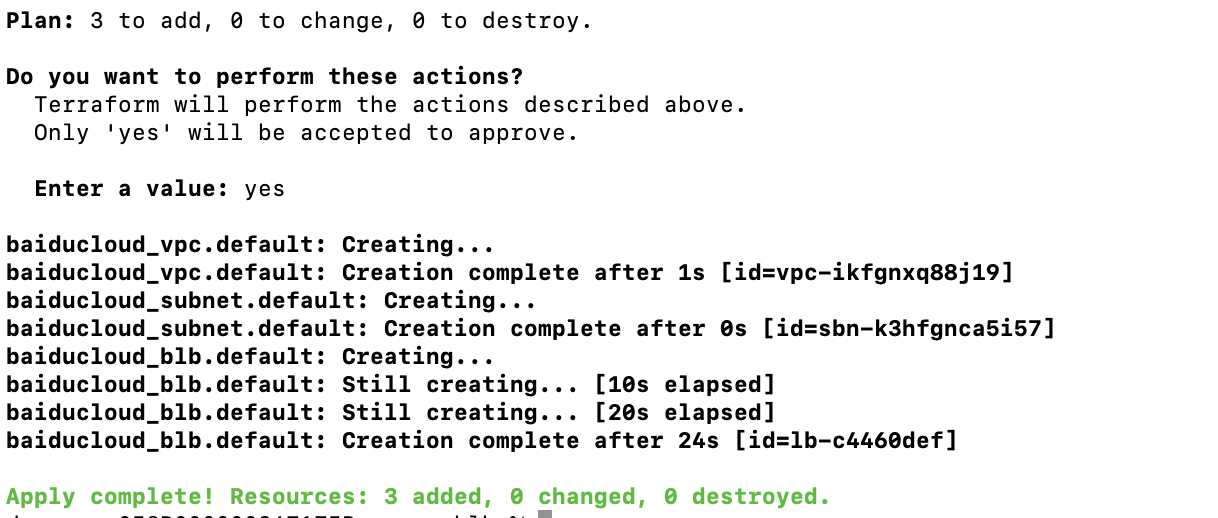
- terraform apply: Execute resource creation; the following message indicates successful download
Resource destruction
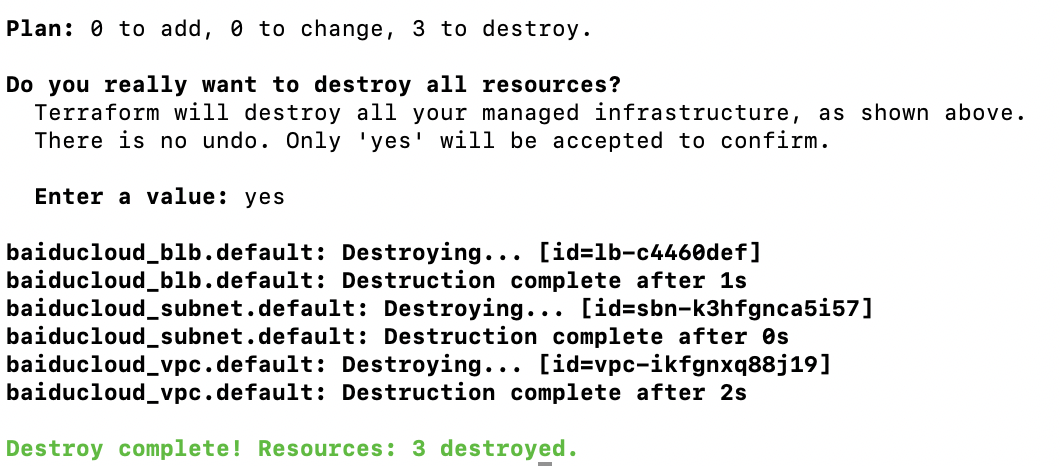
- Executing the terraform destroy command can destroy the aforementioned resources
Testing and verification
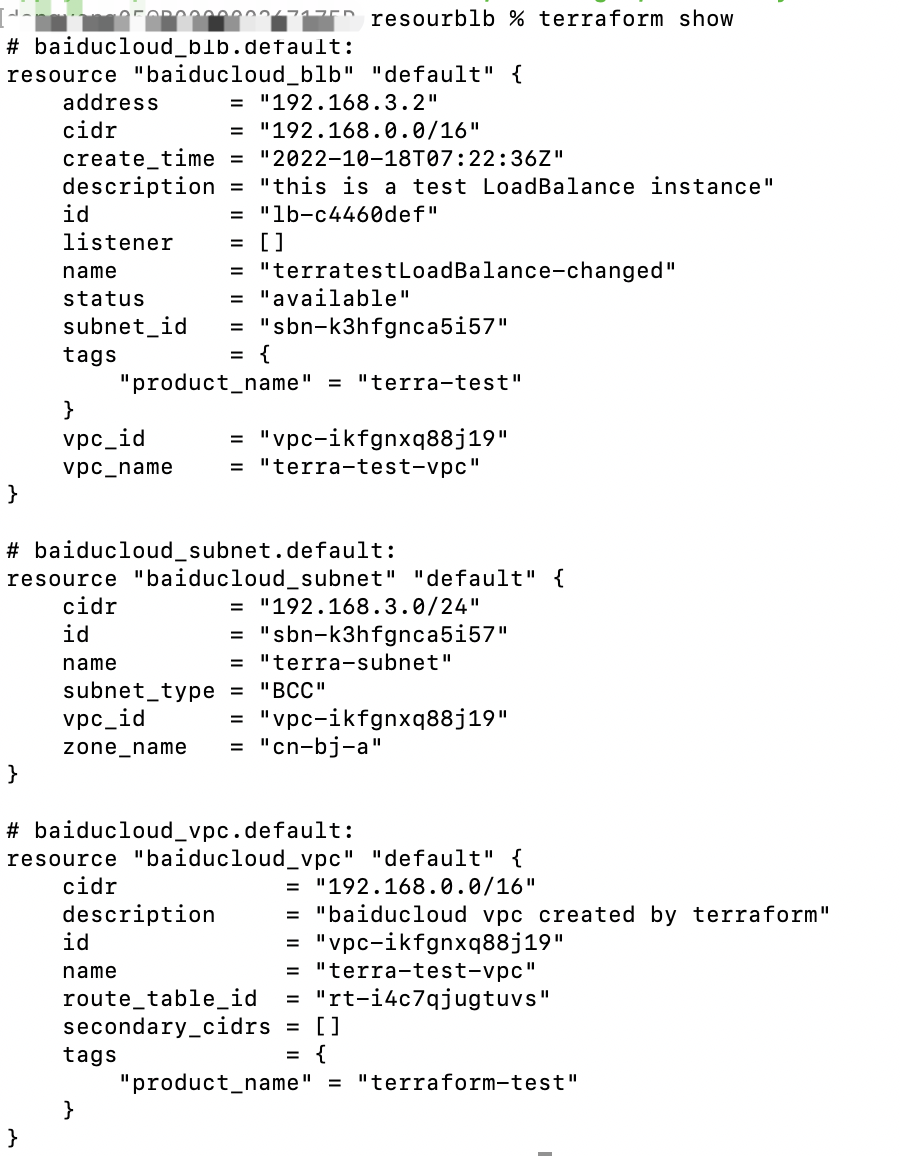
- Execute terraform show to check if the following information is displayed
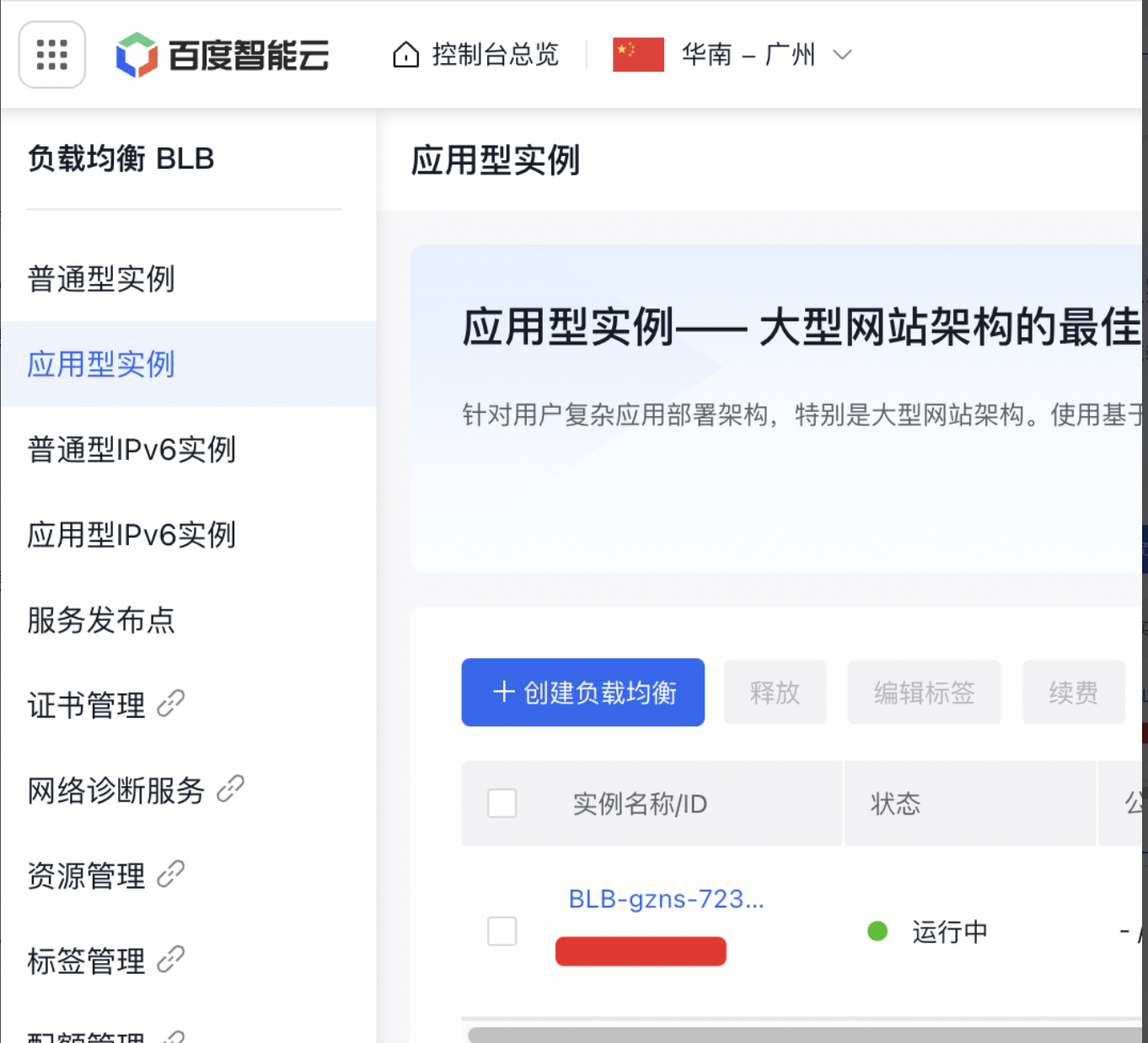
- Sign in to Baidu AI Cloud to check for successful purchase