Delete a file system
Updated at:2025-11-11
Note: To delete a file system, you must first remove all its mount targets.
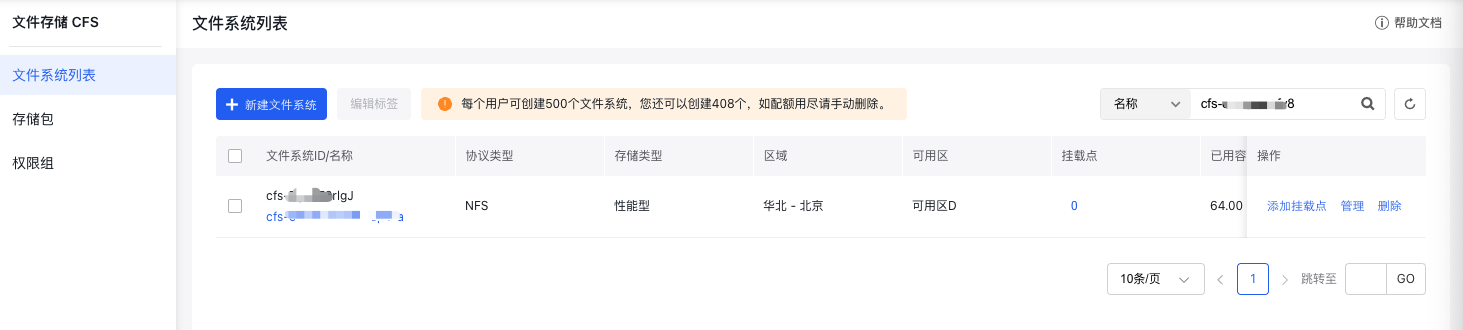
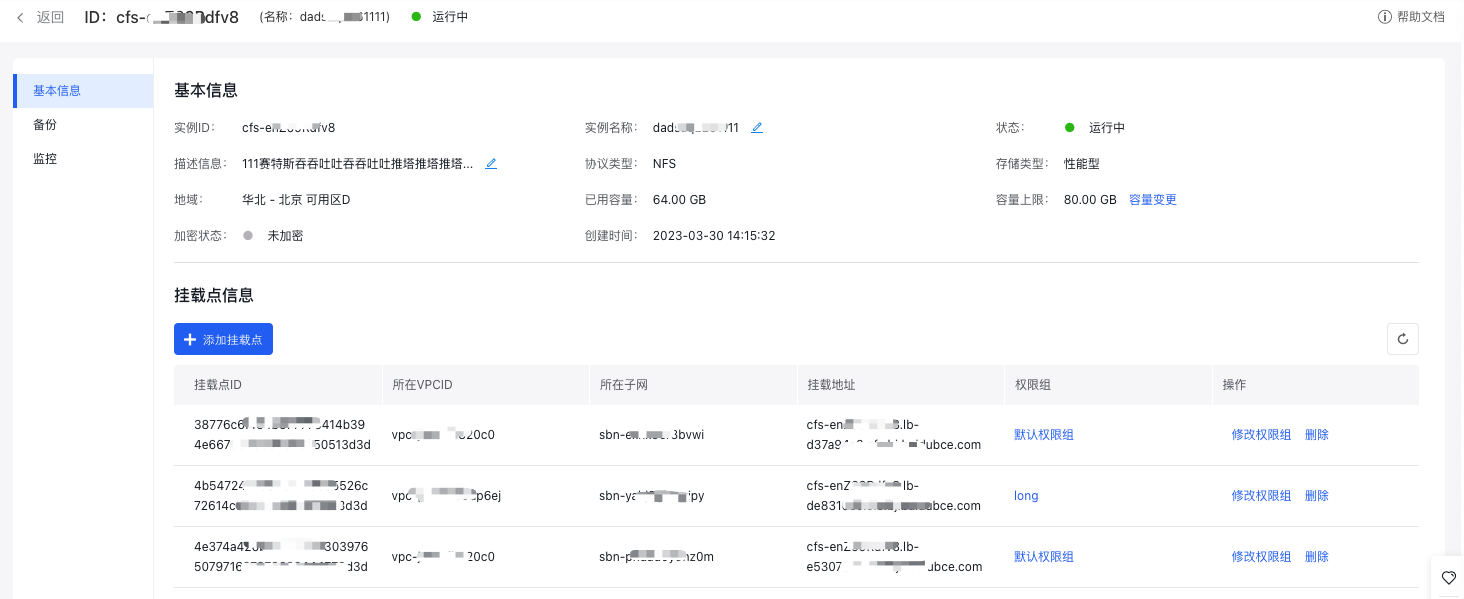
- Deleting mount targets: Navigate to the file system details page by clicking the Manage button in the operation column of the file system list. Delete all existing mount targets associated with the file system.
- On the file system list page, click the "Delete" button in the operation column to remove the corresponding file system.