Add Private Zone
Updated at:2025-11-11
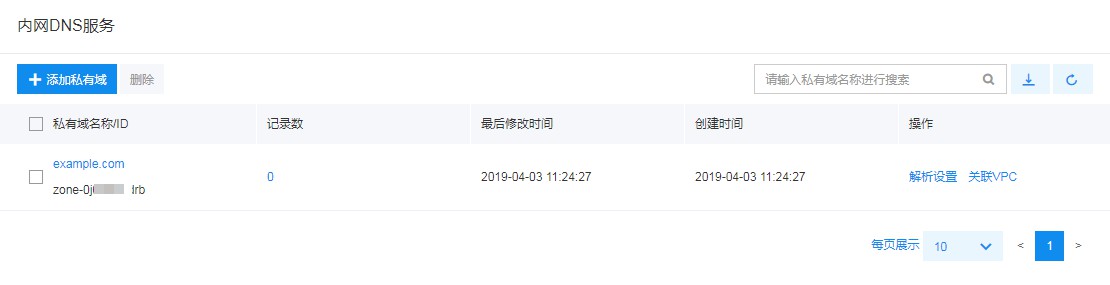
- Sign in to the Intelligent Cloud DNS console, select Local DNS Service, and enter the Local DNS Service page
- Click Add Private Zone, and a pop-up will appear;
- Fill in the following configuration information:
| ConfigMap | Description |
|---|---|
| Private zone name | User-defined private zone name, with Chinese characters currently not supported, and with a maximum length of 240 characters |
| Subdomain recursive resolution proxy | Disabled by default; when enabled, queries for unconfigured subdomains within the private zone namespace in a VPC will follow the authoritative resolution of the public network |
Description:
- If the private zone name conflicts with an existing public domain name, after setting the resolution records and linking the VPC, domain resolution inside the VPC environment will reference local DNS records, while public resolution will continue to be used outside the VPC.
- Private zones with the suffix of baidubce.com may conflict with internal service domain names. Custom records are currently prohibited; users need to submit a ticket to request exceptions.
- To create a reverse resolution record, you must specify a private zone suffix. For IPv4 addresses, reverse resolution records are created in in-addr.arpa zones, while for IPv6 addresses, they are created in ip6.arpa zones (currently, IPv6 PTR records are not supported).
- Click OK to view newly added private zones in the private zone list.